













공식 공급 업체
200 이상의 소프트웨어 개발처와 판매 계약을 맺은 공인 디스트리뷰터로서 합법적인 라이선스를 제공합니다.
모든 브랜드 보기.
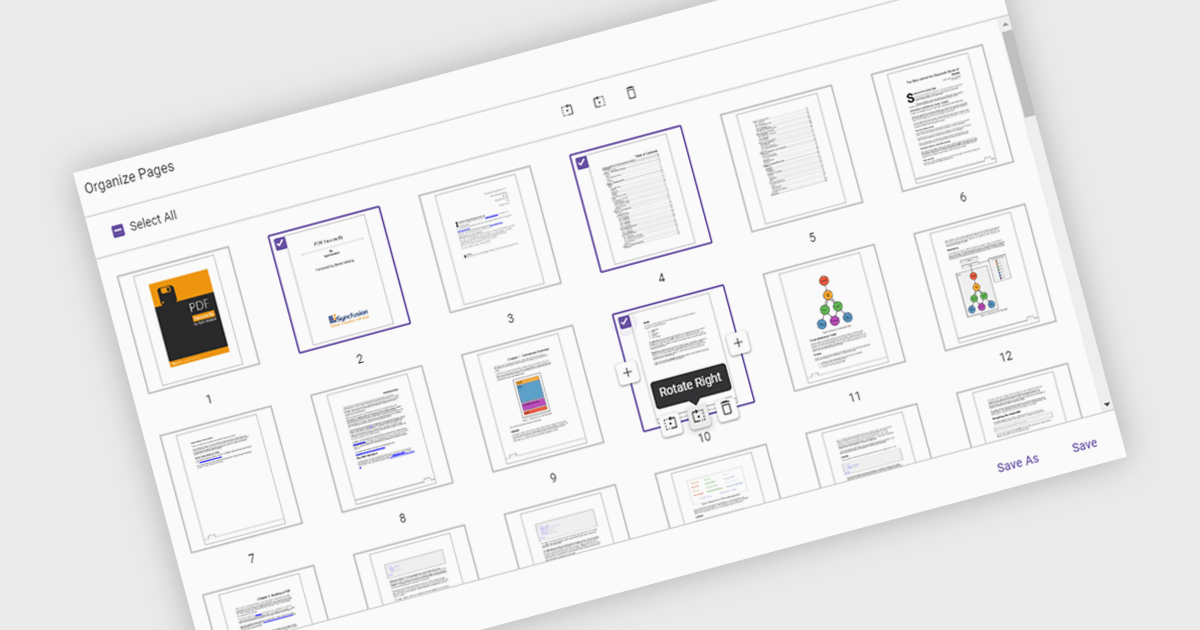
Moving pages in a PDF Viewer refers to the ability to change the order of pages within a document to better organize content, improve readability, or tailor the structure for specific purposes. This feature is especially useful when compiling reports, combining multiple documents, or correcting the sequence of scanned pages. By simply dragging and dropping pages into the desired order, users can streamline workflows without the need for re-creating or re-exporting files. Benefits include enhanced document clarity, improved presentation flow, and increased efficiency in content management. For example, a marketing team can reorder proposal sections for greater impact, or a legal department can organize case files by relevance.
Several ASP.NET Core PDF Viewer components allow you to move pages within a PDF file, including:
For an in-depth analysis of features and price, visit our comparison of ASP.NET Core PDF Viewer components.
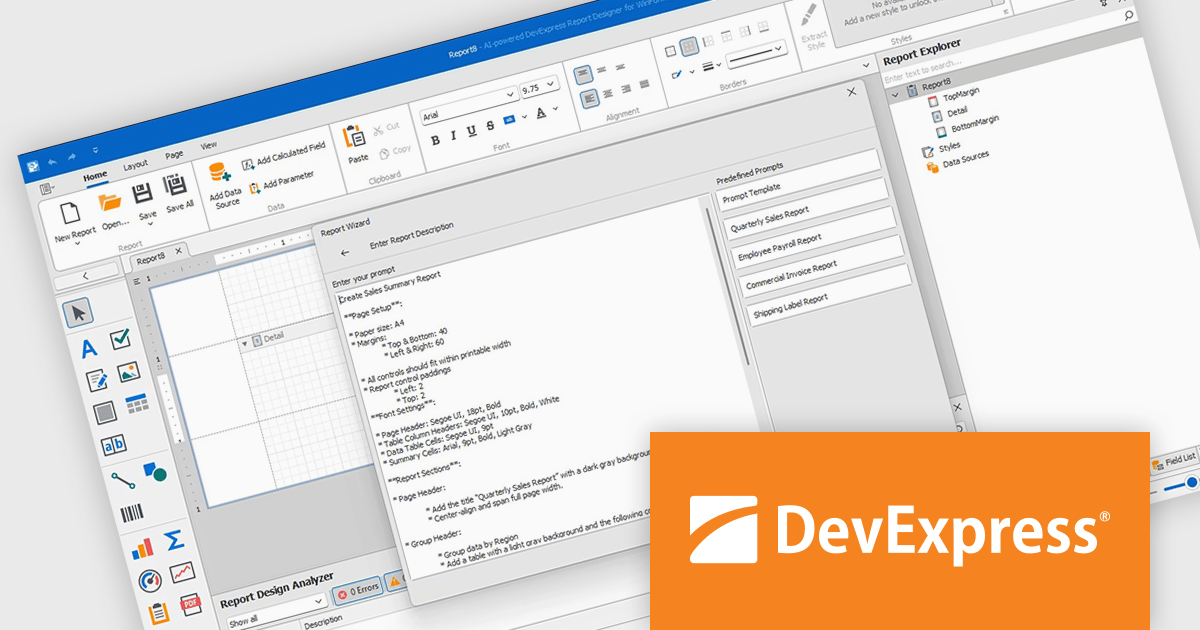
DevExpress Reporting is a comprehensive suite of reporting tools that empowers developers to create visually stunning and highly customizable reports for various applications. With its rich feature set, including data binding, layout design, printing, and exporting capabilities, DevExpress Reporting enables the efficient creation of reports that meet the most demanding business requirements.
The DevExpress Reporting v25.1 update introduces a new AI-powered Report Wizard (currently in Community Technology Preview), bringing natural language capabilities directly into the report design workflow. By allowing users to describe the report they need in plain text, the wizard interprets this input and automatically generates a matching report layout. This greatly reduces the time and expertise required to design reports, particularly for users who may not be familiar with the underlying report schema or expression syntax. It’s especially useful for quickly prototyping reports or enabling non-technical users to contribute to report design without writing code or manually configuring elements.
To see a full list of what's new in version 25.1, see our release notes.
DevExpress Reporting is licensed per developer and is available as a Perpetual License with a 12 month support and maintenance subscription. See our DevExpress Reporting licensing page for full details.
DevExpress Reporting is available to buy in the following products:
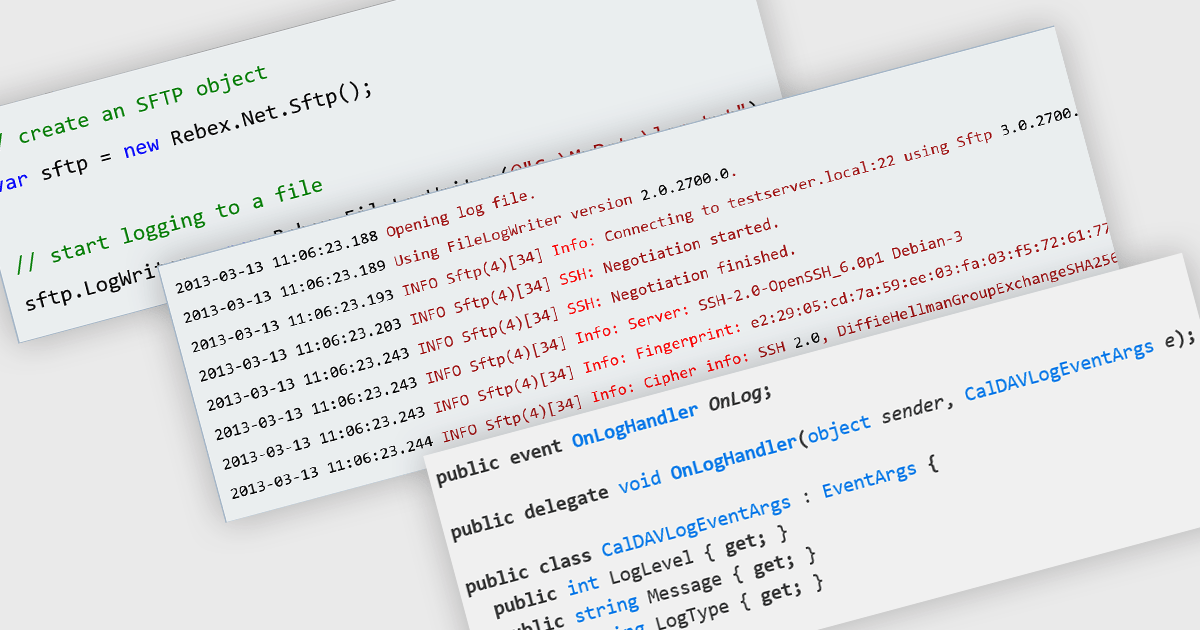
Logging in communication and messaging components is essential for monitoring, diagnosing, and auditing data exchange processes across applications. Whether handling email, file transfers, or secure messaging, robust logging capabilities help developers track the flow of information, capture errors, and ensure compliance with operational and security standards. By recording detailed transaction histories, logs also provide valuable insights for performance optimization and issue resolution.
Several .NET communications and messaging components offer logging functionality including:
For an in-depth analysis of features and price, visit our .NET comms and messaging comparison.
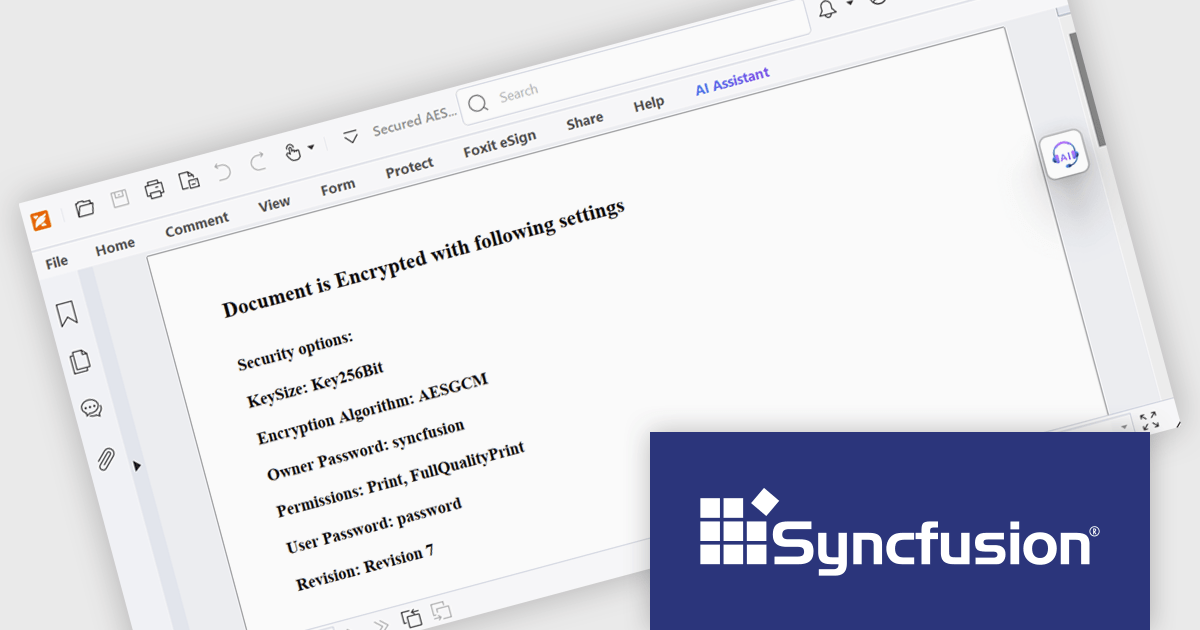
Syncfusion Essential Studio WPF (available as part of Syncfusion Essential Studio Enterprise) is a powerful suite of over 95 UI controls, 50+ charts, and document processing libraries designed to boost the development of high-performance line-of-business applications for the Windows Presentation Foundation (WPF) framework. With built-in themes, touch-friendly interfaces, and seamless Visual Studio integration, it empowers developers to craft modern, feature-rich, and cross-platform experiences with ease.
The Syncfusion Essential Studio WPF 2025 Volume 2 update introduces AES GCM encryption support for PDF documents, giving developers a reliable and efficient way to implement modern, standards-based security in their applications. This enhancement allows for both encryption and decryption of PDFs using a cryptographic method that ensures data confidentiality and integrity, making it easier to comply with industry regulations and safeguard sensitive content. By integrating AES GCM, developers can build secure document workflows with performance-optimized encryption that is widely supported across current platforms and environments.
To see a full list of what's new in 2025 Volume 2, see our release notes.
Syncfusion Essential Studio WPF is available as part of Syncfusion Essential Studio Enterprise which is licensed per developer starting with a Team License of up to five developers. It is available as a 12 Month Timed Subscription License which includes support and maintenance. See our Syncfusion Essential Studio Enterprise licensing page for full details.
Learn more on our Syncfusion Essential Studio WPF product page.
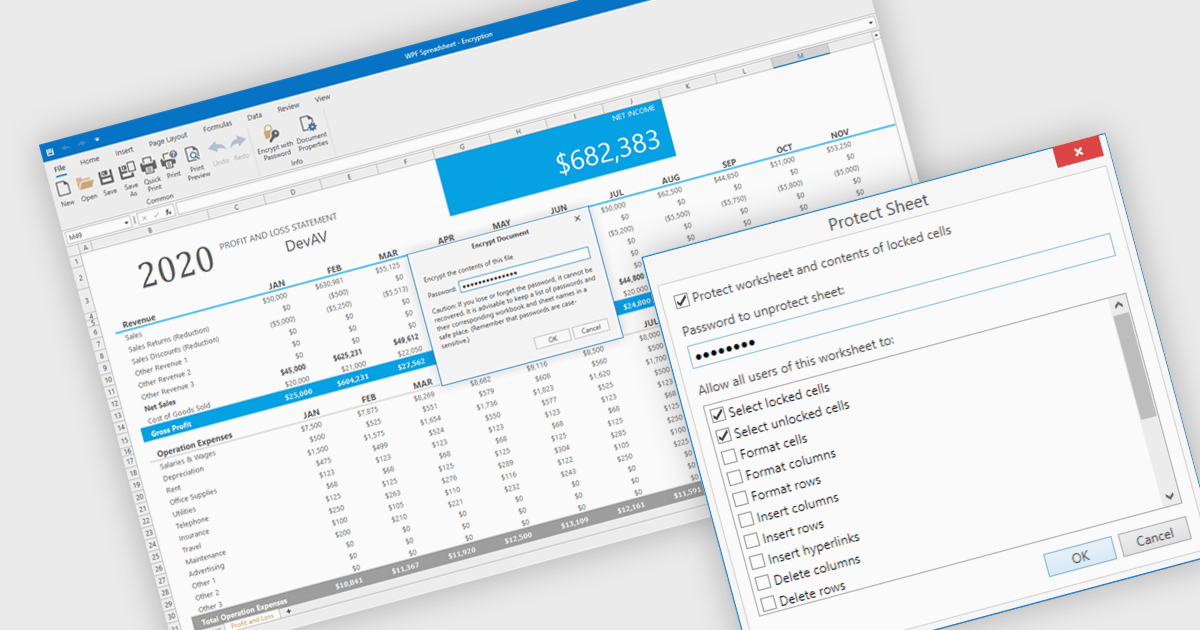
Spreadsheet security features are essential tools designed to protect sensitive data, ensure data integrity, and control user access within spreadsheet applications. These capabilities typically include such measures as password protection or cell locking, and are used to prevent the unauthorized viewing or modification of content in the spreadsheet. Implementing security measures in their spreadsheets allows organizations to maintain compliance with data security standards or data governance policies, and avoid accidental or malicious data loss or alteration. This level of control is particularly important in environments where multiple users collaborate on financial models, project plans, or other critical datasets.
Several WPF spreadsheet components offer security features, including:
For an in-depth analysis of features and price, visit our comparison of WPF spreadsheet components.
전화 : 00798 14 800 6332
팩스 : +1 770 250 6199


