













공식 공급 업체
200 이상의 소프트웨어 개발처와 판매 계약을 맺은 공인 디스트리뷰터로서 합법적인 라이선스를 제공합니다.
모든 브랜드 보기.
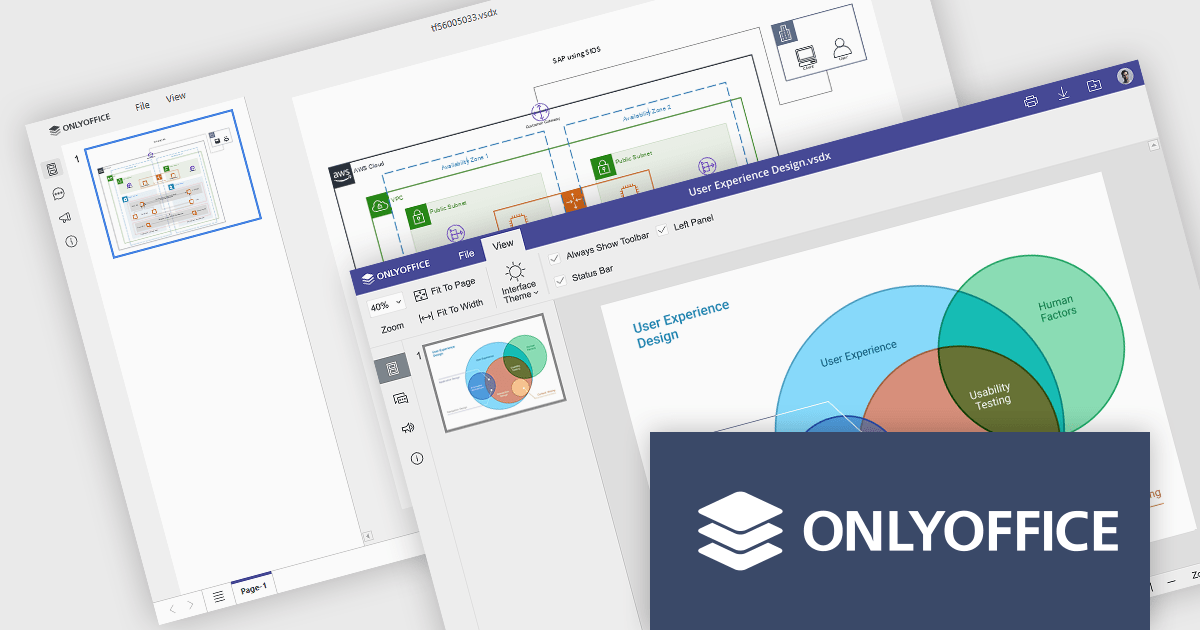
ONLYOFFICE Docs is a comprehensive online editor, allowing users to create text documents, spreadsheets, presentations, and forms. It enables your users to edit, share, and collaborate on documents online in their preferred browser, within your own application. It is fully compatible with OOXML (Office Open XML) formats and supports popular Microsoft Office and other document formats such as CSV, DOC, DOCX, EPUB, HTML, ODP, ODS, ODT, PDF, PPT, PPTX, RTF, TXT, XLS, and XLSX.
The ONLYOFFICE Docs v9.0 update adds a multi-platform integrated Diagram Viewer tool that allows users to view and navigate Microsoft Visio (.vsdx) files natively across devices, on web, desktop, and mobile web platforms, without requiring third-party software. With intuitive controls, zooming and panning, it provides effortless navigation whilst visualizing ideas and workflows as diagrams. Whether an IT manager is mapping infrastructure or a student is presenting a flowchart, the viewer ensures ideas and systems are clearly communicated.
To see a full list of what's new in v9.0.0, see our release notes.
ONLYOFFICE Docs is licensed by the number of simultaneous document connections and is available as an annual license with 1 year support and upgrades. See our ONLYOFFICE Docs licensing page for full details.
For more information, see our ONLYOFFICE Docs product page.
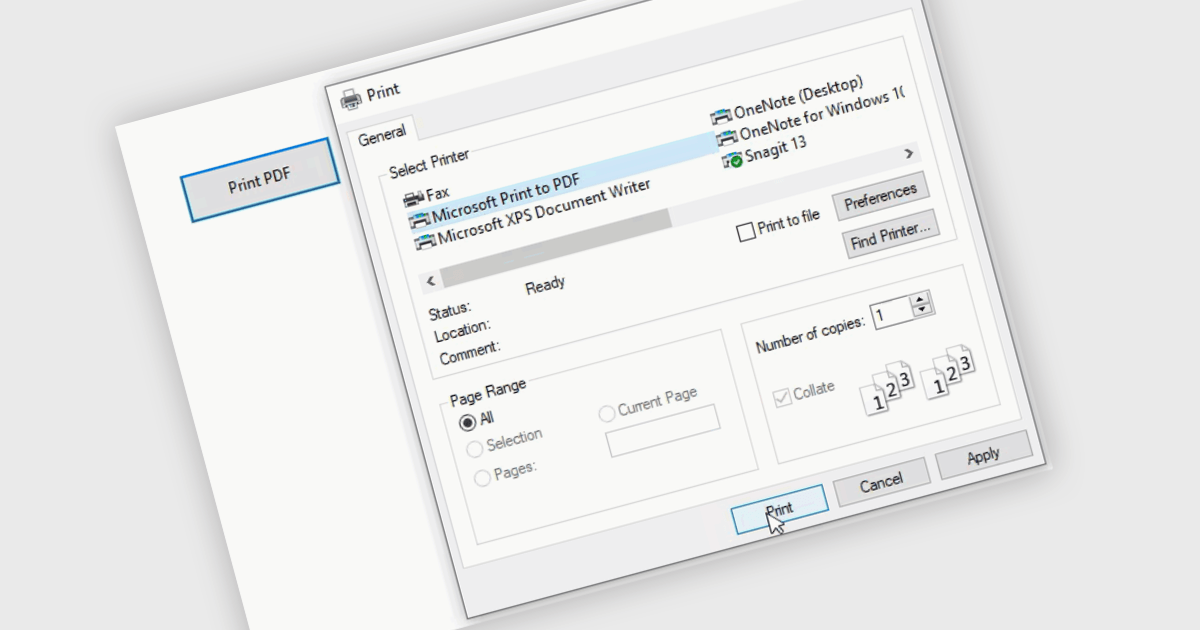
Printing to PDF allows users to save an existing document, webpage, or file as a PDF by using a virtual printer. It captures the document exactly as it would appear if printed, preserving the formatting, layout, and styling. The resulting document is typically static and cannot be edited, ideal for archiving or sharing finalized versions of a document. This feature is particularly useful for standardizing outputs across different software, ensuring consistent presentation, and providing an easy way to generate PDFs from files that do not natively support the format.
Several WinForms PDF controls offer the ability to print/save to PDF including:
For an in-depth analysis of features and price, visit our WinForms PDF controls comparison.
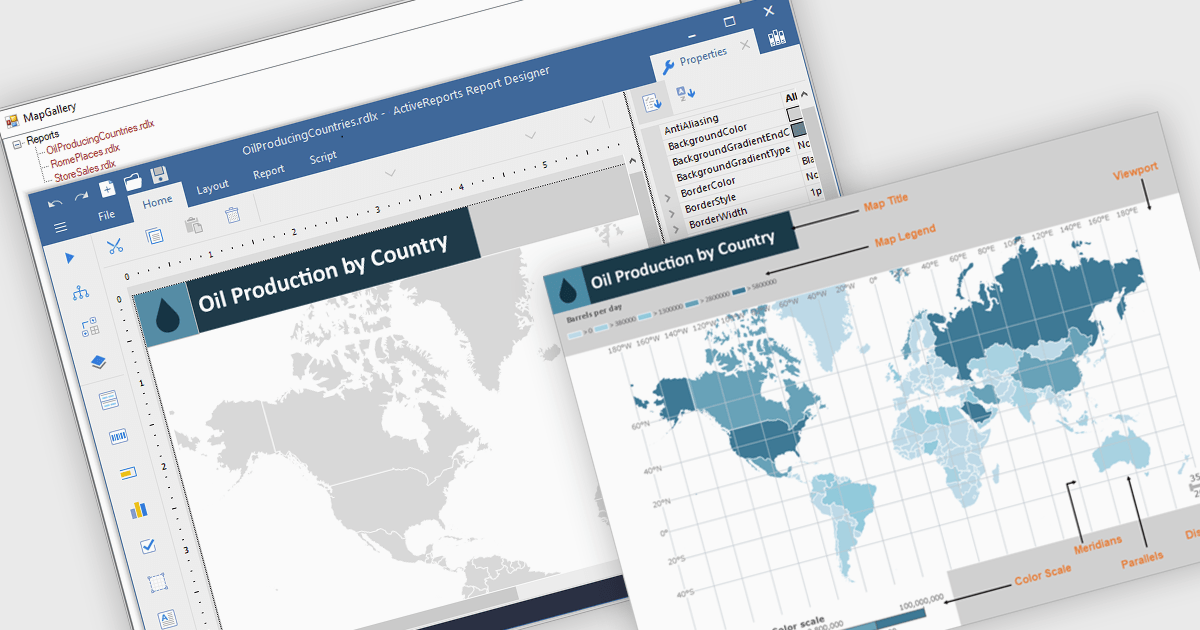
Maps in reports are visual tools that display geographic data, allowing users to see where activities, trends, or values occur across specific regions. By translating complex location-based information into clear and intuitive visuals, maps enhance understanding, highlight spatial patterns, and reveal insights that might be missed in tables or charts. This added layer of geographic context supports more informed decision-making and more compelling data storytelling. Common use cases include tracking regional sales performance, mapping customer distribution, analyzing service coverage, and presenting market expansion opportunities. Whether static or interactive, maps make reports more engaging and impactful for both technical and non-technical audiences.
Several .NET reporting controls offer maps, including:
For an in-depth analysis of features and price, visit our comparison of .NET reporting controls.

ComponentOne WinUI and MAUI Edition is a comprehensive suite of UI components designed for cross-platform .NET development, supporting WinUI, MAUI, UWP, and Xamarin with a single license. It empowers developers to create modern and high-performance applications for business and enterprise use. With versatile controls and seamless integration, the suite simplifies the development process, enhances productivity, and ensures compatibility with the latest .NET platforms, making it an essential tool for delivering exceptional user experiences.
The ComponentOne Studio WinUI & MAUI Edition 2025 v1 update introduces support for FlexViewer and FlexReport in WinUI, enabling developers to seamlessly embed advanced reporting functionality directly into their Windows 11 (WinUI 3.0) applications. With this update, developers can now display FlexReports, SQL Server Reporting Services (SSRS) reports, and PDF documents within a single viewer control, improving document handling and enhancing the end-user experience. FlexReport’s support for .NET Standard further improves cross-platform compatibility, allowing for consistent report generation and rendering across different .NET environments. This release simplifies the development of data-driven desktop applications by providing a reliable and fully integrated reporting solution built specifically for modern Windows UI frameworks.
To see a full list of what's new in 2025 v1, see our release notes.
ComponentOne Studio WinUI and MAUI is licensed per developer on a perpetual basis and includes a 12 month subscription. See our ComponentOne Studio WinUI and MAUI licensing page for full details.
Learn more on our ComponentOne Studio WinUI and MAUI product page.

ComponentSource has helped extend access to DEXTSolution’s innovative IT solutions by making them available to developers around the world. The .NET-based DEXTUpload component integrates seamlessly into web applications, offering robust file management capabilities that complement ComponentSource’s expansive catalog of developer tools.
As they mark fifteen years of working together, ComponentSource and DEXTSolution continue to support developers with accessible, enterprise-grade file management and document processing solutions. This collaboration has created a reliable channel for developers to obtain DEXTSolution's products.
Today, DEXTSolution’s offerings span .NET consulting and the development and distribution of software such as their flagship product, DEXTUpload .NET Pro, which helps developers to integrate file upload and document processing functionality.
DEXTSolution products are licensed server, and are available as perpetual licenses that include major upgrades and technical support. See our DEXTUpload .NET Pro licensing page for full details.
For more information, visit our DEXTSolution brand page.
전화 : 00798 14 800 6332
팩스 : +1 770 250 6199


