













공식 공급 업체
200 이상의 소프트웨어 개발처와 판매 계약을 맺은 공인 디스트리뷰터로서 합법적인 라이선스를 제공합니다.
모든 브랜드 보기.
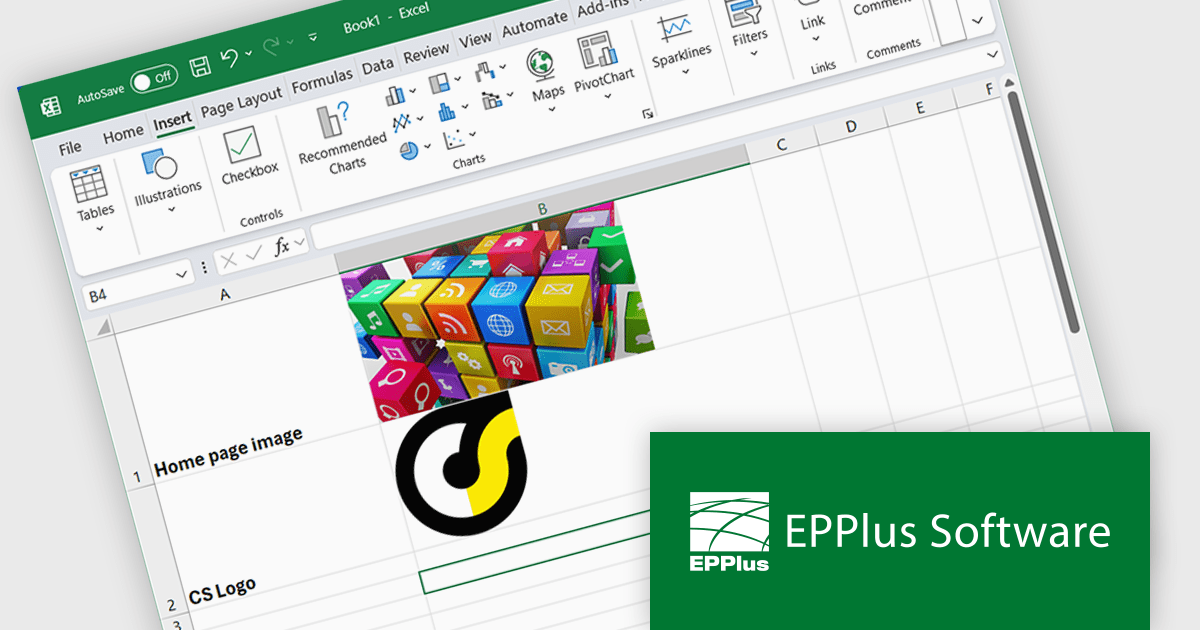
EPPlus is a powerful and versatile .NET library for managing and manipulating Microsoft Excel files using the Office Open XML (OOXML) format. It is a lightweight and efficient library that is easy to use and can be integrated into a wide range of applications. It allows developers to create, read and modify spreadsheets without dependencies on any other library. Features include pivot tables, styling, VBA/Form controls, conditional formatting, charts, tables, formula calculation, data validation, pictures/shapes, and more.
The EPPlus v8.0.1 update enhances the visualization of spreadsheet data by introducing the ability to insert images directly into individual worksheet cells. This feature is particularly beneficial for creating more informative and engaging spreadsheets, such as including product images in inventory lists or embedding charts alongside relevant data. The new functionality supports various image formats, such as PNG, JPG and GIF, and integrates with the IMAGE function, so you can add local images as well as download images from the web via URLs.
To see a full list of what's new in v8.0.1, see our release notes.
EPPlus is licensed per developer and is available as both perpetual licenses and subscription based licenses with periods of 1 year and 2 years, which include support and upgrades. See our EPPlus licensing page for full details.
For more information, see our EPPlus product page.
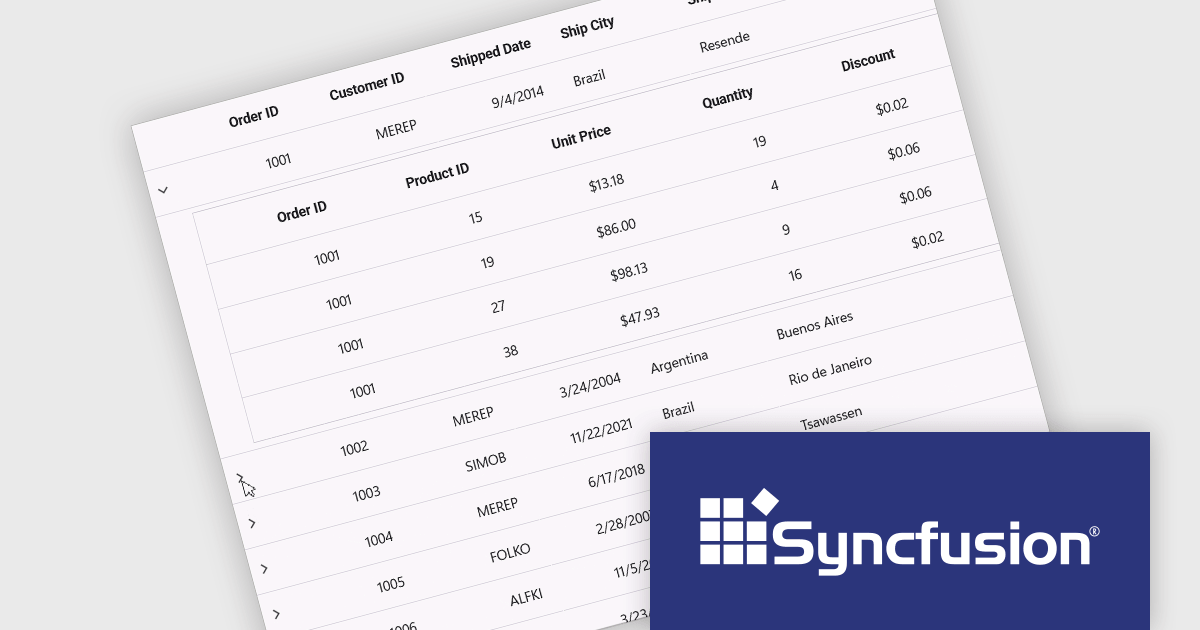
Syncfusion Essential Studio .NET MAUI (available as part of Syncfusion Essential Studio Enterprise) empowers developers with a comprehensive suite of native UI controls, data visualization tools, and performance optimizations for building modern, cross-platform mobile and desktop applications. This professional-grade toolkit leverages the power of C# and XAML, enabling rapid development of stunning and responsive experiences across diverse platforms.
The Syncfusion Essential Studio .NET MAUI 2025 Volume 1 release introduces a new Master-detail view in the DataGrid component. This feature allows users to expand individual rows to reveal additional contextual information, such as transaction history, customer profiles, or nested datasets, without navigating away from the primary grid. It significantly improves data readability and interaction efficiency, reducing the need for multiple views or pop-ups. For developers, it simplifies implementation of complex data relationships and contributes to a more seamless, user-friendly application design.
To see a full list of what's new in 2025 Volume 1, see our release notes.
Syncfusion Essential Studio .NET MAUI is available as part of Syncfusion Essential Studio Enterprise which is licensed per developer starting with a Team License of up to five developers. It is available as a 12 Month Timed Subscription License which includes support and maintenance. See our Syncfusion Essential Studio Enterprise licensing page for full details.
Learn more on our Syncfusion Essential Studio .NET MAUI product page.
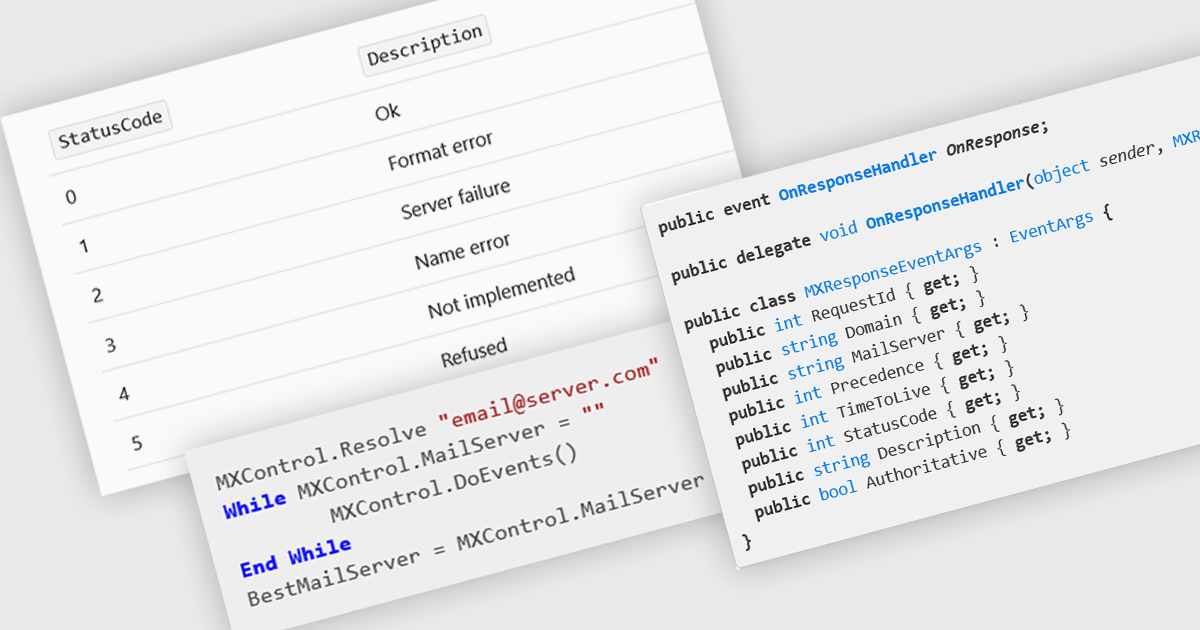
MX (Mail Exchange) record support enables applications to programmatically retrieve and interact with DNS records that define how email should be routed for a domain. This capability is essential for building features such as email validation, automated mail routing, or diagnostics tools that verify domain configurations. By integrating MX record handling directly into their app, developers can streamline workflows that depend on accurate mail server information, improve reliability of outbound email systems, and enhance application logic that requires verification of recipient domains.
Several .NET communications and messaging components offer MX record features including:
For an in-depth analysis of features and price, visit our comparison of .NET communications & messaging components.
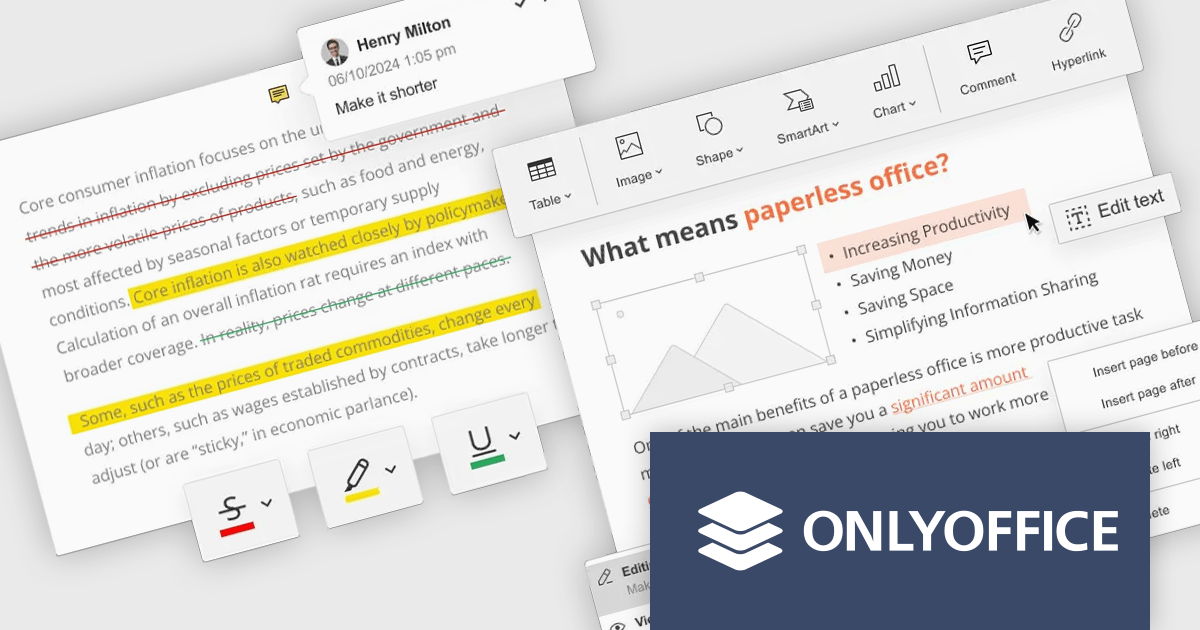
ONLYOFFICE Docs Enterprise Edition with Nuxeo Connector integrates online editing for Word, Excel, and PowerPoint directly within Nuxeo. Users can collaboratively create, edit, and co-author documents in real-time, utilizing ONLYOFFICE's formatting tools and broad format support, including OOXML. This in-browser editing and collaboration enhances productivity, streamlines workflows, and allows for potential re-branding and customization.
The ONLYOFFICE Docs Enterprise Edition with Nuxeo Connector v3.0 update introduces a fully functional PDF editor within the Nuxeo platform. This integration allows users to directly create, modify, and collaboratively author PDF documents, eliminating the need for external applications. Developers can leverage this expanded document handling capability within their Nuxeo-based solutions, offering end-users a more cohesive content management experience with features such as text editing, page manipulation, object insertion, annotation, and co-authoring functionalities.. This provides opportunities for custom workflow implementations and better development of applications focused on documents within Nuxeo.
To see a full list of what's new in v8.3.2 (3.0.0), see our release notes.
ONLYOFFICE Docs Enterprise Edition with Nuxeo Connector is licensed by the number of simultaneous document connections and is available as an annual license with 1 year support and upgrades. See our ONLYOFFICE Docs Enterprise Edition with Nuxeo Connector licensing page for full details.
For more information, see our ONLYOFFICE Docs Enterprise Edition with Nuxeo Connector product page.
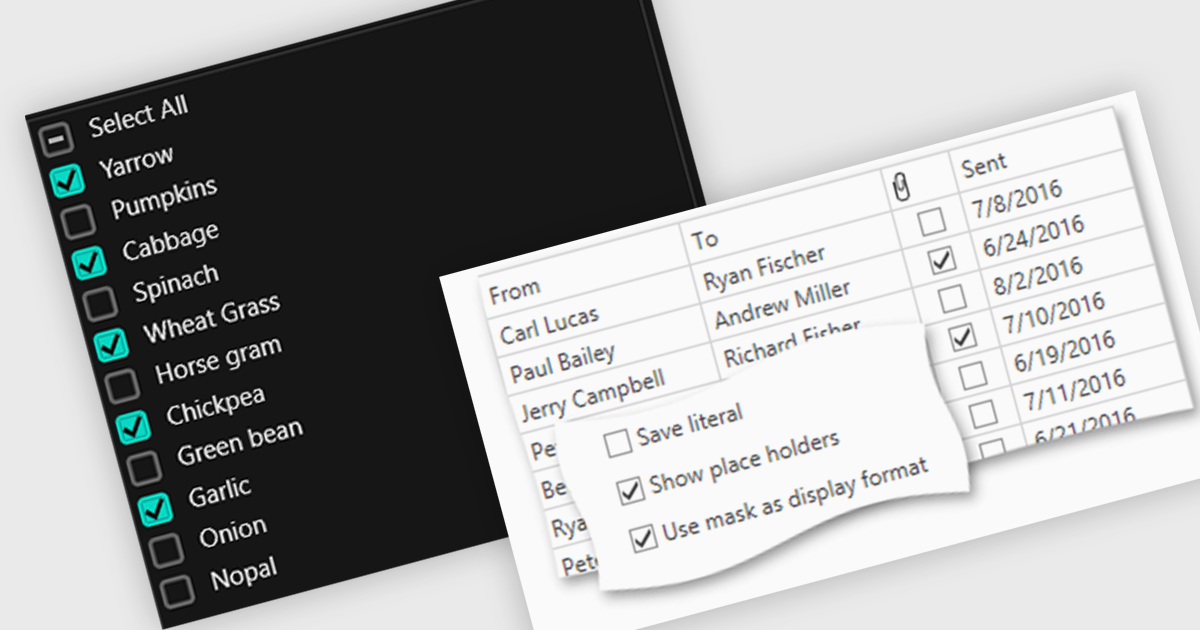
Checkboxes enable user manipulation of boolean values within a data interface. This feature improves user interactions by allowing quick toggling of options without the need for dropdowns or manual entry, reducing the risk of data entry errors. It is especially valuable in scenarios where multiple items need to be selected, enabled, or flagged, such as managing settings, permissions, or multi-select workflows.
Several .NET WPF components offer checkbox data editors, including:
For an in-depth analysis of features and price, visit our comparison of .NET WPF data editors.
전화 : 00798 14 800 6332
팩스 : +1 770 250 6199


