













공식 공급 업체
200 이상의 소프트웨어 개발처와 판매 계약을 맺은 공인 디스트리뷰터로서 합법적인 라이선스를 제공합니다.
모든 브랜드 보기.
ActiveReportsJS by MESCIUS is a JavaScript reporting toolkit that allows developers to design and embed interactive reports within web applications. It includes a standalone report designer for building reports visually and a JavaScript report viewer component that integrates with web frameworks such as React or vanilla JavaScript. The toolkit supports a range of data visualization options and export formats, helping developers deliver rich, interactive reporting capabilities in the browser.
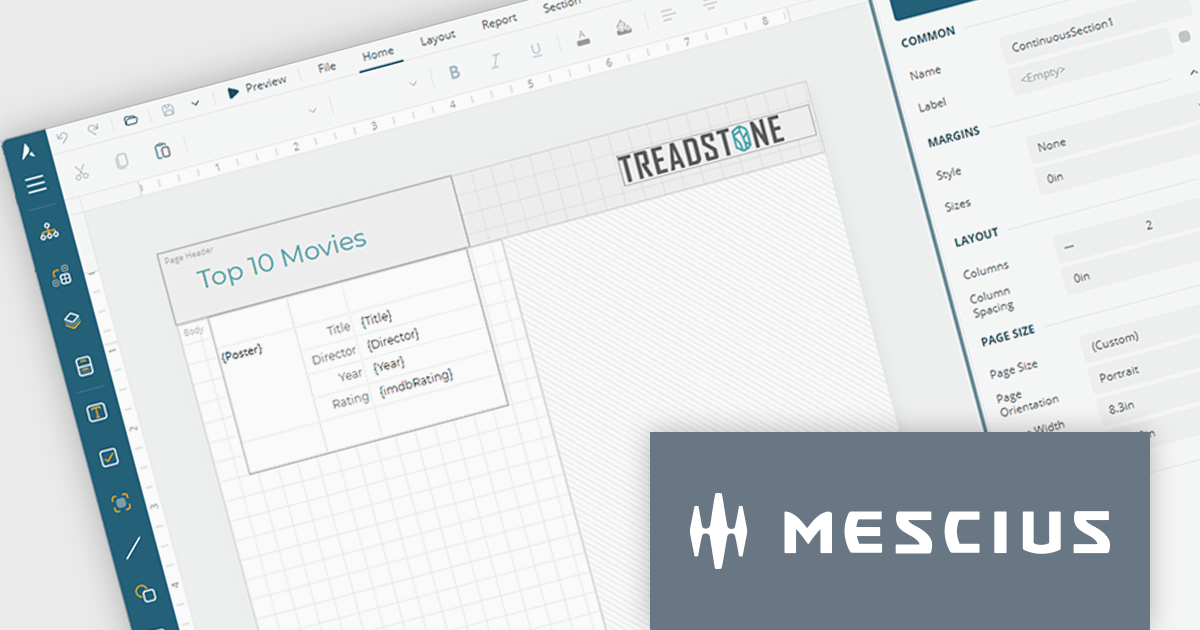
The ActiveReportsJS Report Designer now offers a more intuitive design-time experience for multi-column reports. Column splits are displayed directly on the design surface, providing clear visual guidance when creating report layouts. To help maintain layout accuracy, controls can be placed in the primary column while additional columns are automatically generated at runtime as content grows. This approach makes it easier to design, preview and manage multi-column reports while reducing the risk of unexpected layout issues.
To see a full list of what's new in 6.1, see our release notes.
ActiveReportsJS is licensed on an annual subscription or perpetual basis and is available as a Single Deployment License for non-commercial use, and as a Single Domain License or Unlimited Domain License for commercial and/or SaaS use. See our ActiveReportsJS licensing page for full details.
Learn more on our ActiveReportsJS product page.
Highcharts Core (formerly Highcharts JS) is an SVG-based, multi-platform charting library that has been actively developed since 2009. It makes it easy to add interactive, mobile-optimized charts to your web pages and mobile projects. It features robust documentation, advanced responsiveness, and industry-leading accessibility support.
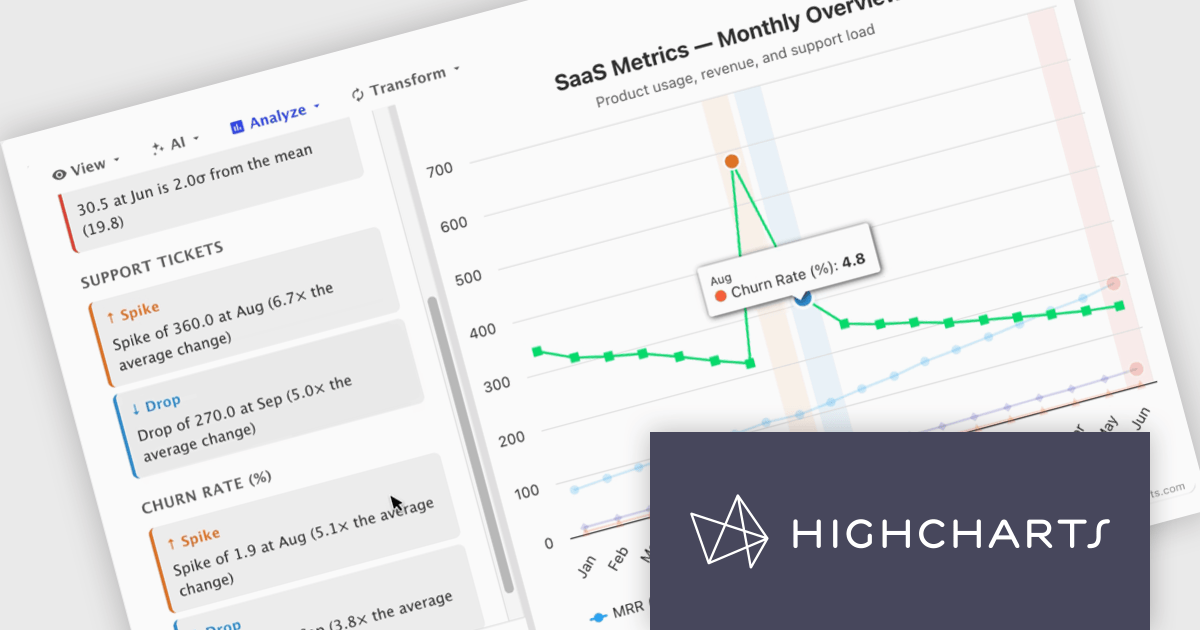
In this blog post, Highcharts' Nancy Dillon introduces you to Highcharts Orbit - A full analytics layer for any Highchart that helps you understand your data via a suite of analysis tools for forecasting, anomaly detection, and reporting. Add it to any Highcharts setup and a toolbar appears above the chart, giving you access to these powerful tools using four menus:
Read the complete blog post and download the fully-featured Preview version now!
Highcharts Core is licensed on an annual or perpetual basis, OEM licenses, and Advantage Renewals. It is licensed per Developer and has several license options including Internal, SaaS, SaaS+, and Self Hosted. See our Highcharts Core licensing page for full details.
Learn more on our Highcharts Core product page.
DevCraft by Telerik is a comprehensive suite of more than 1,250 UI components and development tools designed for building modern web, desktop, and mobile applications using .NET and JavaScript frameworks. It includes reporting and report management solutions, automated testing and mocking tools, and document processing libraries, as well as a wide range of professionally designed user interface controls from the Telerik and Kendo UI suites. DevCraft enables developers to create feature-rich, high-performance applications with consistent design and user experience, delivering enterprise-level, scalable, and maintainable software solutions.
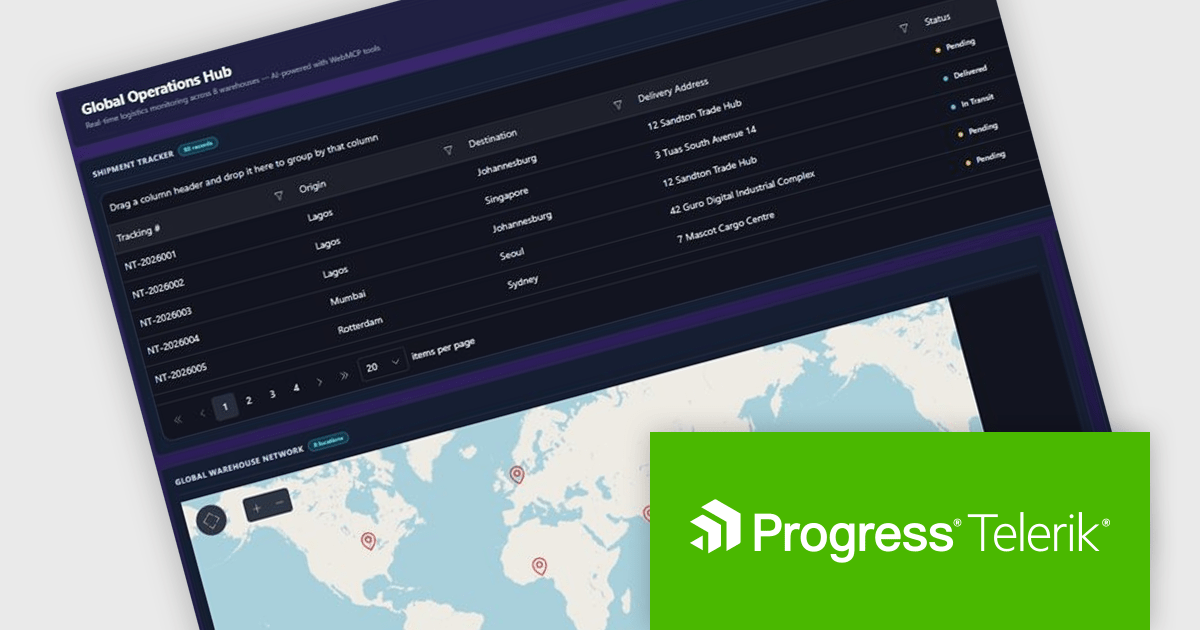
The Telerik DevCraft 2026 Q2 update introduces WebMCP integration as a preview feature, enabling developers to explore applications that work directly with AI agents through structured interactions. By exposing application functionality as actionable tools, it allows AI agents to perform tasks such as filtering data, navigating views, and updating values without relying on DOM scraping or simulated user actions. This preview helps developers evaluate more reliable AI driven workflows, simplify the implementation of intelligent application experiences, and prepare their applications for emerging AI standards and use cases.
To see a full list of what's new in DevCraft 2026 Q2, see our release notes.
Telerik DevCraft is licensed per developer and has two licensing models: an annual Subscription License and a Perpetual License. The Subscription license provides access to the latest product updates, technical support, and exclusive benefits for a flat annual fee, and must be renewed to continue using the software. The Perpetual license is a one-time purchase granting access to the current released version and includes one-year Maintenance and Support. After this initial period, users can choose to renew Maintenance & Support to continue receiving updates and support; otherwise, they may continue using the installed version available during their active maintenance period but will forgo future updates and support. See our Telerik DevCraft Ultimate licensing page for full details.
For more information, see our product pages:
SpreadJS is a JavaScript spreadsheet and data visualization component built to deliver Excel-compatible functionality within web applications. It provides a flexible, high-performance interface for displaying and manipulating tabular data, supporting advanced features such as formulas, pivot tables, charts, conditional formatting, and data binding. SpreadJS integrates smoothly with popular frameworks like React, Angular, and Vue, and includes robust import and export capabilities for Microsoft Excel files. It is commonly used in enterprise applications where users need a responsive, interactive spreadsheet experience directly in the browser.
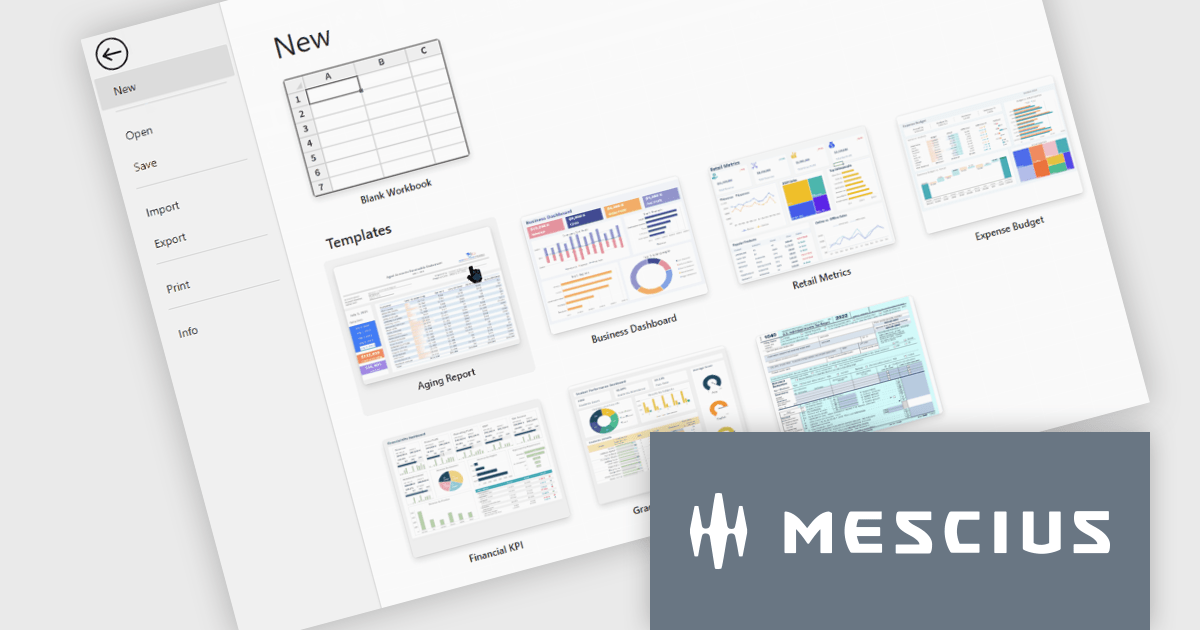
The SpreadJS 19.1.0 update enhances the designer with a new templatesConfig option, allowing developers to define template configurations for new workbooks. By loading templates from remote sources or preloaded data, applications can apply consistent styles and formats during initialization or reset operations, helping teams standardize workbook creation and simplify spreadsheet setup.
To see a full list of what's new in 19.1.0, see our release notes.
SpreadJS is licensed per developer and includes 1 Year Maintenance (major and minor version releases and unlimited support phone calls). SpreadJS requires an Annual or Perpetual Deployment License. The optional Add-ons are available at an additional cost, and require a SpreadJS license. See our SpreadJS licensing page for full details.
For more information, visit our SpreadJS product page.
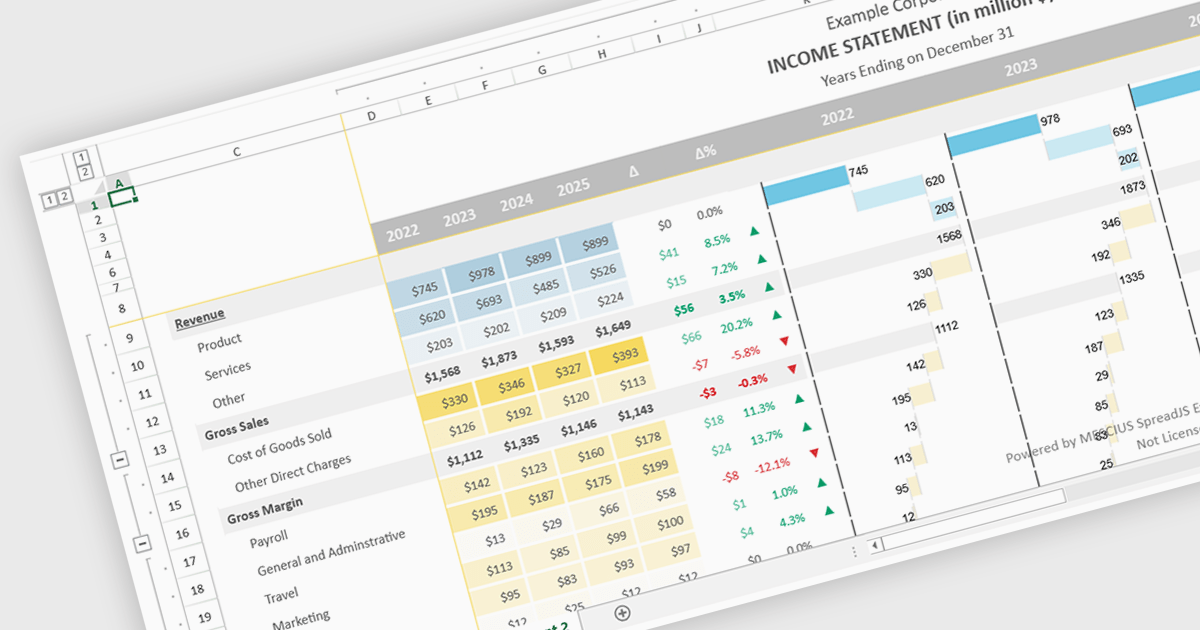
Conditional formatting support in a React spreadsheet component allows developers to apply dynamic visual styling to cells based on defined rules, values, formulas where supported, or predefined conditions, such as highlighting trends, thresholds, errors, or status changes as data changes. This capability improves data readability and usability by helping users identify important information quickly without manual analysis, while also enabling more interactive and responsive data-driven applications. For software developers, it provides a familiar spreadsheet experience within React applications, reduces the need for custom rendering logic, and supports the creation of dashboards, financial tools, reporting systems, and enterprise data management interfaces with clearer visual context.
Several React spreadsheet controls support conditional formatting including:
For an in-depth analysis of features and price, visit our React spreadsheet controls comparison.
전화 : 00798 14 800 6332
팩스 : +1 770 250 6199


