













공식 공급 업체
200 이상의 소프트웨어 개발처와 판매 계약을 맺은 공인 디스트리뷰터로서 합법적인 라이선스를 제공합니다.
모든 브랜드 보기.
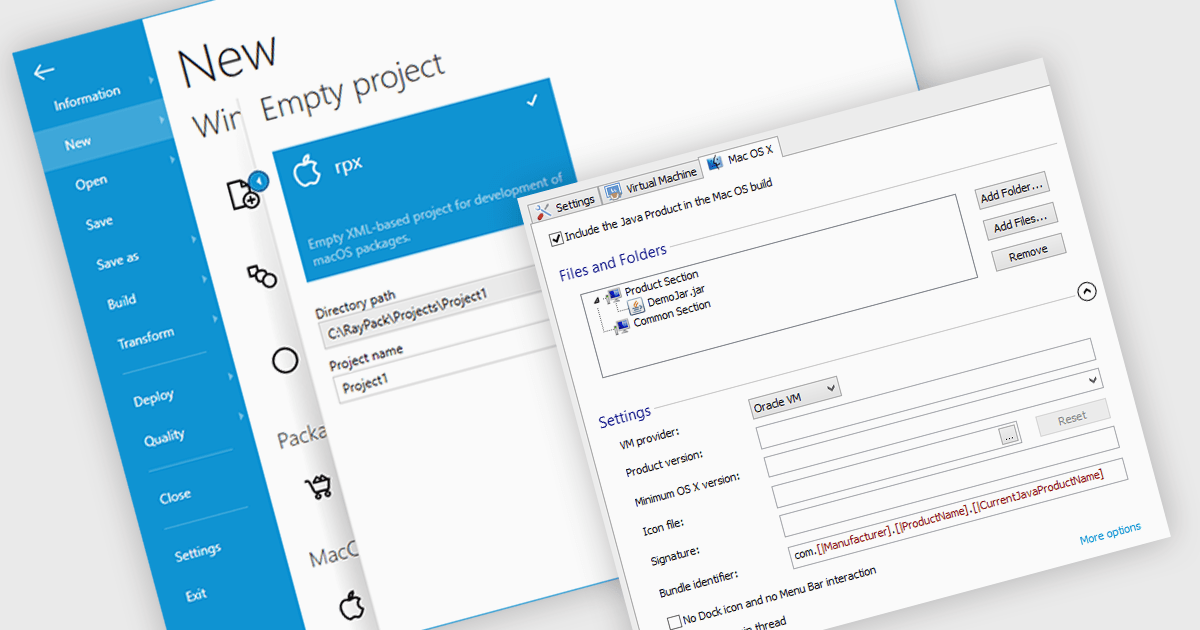
The ability to target macOS enables developers to create and distribute software packages specifically designed for Apple's operating system. This functionality allows for optimized installation processes tailored to macOS, including features like automated dependency resolution, user-friendly interfaces, and integration with macOS-specific system settings. By targeting macOS, developers can ensure a smooth and seamless user experience for their software on Apple devices, enhancing software adoption and user satisfaction.
Several installation tools create installers that target macOS including:
For an in-depth analysis of features and price, visit our installation tools comparison.
Stimulsoft Dashboards.PHP is a powerful dashboarding and reporting tool designed for PHP web applications. It enables developers to create interactive and visually appealing dashboards that provide real-time insights into data. With its intuitive interface and extensive features, Stimulsoft Dashboards.PHP empowers users to analyze complex data sets, visualize trends, and make data-driven decisions effectively.
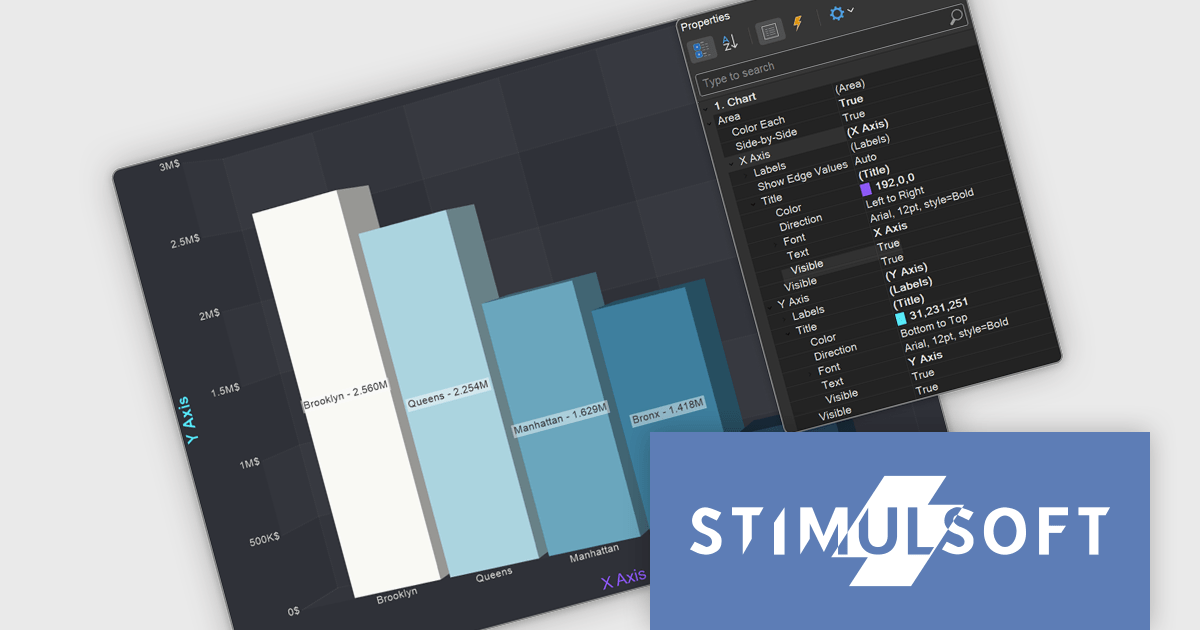
The Stimulsoft Dashboards.PHP 2025.1.1 update introduces customizable axis titles for 3D charts, providing users with greater control over data presentation. This enhancement enables the addition of clear and descriptive labels to the X and Y axes, improving the readability and interpretability of complex data visualizations. With the new Title property group located under Area > X-Axis or Y-Axis > Title, users can easily configure and align axis titles to meet specific design and user experience requirements. This feature ensures a more professional and user-friendly approach to presenting multidimensional data within dashboards.
To see a full list of what's new in 2025.1.1, see our release notes.
Stimulsoft Dashboards.PHP is licensed per developer and is available as a perpetual license with 1 year support and maintenance. See our Stimulsoft Dashboards.PHP licensing page for full details.
Stimulsoft Dashboards.PHP is available individually or as part of Stimulsoft Ultimate.

We are excited to announce our expanded social media presence with the launch of official ComponentSource profiles on Bluesky and Threads. These additions complement our existing social platforms, including X / Twitter, Facebook, and LinkedIn, ensuring you're never far from the latest updates about software components and tools.
By following us across these platforms, you’ll gain instant access to announcements about new releases, updates, and insights into the world of software components and development tools. Whether you're a developer looking for the latest innovations, an IT professional keeping up with trusted tools, or a reseller staying informed about the products your customers rely on, our social channels are the perfect way to stay up to date. We also offer an RSS feed, so you can get real-time updates delivered straight to your preferred news aggregator.
Bluesky and Threads allow us to engage with you in new ways while continuing to deliver the high-quality news and updates you've come to expect. These platforms also open up opportunities for more interactive conversations, giving you a space to share your feedback and stay connected with our growing community.
Join the conversation and follow ComponentSource today on Bluesky and Threads, along with X / Twitter, Facebook, and LinkedIn. Wherever you are, we’ll be there to keep you informed and inspired!
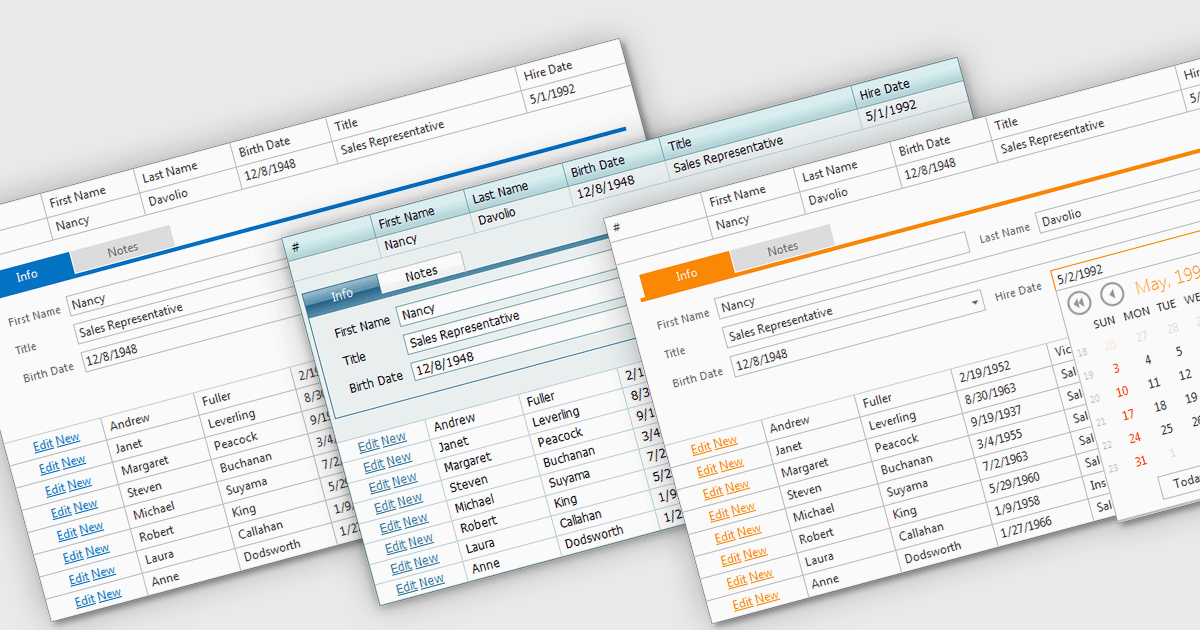
Built-in grid themes are pre-designed styling frameworks within components, providing developers with an efficient way to create visually consistent and professional grid-based interfaces. These themes streamline development by eliminating the need for custom grid designs, ensuring responsiveness across devices, and incorporating accessibility features such as proper color contrast and keyboard navigation. Built-in grid themes enhance the usability and scalability of data-intensive applications, making them ideal for business dashboards, analytics tools, and e-commerce platforms where clean, structured, and polished grid visuals are essential. By leveraging these themes, developers can prioritize functionality while delivering an intuitive, engaging, and inclusive grid experience.
Several ASP.NET Core grid components offer built in theme support including:
For an in-depth analysis of features and price, visit our ASP.NET Core grid controls comparison.
Telerik Reporting is a comprehensive and lightweight embedded reporting tool for .NET web and desktop applications. It enables developers and reporting users to create, design, and export visually appealing, interactive, and reusable reports to effectively present analytical and business data. It supports various technologies, including ASP.NET Core, Blazor, ASP.NET MVC, ASP.NET AJAX, HTML5/JS, Angular, WPF, WinForms, and WinUI.
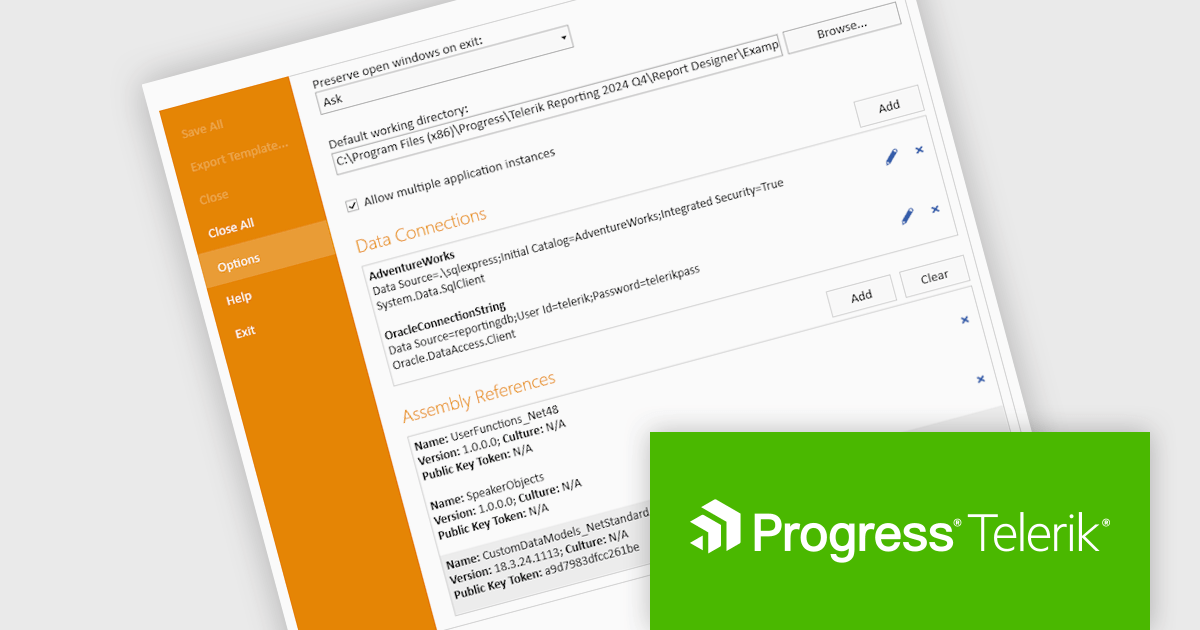
The Telerik Reporting 2024 Q4 update introduces enhanced Standalone Report Designer tooling, providing developers with a streamlined approach to extending the Standard Report Definition (SRD). This new tooling allows for seamless customization through an intuitive UI, eliminating the need to manually edit configuration files or restart the designer after modifications. By enabling real-time updates and reducing workflow interruptions, this feature enhances development efficiency, minimizes errors, and accelerates iteration cycles, ensuring a more productive and user-friendly reporting experience.
To see a full list of what's new in 2024 Q4 (18.3.24.1112), see our release notes.
Telerik Reporting is licensed per developer and is available as a perpetual license with a one year support subscription, which is offered in three tiers: Lite, Priority or Ultimate. See our Telerik Reporting licensing page for full details.
Telerik Reporting is available to buy in the following products:
전화 : 00798 14 800 6332
팩스 : +1 770 250 6199


