













공식 공급 업체
200 이상의 소프트웨어 개발처와 판매 계약을 맺은 공인 디스트리뷰터로서 합법적인 라이선스를 제공합니다.
모든 브랜드 보기.

3DBrowser Pro by Mootools Software is a specialized file explorer designed for managing 3D assets with ease and efficiency. Supporting a wide range of popular 3D formats, including FBX, GLTF, SketchUp, and Wavefront, it enables users to organize, view, and convert 3D data seamlessly. With advanced visualization tools and intuitive file management, 3DBrowser Pro simplifies workflows for 3D artists, designers, and developers. Whether browsing large libraries, inspecting models, or optimizing asset organization, the software enhances productivity and ensures a smoother, more efficient 3D project pipeline.
The 3DBrowser Pro v17 update introduces atlas generation and texture simplification, enabling software developers to optimize 3D assets more efficiently. By consolidating multiple textures into a single atlas map, the update reduces the number of materials and minimizes draw calls, significantly improving rendering performance, particularly in real-time engines. This streamlined approach simplifies material management, making it easier to handle complex scenes, while the batch processing capability ensures that large sets of files can be optimized in a single operation. With these enhancements, developers can achieve smoother performance, reduced resource usage, and faster asset preparation for real-time applications and web-based 3D projects.
To see a full list of what's new in 3DBrowser Pro v17, see our release notes.
3DBrowser Pro is licensed per workstation and is available as a perpetual or subscription license. Visit our 3DBrowser Pro Licensing page for full details.
Learn more on our 3DBrowser Pro product page.
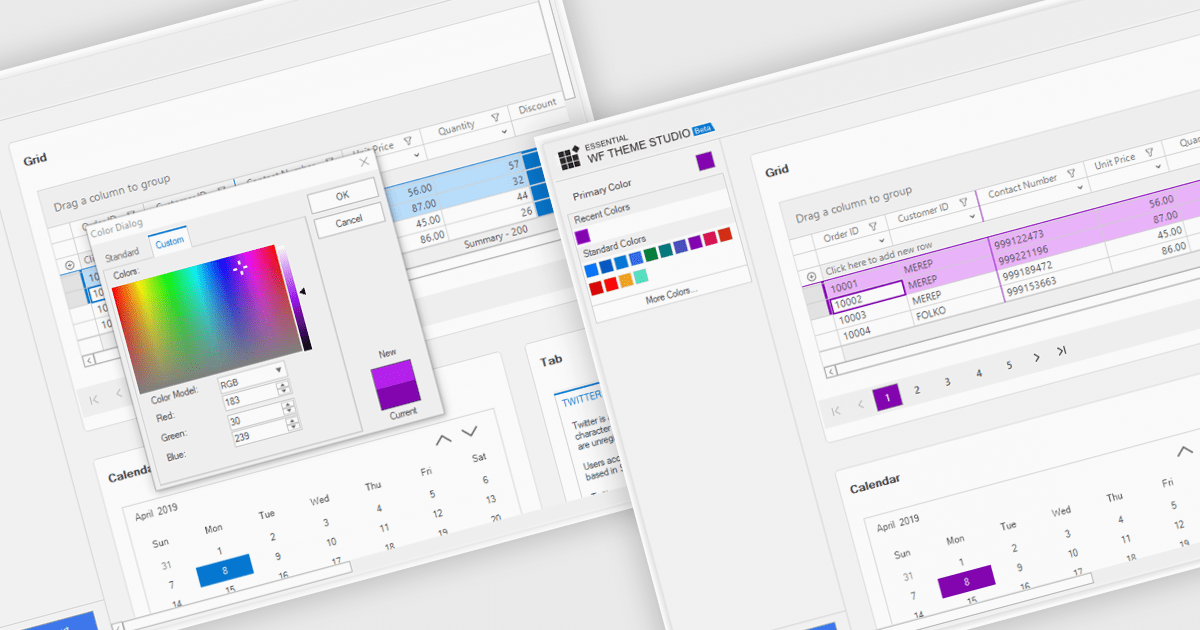
Customizable themes allow developers to define and manage the visual appearance of applications by modifying elements such as colors, typography, spacing, and component styles to align with specific branding or design requirements. These themes ensure a consistent and professional user interface across all components, simplify the process of applying design changes, and enhance scalability for future updates or multiple projects. By centralizing style management, customizable themes improve development efficiency, reduce redundancy, and enable the creation of accessible and responsive designs that deliver a seamless user experience across devices and platforms.
Several Windows Forms grid components offer support for customizable themes including:
For an in-depth analysis of features and price, visit our WinForms grid controls comparison.
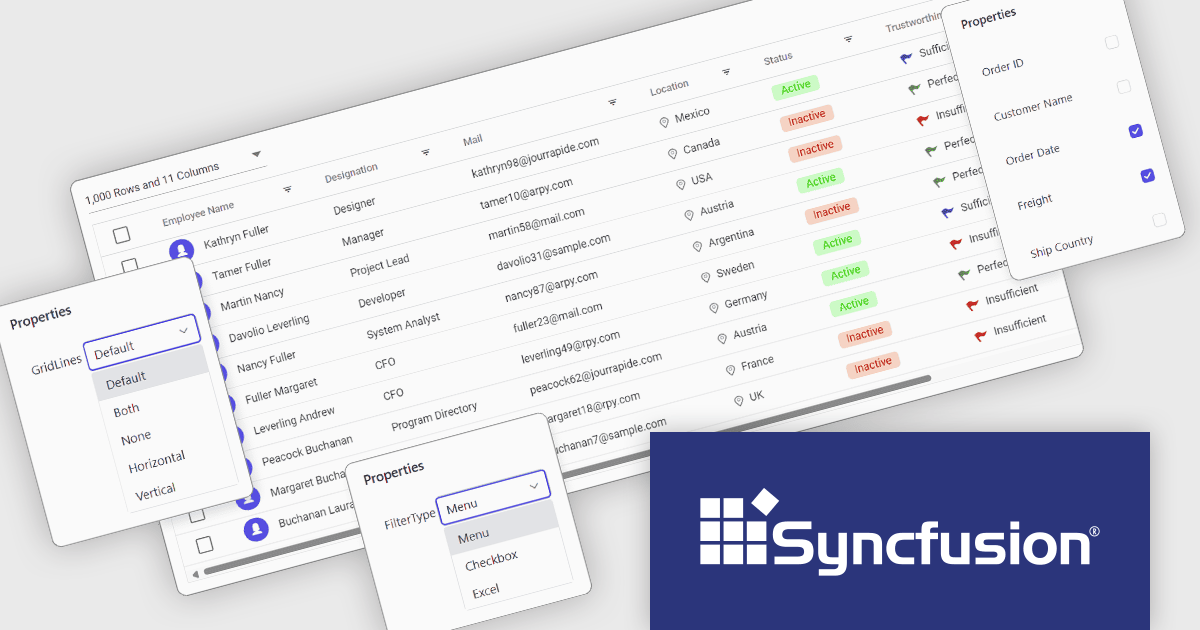
Syncfusion Essential Studio ASP.NET Core (available as part of Syncfusion Essential Studio Enterprise) empowers developers with a comprehensive suite of over 80 enterprise-grade UI components specifically designed for building modern and highly functional web applications. Leveraging the latest advancements in ASP.NET Core, it offers exceptional performance and scalability, streamlining development by eliminating the need for extensive custom coding. From data visualization tools like interactive charts and grids to sophisticated navigation elements and responsive layouts, Essential Studio equips developers with the building blocks to create rich user experiences, improve application efficiency, and accelerate time-to-market.
The Syncfusion Essential Studio ASP.NET Core 2024 Volume 4 update introduces Tailwind CSS 3.4 support, enabling developers to leverage the latest utilities, enhanced theme customization, and optimized performance. This integration simplifies the process of styling web applications by offering a utility-first approach with more flexible and responsive design options. The improved theming capabilities allow for easier adaptation of custom designs, while the performance enhancements help reduce CSS bloat and improve load times. This support enhances the overall developer experience, streamlining workflows and enabling the creation of modern, high-performance web applications.
To see a full list of what's new in 2024 Volume 4, see our release notes.
Syncfusion Essential Studio ASP.NET Core is available as part of Syncfusion Essential Studio Enterprise which is licensed per developer starting with a Team License of up to five developers. It is available as a 12 Month Timed Subscription License which includes support and maintenance. See our Syncfusion Essential Studio Enterprise licensing page for full details.
Learn more on our Syncfusion Essential Studio ASP.NET Core product page.
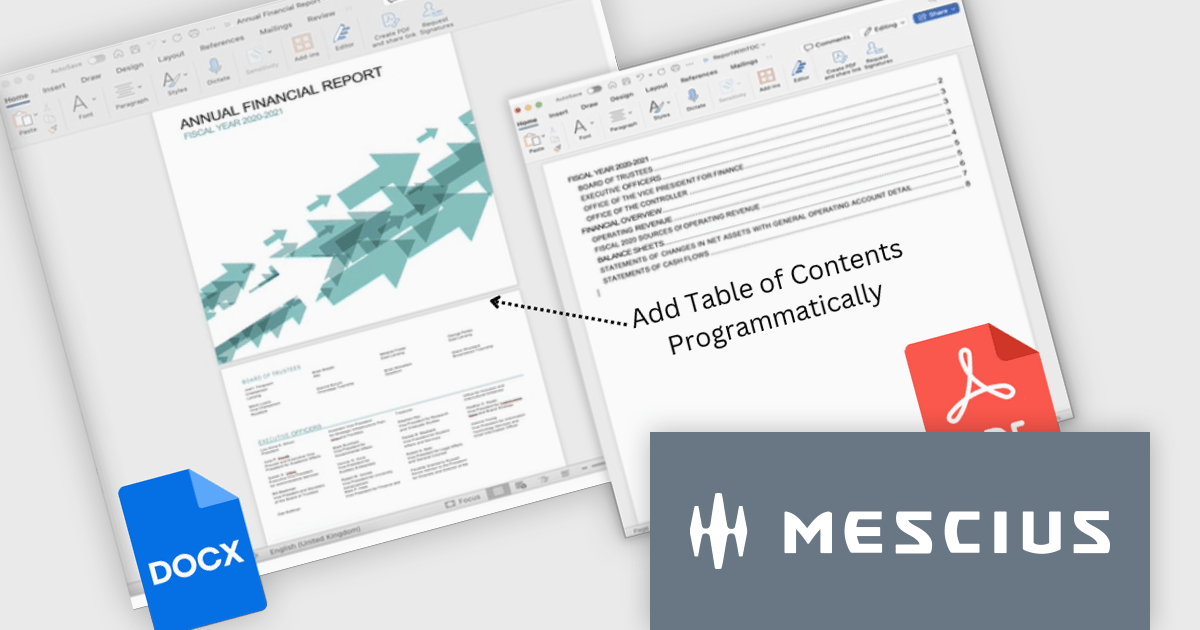
Document Solutions for Word (DsWord) by MESCIUS is a powerful .NET library designed to streamline document creation, editing, and conversion in Word (DOCX) format. It enables developers to automate complex Word processing tasks, such as generating dynamic reports, merging templates with data, or converting documents to PDF and other formats, all without relying on Microsoft Word installations. With its robust performance and ease of integration, the library is ideal for applications requiring automated document workflows, including enterprise reporting systems, content management solutions, and document archiving. By simplifying document handling processes, it enhances productivity, reduces manual effort, and ensures consistent, high-quality output.
The Document Solutions for Word v8 update introduces enhanced field support, enabling developers to programmatically manage dynamic placeholders in Word documents with greater precision and efficiency. This includes robust APIs for creating, updating, and formatting fields such as PAGE, PAGEREF, SECTION, SEQ, TC, and TOC, which streamline tasks like numbering, cross-referencing, and building tables of contents. With strong typed FieldOptions classes and the ability to recalculate fields using the new UpdateFields() method, developers can ensure accurate and consistent document outputs across DOCX, PDF, and image formats. These enhancements simplify automation, improve customization, and elevate the quality of generated documents.
To see a full list of what's new in version 8.0.0, see our release notes.
Document Solutions for Word is licensed per developer and is available in several license options for differing distribution needs. Team licenses are also available for multiple developers within the same organization. Visit our Document Solutions for Word licensing page to see more information regarding licenses.
Document Solutions for Word is available to buy individually or as part of Document Solutions .NET Bundle.
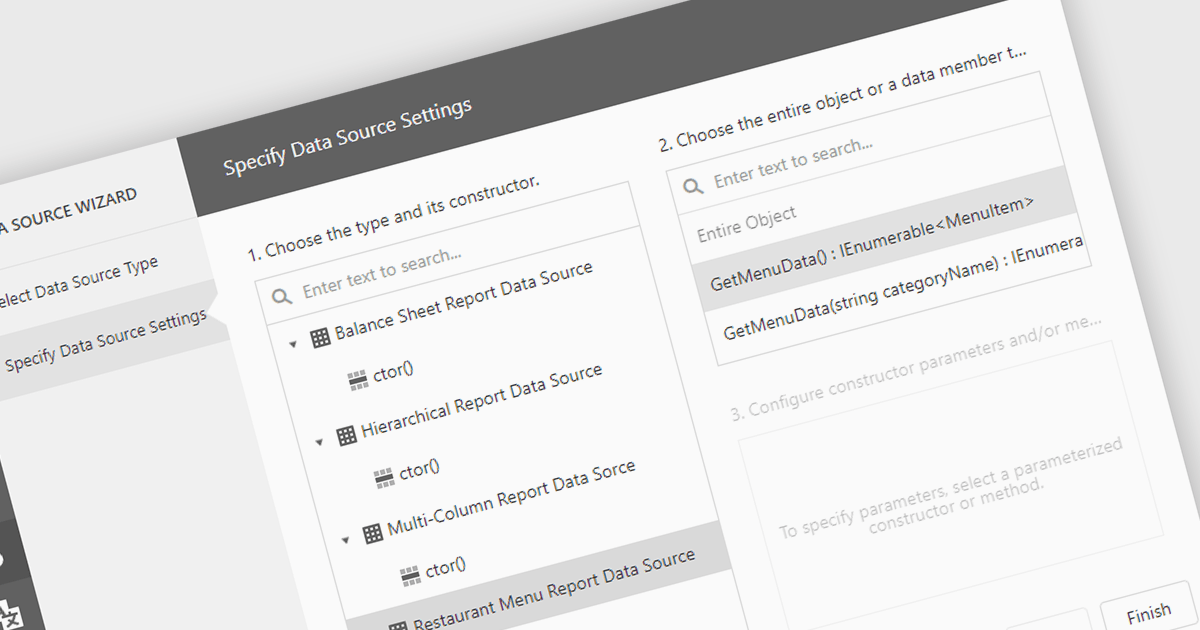
IEnumerable data connectivity allows for easy binding of reports to in-memory collections or objects that implement the IEnumerable interface, such as list
Several .NET reporting components offer IEnumerable data connectivity including:
For an in-depth analysis of features and price, visit our comparison of .NET reporting controls.
전화 : 00798 14 800 6332
팩스 : +1 770 250 6199


