













공식 공급 업체
200 이상의 소프트웨어 개발처와 판매 계약을 맺은 공인 디스트리뷰터로서 합법적인 라이선스를 제공합니다.
모든 브랜드 보기.
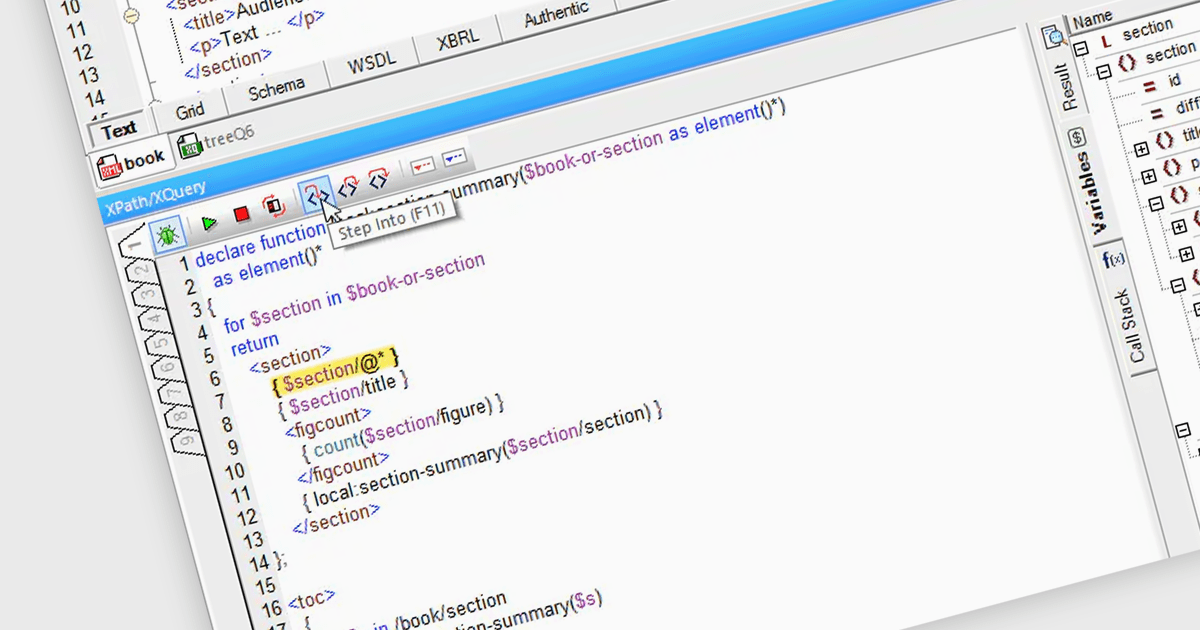
With its standardized path expressions, XPath allows users to locate elements, attributes, and text with pinpoint accuracy, simplifying tasks like data extraction, validation, and transformation. Its robust features support filtering, pattern matching, and seamless traversal of complex document hierarchies, making it invaluable for handling large or intricate datasets. By streamlining repetitive tasks and reducing the need for complex, error-prone code, XPath enhances productivity, ensures accuracy, and enables smooth integration with widely accepted standards, making it a cornerstone of modern XML workflows.
Several Structured Document Tools offer XPath Support including:
For an in-depth analysis of features and price, visit our structured document tools comparison.
Pcloudy is a comprehensive cloud-based platform designed to simplify mobile app testing by providing access to thousands of real devices for both manual and automated testing. It seamlessly integrates with popular CI/CD tools to support efficient workflows, enabling faster development and deployment cycles. With features like performance monitoring, real-time debugging, and AI-powered testing insights, Pcloudy helps identify and resolve issues quickly to ensure app reliability and quality. Its scalable, on-demand infrastructure is ideal for tackling challenges like device fragmentation, making it a valuable tool for QA teams, mobile app developers, and DevOps engineers focused on delivering high-performing applications.
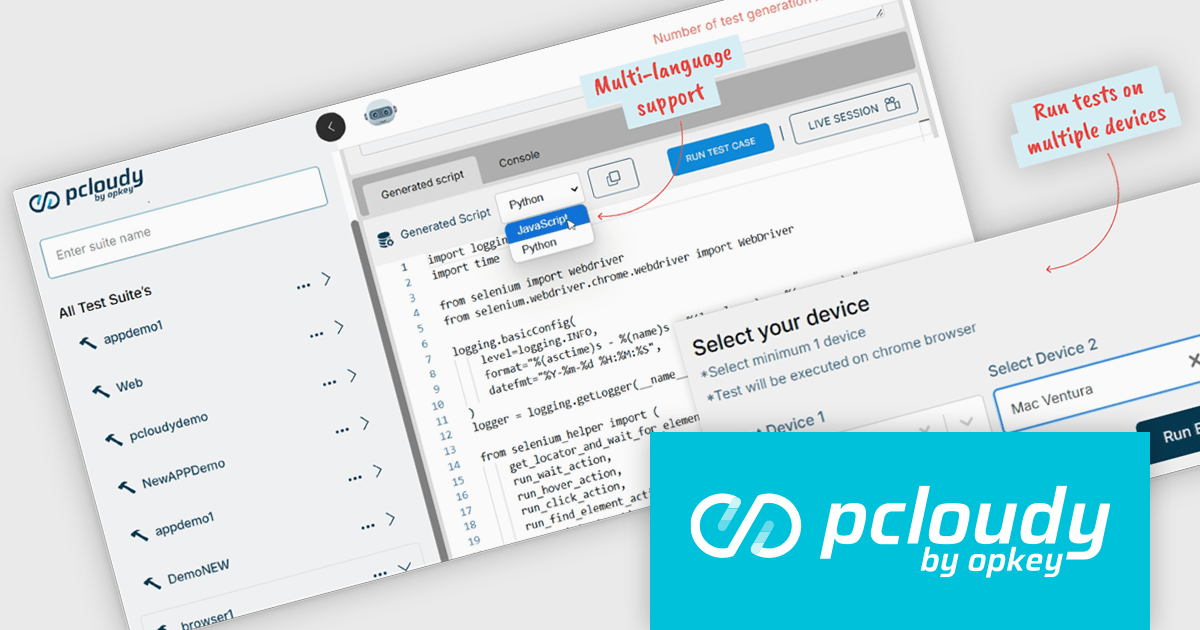
In version 6.14, Pcloudy Qpilot, the cutting-edge AI-powered test generation agent, has taken a significant leap forward. With its latest update, users can now execute freshly generated test scripts across multiple devices in parallel. This capability empowers testers to accelerate their testing cycles and achieve unprecedented efficiency. By eliminating the need for sequential testing on individual devices, Qpilot unlocks a new level of scalability and productivity that sets it apart from other AI-driven testing solutions.
To see a full list of what's new in 6.14, see our release notes.
Pcloudy is offered as a 1 year subscription, licensed per user, per parallel session. Licenses are available for Manual or Automated Testing, for Web or Mobile. See our Pcloudy licensing page for full details.
For more information, visit our Pcloudy product page.
Oxygen Feedback by Syncro Soft is a modern feedback management platform designed for technical writers, software developers, and content managers seeking to streamline user interaction with documentation. It integrates seamlessly with Oxygen XML Editor and WebHelp, enabling teams to gather, manage, and act on user feedback directly within their documentation portals. Key features include intuitive comment tracking, real-time notifications, role-based moderation, and detailed analytics to monitor user engagement and content effectiveness. By simplifying collaboration and enhancing user-driven insights, Oxygen Feedback helps organizations improve documentation quality, increase user satisfaction, and foster stronger connections with their audience.
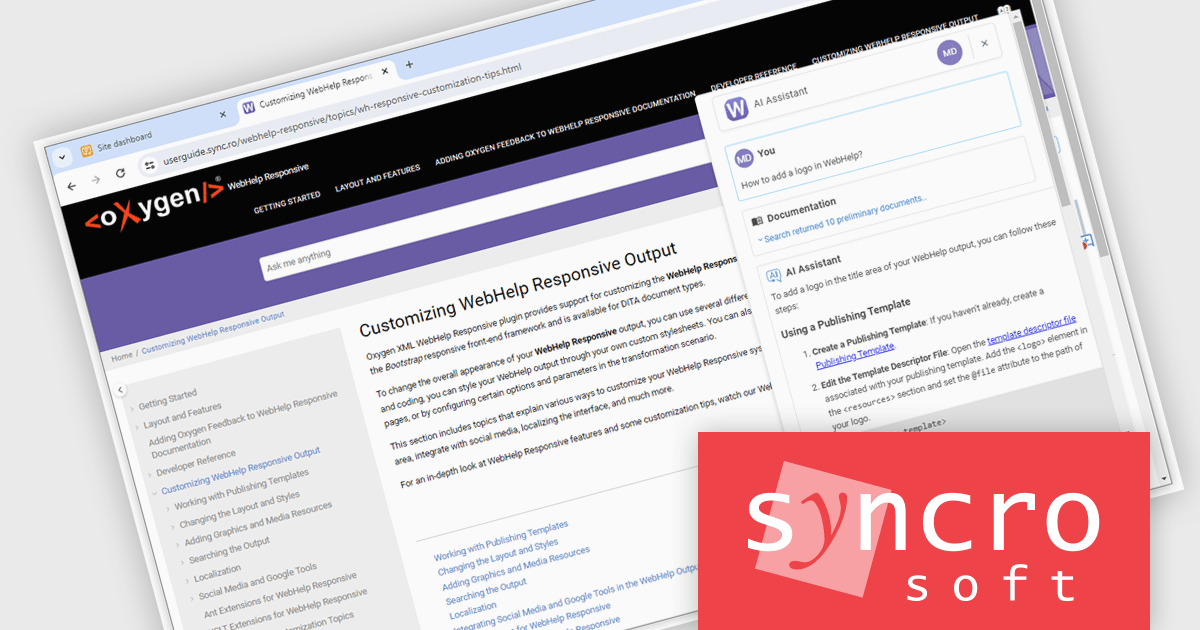
The Oxygen Feedback V5.1 update introduces an AI Assistant Chatbot displayed in a non-modal window directly within documentation pages, enhancing browsing and interaction. This design provides real-time assistance, enabling users to quickly find relevant information, ask questions, and receive instant answers without disrupting their workflow. By eliminating the need to switch contexts or leave the documentation, the non-modal interface improves productivity, streamlines the user experience, and ensures seamless engagement with the content.
To see a full list of what's new in V5.1, see our release notes.
Oxygen Feedback is licensed per site configuration and is available as a Timed Subscription license. Support & Maintenance Pack (SMP) is included for the duration of your subscription. See our Oxygen Feedback licensing page for full details.
Learn more on our Oxygen Feedback product page.
Document Solutions for PDF (DsPdf) by MESCIUS is a software development toolkit that provides .NET Core libraries and a JavaScript PDF viewer for manipulating and displaying PDFs. DsPdf enables developers to create, edit, annotate, and redact PDF documents directly within web applications. The included DsPdfViewer component offers a feature-rich, cross-platform solution for viewing and interacting with PDFs in modern browsers on various operating systems, including mobile devices.
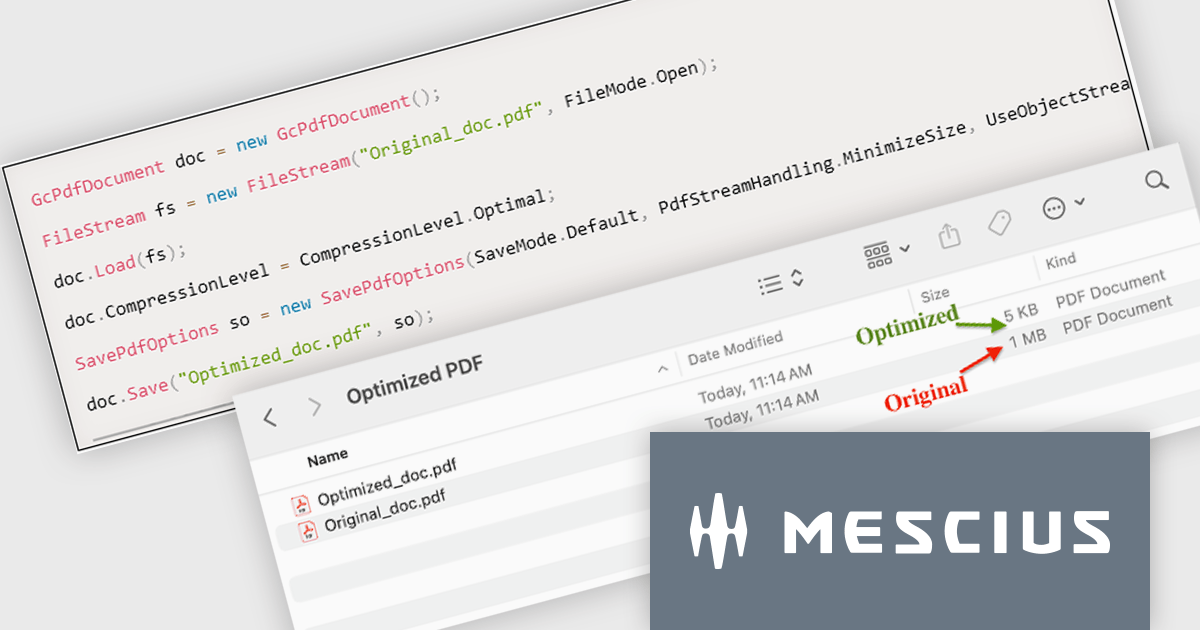
The Document Solutions for PDF version 8.0.0 update introduces the new SavePdfOptions class, providing developers with control over PDF saving processes. This enhancement allows for the optimization of PDFs by enabling object streams (PDF 1.5), which reduces file size, improves compression efficiency, and streamlines document handling. By leveraging these capabilities, users can configure how PDF data is stored and processed, ensuring faster load times and seamless integration into workflows. This feature empowers developers to create tailored solutions that balance performance, storage efficiency, and application requirements.
To see a full list of what's new in version 8.0.0, see our release notes.
Document Solutions for PDF is licensed per developer and is available in several license options for differing distribution needs. Team licenses are also available for multiple developers within the same organization. See our Document Solutions for PDF licensing page for full details.
Document Solutions for PDF is available to buy individually or as part of Document Solutions .NET Bundle.
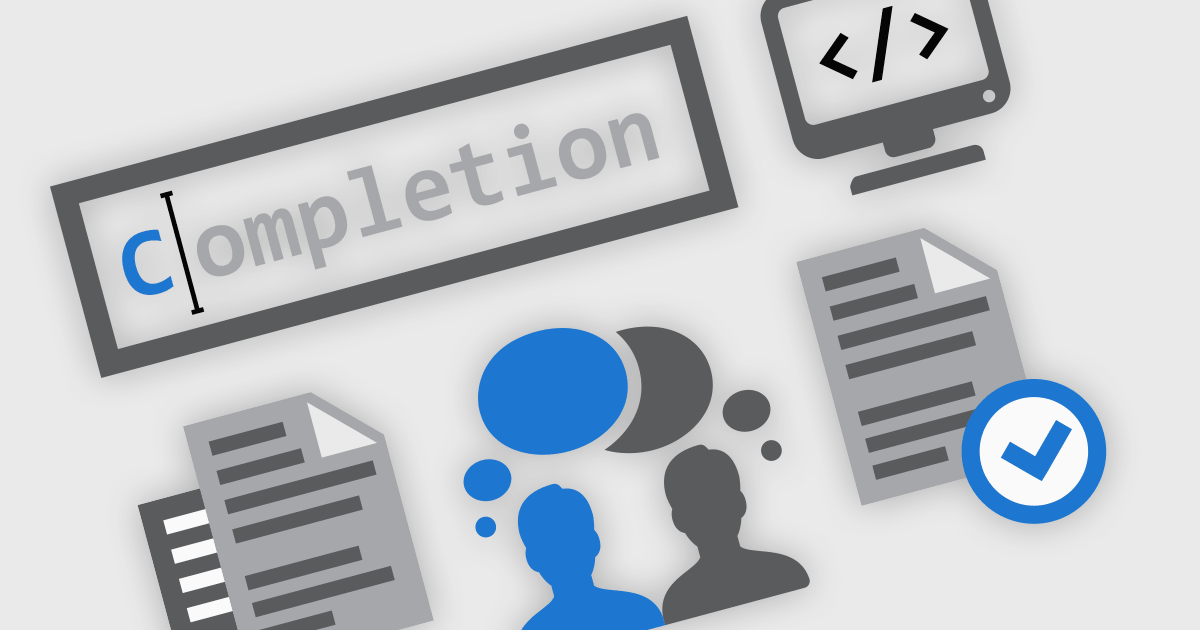
Integrated Development Environments (IDEs) are comprehensive software applications designed to streamline and enhance the coding process by providing a range of powerful tools and features. These coding features assist developers in writing, organizing, and managing code more efficiently through features like intelligent suggestions, automated formatting, and visual aids. They reduce repetitive tasks with templating, improve code clarity with syntax highlighting, and enable swift navigation and editing within large projects. Advanced capabilities like refactoring ensure clean and maintainable code structures, while remote development fosters collaboration and flexibility. Together, these features minimize errors and save time, enabling developers to write high-quality and efficient code more easily.
Common coding features include:
For an in-depth analysis of features and price, visit our Integrated Development Environments (IDEs) comparison.
전화 : 00798 14 800 6332
팩스 : +1 770 250 6199


