













공식 공급 업체
200 이상의 소프트웨어 개발처와 판매 계약을 맺은 공인 디스트리뷰터로서 합법적인 라이선스를 제공합니다.
모든 브랜드 보기.
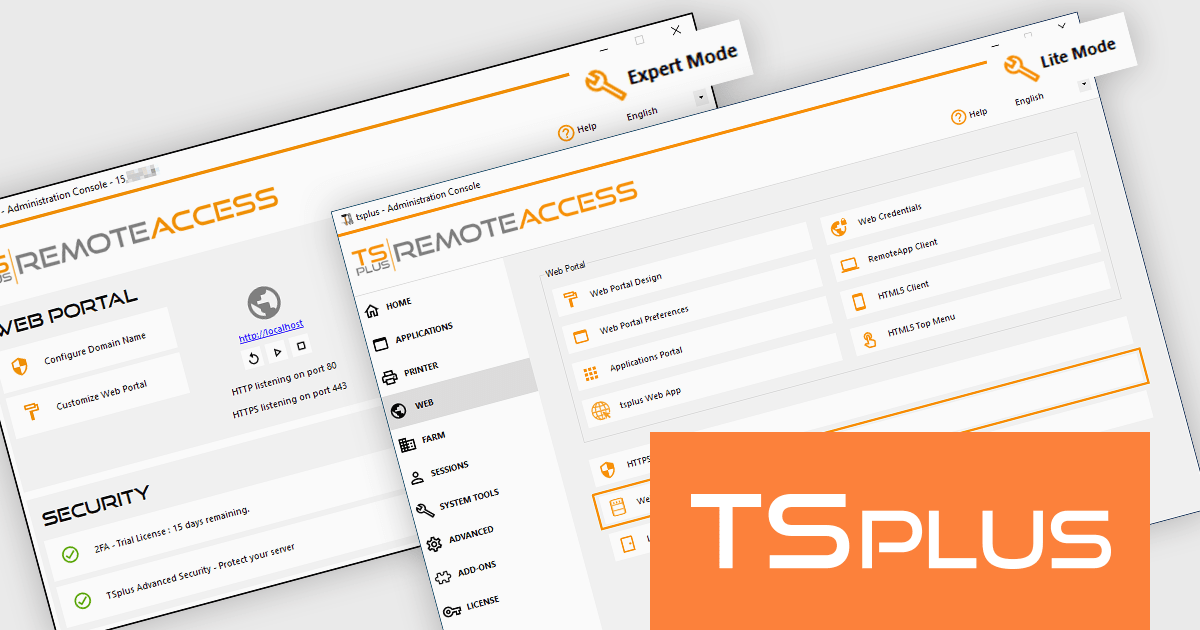
TSplus Remote Access is a powerful solution that enables secure remote access to desktops and applications from anywhere, on any device. Designed to enhance productivity and connectivity, it provides organizations with a centralized platform to manage remote working environments efficiently. With features like application publishing, web portal customization, and advanced security settings, it ensures that users can access the tools they need without compromising data integrity. Its intuitive design makes it easy to deploy and scale, catering to businesses of all sizes across industries such as IT, healthcare, education, and finance. By streamlining remote access management and delivering a reliable, user-friendly experience, TSplus Remote Access supports businesses in adapting to modern work demands with ease.
TSplus Remote Access includes a Lite Mode and an Expert Mode feature designed to enhance user experience and efficiency for software developers. This control provides the flexibility to adapt the administration console to individual expertise and project requirements. Users can quickly navigate essential settings and configurations in Lite Mode, streamlining routine tasks and minimizing setup time. For more advanced needs, Expert Mode unlocks comprehensive control, offering access to detailed configurations and tools for fine-tuning remote access environments. By tailoring the interface to match the complexity of the task at hand, this update ensures an optimized workflow, enabling users to focus on delivering robust solutions with greater efficiency and precision.
TSplus Remote Access is licensed per concurrent user. Licenses are perpetual and include a 1 year subscription for updates and support. See our TSPlus Remote Access licensing page for full details.
For more information, visit our TSPlus Remote Access product page.
Redgate Software is a leading provider of database development and deployment solutions designed to simplify and enhance database management for organizations of all sizes. With a focus on simplifying complex workflows, Redgate delivers tools that ensure consistency, control, and visibility across database environments. Key features include comprehensive change tracking, deployment automation, and detailed audit logs to maintain compliance and accountability. These capabilities enable teams to prevent errors, improve collaboration, and ensure the reliability of database systems in fast-paced industries like finance, healthcare, and technology. By integrating seamlessly into existing workflows, Redgate supports businesses in achieving their goals with efficiency, security, and confidence.
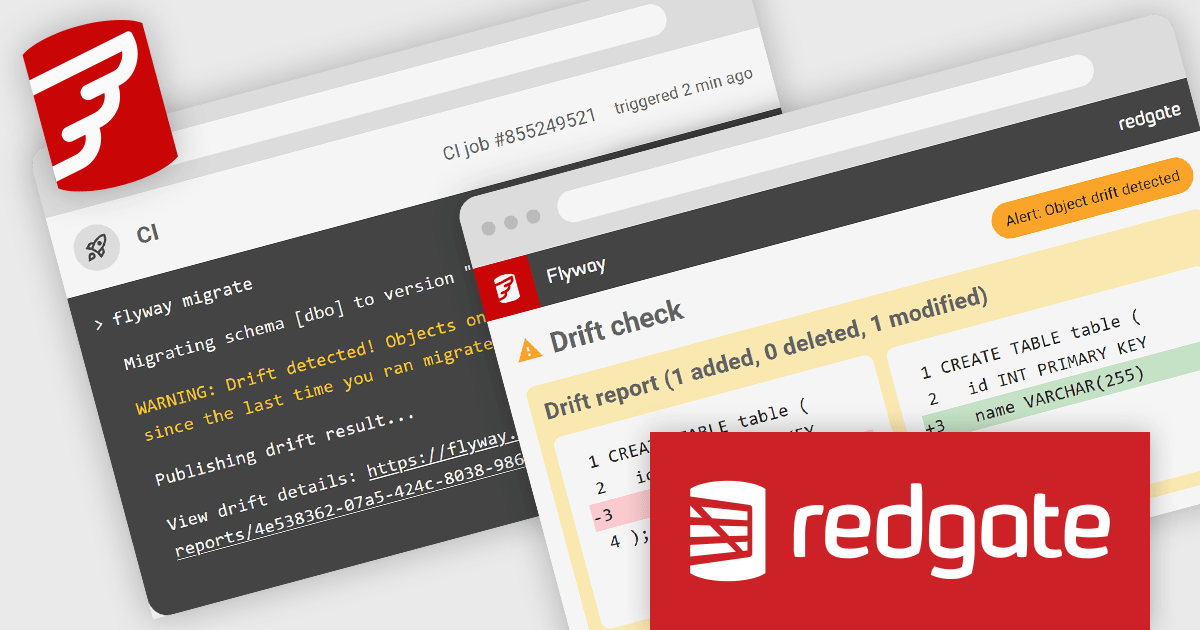
Flyway Pipelines provides a powerful drift check feature that enhances database deployment workflows by ensuring consistency and control. This enables software developers to detect unauthorized or out-of-process schema changes early in the pipeline, reducing risks associated with unexpected modifications. By providing detailed object-level change reports, the drift check allows teams to understand what has changed, why it matters, and how to resolve discrepancies efficiently. This fosters greater accountability, streamlines debugging, and helps maintain the integrity of deployments across development, staging, and production environments, ultimately supporting more reliable and predictable database operations.
Flyway is licensed per user, per year and is available as a commercial annual subscription license for Teams or Enterprises. See our Flyway licensing page for full details.
For more information, visit our Flyway product page.
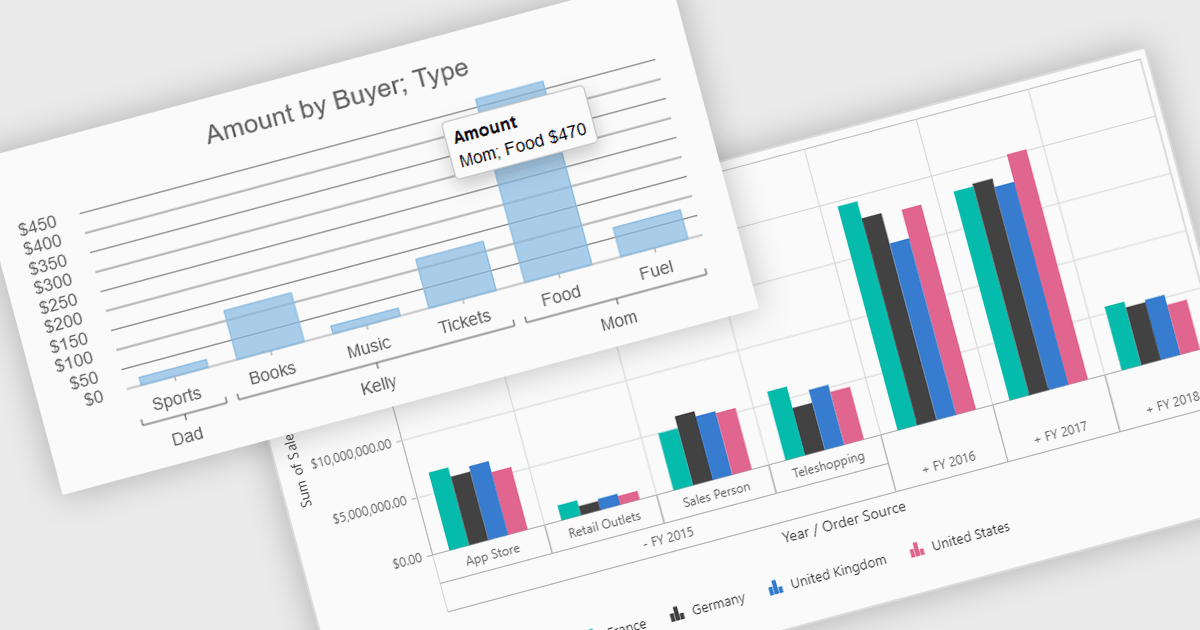
Pivot charts are dynamic visualization tools that enable users to interact with and analyze data in a highly flexible manner. They extend the capabilities of pivot tables by providing visual representations of aggregated data, making it easier to identify trends, patterns, and outliers. Key benefits include real-time updates, intuitive interactivity, and support for multi-dimensional data analysis, which simplifies complex datasets into actionable insights. Integrating pivot charts into your applications empowers end-users to explore and present data in a way that is both visually compelling and deeply informative.
Several React UI suites offer pivot chart components including:
For an in-depth analysis of features and price, visit our comparison of React UI Suites.
dbWatch is a comprehensive database monitoring and management solution designed to optimize the performance, reliability, and scalability of database environments. It provides features such as real-time monitoring, automated maintenance, detailed reporting, and robust authentication management. These capabilities help database administrators save time, ensure consistency, and enhance security across multiple database instances. dbWatch is ideal for organizations managing complex database infrastructures, supporting use cases such as proactive performance tuning, compliance monitoring, and streamlined database maintenance. With its user-friendly interface and automation tools, dbWatch empowers teams to efficiently manage their databases, reduce operational overhead, and focus on strategic initiatives.
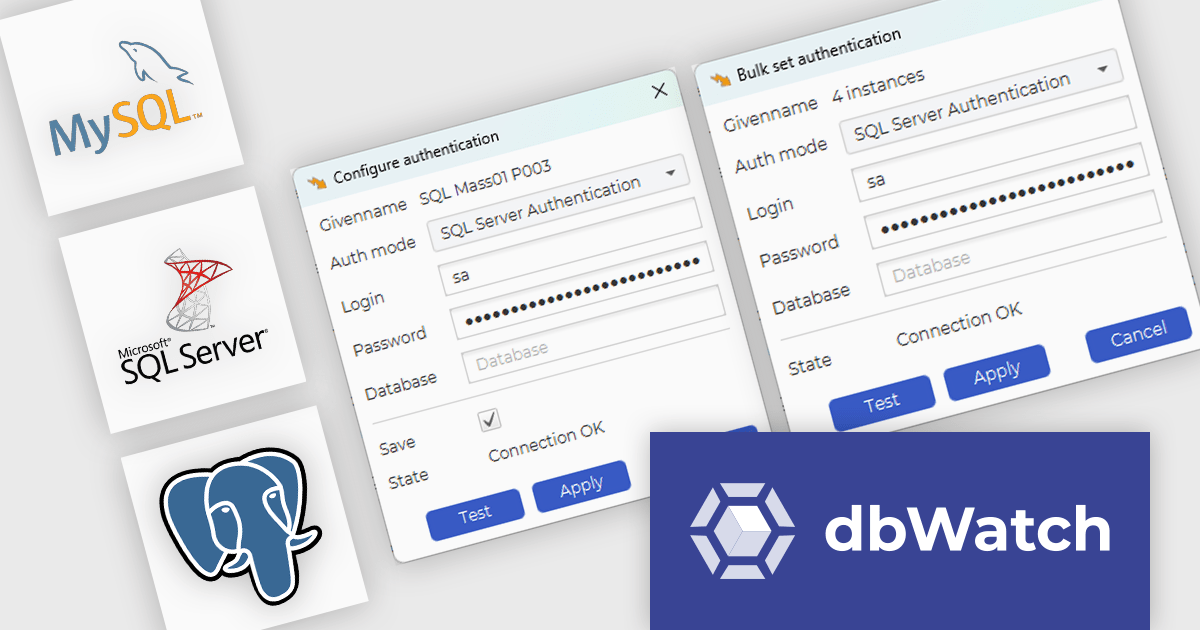
The dbWatch Control Center November 2024 update introduces the bulk authentication feature, providing software developers with a streamlined solution for managing SQL Worksheet authentications across multiple database instances. This feature enhances efficiency by reducing the time and effort required to configure authentication settings manually, ensures uniformity to minimize the risk of errors, and simplifies large-scale database management. By enabling quick and consistent updates to authentication configurations, this enhancement helps maintain security compliance while optimizing workflows in complex development and operational environments.
To see a full list of what's new in the November 2024 update see our release notes.
dbWatch Control Center is licensed per instance and is offered as a 12 month subscription license. Licenses are available for MS SQL Server, Oracle, MySQL, PostgreSQL, MariaDB, and Sybase. For further information see our dbWatch Control Center licensing page.
For more information, visit our dbWatch Control Center product page.
PyCharm by JetBrains is a comprehensive Integrated Development Environment (IDE) specifically designed for Python programming. It offers a range of features to enhance productivity, including code analysis for error detection, a visual debugger for troubleshooting, integrated unit testing for code verification, and support for version control systems to manage code changes. PyCharm also caters to web development using frameworks like Django, making it a powerful tool for both experienced developers and beginners in the Python world.
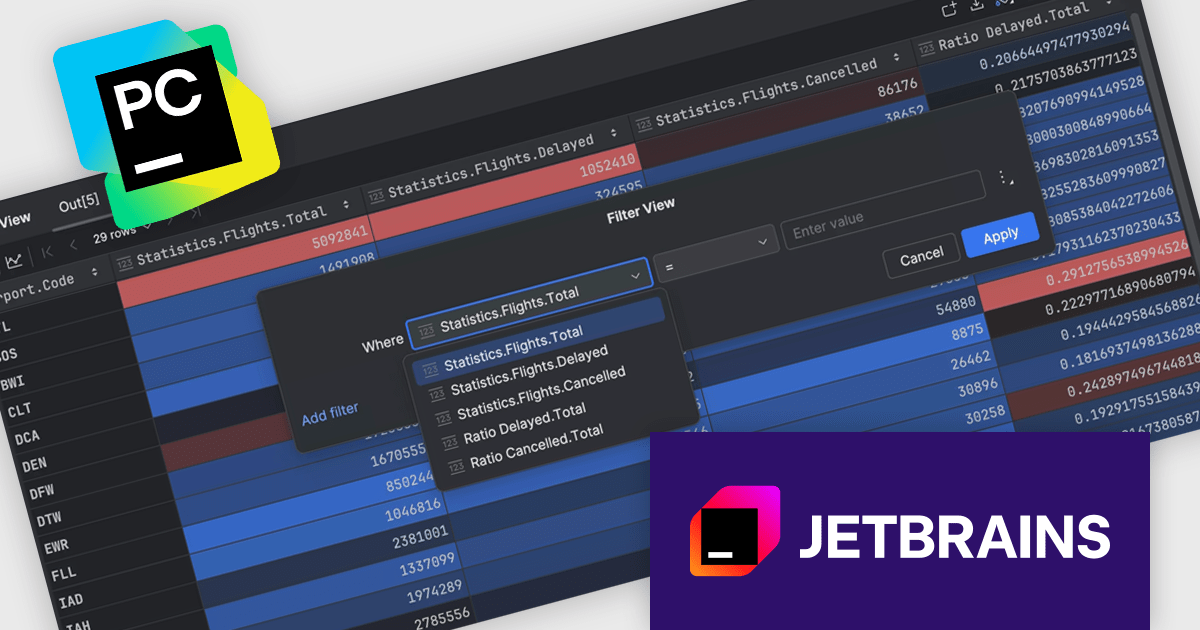
The PyCharm 2024.3 release introduces a powerful no-code data filtering feature, allowing users to seamlessly filter and analyze data directly within the Data View tool window or dataframes using an intuitive Filter icon. This update eliminates the need for coding, providing immediate, in-window results, and supports popular Python frameworks like pandas, Polars, NumPy, PyTorch, TensorFlow, and Hugging Face Datasets. Ideal for data scientists, analysts, and developers, this feature enhances productivity, simplifies data exploration, and enables rapid iteration on datasets, making it particularly useful for tasks like preprocessing, cleaning, and extracting insights from complex data.
To see a full list of what's new in version 2024.3, see our release notes.
PyCharm is licensed per user, and is available as a commercial annual subscription license. We can supply new subscriptions, subscription renewals (including continuity discounts), lapsed renewals, and additional user licenses. See our PyCharm licensing page for full details.
PyCharm is available to buy in the following products:
전화 : 00798 14 800 6332
팩스 : +1 770 250 6199


