













공식 공급 업체
200 이상의 소프트웨어 개발처와 판매 계약을 맺은 공인 디스트리뷰터로서 합법적인 라이선스를 제공합니다.
모든 브랜드 보기.
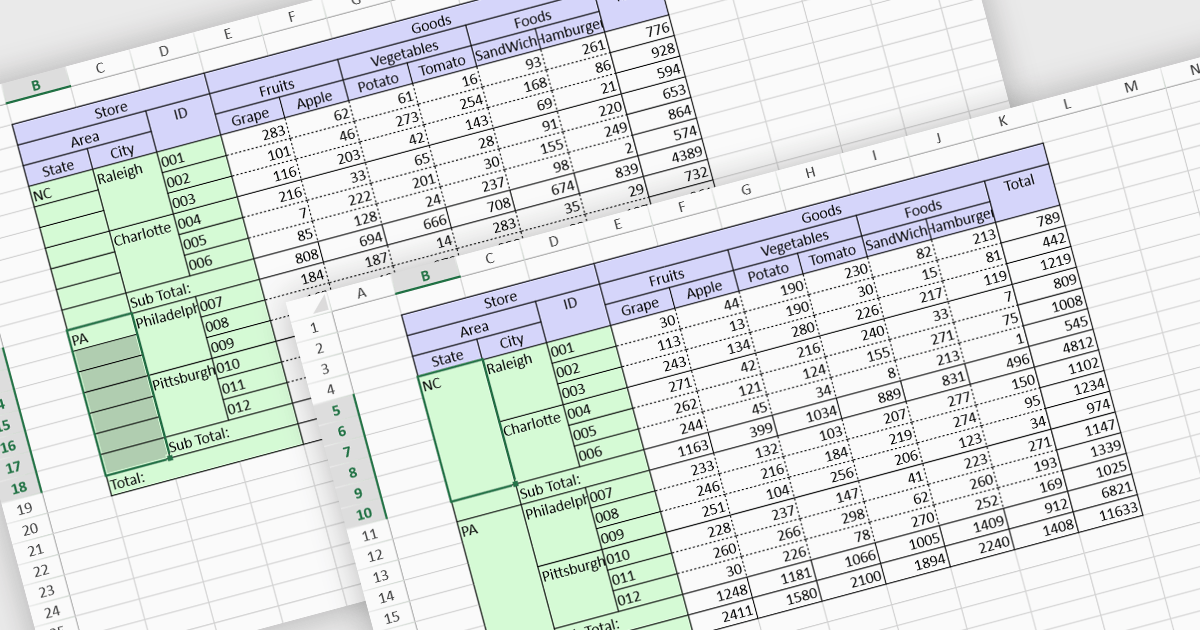
Cell merging is a spreadsheet feature that combines two or more adjacent cells into a single, larger cell, creating a unified space for data. This is particularly useful for creating visually organized and readable spreadsheets, allowing headers to span multiple columns or rows, enhancing clarity and alignment in complex data sets. By merging cells, users can create more structured layouts, making the data presentation cleaner and often easier to understand at a glance. For example, in financial reporting or project tracking sheets, merging cells can emphasize titles, group categories, or highlight specific sections of data, adding visual polish. It can also help when building dashboards, forms, and reports where visual hierarchy and structured information flow are essential for end-user readability and comprehension.
Several React spreadsheet controls offer the ability to merge cells including:
For an in-depth analysis of features and price, visit our React spreadsheet controls comparison.

Code documentation features embed comments and annotations within code, helping developers understand its structure and functionality. Many Integrated Development Environments (IDEs) enhance this by automating documentation, offering real-time syntax checks, and enabling quick access to key information like parameters and return types. This improves collaboration, speeds up onboarding, and simplifies maintenance, making the code easier to scale and manage.
Several IDEs provide code documentation functionality including:
For an in-depth analysis of features and price, visit our comparison of IDEs.
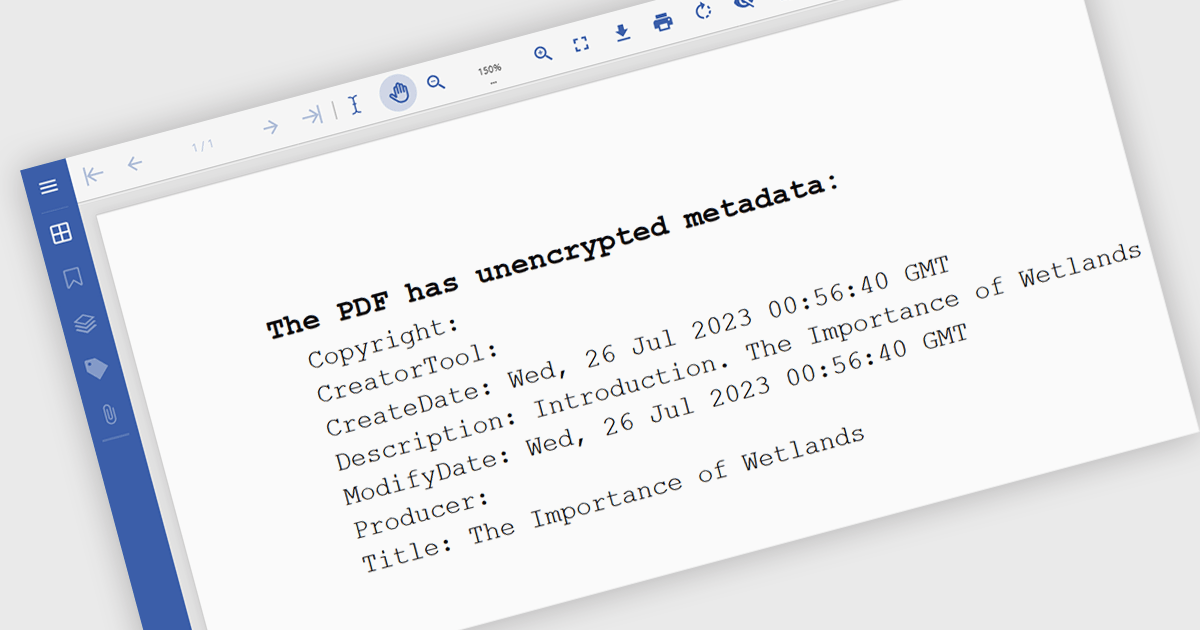
Manipulating PDF metadata unlocks powerful ways to enhance, organize, and standardize document collections. By programmatically editing underlying details such as title, author, keywords, subject, creation date, and modification history, developers can make PDFs more searchable, accessible, and compliant with standards like PDF/A. Effective metadata management transforms PDFs from simple static files into organized, retrievable assets, streamlining workflows and optimizing document handling, especially for businesses managing vast libraries of digital documents.
Several .NET PDF components offer support for manipulating metadata including:
For an in-depth analysis of features and price, visit our comparison of .NET PDF components.
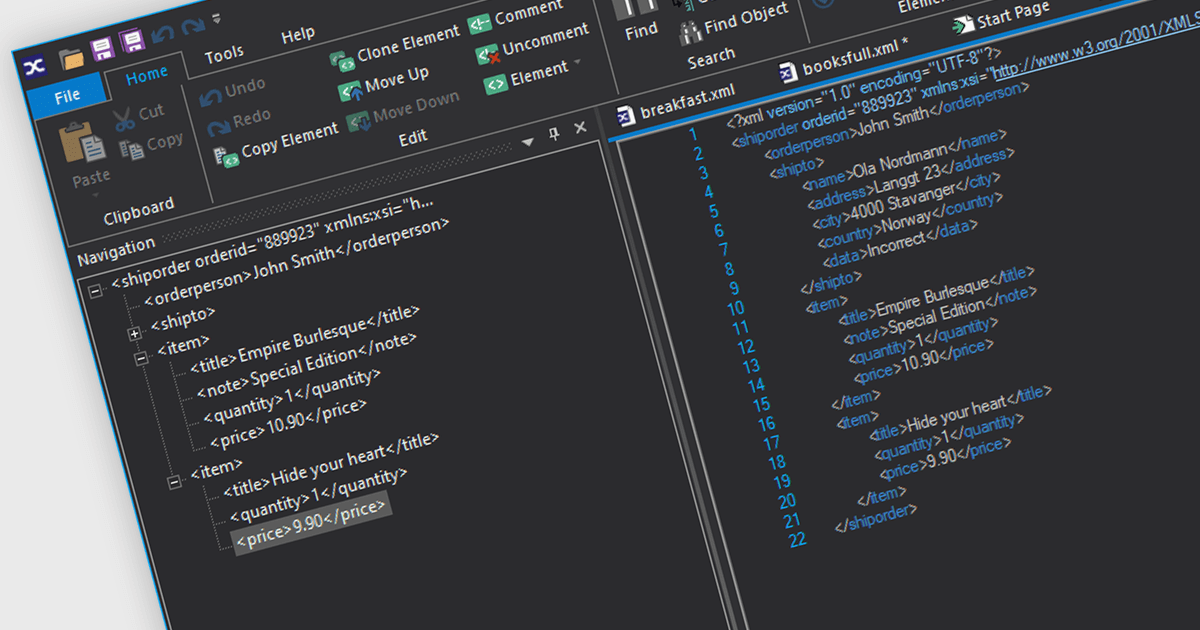
XML viewers provide developers with a straightforward way to view, navigate, and occasionally edit the structure and content of XML files through an intuitive interface. By displaying XML data in a hierarchical, tree-like format, they make it easier to understand the relationships between elements and attributes, which is especially valuable when working with complex files. These tools improve readability, support debugging, and help developers quickly identify structural issues or inconsistencies. By visually organizing XML data, XML viewers simplify data management and analysis, speeding up both development and troubleshooting tasks.
Several structured document tools offer an XML viewer including:
For an in-depth analysis of features and price, visit our structured document tools comparison.

Chart components with image export features empower users to save a chart's visual representation as a static image file, providing a convenient way to share, embed, or print data insights. This capability is valuable for developers and end-users alike, as it removes the need for access to the original dataset or charting software when distributing visualizations. With image export, users can preserve the chart's design, style, and formatting, ensuring that its presentation remains consistent across various platforms, from presentations to reports. Additionally, by offering support for standard formats such as PNG, JPEG, or SVG, this feature enables seamless integration of charts into documents, websites, or printed materials, enhancing flexibility and broadening the ways in which data insights can be shared and utilized.
Several WPF charting components support exporting to images including:
For an in-depth analysis of features and price, visit our comparison of WPF charting components.
전화 : 00798 14 800 6332
팩스 : +1 770 250 6199


