













공식 공급 업체
200 이상의 소프트웨어 개발처와 판매 계약을 맺은 공인 디스트리뷰터로서 합법적인 라이선스를 제공합니다.
모든 브랜드 보기.
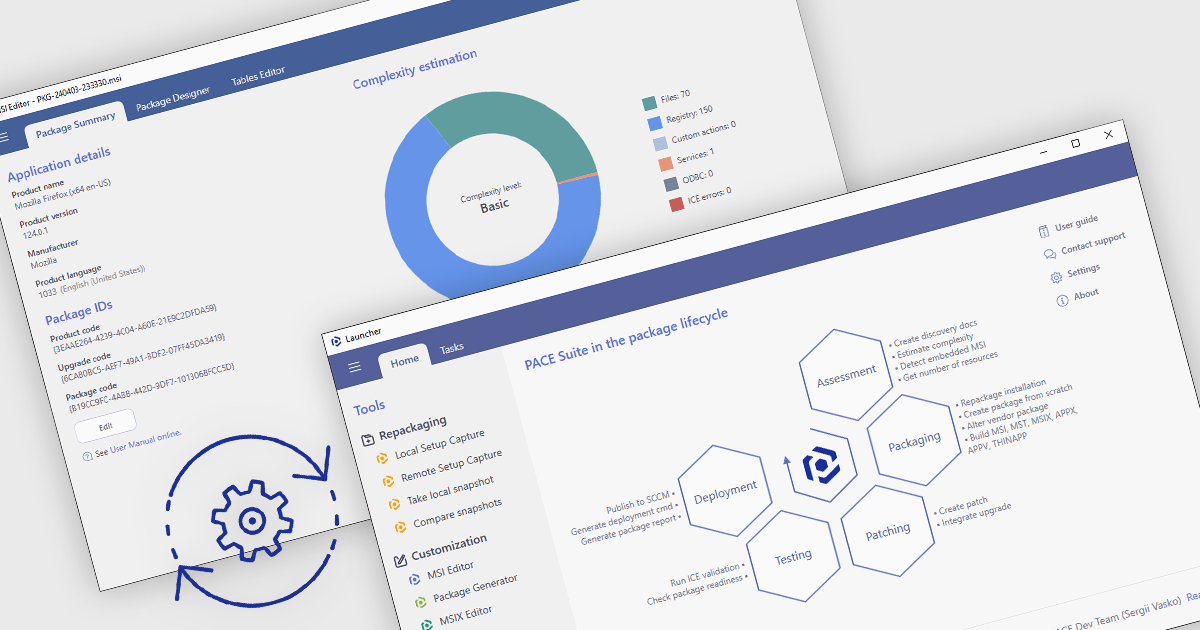
Automated package testing in installation tools uses scripts and frameworks to verify software installations, ensuring they configure correctly across environments. This approach accelerates release cycles, identifies errors early, and reduces deployment risks, improving software reliability and quality. Common use cases include validating enterprise packages in multi-OS settings, ensuring updates maintain compatibility, and confirming compliance in regulated industries. By automating these tests, teams can focus more on development, with confidence in deployment readiness and consistency.
Several installation comparison tools offer support for package testing automation including:
For an in-depth analysis of features and price, visit our installation tools comparison.
Syncfusion Essential Studio WPF, available as part of Syncfusion Essential Studio Enterprise, is a powerful suite of over 95 UI controls, 50+ charts, and document processing libraries designed to boost the development of high-performance line-of-business applications for the Windows Presentation Foundation (WPF) framework. With built-in themes, touch-friendly interfaces, and seamless Visual Studio integration, it empowers developers to craft modern, feature-rich, and cross-platform experiences with ease.
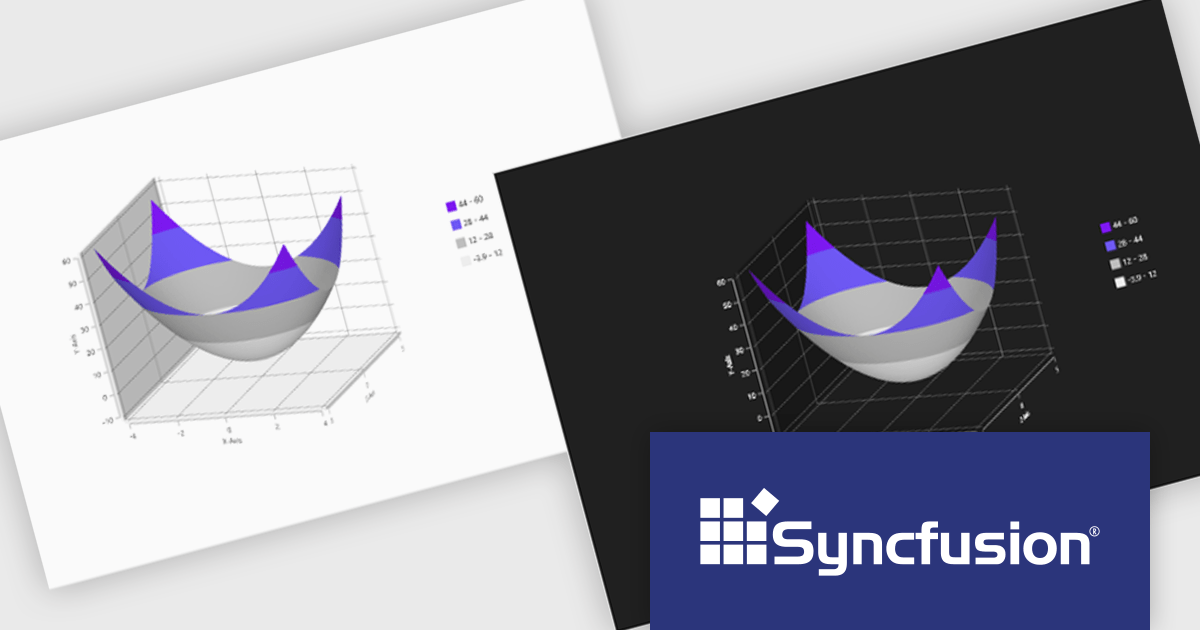
The Syncfusion Essential Studio WPF 2024 Volume 3 release adds theming support to the Surface Chart. By enabling the modification of color palettes, font styles, axis labels, and overall layout, theming empowers users to create visually striking and informative charts that align with specific branding guidelines or user preferences. This flexibility not only improves the chart's aesthetic quality but also contributes to a more engaging and intuitive user experience.
To see a full list of what's new in 2024 Volume 3, see our release notes.
Syncfusion Essential Studio WPF is available as part of Syncfusion Essential Studio Enterprise which is licensed per developer starting with a Team License of up to five developers. It is available as a 12 Month Timed Subscription License which includes support and maintenance. See our Syncfusion Essential Studio Enterprise licensing page for full details.
Learn more on our Syncfusion Essential Studio WPF product page.
Altova MapForce is a graphical tool designed for seamless data integration and conversion. It empowers users to transform data between various formats, including XML, databases, flat files, PDFs, and web services, using a drag-and-drop interface. This eliminates the need for complex scripting and facilitates efficient data exchange across diverse applications, promoting streamlined workflows and enhanced data accuracy.
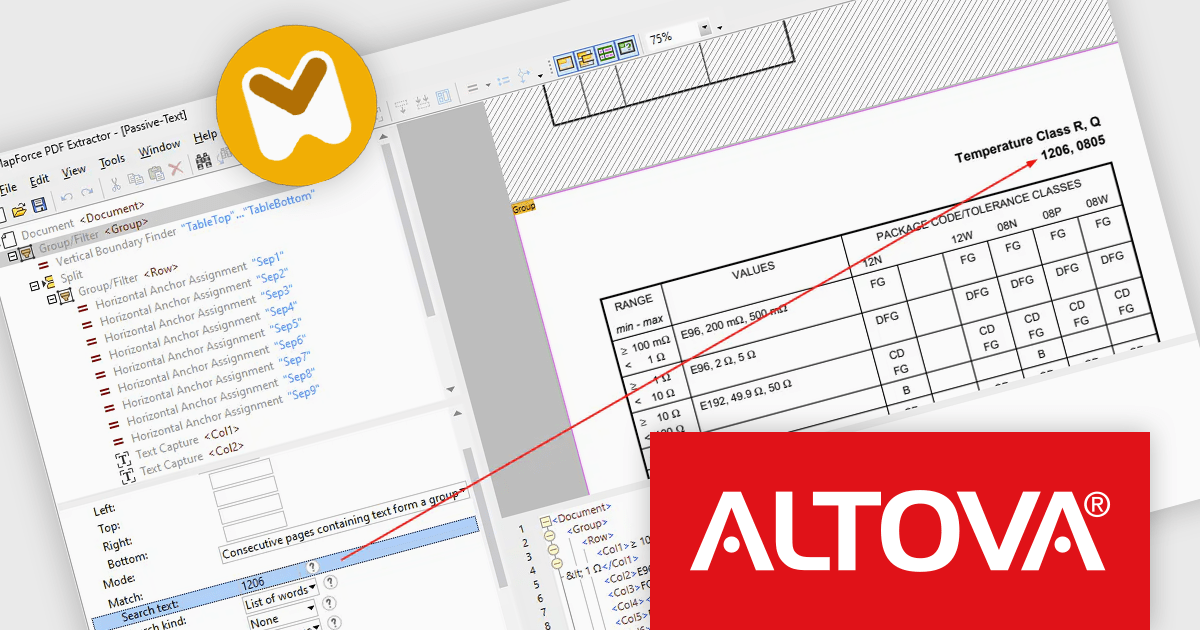
The Altova MapForce 2025 release introduces advanced PDF text search, enabling users to efficiently extract only relevant data from large, complex PDF documents. By setting search criteria around specific keywords, case sensitivity, and formatting, users can precisely target data, such as financial figures following headings like “Expenditures,” without manually combing through extensive content. This feature streamlines template creation for repetitive document types, including annual reports and multi-page financial records, saving time and enhancing accuracy in data processing workflows. Altova MapForce 2025’s enhanced capabilities bring efficiency, precision, and automation to document-based data integration tasks.
To see a full list of what's new in version 2025, see our release notes.
Altova MapForce is licensed per Installed, Concurrent or Named user. Licenses are perpetual, and come with or without 1 year Support and Maintenance Package (SMP). See our Altova MapForce licensing page for full details.
Altova MapForce is available to buy in the following products:
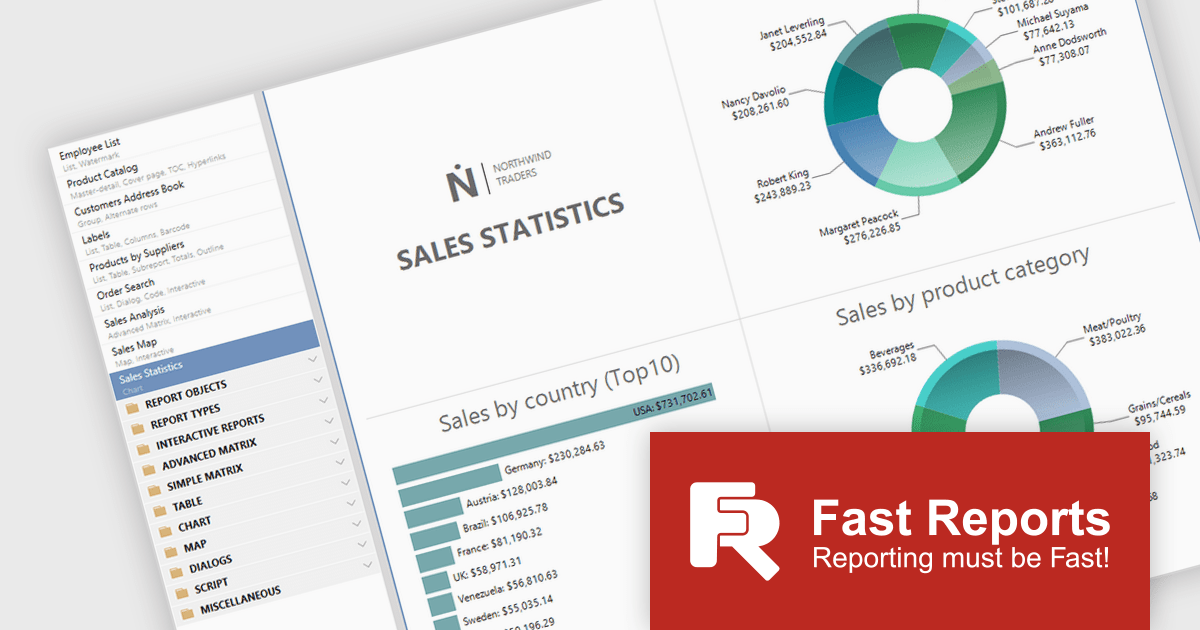
To better align with the evolving landscape of reporting technologies, Fast Reports will cease updates and support for FastReport.Web (.NET Framework) on December 1st. While this library has been invaluable for numerous Online Designer projects, FastReports' future efforts will concentrate on more modern technologies. From this date, the FastReport.Web (Legacy) library will no longer receive bug fixes or technical support.
Fast Reports currently supports four web reporting solutions:
You can still create an Online Designer for FastReport.Web (Legacy), but Fast Reports recommends migrating to the new backend for an improved user experience.
FastReport .NET includes both backends, so no further purchase is necessary. To migrate to FastReport.Web for Core/Blazor, you will need to build an Online Designer with the updated FastReport.Web or FastReport.Web.Skia backend.
FastReport .NET is licensed per named user with options for Single, Team or Site Licenses. See our FastReport .NET licensing page for full details.
For more information, visit our FastReport .NET product page.

Cell merging in a grid allows developers to combine adjacent cells, creating a single, unified cell that spans multiple rows or columns. This feature enhances readability by allowing headers or labels to encompass related data fields, reducing redundancy and making complex data layouts more visually coherent. It enables efficient organization, supporting custom layouts that align with specific reporting needs and enhancing the grid's overall aesthetic. Cell merging helps streamline the user experience by condensing information into easily digestible sections, enabling users to focus on key insights without distraction.
Several React grid controls offer cell merge support including:
For an in-depth analysis of features and price, visit our React grid controls comparison.
전화 : 00798 14 800 6332
팩스 : +1 770 250 6199


