













공식 공급 업체
200 이상의 소프트웨어 개발처와 판매 계약을 맺은 공인 디스트리뷰터로서 합법적인 라이선스를 제공합니다.
모든 브랜드 보기.

The VectorDraw Developer Framework (VDF) is a comprehensive software library developed by VectorDraw that provides tools for creating, managing, and visualizing 2D and 3D vector graphics across a variety of applications. Designed primarily for developers, VDF includes a robust set of APIs for handling complex graphics, rendering CAD-style drawings, and supporting vector-based designs. With features such as Delaunay triangulation, advanced rendering capabilities, and support for diverse formats (including DWG, DXF, and SVG), VDF enables high-performance graphics processing in engineering, architectural, and design applications. This all-in-one framework integrates seamlessly with .NET and other development environments, allowing for efficient customization, rendering, and manipulation of graphics for both desktop and web-based solutions.
The VectorDraw Developer Framework (All in one) v11.3.1 update improves Delaunay triangulation performance and adds a new method to calculate the outline boundaries of a points collection. This results in a significant reduction in computation time for triangulating large point sets. For example, processing 261,000 points now takes approximately 150 milliseconds, compared to the 15 minutes required in previous versions. This improvement enhances the efficiency of applications that rely on Delaunay triangulation for tasks such as mesh generation, surface modeling, and spatial analysis.
To see a full list of what's new in v11.3.1, see our release notes.
VectorDraw Developer Framework (All in one) is licensed per developer, per year. During the annual license period you will receive all major and minor upgrades of the VDF libraries plus support from the VDF support team. To continue to use the software you will need to renew your license each year. See our VectorDraw Developer Framework (VDF) (All in one) licensing page for full details.
Learn more on our VectorDraw Developer Framework (VDF) (All in one) product page.

Gantt controls are invaluable tools for project management, particularly in visualizing and tracking the timeline of tasks, dependencies, and progress. These controls are ideal for illustrating project schedules, resource allocation, and critical paths. By providing a clear and concise overview of project milestones, Gantt controls facilitate effective planning, communication, and monitoring, ultimately helping organizations achieve project goals efficiently and on time.
Several React UI suites offer Gantt controls including:
For an in-depth analysis of features and price, visit our React UI suites comparison.
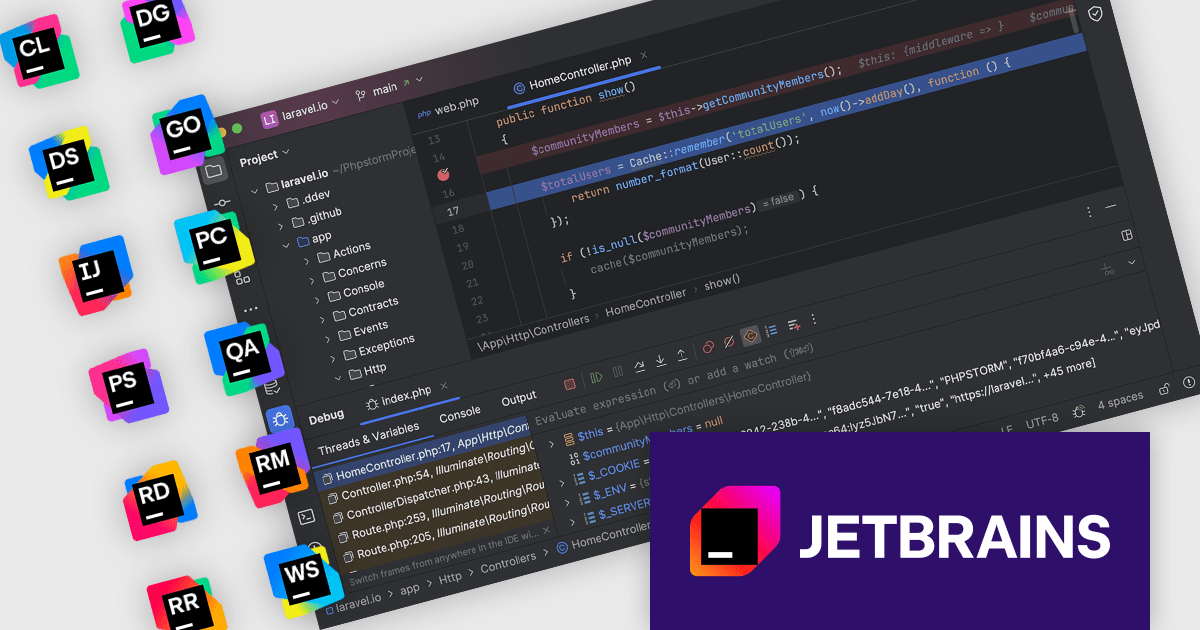
The JetBrains All Products Pack provides access to a comprehensive suite of JetBrains tools, including 12 IDEs, 3 extensions, and 2 profilers, all under one unified license. This flexible solution allows users to switch between tools across multiple machines, adapting to different projects with ease. With a single license, you benefit from simplified license management and significant cost savings - 12 IDEs for the price of two. The All Products Pack is designed to advance your skills by giving you unlimited access to industry-leading professional tools, empowering efficient, high-quality development across a variety of languages and platforms.
The JetBrains All Products Pack includes powerful, advanced debugging tools designed for a streamlined, efficient development experience. With multi-language support, developers can debug complex applications in Java, Python, JavaScript, and more within a unified interface. Key features such as precise breakpoints, real-time variable inspection, and remote debugging provide deeper insights into program behavior, allowing developers to swiftly identify and resolve issues. Ideal for distributed teams, large-scale applications, and production environments, these tools integrate seamlessly across the JetBrains ecosystem, enhancing productivity, reducing downtime, and supporting high-quality code development across every project phase.
The integrated debugger feature is available in the following IDEs: Aqua, CLion, DataGrip, DataSpell, GoLand, IntelliJ IDEA Ultimate, PyCharm, PhpStorm, Rider, RubyMine, RustRover and WebStorm.
JetBrains All Products Pack is licensed per user as a commercial annual subscription. We can supply new subscriptions, subscription renewals, lapsed subscription renewals, and additional developer licenses. See our JetBrains All Products Pack licensing page for full details.
For more information, see our JetBrains All Products Pack product page.

Actipro Avalonia UI Pro is a suite of professionally designed UI controls, themes, and components specifically built for the Avalonia UI framework. It empowers developers to craft beautiful, modern cross-platform applications while leveraging their existing C# and WPF skills. Actipro offers a range of controls from essential navigation and data visualization components to advanced charting and scheduling features, all adhering to its signature high-quality design and seamless integration with Avalonia.
The Actipro Avalonia UI Pro 25.1.0 release introduces new ribbon layout modes, designed to enhance user interface versatility. The Classic layout, with large buttons and multi-row controls, suits applications with numerous commands, while the streamlined Simplified layout, featuring a single row with overflow support, offers a clean, modern interface. Instant mode toggling allows developers to adapt the UI dynamically, providing users with a tailored experience. This update is ideal for applications needing both comprehensive functionality and a sleek design, benefiting both developers and end-users with greater customization and usability.
To see a full list of what's new in 25.1.0, see our release notes.
Actipro Avalonia UI Pro is licensed per developer and is available as a Perpetual license with 1 year support and maintenance. See our Actipro Avalonia UI Pro licensing page for full details.
Learn more on our Actipro Avalonia UI Pro product page.
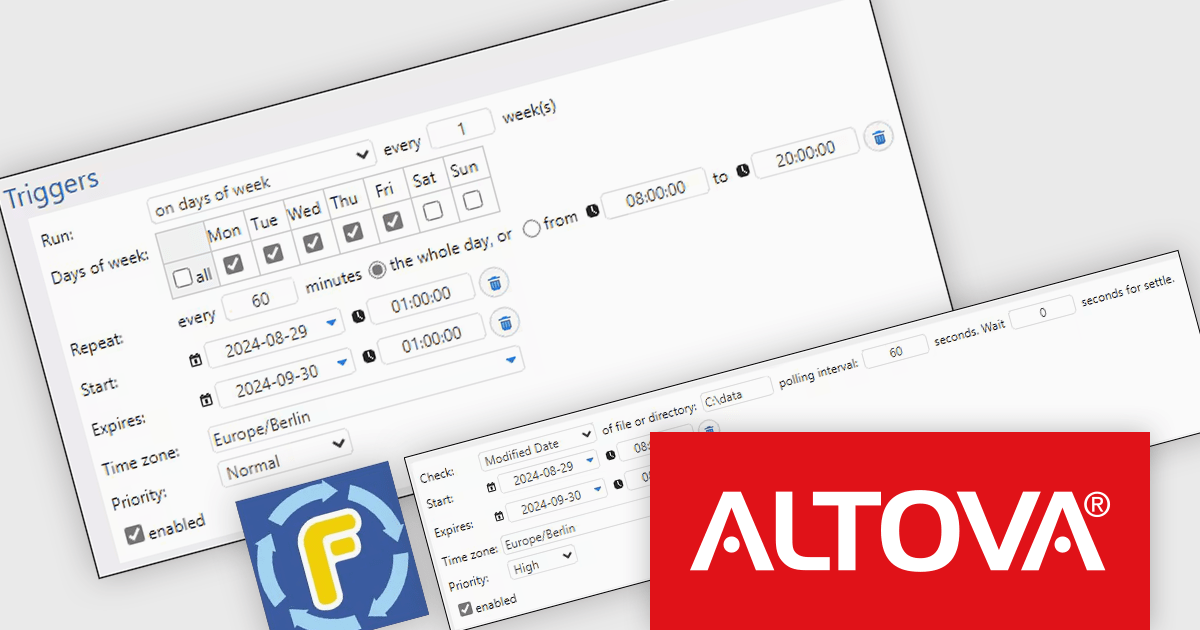
Altova FlowForce Server is a software solution designed to automate complex data integration tasks within businesses. It acts as a workflow engine, allowing users to create and manage automated processes for transforming and exchanging data between various sources, including XML, databases, and web services. FlowForce Server benefits businesses by streamlining data processing, reducing errors, and improving overall efficiency. Common use cases include automating report generation, data migration, and real-time data integration, making it a valuable tool for data architects, analysts, and IT professionals.
The Altova FlowForce Server 2025 release enhances workflow efficiency by allowing users to set execution priorities for data processing tasks, ensuring that critical jobs are completed first when multiple triggers are activated simultaneously. This functionality is ideal for complex data environments, such as EDI message processing, where certain data streams or integration partners may require prioritized handling. By enabling more granular control over task execution, FlowForce Server 2025 reduces latency for high-priority processes, optimizes resource allocation, and streamlines workflows, making it an invaluable tool for organizations needing to manage time-sensitive data operations efficiently.
To see a full list of what's new in version 2025, see our release notes.
Altova FlowForce Server is licensed per year, per server, based on the number of cores available on the machine. See our Altova FlowForce Server licensing page for full details.
For more information, visit our Altova FlowForce Server product page.
전화 : 00798 14 800 6332
팩스 : +1 770 250 6199


