













공식 공급 업체
200 이상의 소프트웨어 개발처와 판매 계약을 맺은 공인 디스트리뷰터로서 합법적인 라이선스를 제공합니다.
모든 브랜드 보기.
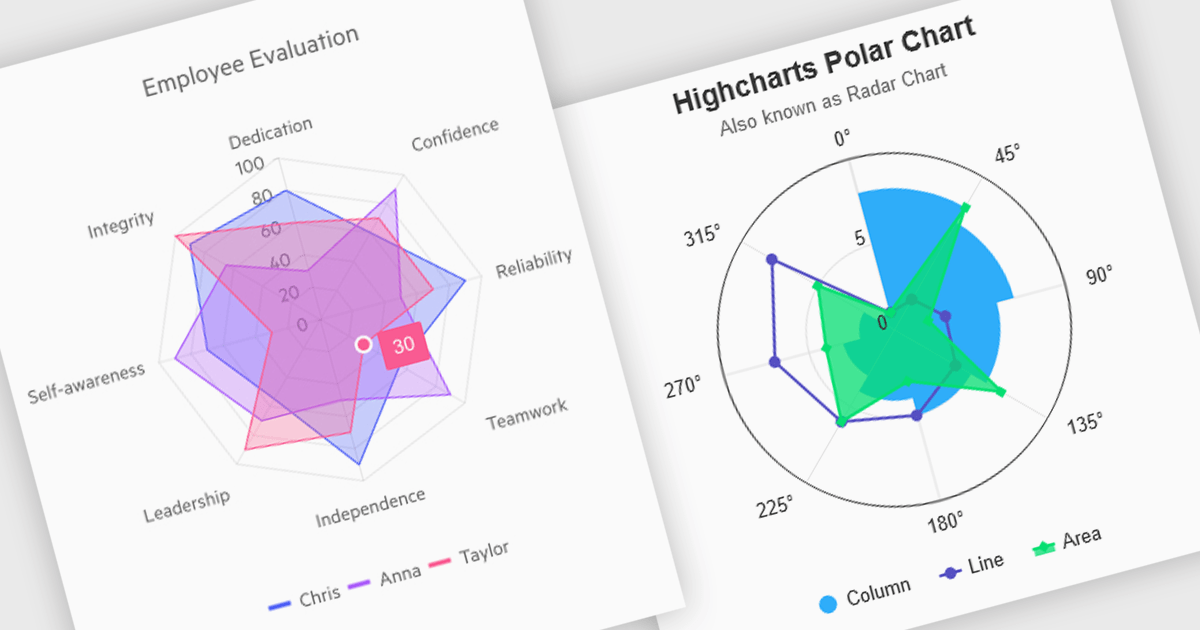
Polar and radar charts provide an intuitive way to visualize multidimensional and circular data. These chart types plot data points relative to a central axis, with polar charts ideal for showcasing proportional relationships, such as seasonal trends or directional metrics, and radar charts excelling at comparing multiple variables, such as performance metrics or skill assessments. Angular’s interactivity enhances engagement with features like tooltips, zooming and real-time updates, making these charts ideal for dashboards and reports. Use cases include analyzing skill assessments, market segmentation, and cyclic trends, delivering clear, actionable insights in a visually compelling format.
Several Angular chart controls offer visual polar and radar chart support including:
For an in-depth analysis of features and price, visit our Angular chart controls comparison:
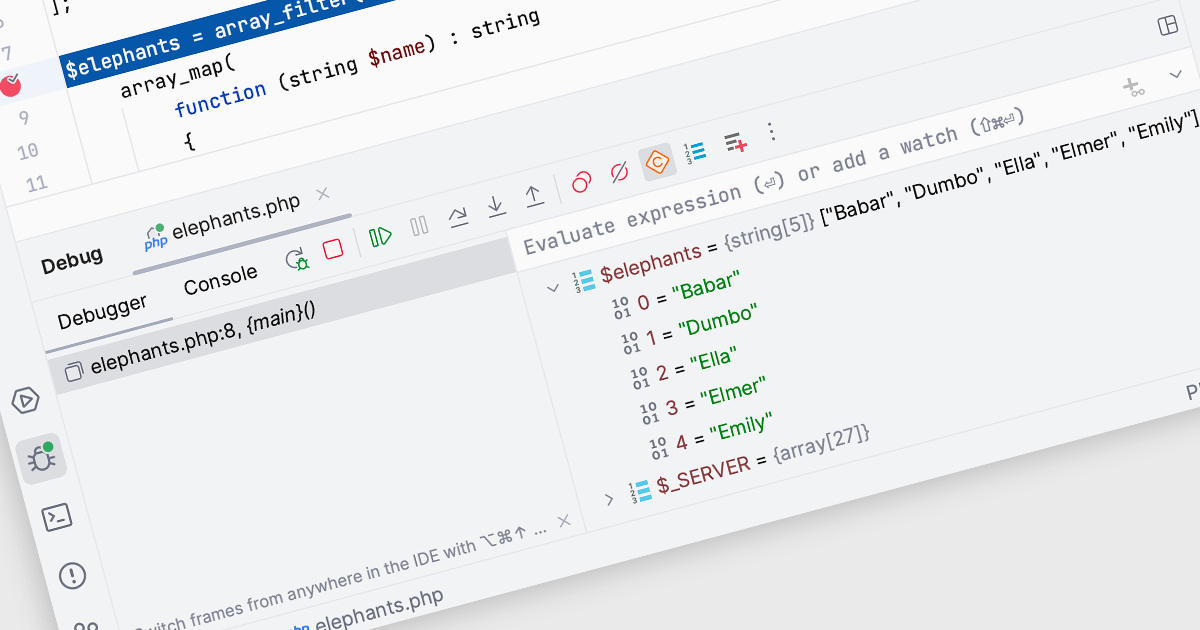
In Integrated Development Environments (IDEs), watches within the debugging tool allow developers to monitor and evaluate specific variables or expressions as a program runs or pauses at a breakpoint. By adding a watch, developers can observe how the value of a variable changes over time or track the result of an expression, which aids in understanding program behavior and identifying potential issues. This facilitates deeper insight during the debugging process, enabling efficient problem diagnosis and the validation of logic within the code without needing to add additional print statements or modify the source code.
Several Integrated Development Environments (IDEs) offer watches functionality including:
For an in-depth analysis of features and price, visit our comparison of Integrated Development Environments (IDEs).
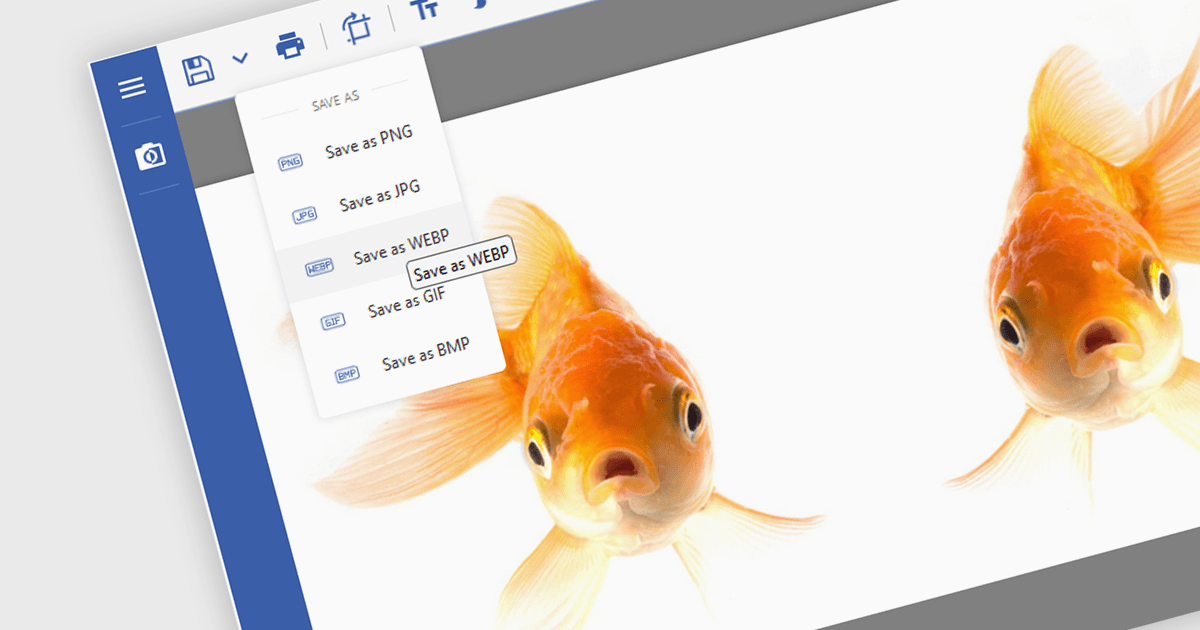
Image conversion is a vital capability in modern software applications, enabling seamless transformation between various image formats to meet diverse requirements. This functionality supports tasks such as resizing, compressing, and adjusting color depth, ensuring images are optimized for specific use cases. Whether preparing visuals for web or mobile platforms to enhance performance and load times, standardizing images for machine learning models to maintain dataset consistency, or providing flexibility in editing tools for saving images in different formats, image conversion streamlines workflows and enhances application versatility.
Several .NET imaging components offer conversion including:
Explore our range of .NET image conversion components.
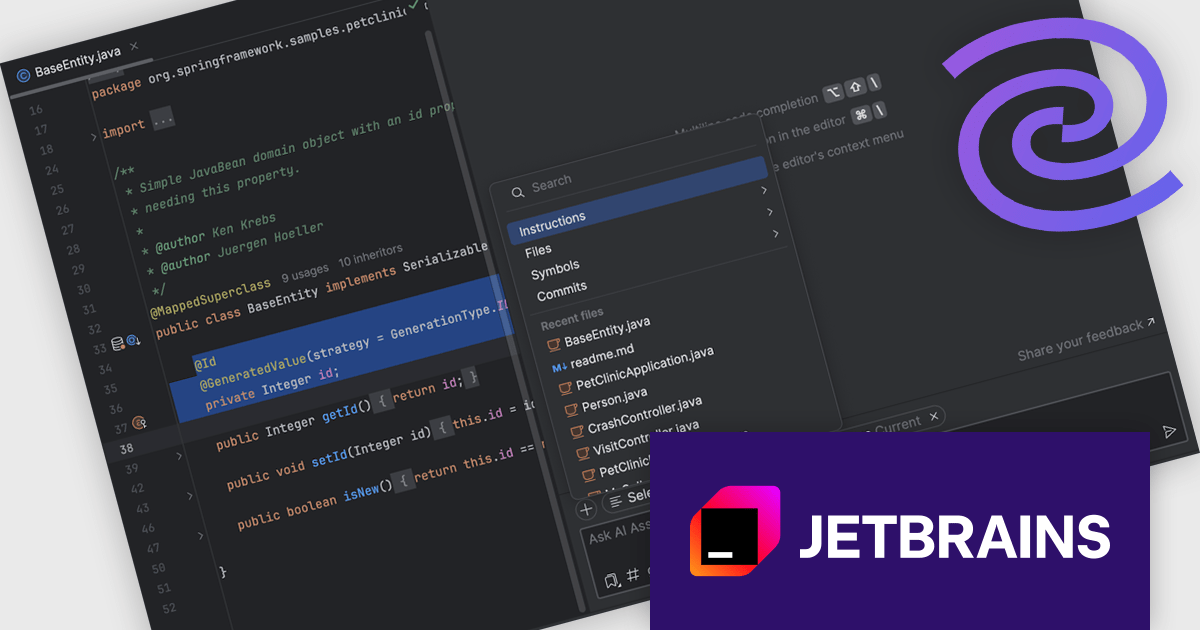
JetBrains AI Assistant - AI Pro is a plugin for JetBrains IDEs that uses large language models to enhance your coding experience. It can answer your questions about code, suggest completions and refactorings, and even help you write documentation and commit messages. It analyzes the context of your project to provide the most relevant suggestions, and you can chat with it directly within the IDE. JetBrains AI Assistant is a powerful tool for programmers looking to boost their productivity.
The JetBrains AI Assistant 2024.3 release introduces enhanced context management, empowering developers with precise control over AI-driven interactions. This update enables seamless customization of context by automatically integrating open files and selected code while allowing users to add or remove files as needed. With a clear, intuitive interface, developers gain full visibility into what the AI considers, facilitating efficient adjustments. Users can now attach project-wide instructions to ensure consistent, relevant responses across the codebase. Ideal for complex projects and collaborative coding environments, this feature enhances workflow efficiency, alignment, and accuracy in AI-assisted development.
To see a full list of what's new in version 2024.3 see our release notes.
JetBrains AI Assistant requires that you already own a JetBrains IDE product with an active commercial subscription license and is licensed per user as a commercial annual subscription. We can supply new subscriptions, subscription renewals, lapsed subscription renewals, and additional developer licenses. See our JetBrains AI Assistant licensing page for full details.
For more information, visit our JetBrains AI Assistant product page.
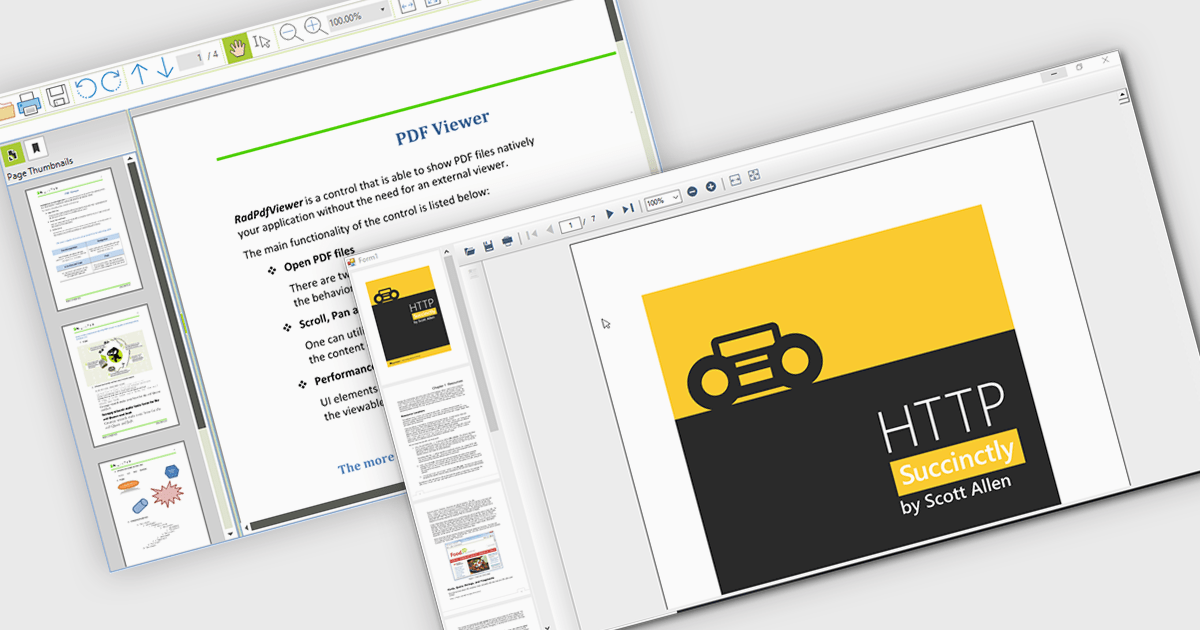
Thumbnail navigation empowers users to navigate PDF documents with greater speed and ease by offering a visual preview of individual pages in a compact thumbnail view. This feature significantly improves the user experience by presenting a clear overview of the document’s structure, allowing users to quickly locate and access specific pages. By minimizing the time and effort needed to find content, especially in lengthy documents, thumbnail navigation enhances productivity and streamlines document interaction.
Several WinForms PDF Viewers feature thumbnail navigation support, including:
For an in-depth analysis of features and price, visit our WinForms PDF Viewer comparison.
전화 : 00798 14 800 6332
팩스 : +1 770 250 6199


