













공식 공급 업체
200 이상의 소프트웨어 개발처와 판매 계약을 맺은 공인 디스트리뷰터로서 합법적인 라이선스를 제공합니다.
모든 브랜드 보기.
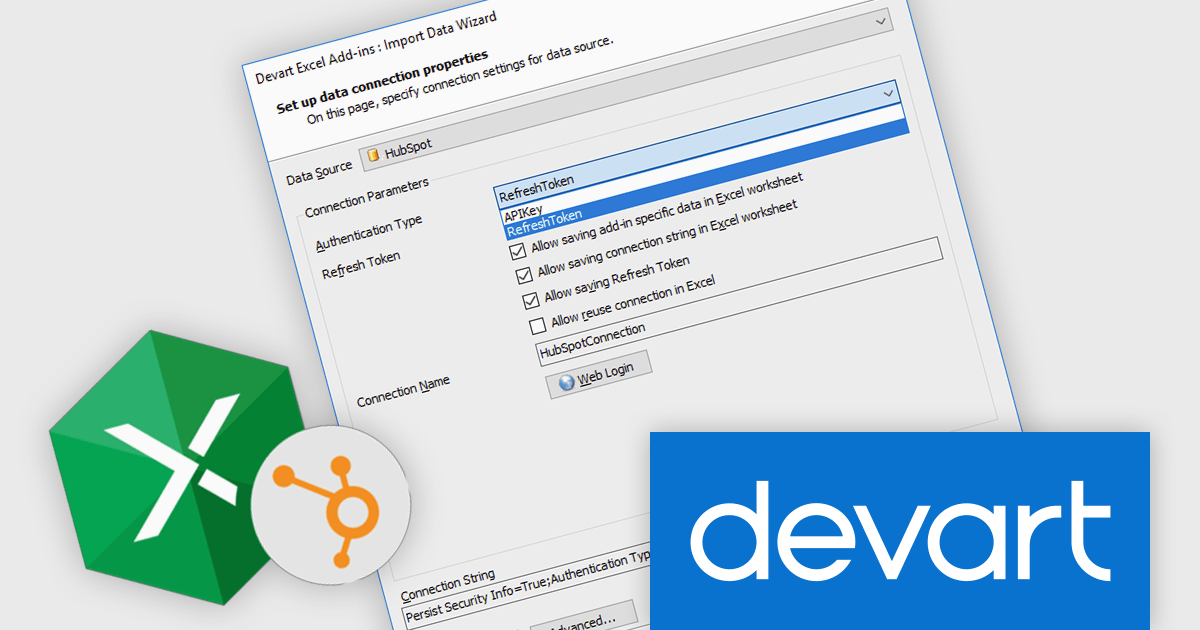
Devart Excel Add-in for HubSpot is a powerful tool that seamlessly integrates HubSpot CRM with Microsoft Excel, enabling users to efficiently manage and analyze HubSpot data directly within their familiar spreadsheet environment. This add-in streamlines tasks such as importing and exporting contacts, leads, companies, and deals, as well as performing data cleansing, validation, and enrichment. By eliminating the need for manual data entry and transfer, Devart Excel Add-in significantly enhances productivity and accuracy in HubSpot data management.
The Devart Excel Add-in for Hubspot 2.10.1404 release adds the Invoices, InvoiceLineItems, LineItemInvoices, Teams, and Users read-only tables. By accessing these additional data points, you can gain deeper insights into customer interactions, team performance, and financial health. This information can be used to optimize sales processes, improve customer satisfaction, and make data-driven decisions regarding resource allocation and team management. Moreover, having these read-only tables available can simplify the development of custom applications or integrations that require a comprehensive view of your HubSpot data.
To see a full list of what's new in 2.10.1404, see our release notes.
Devart Excel Add-in for Hubspot is licensed per user and is available as a Perpetual license with 1 year support and maintenance. See our Devart Excel Add-in for Hubspot licensing page for full details.
Devart Excel Add-in for Hubspot is available in the following products:
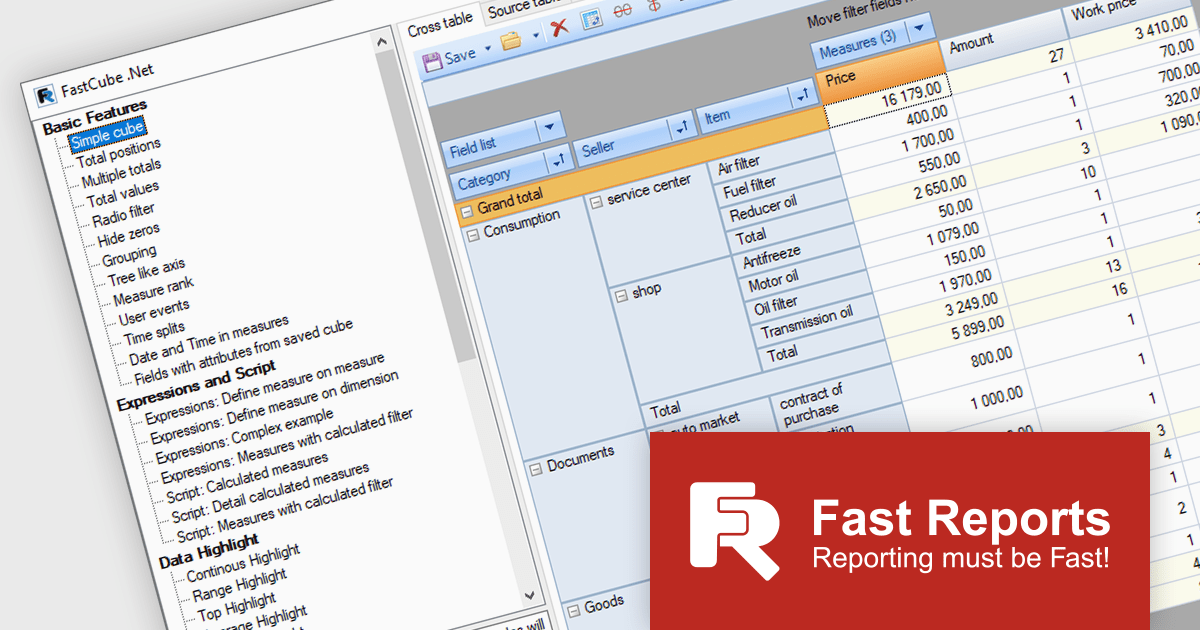
FastCube .NET is a powerful data analysis tool designed for .NET applications, offering rapid and efficient OLAP (Online Analytical Processing) capabilities. It enables developers to integrate interactive pivot tables, charts, and data visualization features into desktop and web-based applications. With FastCube .NET, users can analyze and process data from various sources, including databases, without the need for additional servers or services. Key features include data slicing and dicing, customizable reports, hierarchical data representation, calculated measures, and support for large datasets. The tool is highly customizable and offers advanced data filtering, sorting, and grouping functionalities, making it ideal for business intelligence and reporting solutions.
The FastCube .NET 2025.1 update introduces macOS and Linux support for FastCube.Core.Web, significantly expanding the platform’s versatility and deployment options for software developers. This enables cross-platform development and simplifies the integration of FastCube's sophisticated data analysis and visualization capabilities into web applications running on several operating systems. Developers can now create and deploy web apps that use FastCube's OLAP capability across a wider range of settings, giving users a more seamless experience.
To see a full list of what's new in 2025.1, see our release notes.
FastCube .NET is available as part of FastReport Ultimate .NET and is licensed per named user. See our FastReport .NET Component Packages licensing page for full details.
Learn more on our FastCube .NET product page.
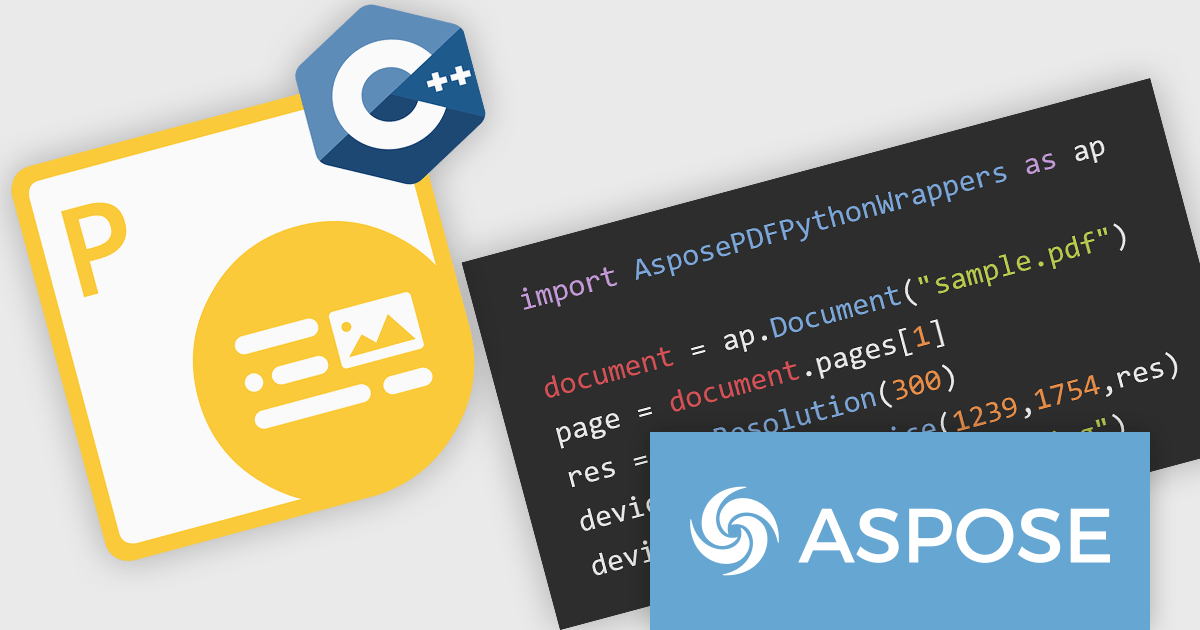
Aspose.PDF for Python via C++ is a powerful library that enables developers to create, manipulate, and convert PDF documents within Python applications. This new solution leverages the capabilities of the Aspose.PDF for C++ engine, providing a seamless interface for Python developers to interact with PDF files.
Aspose.PDF for Python via C++ offers a wide range of features including the ability to extract text, images, and metadata from PDF documents, merge and split PDFs, add annotations and watermarks, and convert PDFs to Word, Excel, and various images formats. These capabilities make it a valuable tool for various applications, such as document automation, data extraction, and PDF generation within Python-based systems.
Aspose.PDF for Python via C++ is offered as Developer Small Business, Developer OEM, Developer SDK, Site Small Business, Site OEM, and Site SDK licenses catering to a range of business needs. Licenses are perpetual, and include 1 year of support and maintenance. Subscription renewals are also available. See our Aspose.PDF for Python via C++ licensing page for full details.
Aspose.PDF for Python via C++ is available in the following products:
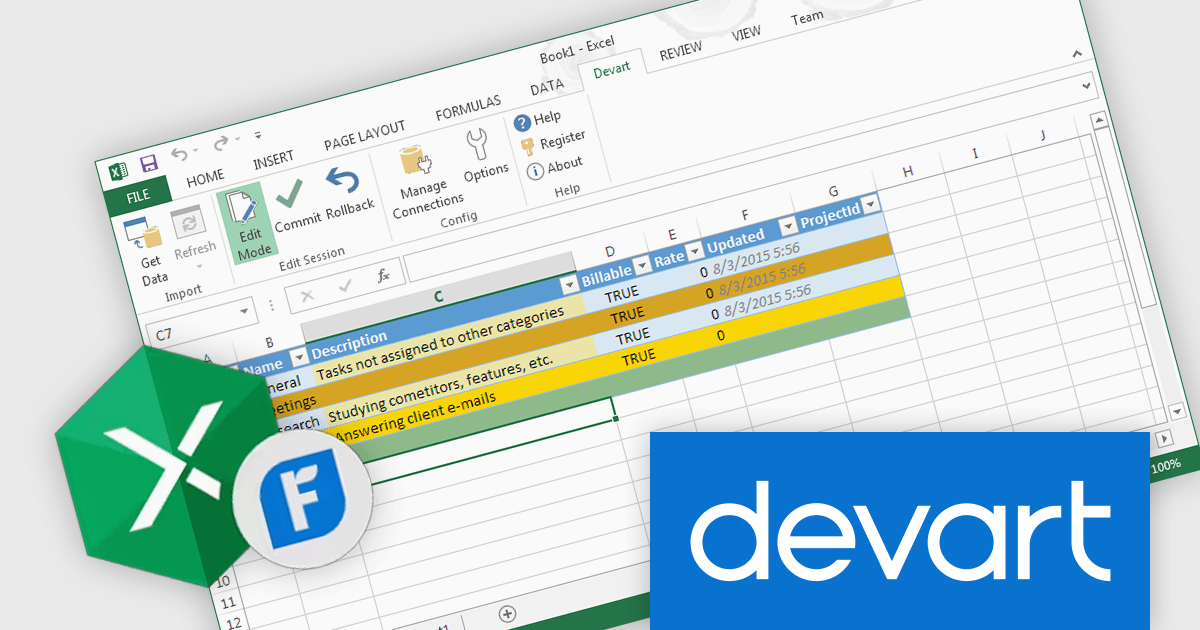
Devart Excel Add-in for FreshBooks is a powerful tool that seamlessly integrates Excel with the FreshBooks accounting software. It enables users to directly import and export data between the two platforms, automating tasks such as creating invoices, tracking expenses, and managing client information. This integration streamlines workflows, eliminates manual data entry, and ensures accuracy and efficiency in financial management.
The Devart Excel Add-in for FreshBooks 2.10.1404 release adds the BillVendor, Bill, BillLine, and BillPayment tables. This significantly enhances the granularity and flexibility of financial data management. These tables enable detailed tracking of vendor information, invoice details, line items, and payment history. This structured approach facilitates accurate reporting, analysis, and compliance with financial regulations. By breaking down financial transactions into distinct components, organizations can gain deeper insights into their spending patterns, identify cost-saving opportunities, and maintain better control over their financial operations.
To see a full list of what's new in 2.10.1404, see our release notes.
Devart Excel Add-in for FreshBooks is licensed per user and is available as a Perpetual license with 1 year support and maintenance. See our Devart Excel Add-in for FreshBooks licensing page for full details.
Devart Excel Add-in for FreshBooks is available in the following products:
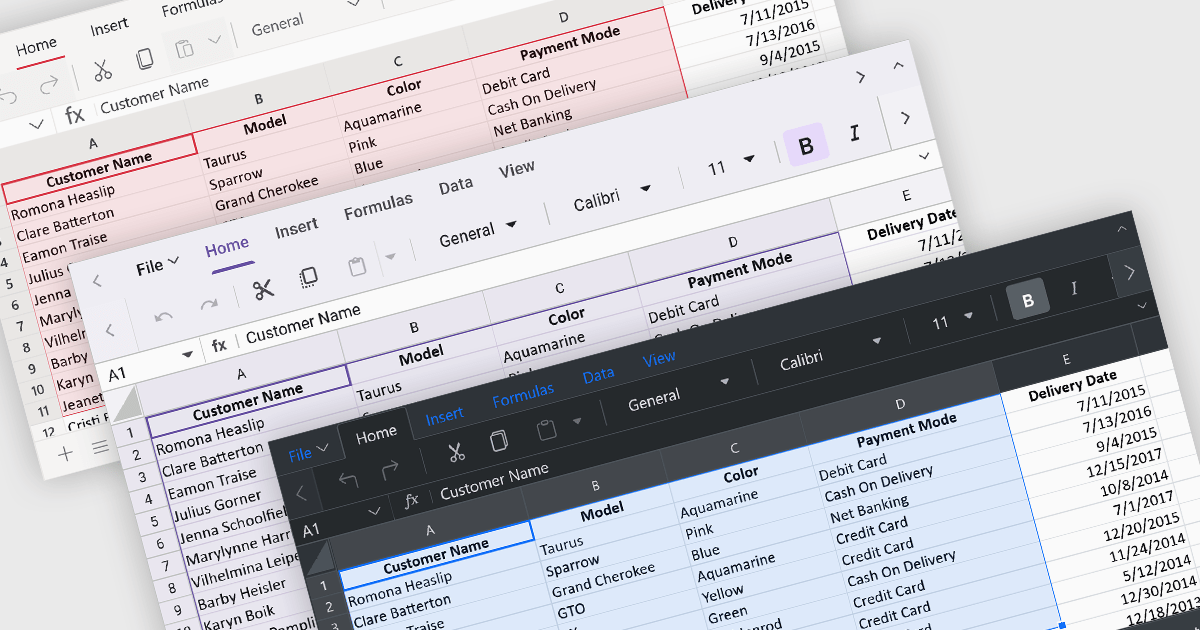
Theming provides users with the ability to customized the visual elements like colors, fonts, and layouts to create a consistent and visually appealing user interface to their spreadsheets. By applying themes, you can enhance the overall aesthetic of your spreadsheet, improve readability, and make it more engaging for users. Themes can also help to align your spreadsheet with your brand guidelines, creating a cohesive and professional look.
Several ASP.NET Core spreadsheet controls offer support for applying themes including:
For an in-depth analysis of features and price, visit our ASP.NET Core spreadsheet controls comparison.
전화 : 00798 14 800 6332
팩스 : +1 770 250 6199


