













공식 공급 업체
200 이상의 소프트웨어 개발처와 판매 계약을 맺은 공인 디스트리뷰터로서 합법적인 라이선스를 제공합니다.
모든 브랜드 보기.
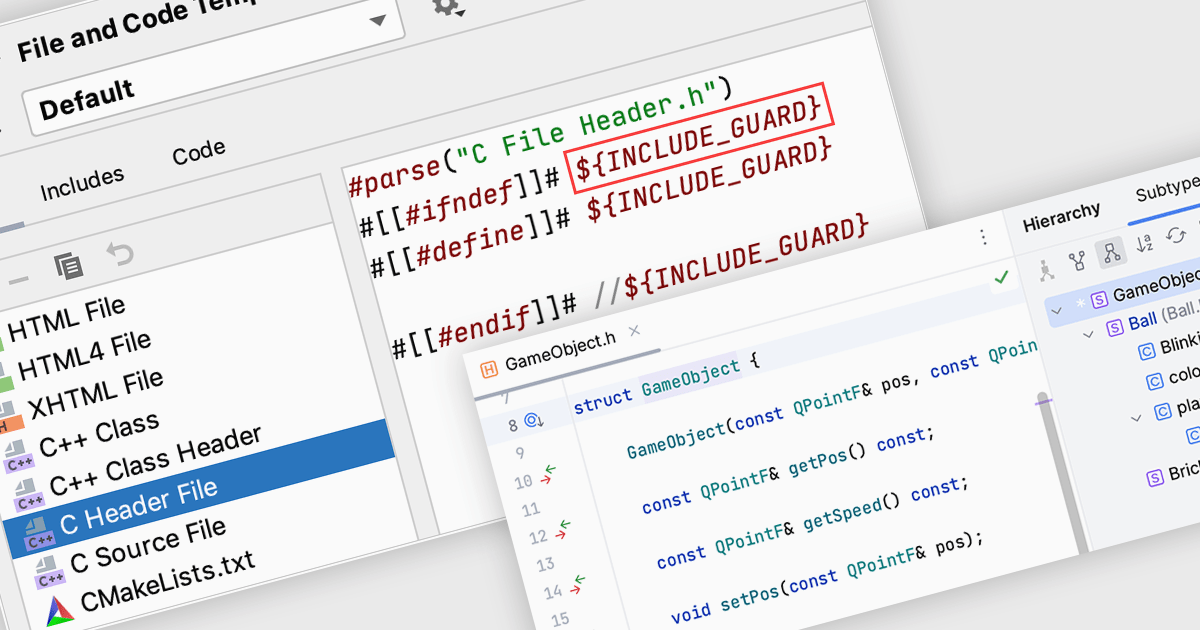
C is a general-purpose, high-level programming language that provides a low-level interface to the hardware. This makes it a popular choice for system programming, embedded systems and performance-critical applications. Integrated Development Environments (IDEs) offer a comprehensive set of tools for writing, debugging, and compiling C code. These tools, including syntax highlighting, code completion, and debugging features, significantly enhance developer productivity and efficiency.
Several Integrated Development Environments (IDEs) offer C language support including:
For an in-depth analysis of features and price, visit our comparison of IDEs.
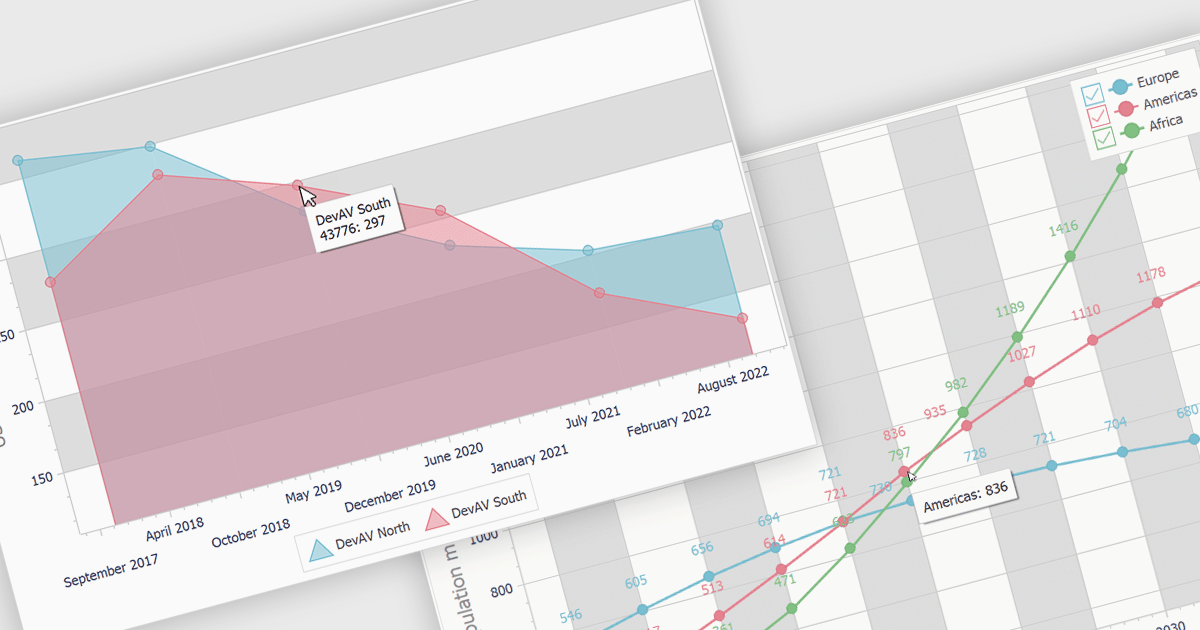
Tooltips are a valuable feature that provides users with contextual information about specific data points within a chart. By hovering over or clicking on a data point, a tooltip appears displaying relevant details such as the data value, category, or additional context. This enhances user understanding and interaction, making charts more informative and accessible. Tooltips are particularly useful for visualizing large datasets, identifying trends, and comparing different data points. For instance, in a line chart, tooltips can display the exact value of a data point at a specific time, while in a bar chart, they can show the corresponding category and value.
Several VCL products offer chart components with tooltip support including:
Explore our range of VCL chart components.
Need help to find the right software license, upgrade or renewal? Call, Email, or Live Chat with our experts.
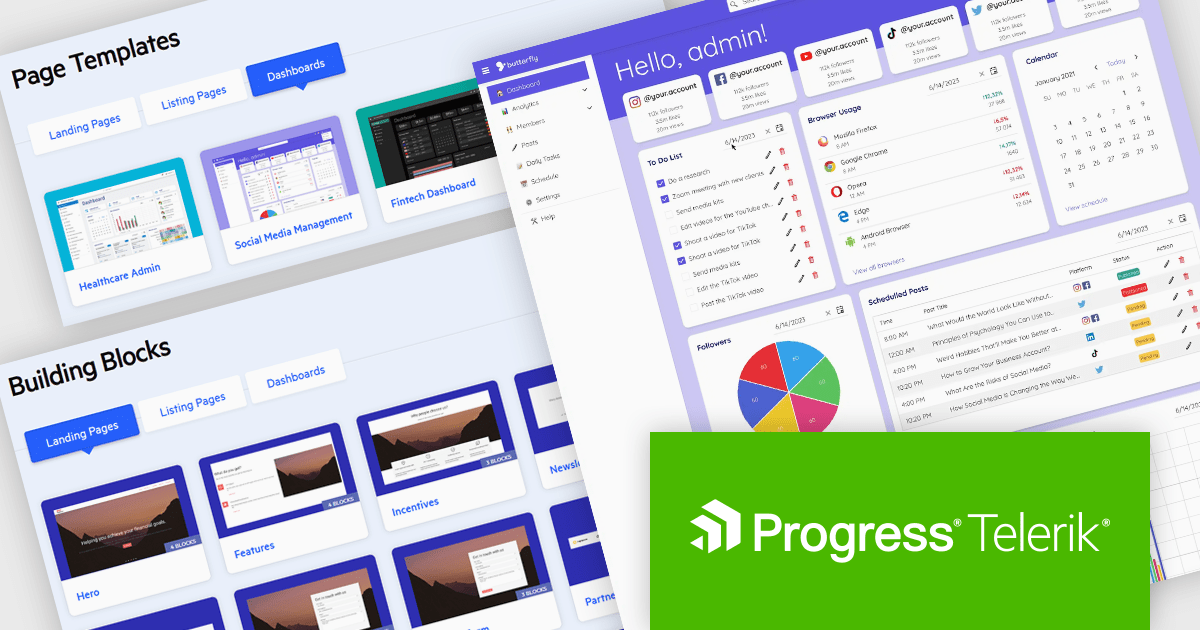
Telerik UI Accelerator is a new software development tool that allows developers to quickly construct visually appealing and responsive applications with a library of 10 customizable page templates and over 50 ready-made building blocks. These templates and blocks are designed to simplify the creation of landing pages, dashboards, and product listings, while ensuring accessibility and easy integration into any design system. Additionally, Telerik UI Accelerator integrates with Progress ThemeBuilder, enabling developers to style custom HTML for a cohesive and consistent user experience across their entire project.
Telerik UI Accelerator is perfect for developers building landing pages, product listings, and dashboards, especially for teams with limited design resources. It streamlines app creation with customizable templates and blocks, while ensuring consistent branding through Progress ThemeBuilder. Ideal for rapid prototyping and agile development, it helps developers create accessible, professional apps quickly and efficiently.
Telerik UI Accelerator is licensed per developer and is available as a Annual License. See our Telerik UI Accelerator licensing page for full details.
Learn more on our Telerik UI Accelerator product page.
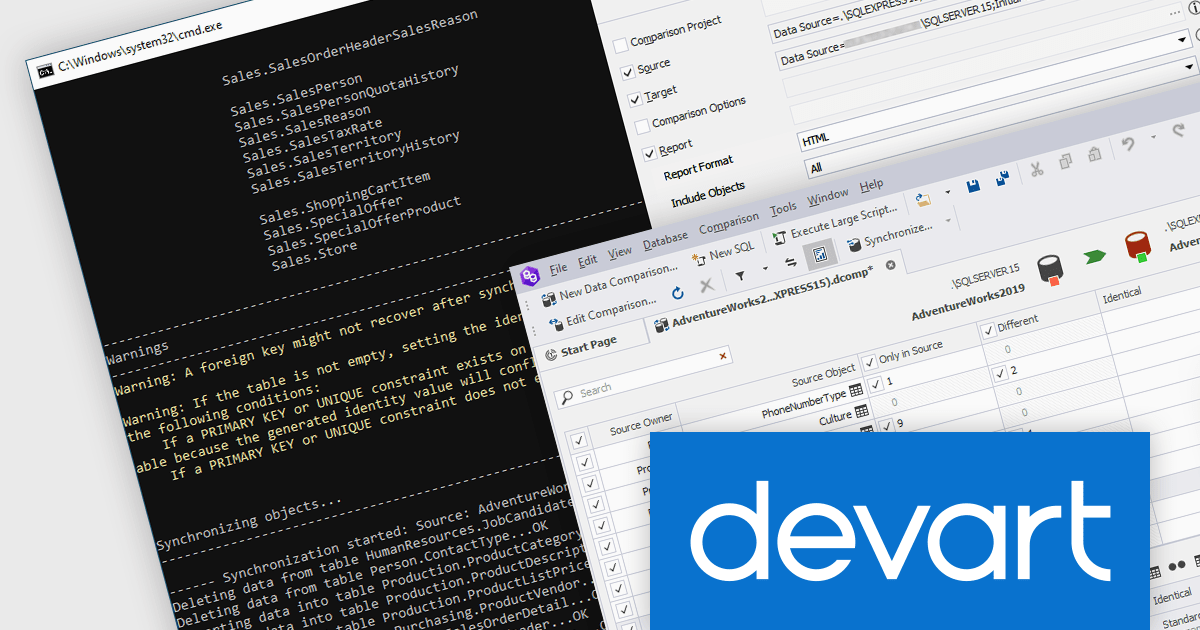
dbForge Data Compare for SQL Server is a powerful data comparison and synchronization tool from Devart designed to streamline the process of identifying and resolving differences between SQL Server databases. It offers a user-friendly interface that allows for efficient comparison of database structures, data, and scripts, making it invaluable for tasks such as schema migration, data validation, and database auditing. The tool provides comprehensive reporting and synchronization capabilities, enabling users to accurately track changes and maintain data integrity across multiple SQL Server environments.
The dbForge Data Compare for SQL Server V7.0.158 release adds the ability to generate comparison reports from the command line, allowing for seamless integration into automated scripting and scheduling, and enabling regular comparison tasks to be executed without manual intervention.
To see a full list of what's new in V7.0.158, see our release notes.
dbForge Data Compare for SQL Server is licensed per developer and is available as an Annual or Perpetual License with a 12 month support and maintenance subscription. See our dbForge Data Compare for SQL Server licensing page for full details.
dbForge Data Compare for SQL Server is available in the following products:
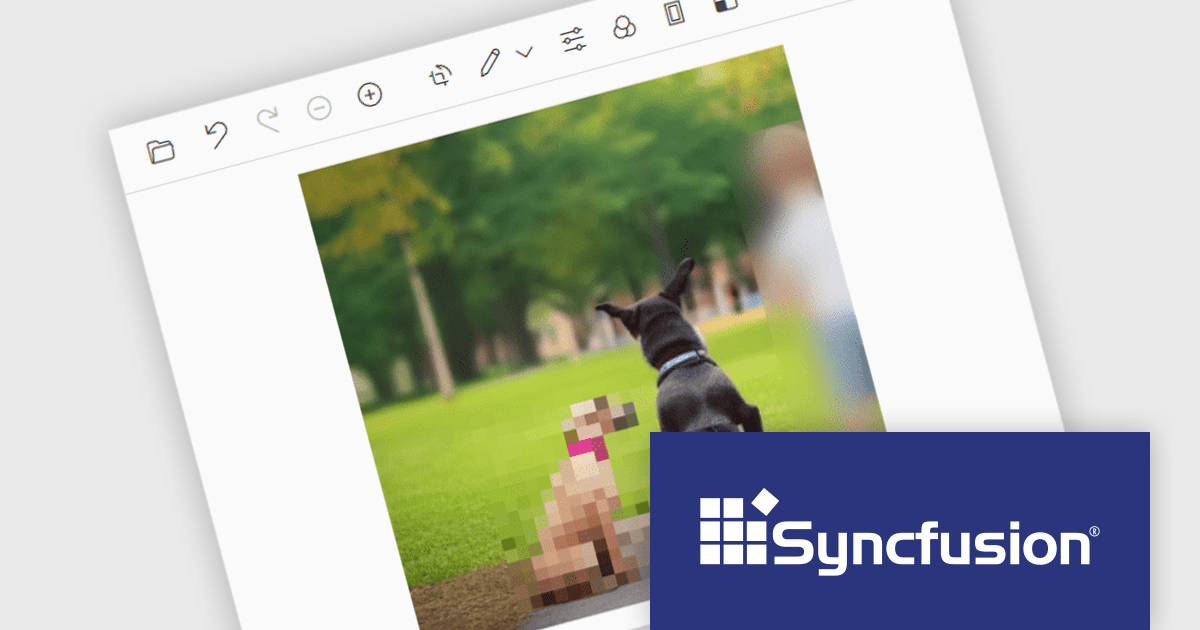
Syncfusion Essential Studio ASP.NET MVC, available as part of Syncfusion Essential Studio Enterprise, is a comprehensive suite of web UI controls that empowers developers to craft rich, interactive ASP.NET MVC applications. Backed by the lightweight and modular Essential JS 2 library, it offers over 80 components ranging from data grids and charts to schedulers and pivot grids, while ensuring a seamless integration with the MVC framework for an efficient development experience.
The Syncfusion Essential Studio ASP.NET MVC 2024 Volume 3 release adds support for redacting images in the Image Editor control, allowing users to conceal sensitive information by applying blur or pixel effects to specific areas of an image. This is particularly useful for protecting privacy and complying with data protection regulations, making it easier to securely share images without compromising sensitive information.
To see a full list of what's new in 2024 Volume 3, see our release notes.
Syncfusion Essential Studio ASP.NET MVC is available as part of Syncfusion Essential Studio Enterprise which is licensed per developer starting with a Team License of up to five developers. It is available as a 12 Month Timed Subscription License which includes support and maintenance. See our Syncfusion Essential Studio Enterprise licensing page for full details.
Learn more on our Syncfusion Essential Studio ASP.NET MVC product page.
전화 : 00798 14 800 6332
팩스 : +1 770 250 6199


