













공식 공급 업체
200 이상의 소프트웨어 개발처와 판매 계약을 맺은 공인 디스트리뷰터로서 합법적인 라이선스를 제공합니다.
모든 브랜드 보기.
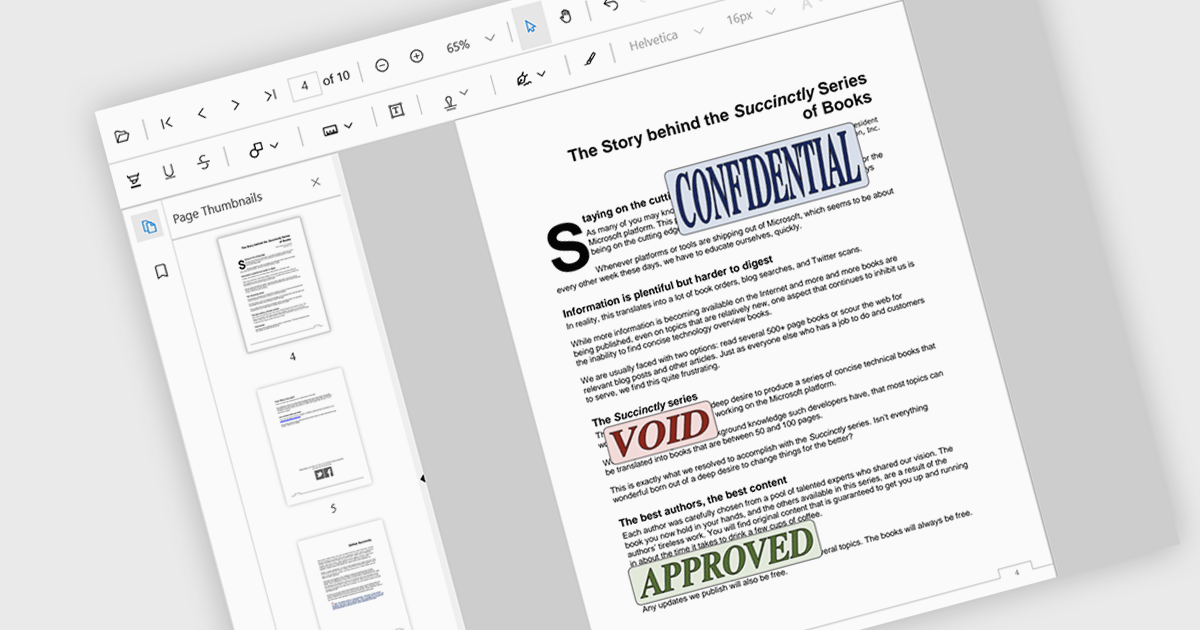
Stamp annotations are digital markers or labels that can be added to PDF documents to indicate various actions or statuses. They are commonly used in business processes, legal documents, and other contexts where tracking and verification are important.
Several React PDF viewer controls offer support for stamp annotations including:
For an in-depth analysis of features and price, visit our React PDF viewer controls comparison.
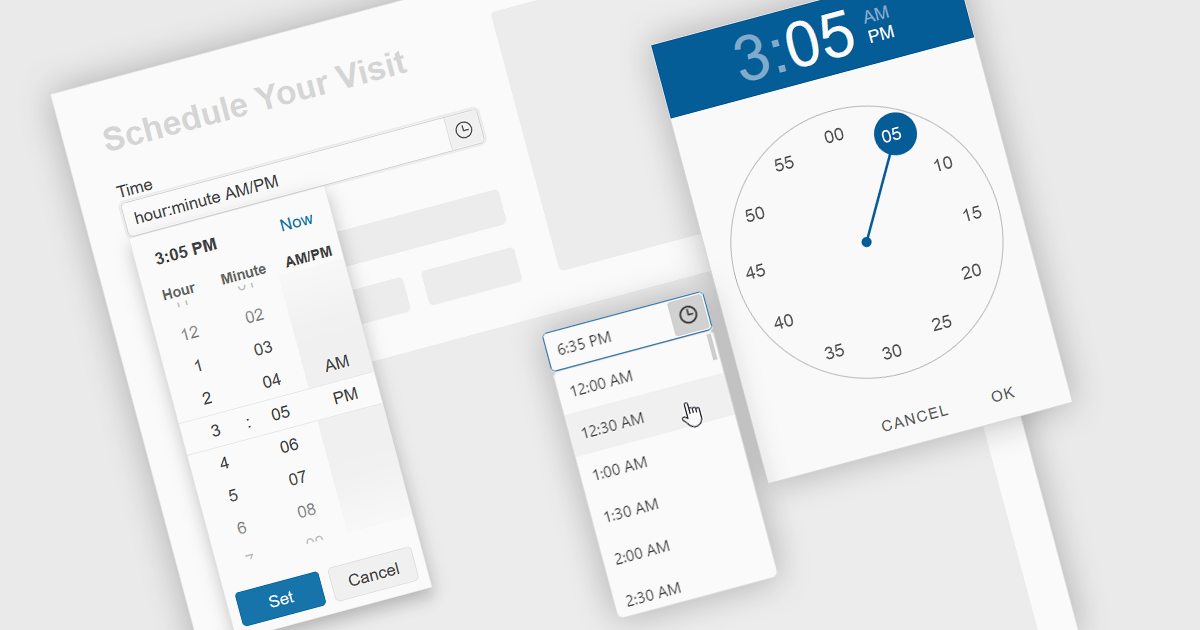
A time picker is an input component that provides users with the ability to edit or select a specific time value from a visual dropdown or input field, typically presented in the form of a clock face or a digital time display. This user interface element provides a standardized and intuitive method for capturing time input, ensuring that the data is consistent, accurate and correctly formatted. Particularly valuable in applications involving scheduling tools, booking systems or simply managing time-based data, it enhances the overall user experience and helps to ensure accurate and efficient data entry.
Several Angular data editor collections provide time picker components, including:
For an in-depth analysis of features and price, visit our comparison of Angular data editors.

ComponentSource and Afterlogic have had a successful 15-year partnership focused on delivering high-quality software solutions to the global developer community. This long-standing cooperation demonstrates a shared commitment to providing developers with tools that simplify and elevate the development process.
Afterlogic is well-known for its expertise in email and collaboration software, providing a variety of dependable and configurable solutions. Among its solutions, the MailBee.NET product line stands out as a robust set of components for managing email-related operations such as SMTP, IMAP and POP3 within.NET applications. These components, together with Afterlogic's WebMail and MailSuite Pro solutions, have become indispensable tools for developers looking to include advanced email and collaboration features into their software.
ComponentSource, a leading distributor of software components and development tools, has played a crucial role in expanding the reach of Afterlogic’s products. Through this partnership, ComponentSource has helped make the MailBee.NET range and other Afterlogic solutions accessible to a broader audience of developers.
The cooperation between ComponentSource and Afterlogic has had a long-term, beneficial influence on the developer community, making complex email and collaboration tools more accessible and simple to implement. As we celebrate this 15-year anniversary, we look forward to extending the relationship by providing developers worldwide with dependable, creative software components that improve their applications.
Learn more about Afterlogic.
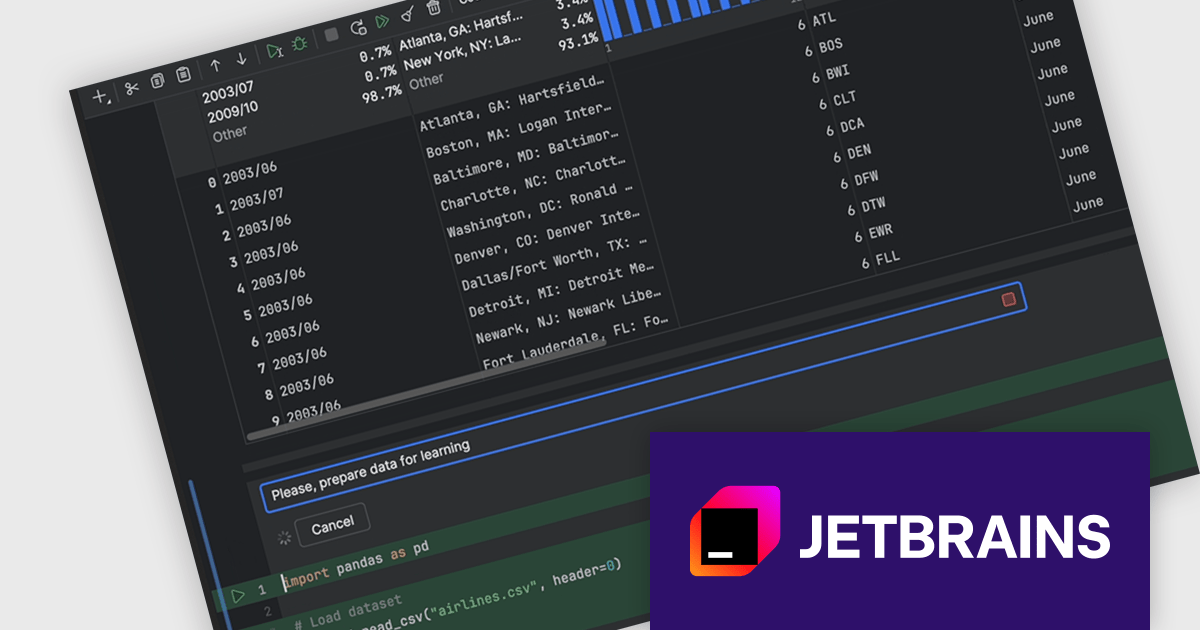
DataSpell by JetBrains is an Integrated Development Environment (IDE) specifically designed for data analysts and engineers. It allows you to write Python scripts, run SQL queries, analyze data in Jupyter notebooks, manage dbt workflows, and connect to databases, all within one seamless interface. DataSpell empowers you to stay focused on exploring insights and delivering high-quality results by combining rich data analysis tools with features like real-time error checking, code quality analysis, and built-in support for best practices like testing and documentation.
The DataSpell 2024.2 release improves its AI Assistant which now seamlessly integrates into Jupyter notebooks, transforming them into intelligent coding environments. With AI cells, you can effortlessly request code generation, seek guidance on the next analytical steps, refine existing code, and troubleshoot errors directly within your notebook. This innovative feature empowers users to accelerate their data science workflows, enhance code quality, and unlock new possibilities through collaborative interaction with AI.
To see a full list of what's new in version 2024.2, see our release notes.
DataSpell is licensed per user as a commercial annual subscription. See our DataSpell licensing page for full details.
DataSpell is available to buy in the following products:
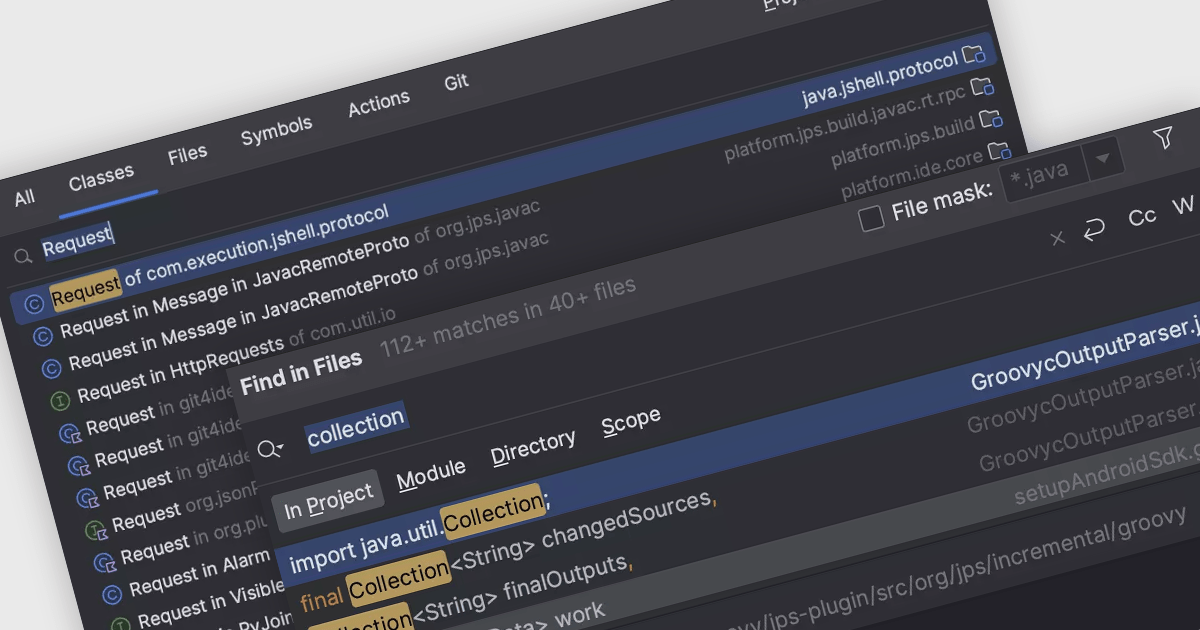
Code navigation offers the ability to efficiently move between different parts of a codebase, such as functions, classes, variables, and other code elements. Effective code navigation significantly improves productivity and maintainability by reducing the time spent searching for code and enhancing overall comprehension.
Several IDEs offer support for code navigation including:
For an in-depth analysis of features and price, visit our IDEs comparison.
전화 : 00798 14 800 6332
팩스 : +1 770 250 6199


