













공식 공급 업체
200 이상의 소프트웨어 개발처와 판매 계약을 맺은 공인 디스트리뷰터로서 합법적인 라이선스를 제공합니다.
모든 브랜드 보기.
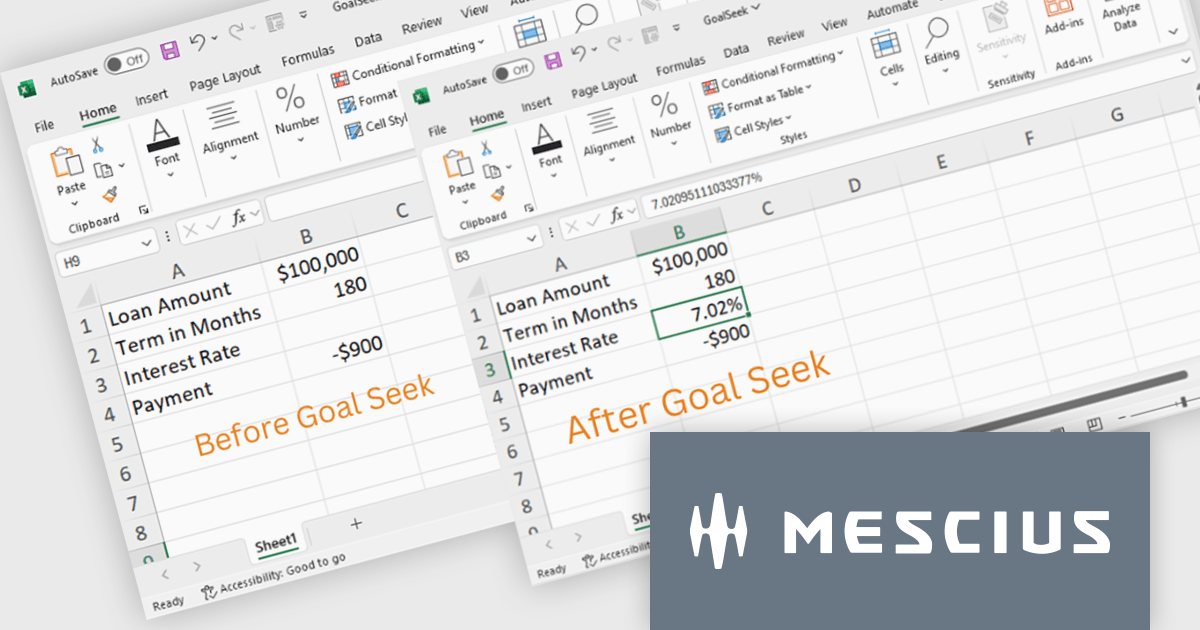
Document Solutions for Excel, .NET Edition by MESCIUS is designed to enable developers to create and manipulate Excel documents programmatically within .NET applications. It provides a robust API for interacting with Excel spreadsheets, allowing developers to automate tasks such as data extraction, formatting, and generation of reports. The framework offers comprehensive support for various Excel features, including formulas, charts, conditional formatting, and data validation. It also provides tools for handling large datasets and optimizing performance, making it suitable for both small-scale and enterprise-level applications.
The Document Solutions for Excel 7.2 release now incorporates Goal Seek functionality, providing developers with the ability to programmatically implement scenario analysis and decision-making processes within their .NET applications. By leveraging the Goal Seek API, developers can automate the process of determining the optimal input values required to achieve a specific target output within an Excel spreadsheet. This feature significantly enhances the capabilities of the framework, empowering developers to create more sophisticated and dynamic applications that can effectively support complex modeling and analysis tasks.
To see a full list of what's new in version 7.2, see our release notes.
Document Solutions for Excel, .NET Edition is licensed per developer and is available in several license options for differing distribution needs. Team licenses are also available for multiple developers within the same organization. See our Document Solutions for Excel, .NET Edition licensing page for full details.
Document Solutions for Excel, .NET Edition is available to buy in the following products:
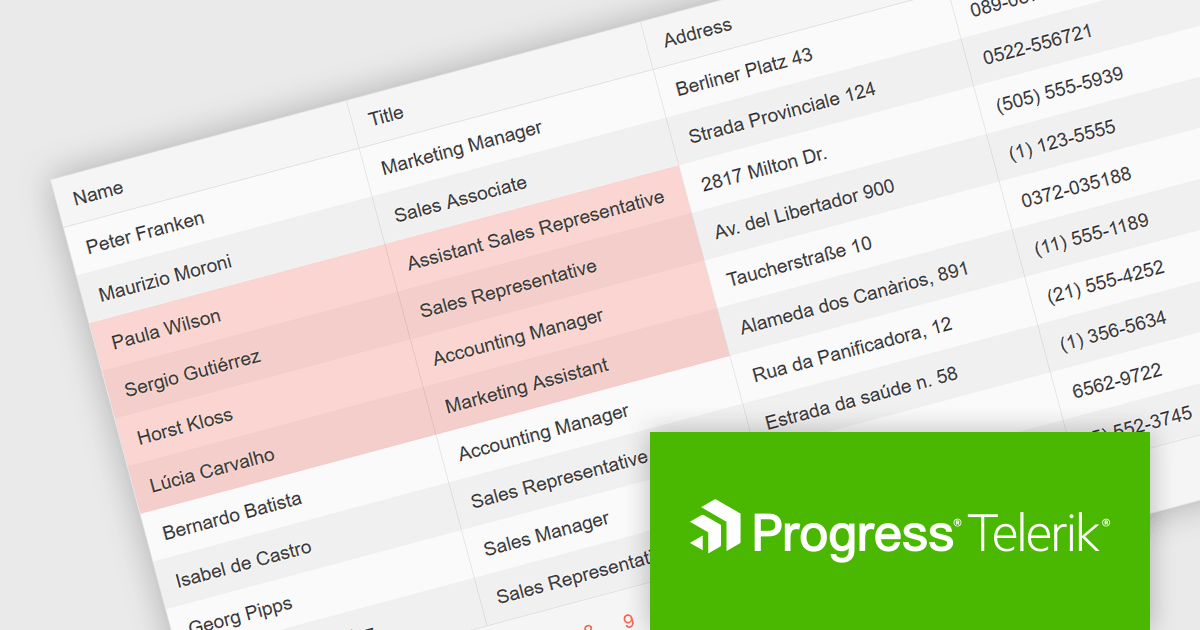
Telerik UI for Blazor is a comprehensive UI library that provides over 110 native Blazor components for building modern and feature-rich web applications. This professional-grade solution offers a complete set of components to satisfy all user interface requirements, saving time and effort in UI design.
The Telerik UI for Blazor v6.1.0 update (part of the 2024 Q3 release) enhances the grid component with a new SelectionMode feature, providing the ability to select single or multiple cells simultaneously. It supports intuitive selection methods via keyboard navigation and allows users to easily navigate and select either cells or rows. This feature enhances the user experience and makes the grid more flexible, enabling Blazor developers to offer functionality better suited to meet the complex data manipulation needs of modern web applications.
To see a full list of what's new in 2024 Q3 (v6.1.0), see our release notes.
Telerik UI for Blazor is licensed per developer and is available as a perpetual license with a one year support subscription, which is available in three tiers: Lite, Priority or Ultimate. See our Telerik UI for Blazor licensing page for full details.
Telerik UI for Blazor is available to buy in the following products:
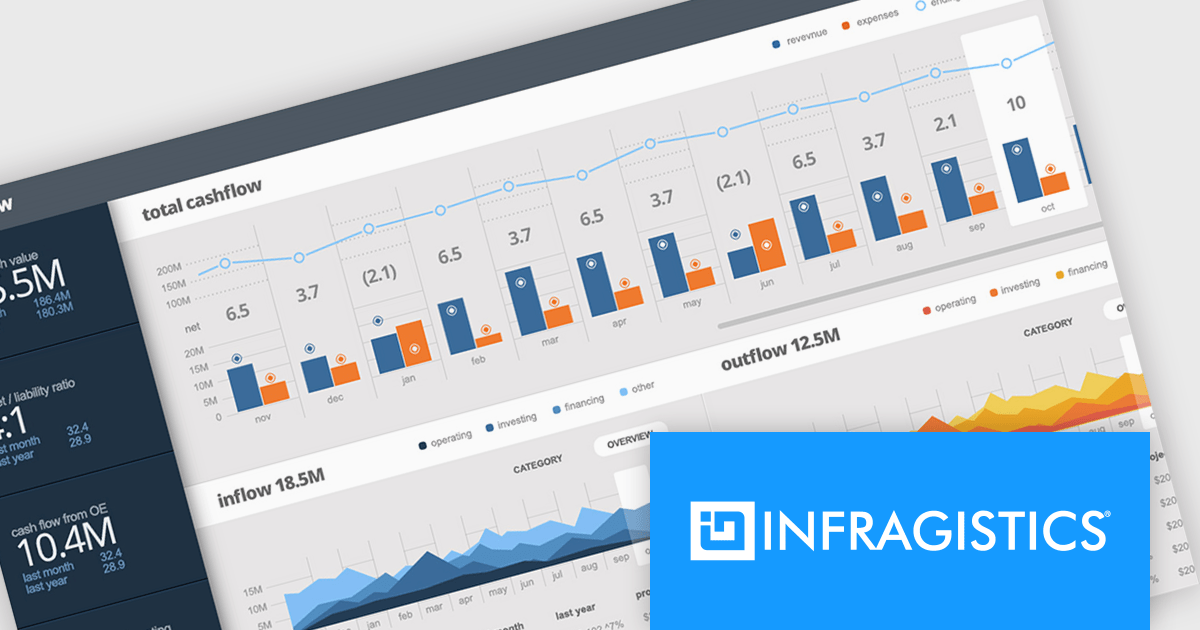
Infragistics Ultimate UI for Windows Forms is a comprehensive suite of over 100 pre-built UI controls and components designed to accelerate Windows Forms application development. It offers a rich feature set including grids, charts, dashboards, reports, and Microsoft Office-style UI elements, enabling developers to create visually appealing, high-performing, and touch-enabled applications with minimal coding effort.
The Infragistics Ultimate UI for Windows Forms 24.1 release introduces a powerful new feature for the UltraDataChart: Data Legend and Data Tooltip Grouping. This innovative enhancement allows users to effectively categorize and organize large datasets by grouping related series together. When multiple series share the same group text, they are visually clustered together within both the data legend and tooltips, providing a clear and intuitive representation of the data. This feature significantly improves data comprehension and analysis, making it easier for users to extract meaningful insights from complex datasets.
To see a full list of what's new in 24.1, see our release notes for Infragistics Ultimate UI for Windows Forms.
Infragistics Ultimate UI for Windows Forms is licensed per developer and is available as a perpetual license with 1, 2 or 3 year support and maintenance subscription. See our Infragistics Ultimate UI for Windows Forms licensing page for full details.
Infragistics Ultimate UI for Windows Forms is available to buy in the following products:
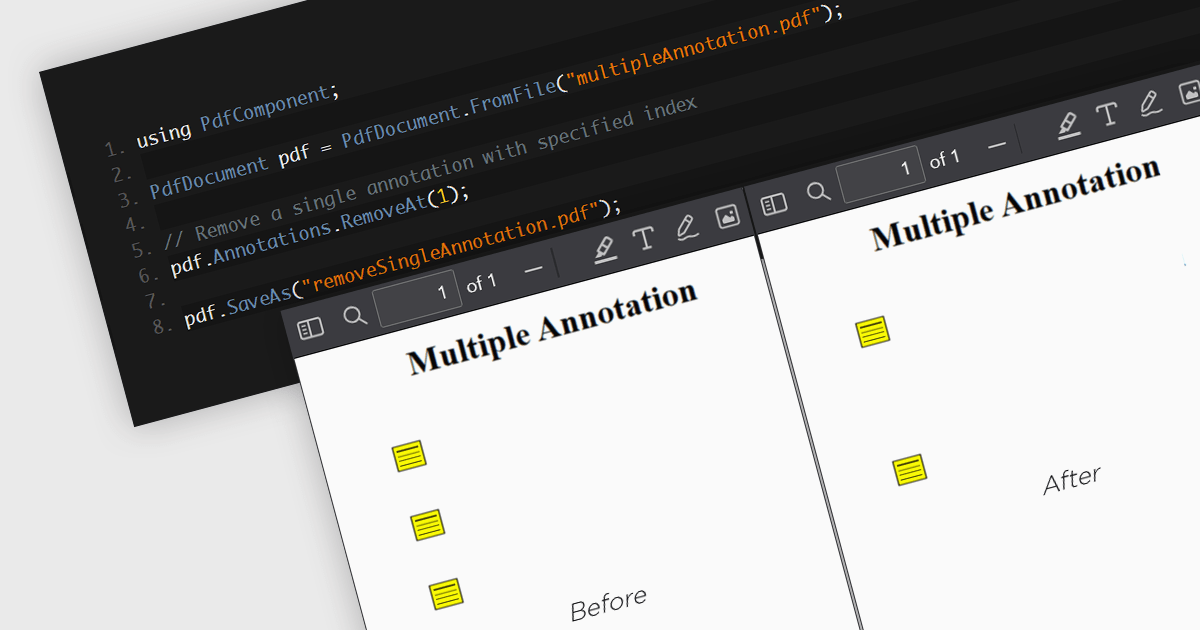
The removal of annotations from a PDF entails deleting any added notes, highlights, comments, or other markup elements that have been inserted into the document during its review or editing. This process reverts the PDF to its original state, yielding a clean version, free from any additional commentary or visual markers. By removing annotations, users can ensure that sensitive information is protected and additional notes have been removed, whilst preparing the document for final distribution or archiving.
Several .NET 8 PDF components allow you to remove annotations, including:
For an in-depth analysis of features and price, visit our comparison of .NET 8 PDF components.
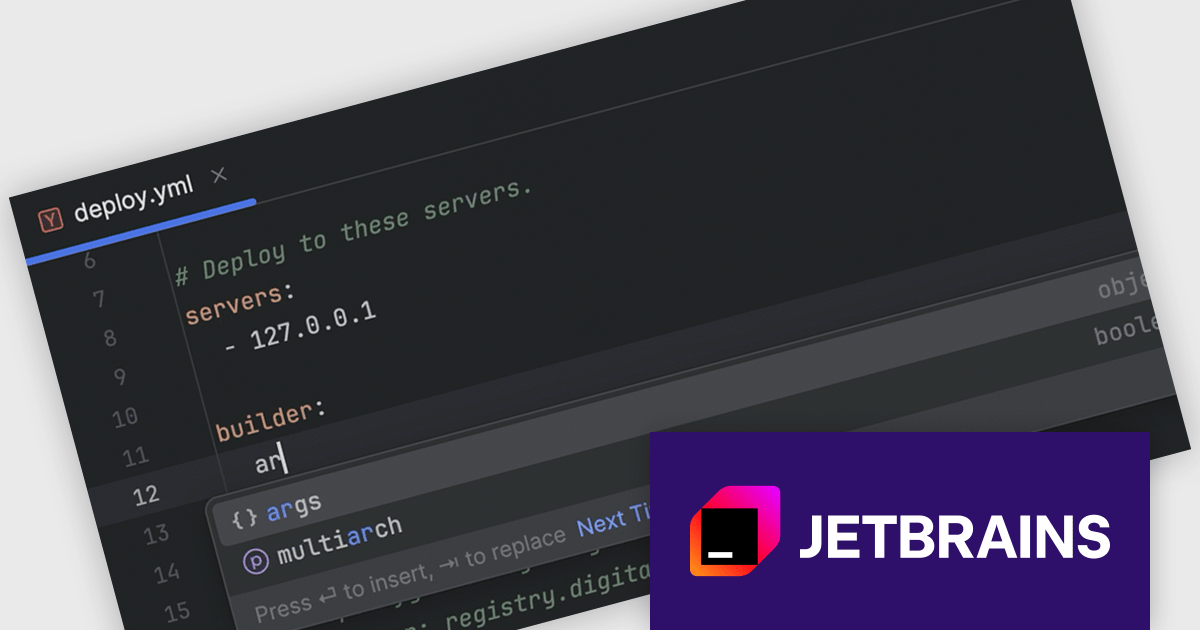
RubyMine by JetBrains is a powerful Integrated Development Environment (IDE) specifically designed for Ruby and Ruby on Rails development. It offers a comprehensive suite of features to boost your coding efficiency, including smart code completion, syntax highlighting, code refactoring tools, built-in debugging and testing frameworks, and seamless integration with popular libraries and databases. Whether you're a seasoned Rails developer or just starting out, RubyMine's intuitive interface and robust features can help you write cleaner, more maintainable code and accelerate your development workflow.
The RubyMine 2024.2 release enhances support for Kamal with code completion for configuration files. When working with deploy.yaml and .env files, you will benefit from intelligent code suggestions tailored to Kamal-specific properties, significantly improving your efficiency and accuracy. This feature streamlines the configuration process, reduces errors, and enhances your overall development experience with Kamal.
To see a full list of what's new in version 2024.2, see our release notes.
RubyMine is licensed per user, and is available as a commercial annual subscription license. We can supply new subscriptions, subscription renewals (including continuity discounts), lapsed renewals, and additional user licenses. See our RubyMine licensing page for full details.
RubyMine is available to buy in the following products:
전화 : 00798 14 800 6332
팩스 : +1 770 250 6199


