













공식 공급 업체
200 이상의 소프트웨어 개발처와 판매 계약을 맺은 공인 디스트리뷰터로서 합법적인 라이선스를 제공합니다.
모든 브랜드 보기.
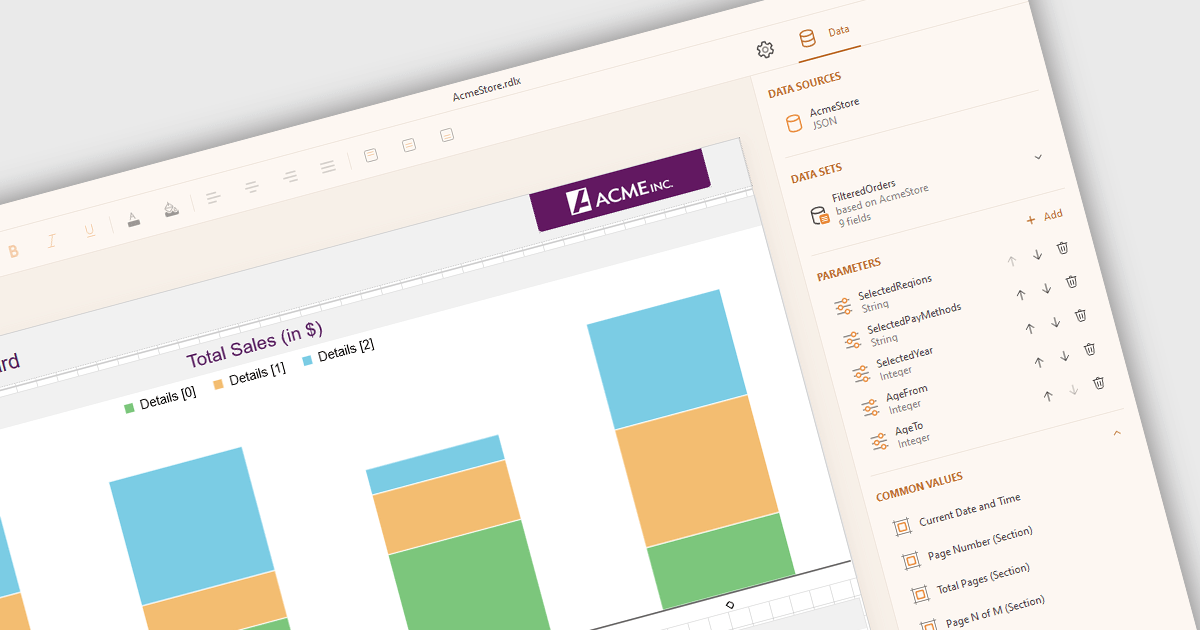
JSON data connectivity in reporting controls enables seamless integration of dynamic, human-readable data into reports. By directly connecting to JSON data sources, developers can leverage the format's flexibility, ease of use, and ability to handle diverse data structures. This empowers creation of adaptable reports that can quickly consume and visualize data from various sources, such as APIs, databases, or cloud services. Real-time reporting and interactive dashboards become feasible as JSON's structure aligns well with modern data consumption patterns. Use cases include operational reporting, data exploration, and business intelligence applications where agile data integration is paramount.
Several .NET Core reporting controls offer JSON data connectivity including:
For an in-depth analysis of features and price, visit our .NET Core reporting controls comparison.

PDF to image conversion within in WPF PDF Viewer components enables developers to programmatically export individual PDF pages as images such as PNG, JPEG, or BMP. This capability enables applications to create image-based representations of PDF content, facilitating tasks such as generating thumbnails, exporting visual data, or integrating PDF content into image-centric workflows, enhancing application versatility and user experience.
Several .NET 8 WPF PDF viewer components support PDF to image conversion including:
For an in-depth analysis of features and price, visit our comparison of .NET 8 WPF PDF Viewer Components.
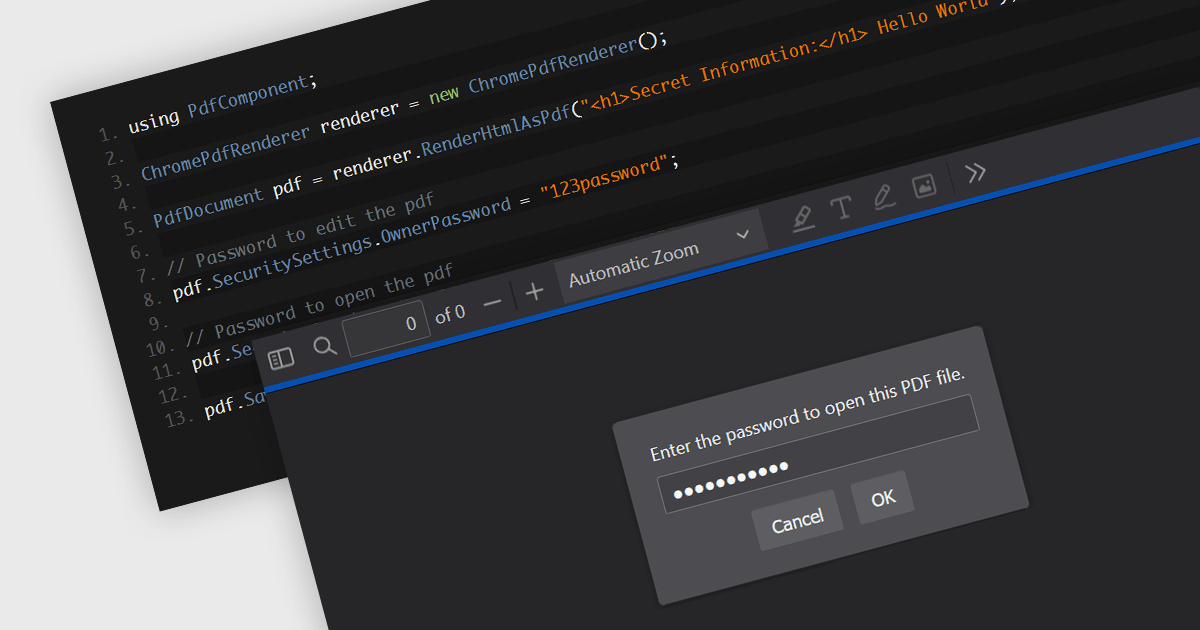
Password protection in a PDF component is a security feature enabling the encryption of PDF documents to restrict unauthorized access. Crucial for applications where sensitive data is handled, setting passwords ensures that only authorized individuals can view or make changes to the document, thereby protecting confidential information from unauthorized access and data breaches. This functionality safeguards sensitive information by controlling who can view, modify, print, or copy the document's content, providing an essential layer of protection for confidential data and increasing the trustworthiness of the application that holds it.
Several Windows Presentation Foundation (WPF) PDF components allow you to add password protection to PDF files, including:
For an in-depth analysis of features and price, visit our comparison of WPF PDF components.
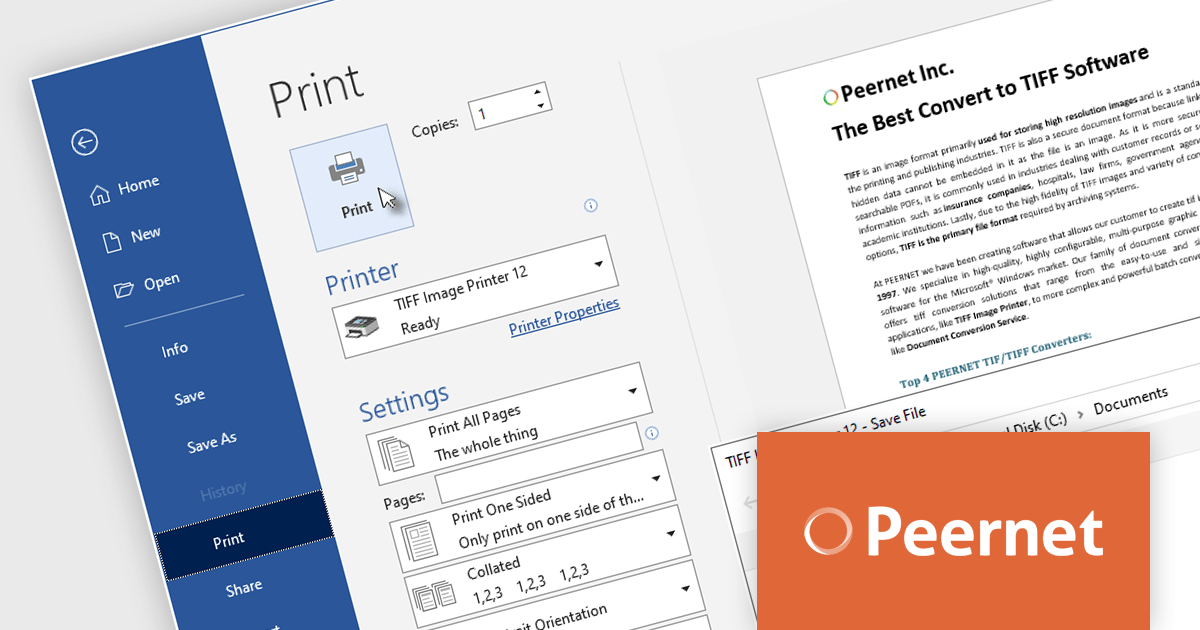
PEERNET offers a trio of powerful virtual printer drivers for Windows: Raster Image Printer, PDF Image Printer, and TIFF Image Printer. These drivers bypass physical printing, seamlessly converting virtually any file format into high-fidelity images or PDFs. All three integrate seamlessly into existing workflows, accessible via standard printing routines. Simply select the desired driver during your usual printing process, and your files will be transformed into the chosen format.
The PEERNET Image Printer version 12.0.024 updates expand compatibility to include Windows 11 ARM64 architecture. This enhancement enables users with ARM64-based Windows 11 devices to seamlessly convert documents to TIFF, raster, and PDF formats, respectively, providing consistent image creation capabilities across a wider range of hardware platforms.
PEERNET virtual printers have a number of different license options including per user, unlimited users, terminal server, OEM and more. See our licensing pages for more information:
For more information, visit our product pages:
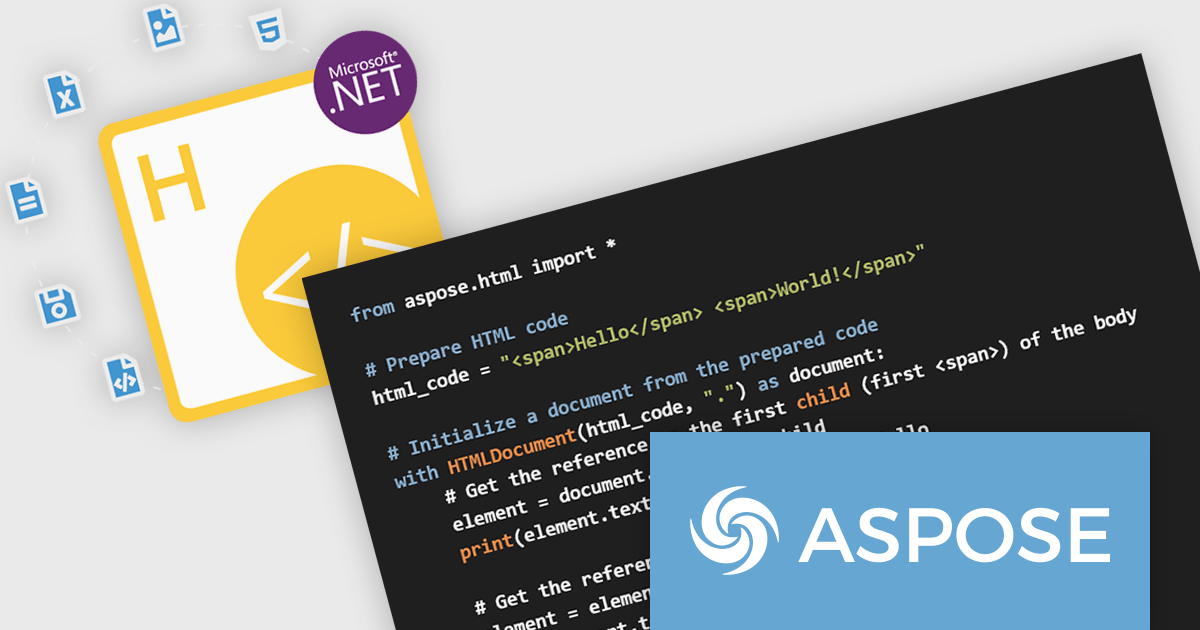
Aspose.HTML for Python via .NET is a robust class library that empowers developers to seamlessly manipulate HTML documents within their Python applications. By leveraging the .NET Framework, this tool offers a comprehensive set of functionalities for generating, modifying, converting, and rendering HTML content. It provides support for the latest HTML5, CSS3, SVG, and HTML Canvas standards, ensuring compatibility with modern web technologies.
Aspose.HTML for Python via .NET offers significant advantages for developers working with HTML. It streamlines the process of creating dynamic HTML content, enabling efficient generation of web pages and documents. The library's conversion capabilities allow for seamless transformation of HTML to various formats, such as PDF, EPUB, and image files. It also provides tools for extracting text, metadata, and other information from HTML documents, making it invaluable for data extraction and analysis tasks.
Aspose.HTML for Python via .NET is offered as Developer Small Business, Developer OEM, Developer SDK, Site Small Business, Site OEM, and Site SDK licenses catering to a range of business needs. Licenses are perpetual, and include 1 year of support and maintenance. Subscription renewals are also available. See our Aspose.HTML for Python via .NET licensing page for full details.
Aspose.HTML for Python via .NET is available in the following products:
전화 : 00798 14 800 6332
팩스 : +1 770 250 6199


