













공식 공급 업체
200 이상의 소프트웨어 개발처와 판매 계약을 맺은 공인 디스트리뷰터로서 합법적인 라이선스를 제공합니다.
모든 브랜드 보기.
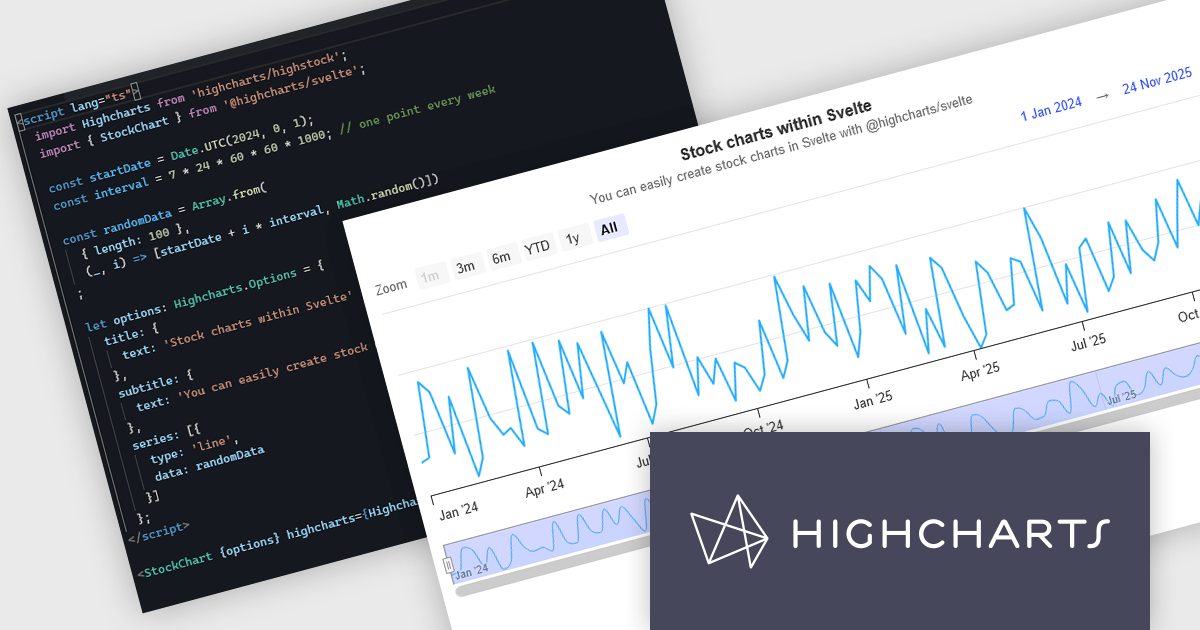
Highcharts is a JavaScript charting framework that allows web developers and data analysts to generate dynamic, visually appealing charts and graphs for websites and web applications. It can display a variety of chart types, including line, spline, area, column, bar, pie, scatter, and many more. Highcharts is well-known for its ease of use, rich documentation, and ability to handle huge datasets efficiently. Features include responsive design, accessibility support, and cross-browser compatibility. Its customization capabilities allow users to create bespoke data visualizations that increase engagement and provide insightful data presentations.
The new Highcharts for Svelte integration is a lightweight package that seamlessly integrates Highcharts' robust visualization capabilities into Svelte applications, providing a streamlined approach to creating interactive and dynamic charts while retaining the performance benefits of the Svelte framework. Svelte is a component-based front-end framework that, unlike standard techniques, compiles code during the build process rather than relying on the browser for runtime performance optimization. This revolutionary approach results in smaller, faster apps with a developer experience that promotes simplicity and efficiency, making it ideal for creating high-performance web interfaces. By combining the powerful capabilities of the Highcharts API with the sleek, minimalistic nature of Svelte, Highcharts for Svelte makes incorporating robust, custom data visualizations into your Svelte projects painless.
For more information see the Introducing Highcharts for Svelte blog post.
Highcharts Core is licensed on an annual or perpetual basis, OEM licenses, and Advantage Renewals. It is licensed per Developer and has several license options including Internal, SaaS, SaaS+, and Self Hosted. See our Highcharts Core licensing page for full details.
Learn more on our Highcharts Core product page.
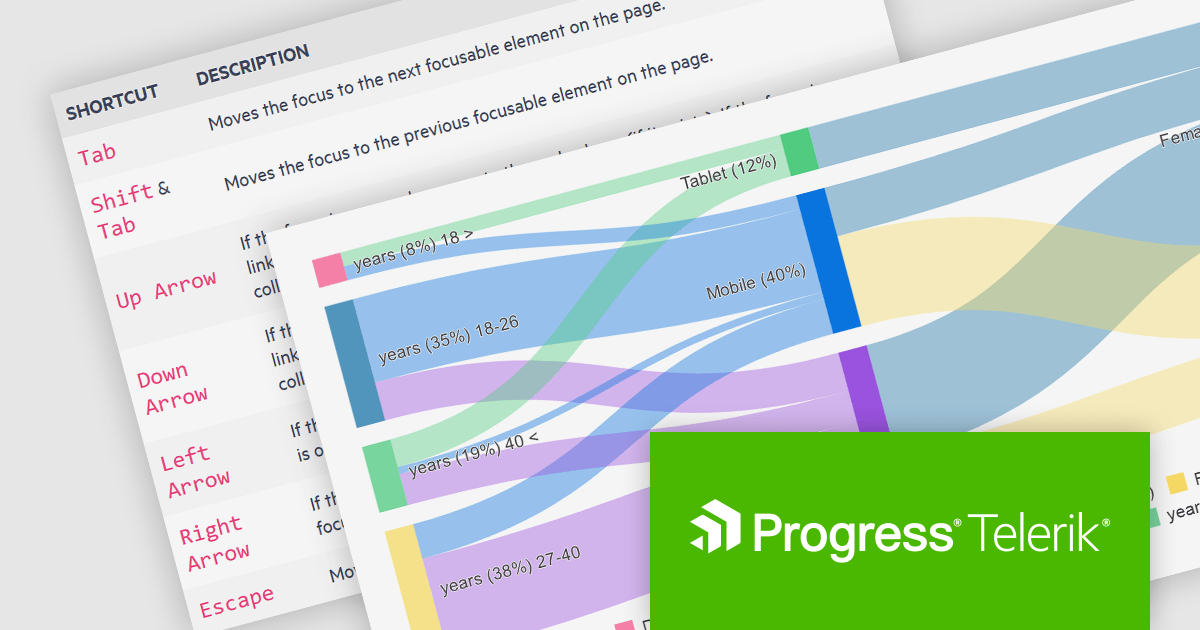
Kendo UI by Telerik is a comprehensive suite of JavaScript UI components designed to accelerate web application development. Offering pre-built, customizable elements for grids, charts, schedulers, and more, it streamlines UI creation across popular frameworks like jQuery, Angular, React, and Vue. Key features include responsive design, accessibility, and high performance, enhancing user experience. Developers benefit from reduced development time, consistent UI patterns, and the ability to build feature-rich applications faster.
The Kendo UI for Angular v16.5.0 update (part of Kendo UI 2024 Q2) enhances the Sankey Diagram component with support for keyboard navigation and Right-to-Left (RTL) accessibility features. Keyboard navigation allows users to interact with the diagram using only their keyboard, making it more accessible to users with disabilities. RTL support ensures that the component is usable in languages written from right to left, such as Arabic and Hebrew, broadening its applicability and usability in international contexts. These additions collectively enhance the user experience, making the component more versatile and inclusive for a diverse range of users and applications.
To see a full list of what's new in 2024 Q2 (v16.5.0), see our release notes.
Kendo UI is licensed per developer and is available as a perpetual license with a one year support subscription, which is available in three tiers: Lite, Priority or Ultimate. See our Kendo UI licensing page for full details.
Kendo UI is available to buy in the following products:
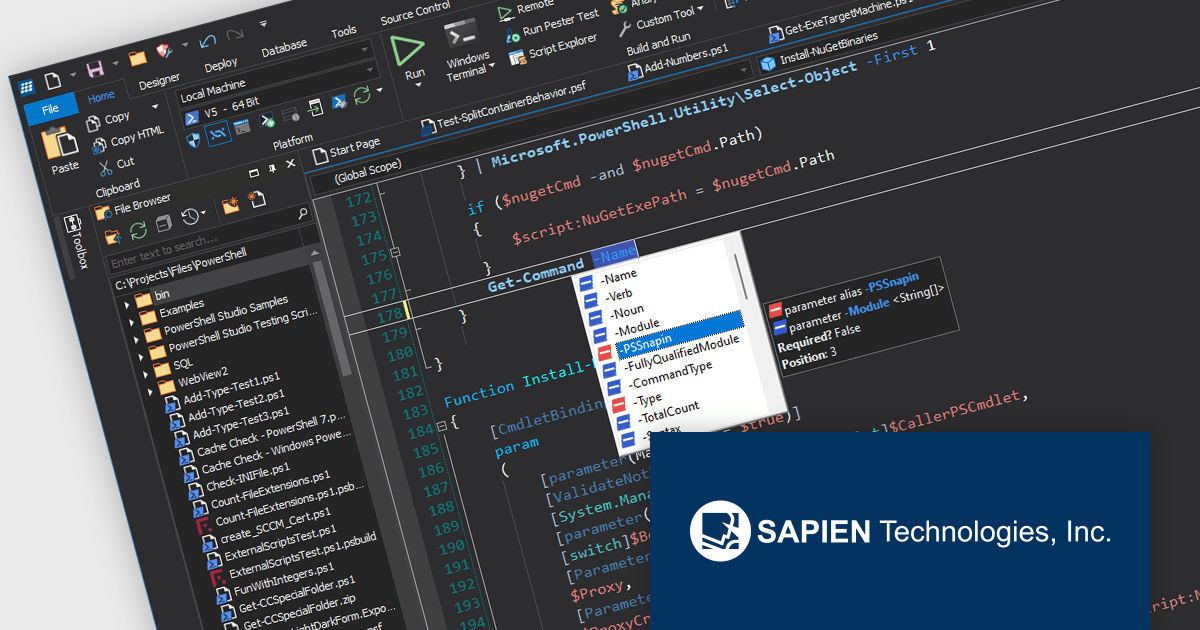
PowerShell Studio by SAPIEN is an Integrated Scripting Environment (ISE) designed specifically for PowerShell development. It offers a comprehensive editing experience with features like syntax coloring, code completion, and debugging. Beyond editing, PowerShell Studio allows you to visually design GUIs for your scripts, convert them into executables, and create modules and Windows services. This comprehensive toolset caters to developers who want to streamline PowerShell scripting and extend its functionality.
The PowerShell Studio 2024 (5.8.247) update introduces pre-built cache files for Microsoft Graph 2.20.0, significantly enhancing development efficiency by providing immediate access to comprehensive IntelliSense and object browser information without requiring manual generation, streamlining script creation and reducing development time while maintaining accurate code completion and navigation support for Microsoft Graph interactions.
To see a full list of what's new in 2024 (5.8.247), see our release notes.
PowerShell Studio is licensed per user and includes 1 year of product maintenance which may be renewed each year thereafter to continue to receive the latest updates. See our PowerShell Studio licensing page for full details.
Learn more on our PowerShell Studio product page.
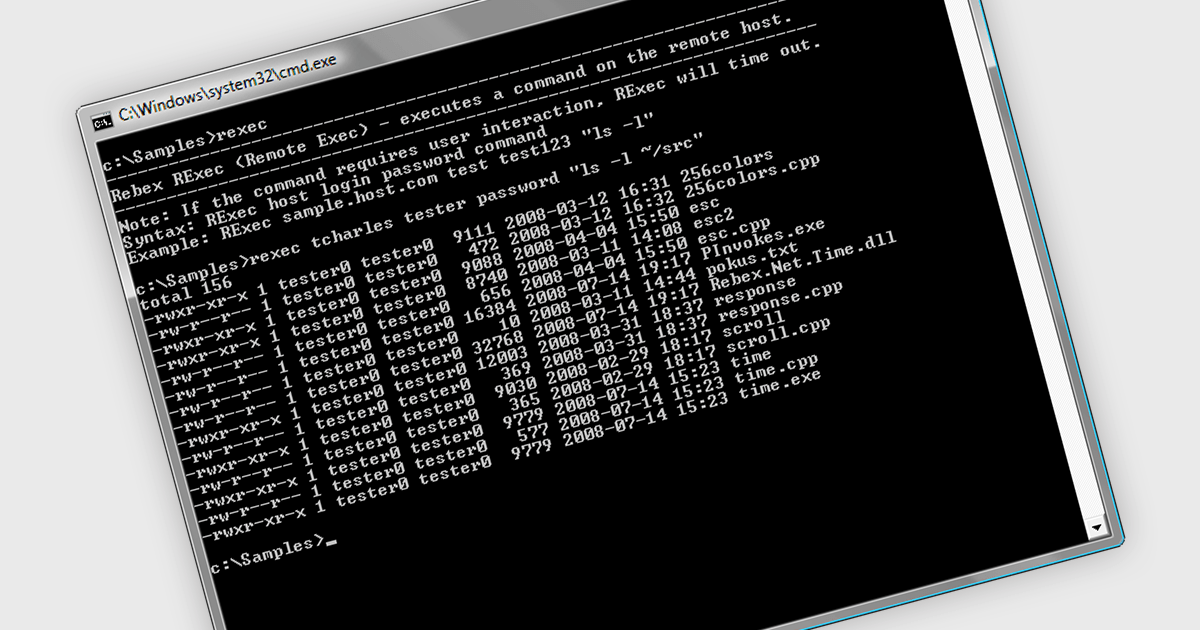
Rexec is a feature that facilitates the remote execution of code within a controlled and secure environment. .NET 8 Assembly components that support Rexec enable developers to run code in isolated contexts, enhancing the modularity and security of their applications by allowing execution of untrusted or third-party code with restricted permissions. This isolation minimizes potential security risks and ensures that the main application remains stable and secure. The key benefits of Rexec include improved application security through sandboxing, better resource management by limiting the execution context, and enhanced flexibility in integrating external code without compromising the integrity of the core application.
Several .NET 8 comms & messaging components offer support for Rexec including:
For an in-depth analysis of features and price, visit our comparison of .NET 8 communications and messaging components.
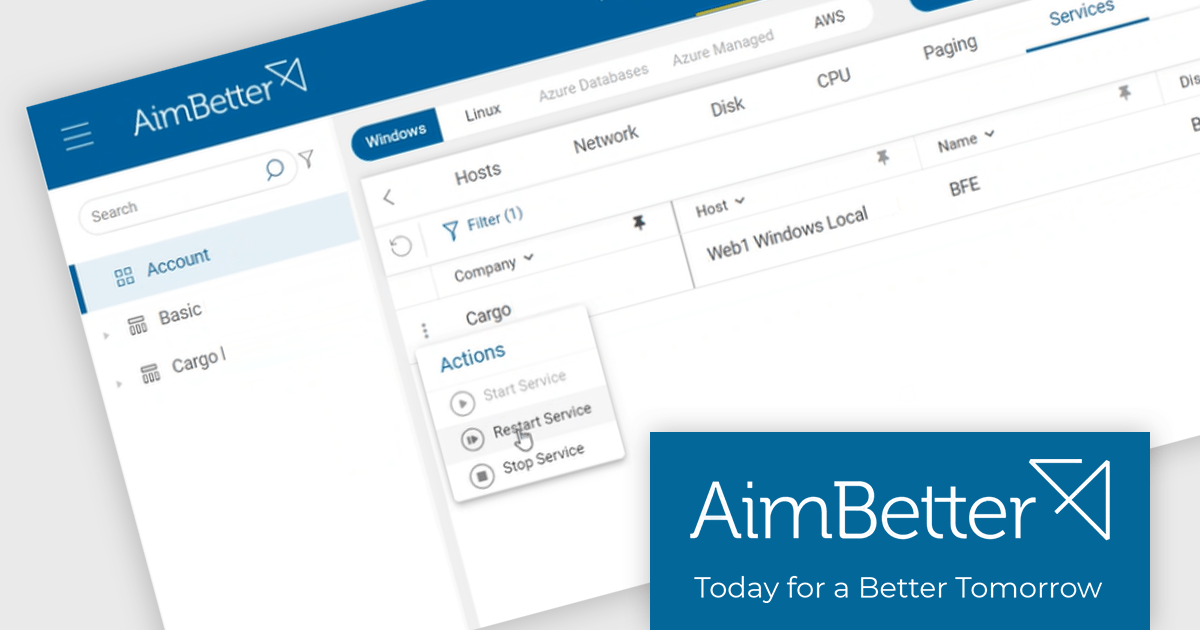
AimBetter is a comprehensive performance monitoring and optimization platform designed for database management systems (DBMS). It provides real-time diagnostics and analytics, allowing IT professionals to identify and resolve performance issues quickly and efficiently. By offering detailed insights into database operations, AimBetter enhances system stability, boosts performance, and reduces downtime. The platform supports various database environments and integrates seamlessly with existing infrastructure, ensuring continuous monitoring and proactive management. Its user-friendly interface and advanced alerting mechanisms enable prompt action on critical issues, thereby optimizing resource utilization and improving overall operational efficiency.
The AimBetter July 2024 update introduces a "Responsive Agent" feature that empowers users to take immediate action upon problem detection. This streamlines operational workflows by equipping users with the ability to make choices based on real-time insights and alerts from the platform. It consolidates action-taking functionalities within AimBetter, granting users control over their IT environments. Responsive Agent is secure-by-design, requiring OTP authentication for all actions, and must be enabled within the AimBetter Agent configuration program.
To see a full list of what's new in the July 2024 update, see our release notes.
AimBetter is licensed per instance/per year with different plans available dependent on the services you require. See our AimBetter licensing page for full details.
Learn more on our AimBetter product page.
전화 : 00798 14 800 6332
팩스 : +1 770 250 6199


