













공식 공급 업체
200 이상의 소프트웨어 개발처와 판매 계약을 맺은 공인 디스트리뷰터로서 합법적인 라이선스를 제공합니다.
모든 브랜드 보기.
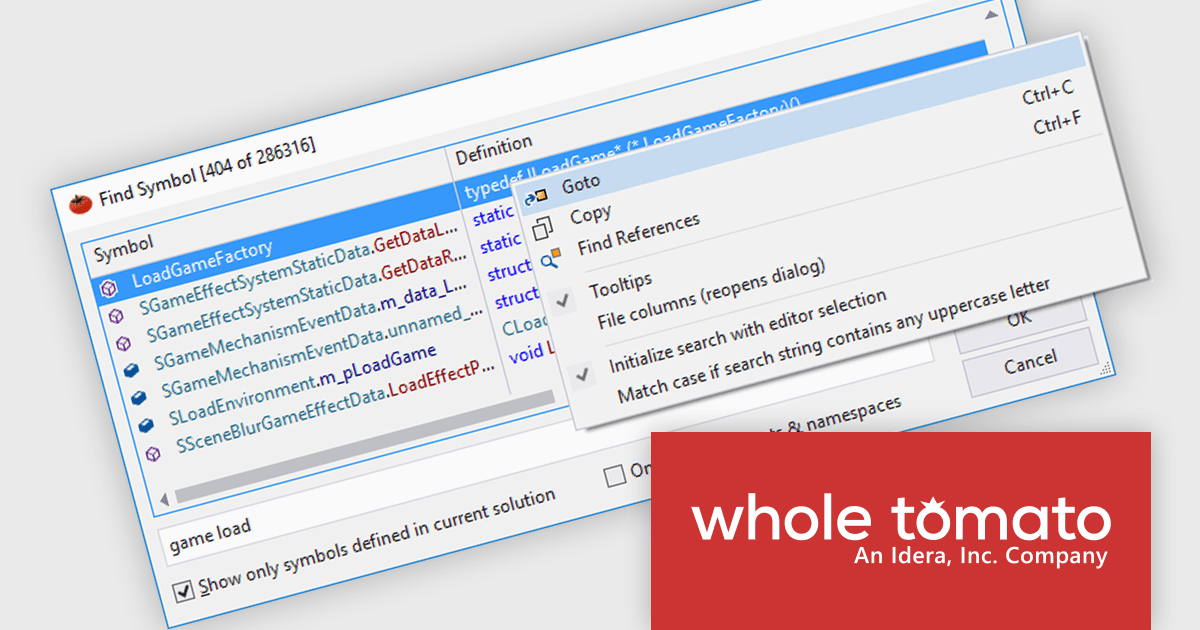
Visual Assist by Whole Tomato Software is a productivity plugin for Microsoft Visual Studio that enhances your workflow for C/C++ and C# development. It improves upon IntelliSense and syntax highlighting, streamlines code navigation and refactoring, and offers intelligent code completion and generation. Additionally, Visual Assist provides static code analysis to identify potential bugs and performance issues, all designed to save you time and effort while writing, reading, and maintaining your code.
The Visual Assist 2024.4 update includes a major advancement with the addition of support for Windows ARM devices. Visual Assist is now available as an ARM-native plugin, fully supported in Visual Studio’s ARM build. This means that Visual Assist now offers full compatibility for developers using Windows or Mac devices with an ARM processor, including in virtual machines running on Apple Silicon, Microsoft Surface, or Snapdragon devices.
To see a full list of what's new in 2024.4, see our release notes.
Visual Assist is licensed on a per-developer basis and offers three licensing options: Standard, Network Named User, and Concurrent. All new licenses include a 1 Year Maintenance Subscription, and Subscription Renewals are also available. See our Visual Assist licensing page for full details.
Learn more on our Visual Assist product page.
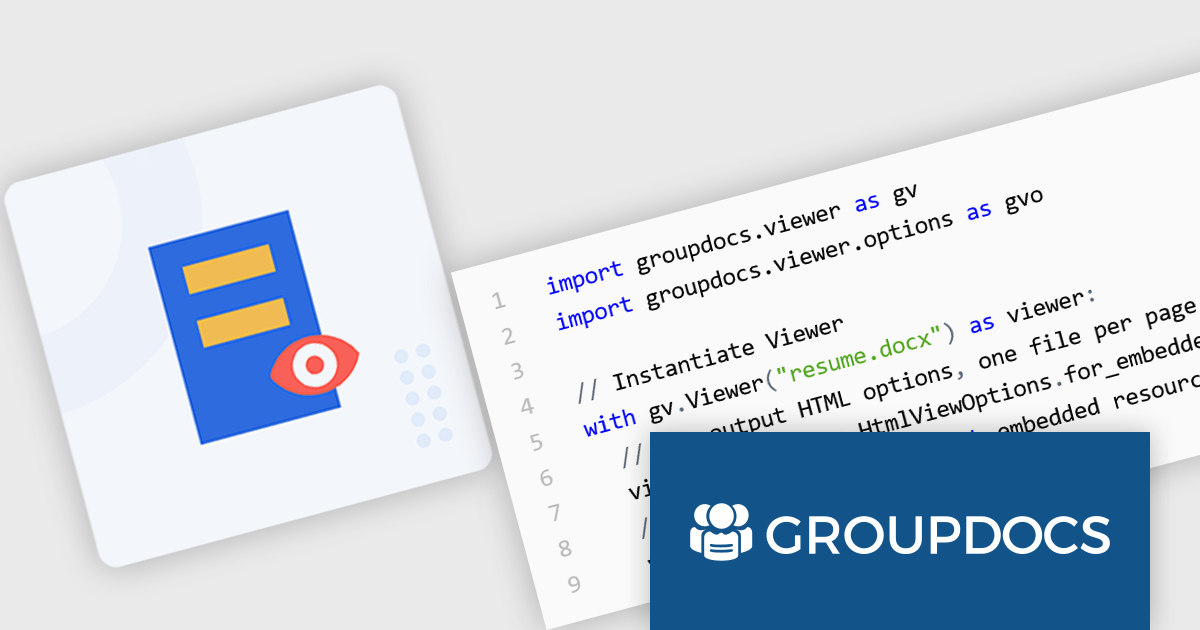
GroupDocs.Viewer for Python via .NET is a software development library that empowers developers to integrate document viewing capabilities into their Python applications. It acts as a bridge between the Python programming language and the .NET framework, enabling developers to leverage the robust document processing functionalities of GroupDocs.Viewer within their Python codebase.
GroupDocs.Viewer for Python via .NET unlocks a variety of use cases for Python developers. It allows for the creation of desktop and web-based applications that can view and render over 170 file formats, including popular document types including PDF, images, Microsoft Word, Excel, PowerPoint, Visio, Project, Outlook and OneNote. Developers can leverage this functionality to build document management systems, online collaboration tools, or internal file viewers within their Python applications. This flexible library also enables customization of the rendering process, allowing for control over output formats and watermarking.
GroupDocs.Viewer for Python via .NET is offered as Developer Small Business, Developer OEM, Site Small Business, and Site OEM licenses catering to a range of business needs. Licenses are perpetual, and include 1 year of support and maintenance. Subscription renewals are also available. See our GroupDocs.Viewer for Python via .NET licensing page for full details.
GroupDocs.Viewer for Python via .NET is available in the following products:
Syncfusion Essential Studio Flutter, available as part of Syncfusion Essential Studio Enterprise, is a powerful UI toolkit that enables you to build beautiful and performant mobile apps for Android and iOS using Flutter. It provides a rich suite of pre-built widgets for common design elements like charts, data grids, calendars, and PDF viewers. These widgets are highly customizable and allow you to quickly implement stunning visuals and advanced functionalities without spending time on repetitive coding.
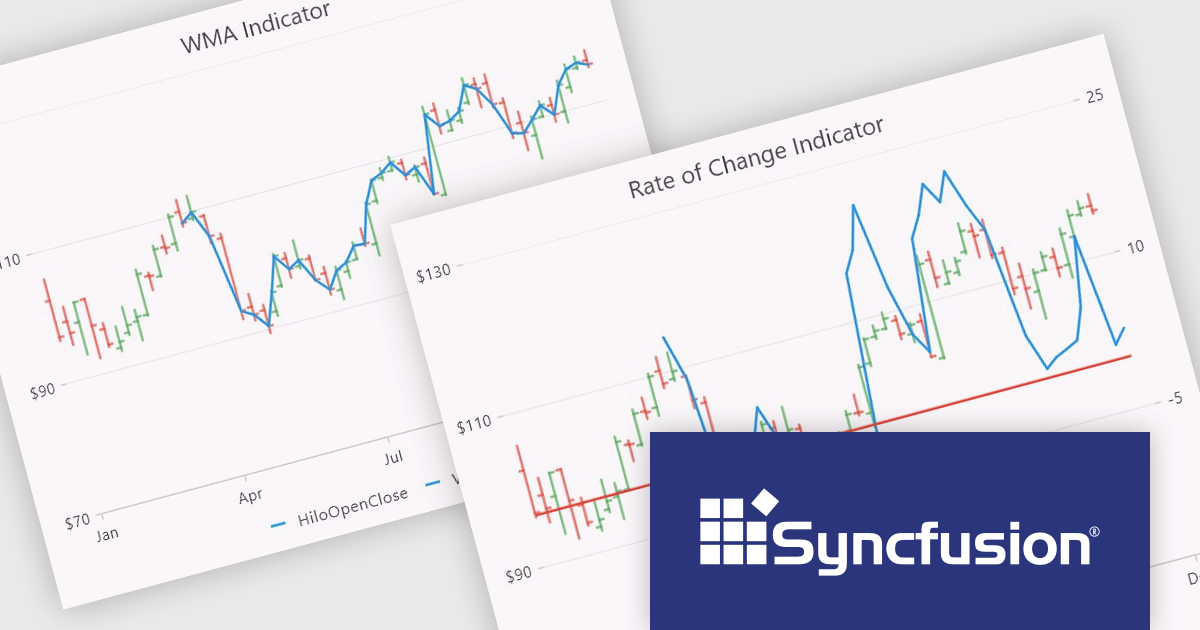
The Syncfusion Essential Studio Flutter 2024 Volume 2 (26.1.35) release adds new Rate of Change (ROC) and Weighted Moving Average (WMA) technical indicators to the Cartesian Chart component, expanding the available toolkit for financial analysts and traders. These indicators provide valuable insights into market momentum and trends, allowing users to make more informed investment decisions and craft more effective trading strategies.
To see a full list of what's new in 2024 Volume 2 (26.1.35), see our release notes.
Syncfusion Essential Studio Flutter is available as part of Syncfusion Essential Studio Enterprise which is licensed per developer starting with a Team License of up to five developers. It is available as a 12 Month Timed Subscription License which includes support and maintenance. See our Syncfusion Essential Studio Enterprise licensing page for full details.
Learn more on our Syncfusion Essential Studio Flutter product page.
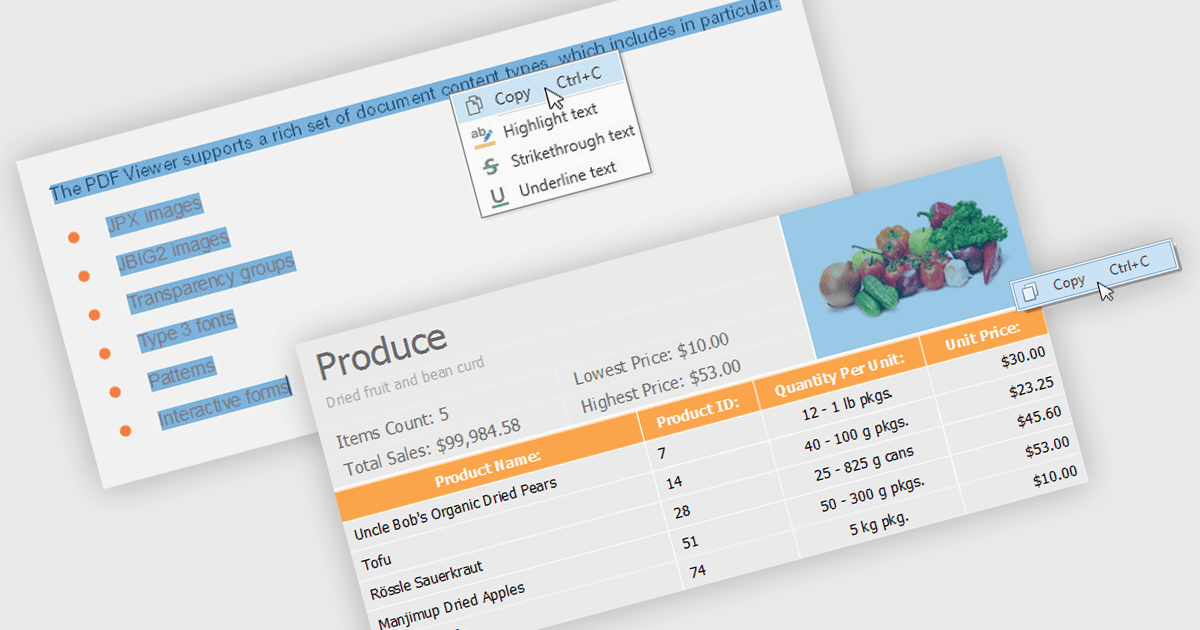
.NET 8 WPF PDF viewers with content extraction capabilities empower end users to unlock valuable information from PDF documents. This functionality goes beyond simply viewing the document and allows users to extract both text and image content. This extracted data can then be saved for further analysis, integrated into other applications, or used to populate forms and reports, streamlining workflows and enhancing the overall user experience.
Several .NET 8 WPF PDF viewer components enable content extraction from PDFs including:
For an in-depth analysis of features and price, visit our .NET 8 WPF PDF viewer components comparison.
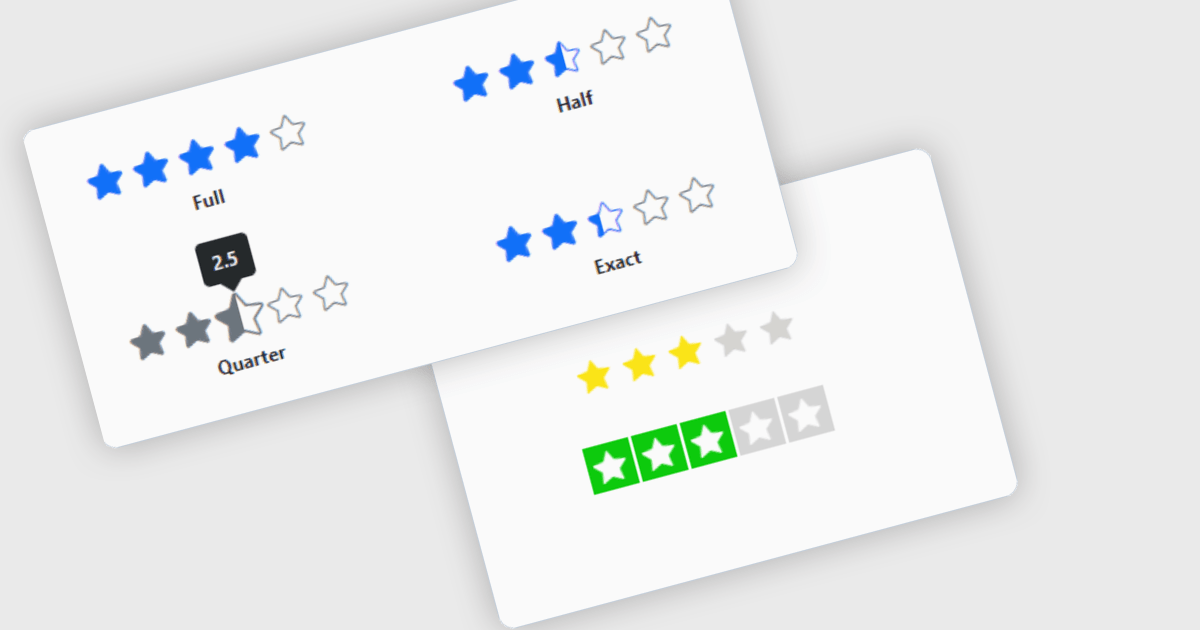
Rating controls for React are user interface components designed to allow users to input and edit rating values, typically represented by stars, numeric values, or other graphical symbols. These controls are essential in applications where user feedback or rating is required, such as e-commerce sites, review platforms, and survey forms. They provide an intuitive, interactive way for users to submit ratings, ensuring that the data is captured accurately and efficiently. These controls often come with customization options to fit the application's design and can handle various events and validations to enhance the user experience and data integrity.
Several React data editor collections offer Rating controls including:
For an in-depth analysis of features and price, visit our comparison of React data editors.
전화 : 00798 14 800 6332
팩스 : +1 770 250 6199


