













공식 공급 업체
200 이상의 소프트웨어 개발처와 판매 계약을 맺은 공인 디스트리뷰터로서 합법적인 라이선스를 제공합니다.
모든 브랜드 보기.
DevExpress WPF is a powerful suite of controls that enhances your WPF development toolkit. It offers data grids, ribbon menus, rich text editors, spreadsheets, charts, and more – all with beautiful themes and touch-friendly interfaces. DevExpress WPF empowers you to build professional-looking, responsive applications that meet modern user expectations, saving you time and effort while adding polish and functionality.
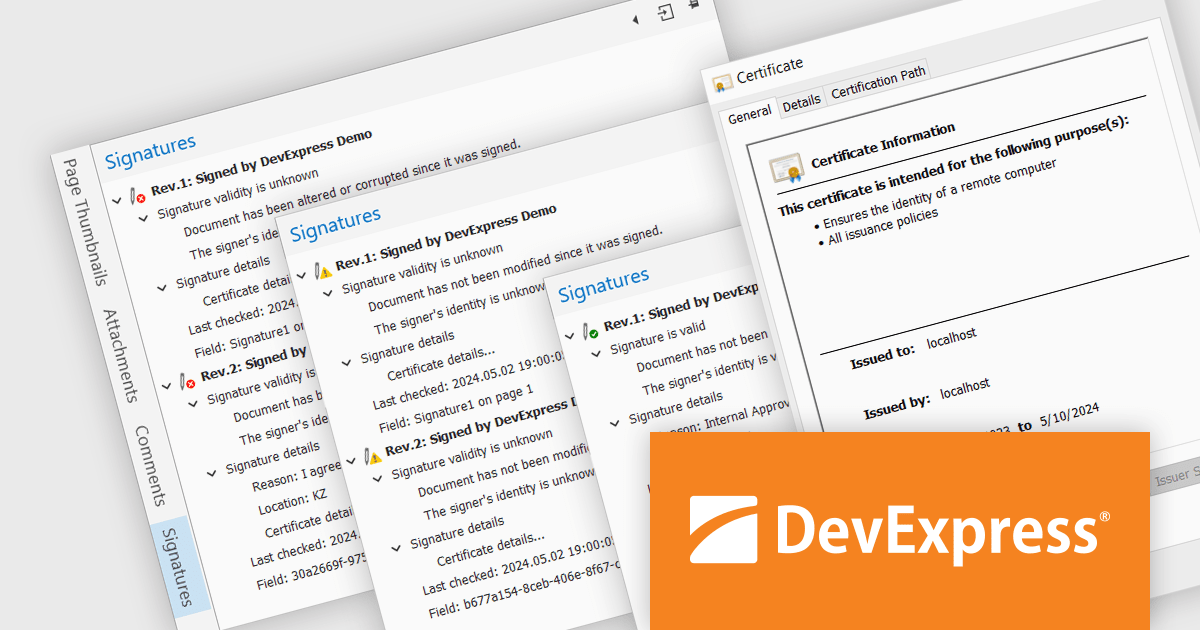
The DevExpress WPF 24.1 update includes a new Signature Info Panel in the PDF Viewer. This feature offers a transparent view of every signature within a PDF, providing detailed information about each signer. The Signature Info Panel goes a step further by intelligently verifying the validity of these signatures in real-time. This instant feedback ensures users can confidently rely on the information presented in the document, saving time and effort.
To see a full list of what's new in version 24.1, see our release notes.
DevExpress WPF is licensed per developer and is available as a Perpetual License with a 12 month support and maintenance subscription. We can supply new subscriptions, subscription renewals, and additional licenses. See our DevExpress WPF licensing page for full details.
DevExpress WPF is available to buy in the following products:
ActiveReportsJS by MESCIUS is a JavaScript reporting toolkit that empowers developers to design and embed interactive reports within web applications. It offers a standalone report designer for crafting reports and a JavaScript report viewer component for seamless integration into web frameworks like React or vanilla JavaScript. This solution streamlines report creation, facilitates data visualization, and delivers a user-friendly report experience.
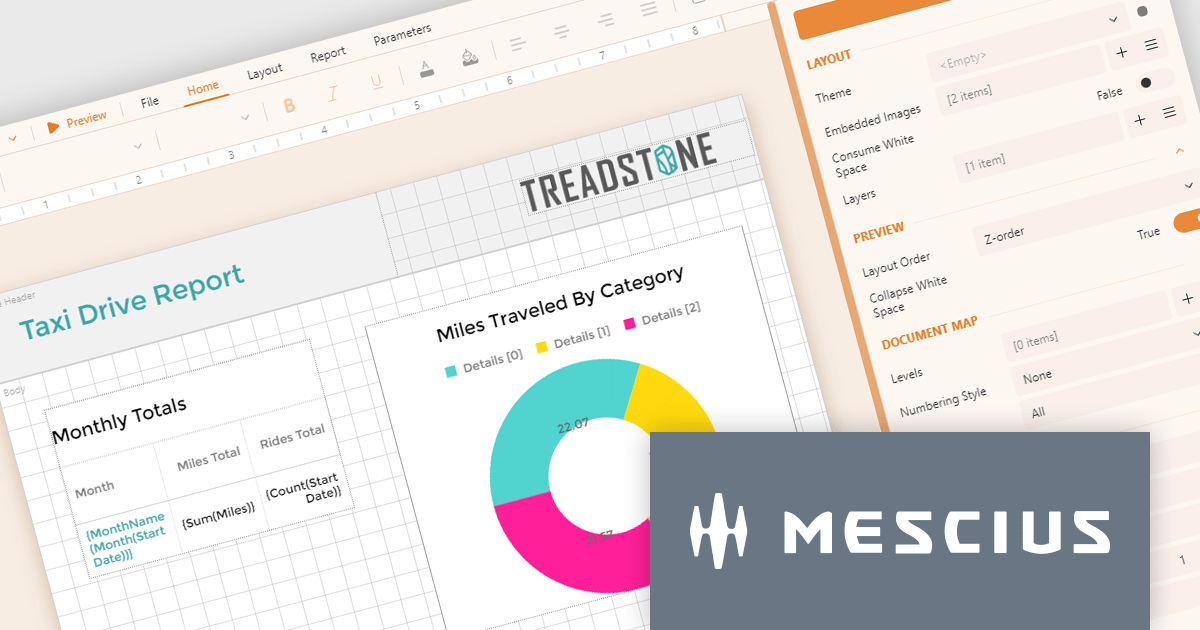
The ActiveReportsJS 5.0 update modernizes the development experience by refreshing the look and feel of both the Report Designer and Report Viewer components with new icons and colors. This enhances clarity and consistency and improves the design environment. Improved theming capabilities empower you to effortlessly apply pre-defined themes or customize the designer's appearance to match your application's branding, fostering a more cohesive user experience within your web applications.
To see a full list of what's new in 5.0, see our release notes.
ActiveReportsJS is licensed on an annual subscription or perpetual basis and is available as a Single Deployment License for non-commercial use, and as a Single Domain License or Unlimited Domain License for commercial and/or SaaS use. See our ActiveReportsJS licensing page for full details.
Learn more on our ActiveReportsJS product page.
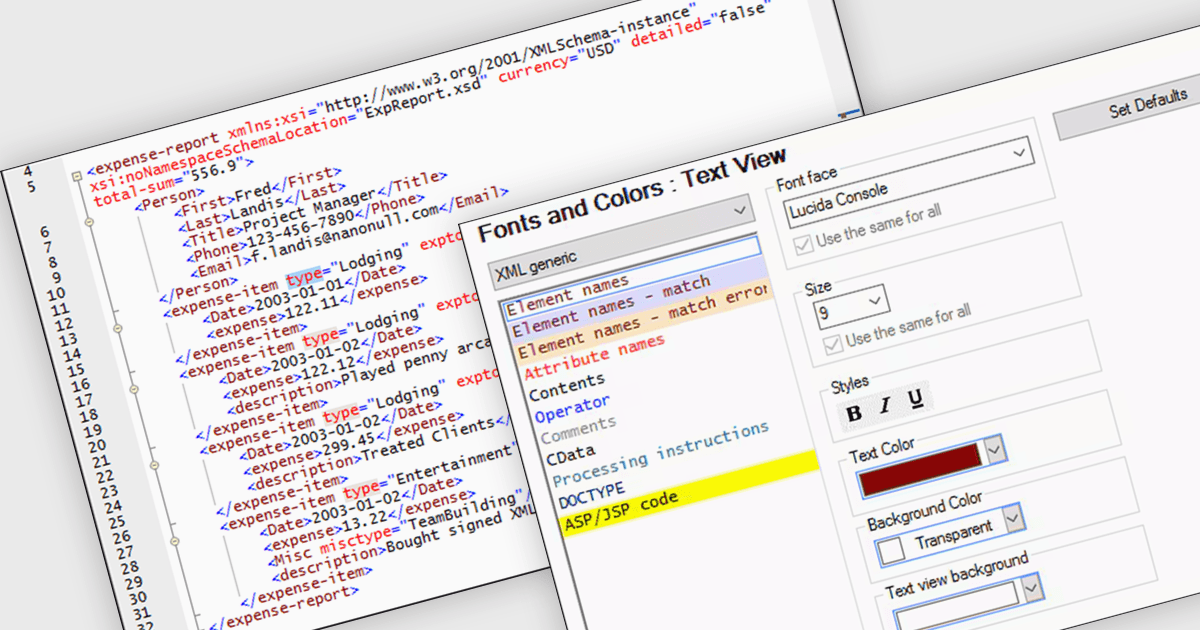
XML syntax coloring is a visual aid that highlights different parts of your code with specific colors. This helps software developers instantly differentiate elements, attributes, comments, and text content, making the structure and organization of your XML document clear at a glance. This improved readability allows for faster comprehension, easier navigation within the code, and ultimately, more efficient development.
Several structured document tools support XML syntax coloring, including:
For an in-depth analysis of features and price, visit our structured document tools comparison.
NOV Diagram for .NET by Nevron is a comprehensive and feature-rich diagramming framework designed for .NET developers to create specialized diagramming and drawing applications. Including most of the functionality found in Microsoft Visio, it offers an array of features such as high-performance rendering, a rich set of predefined shapes, automatic layout algorithms, and extensive input/output capabilities. This tool facilitates the integration of complex visualizations directly into WinForms, WPF, Blazor, and Xamarin.Mac projects for developing sophisticated diagramming solutions while maintaining responsiveness and user interactivity.
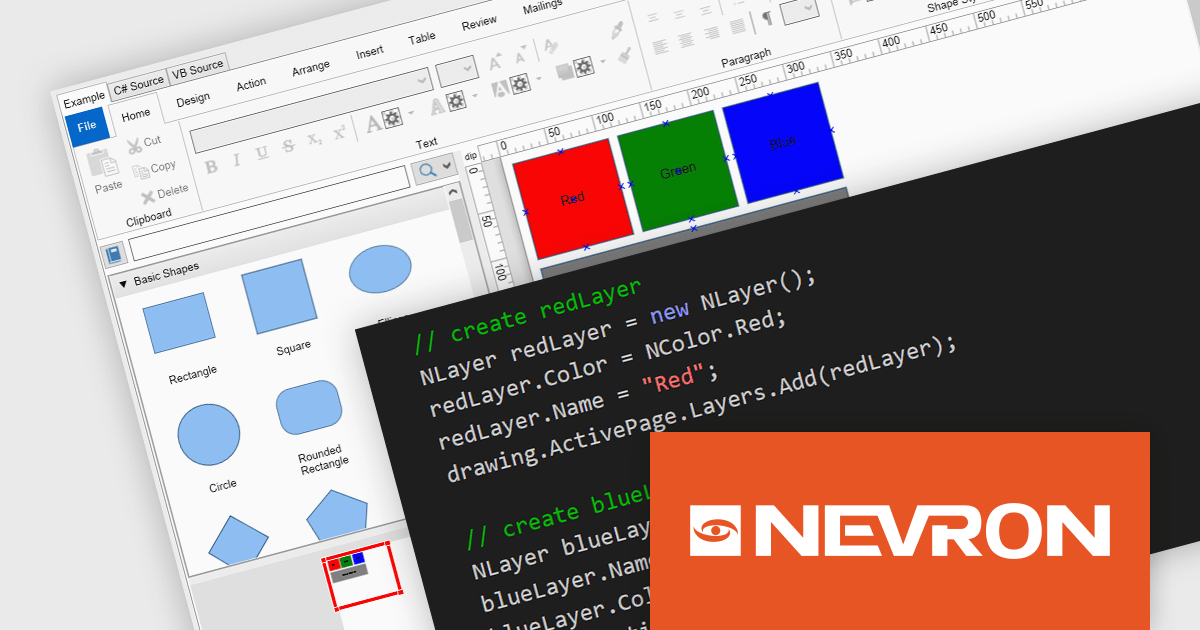
The NOV Diagram for .NET 2024.1 update introduces a new layers feature which gives developers greater control over complex diagram designs. Enabling the segregation of different visual components into distinct layers allows for better organization, making it easier to manage intricate diagrams that require multiple overlapping elements. This functionality means that each page item can now be assigned to a layer, which can be independently manipulated, hidden, or locked without affecting others. This provides a more streamlined workflow and reduces the likelihood of errors during both development and runtime.
To see a full list of what's new in 2024.1, see our release notes.
NOV Diagram for .NET is licensed per developer and is available as a perpetual license with 1 year support and maintenance. See our NOV Diagram for .NET licensing page for full details.
NOV Diagram for .NET is available in the following products:
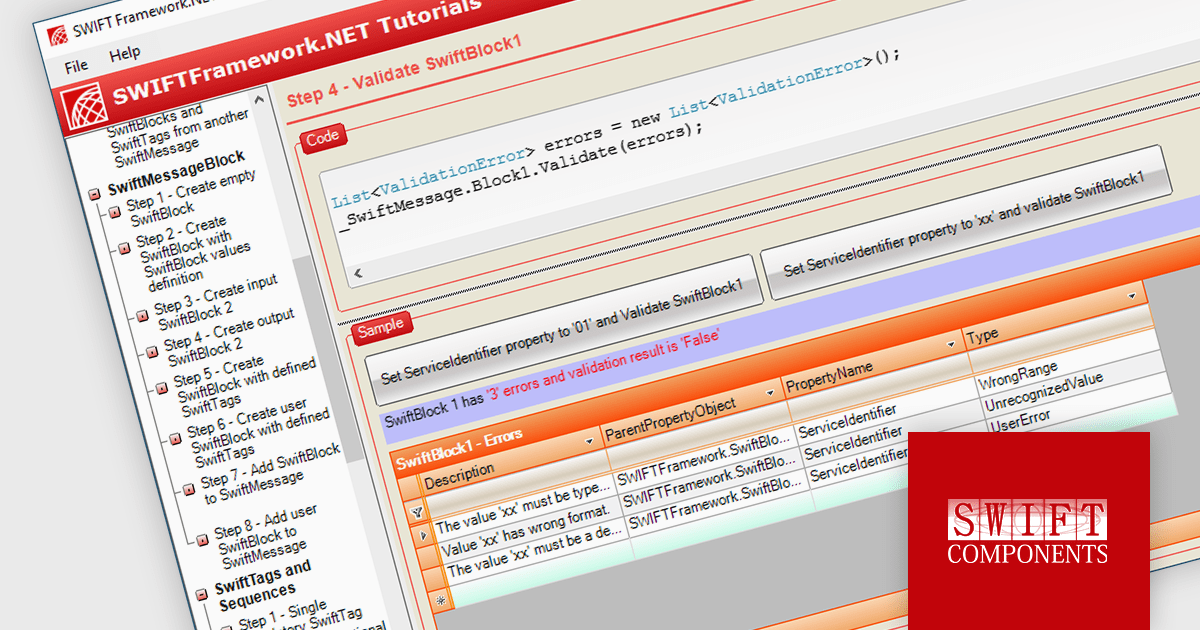
SWIFT Framework .NET by SWIFT Components is a comprehensive .NET library designed to facilitate seamless integration with the SWIFT financial messaging network. It provides developers with robust tools for creating, parsing, and validating SWIFT messages, streamlining the process of handling financial transactions and communications within .NET applications.
The SWIFT Framework .NET 2024.1 update enhances the library by incorporating support for the new SWIFT 2024 Specification Messages, ensuring that developers can seamlessly adopt the latest standards in financial messaging. This update provides improved compliance and interoperability, enabling applications to handle the most current message formats and requirements mandated by SWIFT. Consequently, it enhances the accuracy, efficiency, and security of financial transactions, while also reducing the risk of errors and incompatibilities. By integrating these advancements, developers can ensure their applications remain future-proof and aligned with the evolving landscape of global financial communications.
To see a full list of what's new in 2024.1, see our release notes.
SWIFT Framework .NET is licensed per site, licensing an unlimited number of developers at a single physical address. See our SWIFT Framework .NET licensing page for full details.
Learn more on our SWIFT Framework .NET product page.
전화 : 00798 14 800 6332
팩스 : +1 770 250 6199


