













공식 공급 업체
200 이상의 소프트웨어 개발처와 판매 계약을 맺은 공인 디스트리뷰터로서 합법적인 라이선스를 제공합니다.
모든 브랜드 보기.
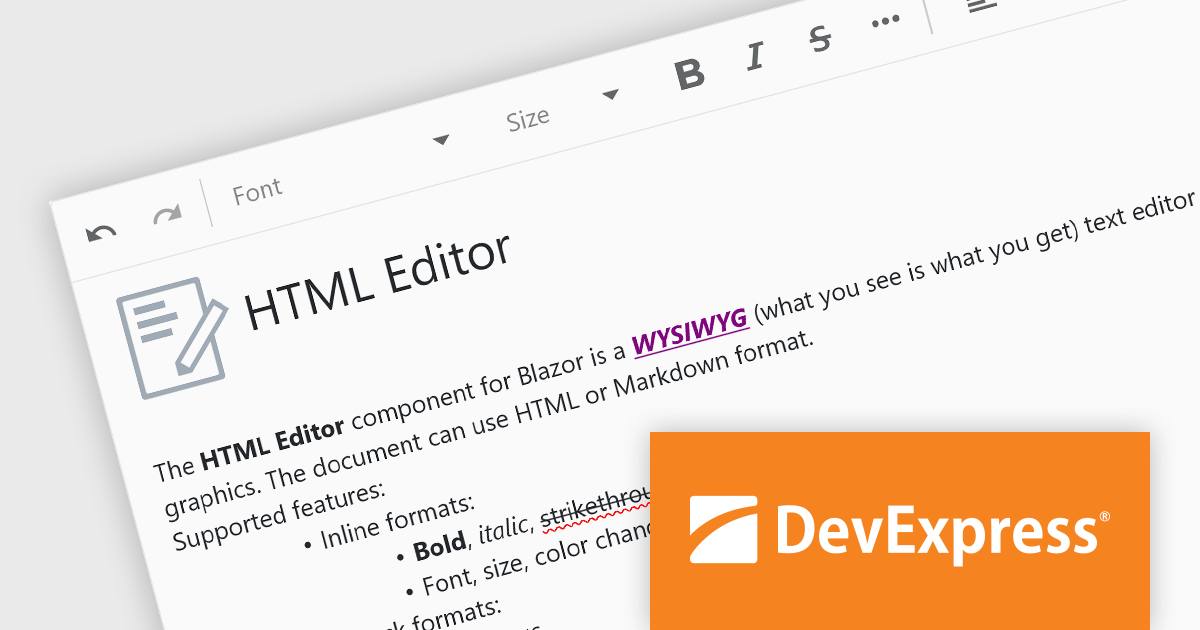
DevExpress Blazor (part of DevExpress ASP.NET and Blazor) helps you create high-impact user experiences for both Blazor Server and Blazor WebAssembly using C#. The Blazor UI Component Library ships with a comprehensive set of native components (including a DataGrid, Pivot Grid, Scheduler, Chart, Data Editors and Reporting).
The DevExpress Blazor 24.1 release adds an all-new HTML Editor. This intuitive tool empowers users to craft visually appealing and informative content with ease. Go beyond plain text by incorporating formatting options like bold, italics, and headings. Fine-tune the look and feel of your content by adjusting font styles, sizes, and colors to match your brand identity. It offers the flexibility to store your creations in either HTML or Markdown format, catering to different needs and workflows. This level of control and versatility makes the Blazor HTML Editor a perfect fit for anyone looking to elevate their content creation experience.
To see a full list of what's new in version 24.1, see our release notes.
DevExpress ASP.NET and Blazor is licensed per developer and is available as a Perpetual License with a 12 month support and maintenance subscription. See our DevExpress ASP.NET and Blazor licensing page for full details.
DevExpress Blazor is available in the following products:

JetBrains YouTrack is a versatile project management and collaboration tool designed for both software development and non-technical teams. Powered by a robust and flexible issue tracking core, YouTrack provides comprehensive features for managing tasks, projects, and workflows of any size. Its intuitive interface fosters efficient collaboration and communication, while agile boards and reporting tools offer real-time visibility and control. Available in both cloud and on-premises options, YouTrack scales effortlessly to accommodate small startups and large enterprises alike, making it a powerful solution for teams seeking to streamline their work and boost productivity.
The YouTrack 2024.2 release introduces an AI-powered writing assistant that helps users improve communication clarity and efficiency. Available at no additional cost, this feature automatically checks grammar, spelling, and punctuation for any errors as you write tasks, articles, or participate in discussions in English or German. This not only saves time and effort in proofreading but also ensures clear and concise communication within your team.
To see a full list of what's new in version 2024.2, see our release notes.
YouTrack Server (installed on your server) is licensed per server and per user, as a Perpetual license with 1 year of free updates and technical support. YouTrack Cloud (hosted in the cloud by JetBrains) is licensed per user as an Annual license with free updates and technical support. See our YouTrack licensing page for full details.
For more information, visit our YouTrack product page.
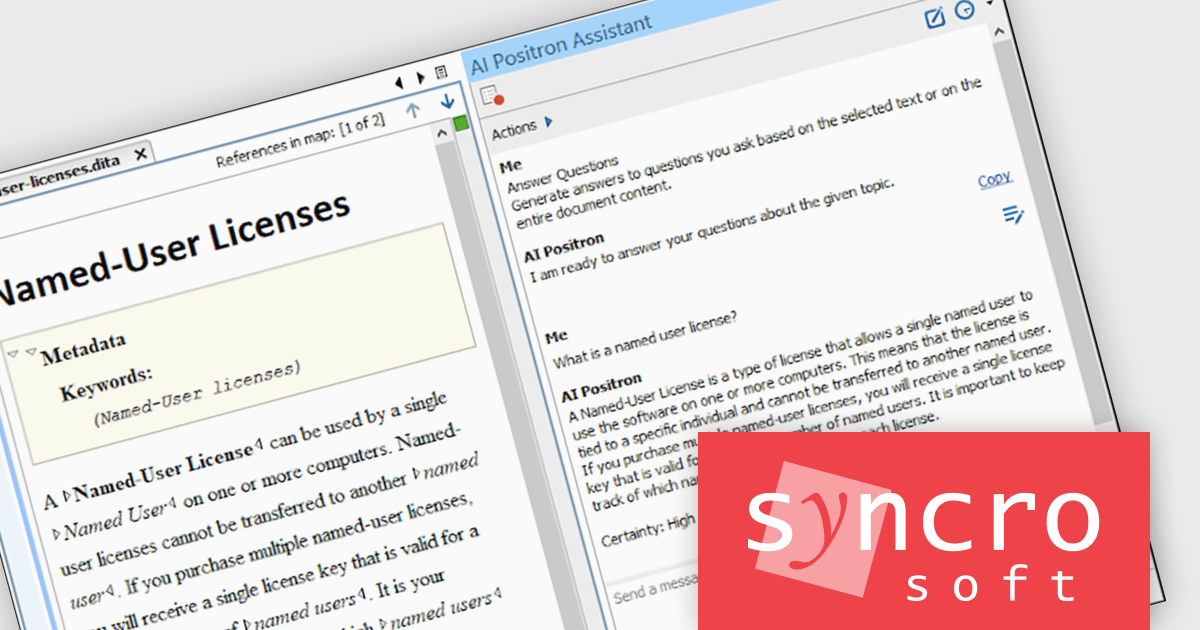
Oxygen AI Positron Assistant Enterprise Plug-in is an Artificial Intelligence powered extension for the Oxygen XML editing suite designed specifically for technical writers. It leverages OpenAI, Microsoft Azure OpenAI Service, or Anthropic Claude to automate repetitive tasks, improve content structure and flow, and generate draft text based on user prompts. The plugin integrates seamlessly within the Oxygen environment, offering visual comparisons of suggested changes and allowing developers to control the creative process through ongoing prompts and revisions.
The Oxygen AI Positron Assistant Enterprise V2.1 release introduces a valuable new 'Explain Code' feature. This functionality empowers developers working with complex code within Oxygen by automatically generating explanations for selected snippets. Applicable to various document types including XSLT, Schematron, XSD, CSS, XQuery, JSON, and JSON Schema, this AI action fosters a clearer understanding of existing code, improving maintainability and potentially revealing areas for optimization.
To see a full list of what's new in version 2.1, see our release notes.
Oxygen AI Positron Assistant Enterprise is licensed per Named user and is available as a Timed License with support and maintenance subscription. See our Oxygen AI Positron Assistant Enterprise licensing page for full details.
For more information, see our Oxygen AI Positron Assistant Enterprise product page.
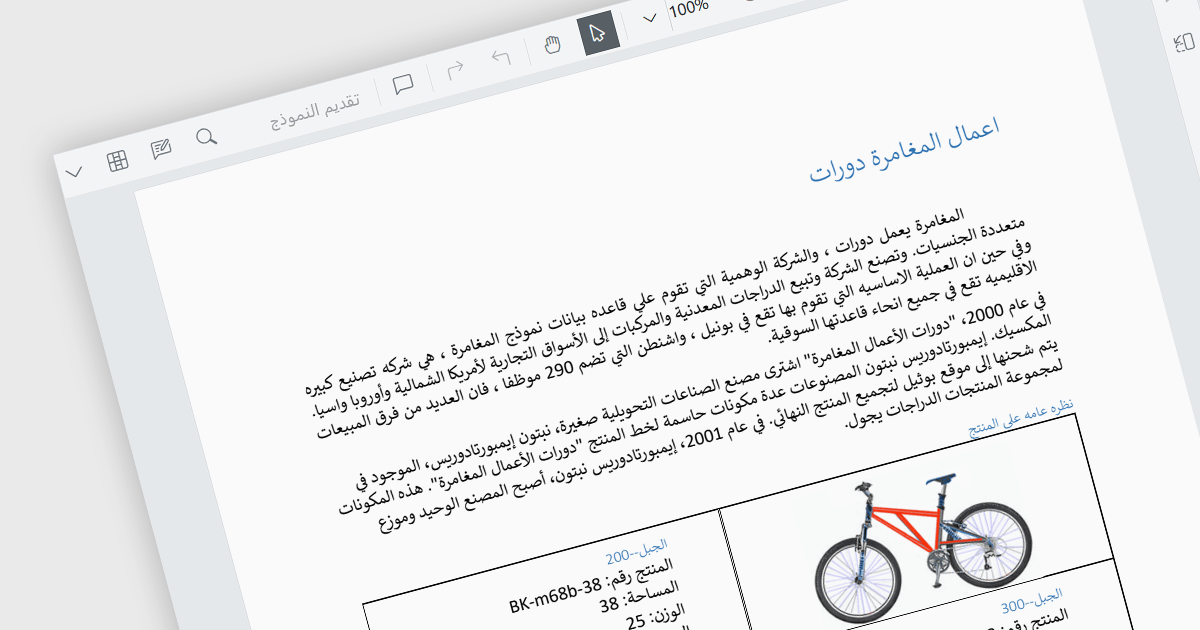
RTL (Right-to-Left) support is the ability to accommodate languages that are read from right to left, such as Arabic, Hebrew, Persian, Urdu, Kashmiri, Pashto, Uighur, Sorani Kurdish, or Sindhi. In a PDF viewer, it ensures the proper display and functionality for PDF documents written in such languages. This includes correctly mirroring the user interface elements, adjusting text flow and maintaining proper alignment, positioning of punctuation etc. within the document itself. RTL support preserves the layout and structure of the document whilst making it easily accessible to users who require said languages. This gives PDF viewing applications more global reach as they can be used by a wider user base.
Several React PDF viewer components include RTL support, including:
For an in-depth analysis of features and price, visit our comparison of React PDF viewer components.
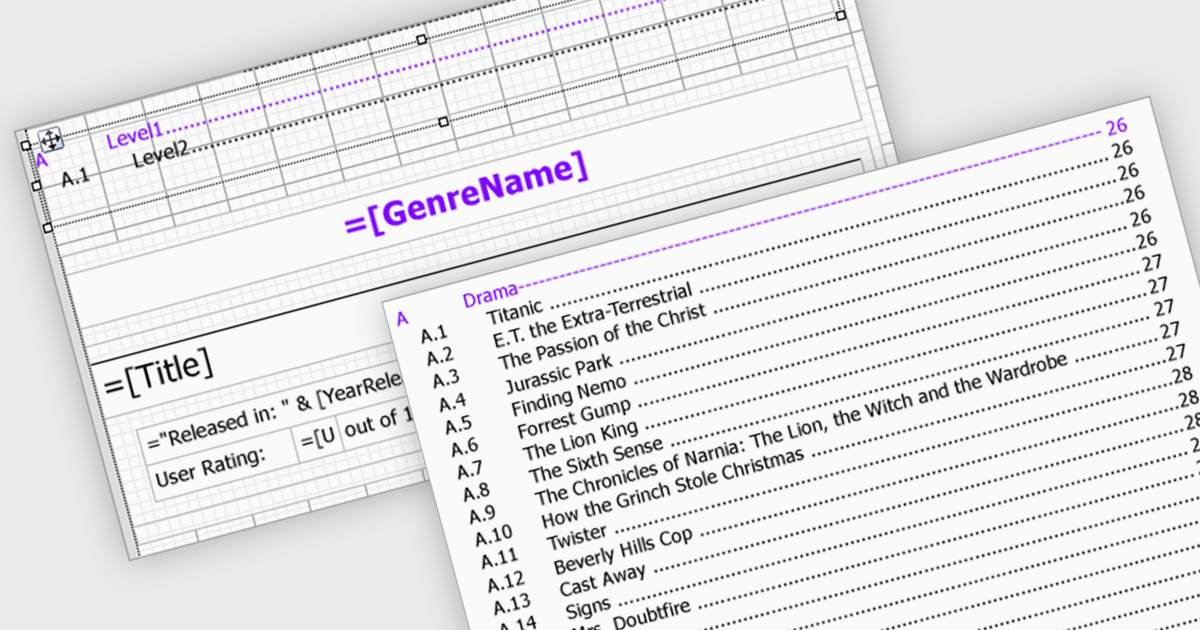
Reporting components streamline document creation by offering automatic Table of Contents (TOC) generation. This feature scans a document for designated headings, like titles and subtitles, and builds a clickable index at the beginning. This not only enhances professionalism but also improves user experience by allowing for easy navigation within lengthy reports. Automatic TOC generation proves particularly valuable for complex documents, research papers, and technical manuals, where readers might need to quickly jump to specific sections.
Several WinForms reporting components support Table of Contents (TOC) features, including:
For an in-depth analysis of features and price, visit our comparison of WinForms reporting components.
전화 : 00798 14 800 6332
팩스 : +1 770 250 6199


