













공식 공급 업체
200 이상의 소프트웨어 개발처와 판매 계약을 맺은 공인 디스트리뷰터로서 합법적인 라이선스를 제공합니다.
모든 브랜드 보기.
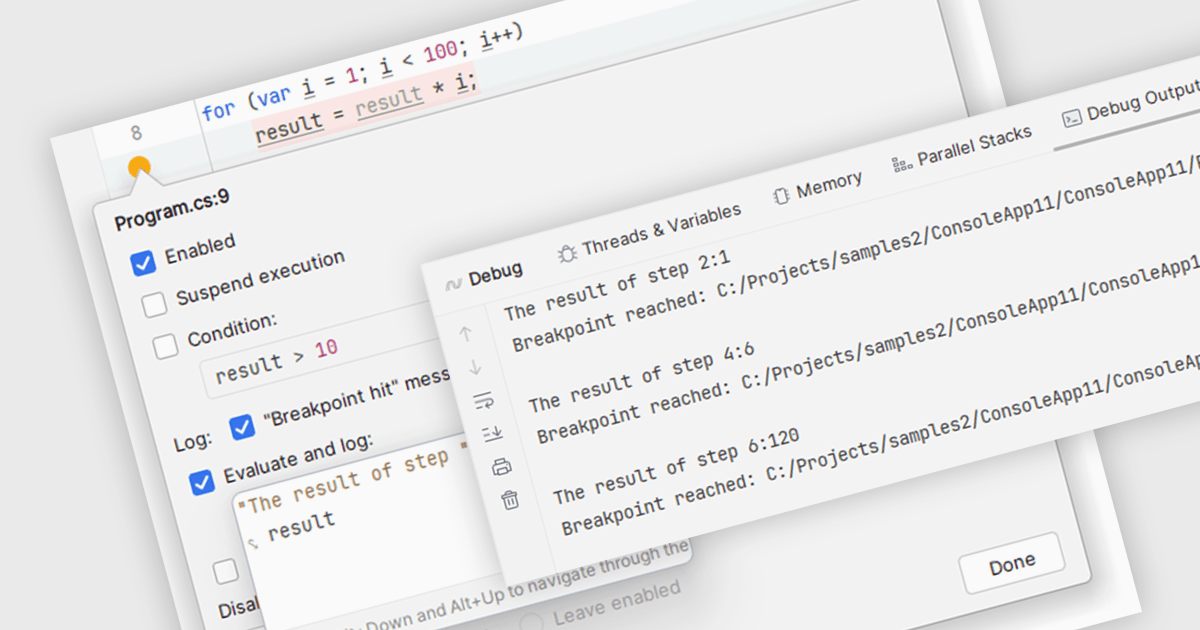
Breakpoints are strategically placed markers within your code that act as pause points during execution. When the program reaches a breakpoint, the IDE halts execution, allowing you to inspect the program's state at that specific moment. This enables you to examine variable values, analyze the call stack, and step through the code line by line. By offering this controlled environment for inspection, breakpoints become a vital tool for debugging and understanding the behavior of your software.
Several integrated development environments (IDEs) support breakpoints, including:
For an in-depth analysis of features and price, visit our comparison of IDEs.
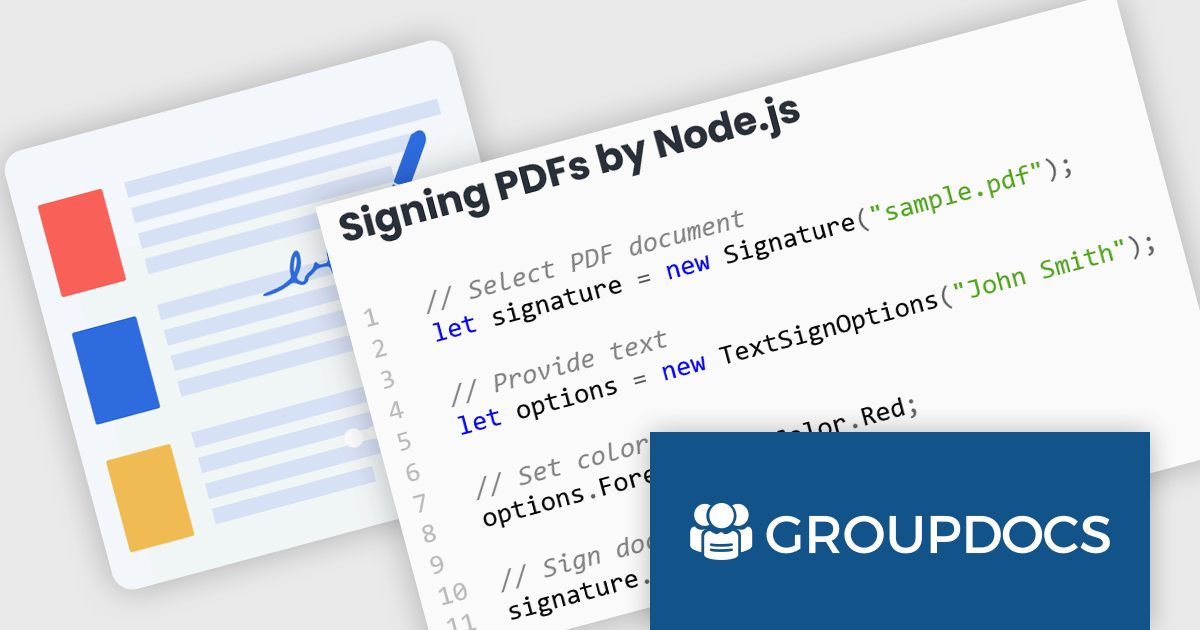
GroupDocs.Signature for Node.js via Java offers a solution for developers working with Node.js applications who require document signing functionalities. It bridges the gap between these two environments by enabling the use of GroupDocs.Signature's robust Java library within Node.js projects. This integration empowers developers to seamlessly add features like digital signatures, text annotations, image stamps, and QR codes to various document formats directly within their Node.js applications.
This approach unlocks a multitude of benefits. Developers can leverage the extensive document processing capabilities of GroupDocs.Signature without needing Java expertise within their Node.js codebase. The solution streamlines the development process, eliminates the need for maintaining separate code for different languages, and simplifies the integration of signing functionalities into existing Node.js applications. This makes GroupDocs.Signature for Node.js via Java ideal for scenarios like e-document signing workflows, contract management platforms, and any Node.js application requiring a user-friendly and secure document signing experience.
GroupDocs.Signature for Node.js via Java is offered as Developer Small Business, Developer OEM, Site Small Business, and Site OEM licenses catering to a range of business needs. Licenses are perpetual, and include 1 year of support and maintenance. Subscription renewals are also available. See our GroupDocs.Signature for Node.js via Java licensing page for full details.
GroupDocs.Signature for Node.js via Java is available in the following products:

Aspose.PUB allows developers can manage Publisher files directly in their applications, eliminating the need for Microsoft Publisher. It offers functionalities like converting PUB files to widely used formats like PDF, extracting content, and even rendering them for viewing or printing within your applications. This streamlines document workflows and integrates PUB files into applications built with various programming languages like .NET and C++.
The Aspose.PUB 24.3 release significantly enhances its versatility by expanding its supported export formats to include JPG, PNG, TIFF, DOCX, XLSX, CSV, SVG, and more. This broader compatibility empowers users to seamlessly convert PUB files with rich layouts into various formats suited for different workflows. From incorporating high-resolution images (JPG, PNG, TIFF) into design projects to exporting data for spreadsheets (XLSX, CSV) or generating vector graphics (SVG), this extended functionality streamlines PUB file utilization across a wider range of applications.
To see a full list of what's new in Aspose.PUB version 24.3, see our .NET and C++ release notes.
Aspose.PUB is offered as Developer Small Business, Developer OEM, Site Small Business, and Site OEM licenses catering to a range of business needs. Licenses are perpetual, and include 1 year of support and maintenance. Subscription renewals are also available. See our Aspose.PUB licensing pages for .NET and C++ for full details.
Aspose.PUB for .NET is available to buy in the following products: Aspose.PUB for .NET, Aspose.PUB Product Family, Aspose.Total for .NET, Aspose.Total Product Family, Conholdate.Total for .NET, and Conholdate.Total Product Family.
Aspose.PUB for C++ is available to buy in the following products: Aspose.PUB for .NET, Aspose.PUB Product Family, Aspose.Total for C++, and Aspose.Total Product Family.
ReSharper is an intelligent add-in for Visual Studio. It comes equipped with a rich set of features including intelligent coding assistance, on-the-fly error highlighting and quick error correction. ReSharper also supports code refactoring, unit testing, navigation and search.
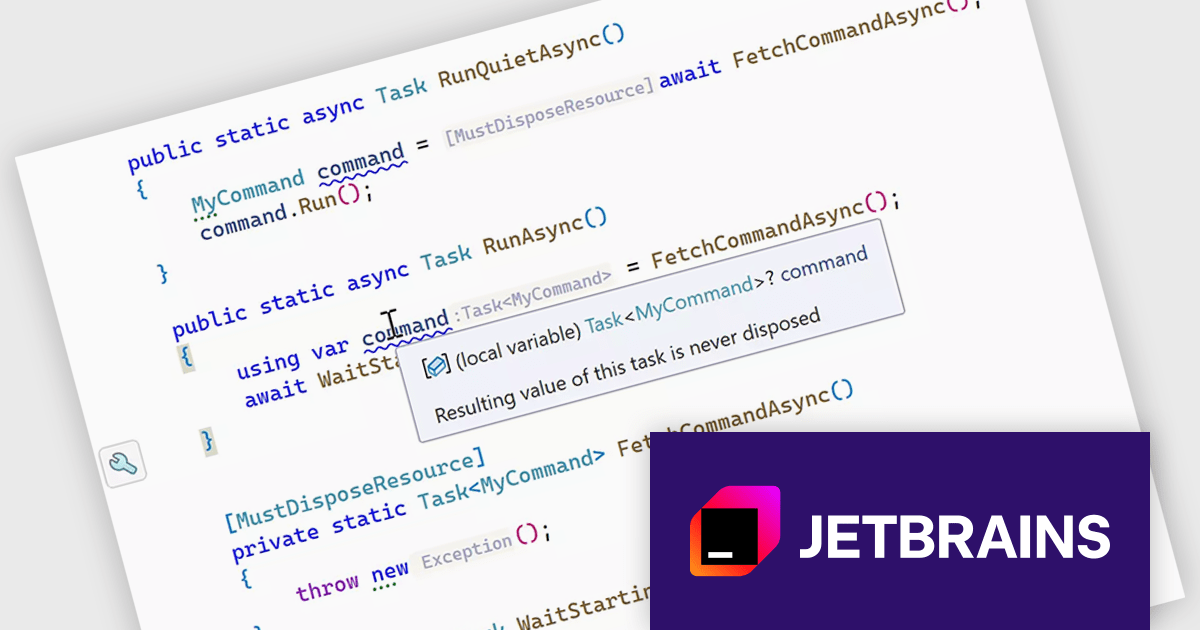
The ReSharper 2024.1 release brings improved support for managing resources in asynchronous programming. The new [MustDisposeResource] annotation ensures that resources are properly cleaned up after use in async methods, helping to prevent resource leaks. This version also enhances the tool's ability to analyze code, making sure that resources used in various async operations are disposed of correctly. This makes it easier to maintain clean and efficient code in complex software projects.
To see a full list of what's new in version 2024.1, see our release notes.
ReSharper is licensed per user, and is available as a commercial annual subscription license. We can supply new subscriptions, subscription renewals (including continuity discounts), lapsed renewals, and additional user licenses. See our ReSharper licensing page for full details.
For more information, visit our ReSharper product page.
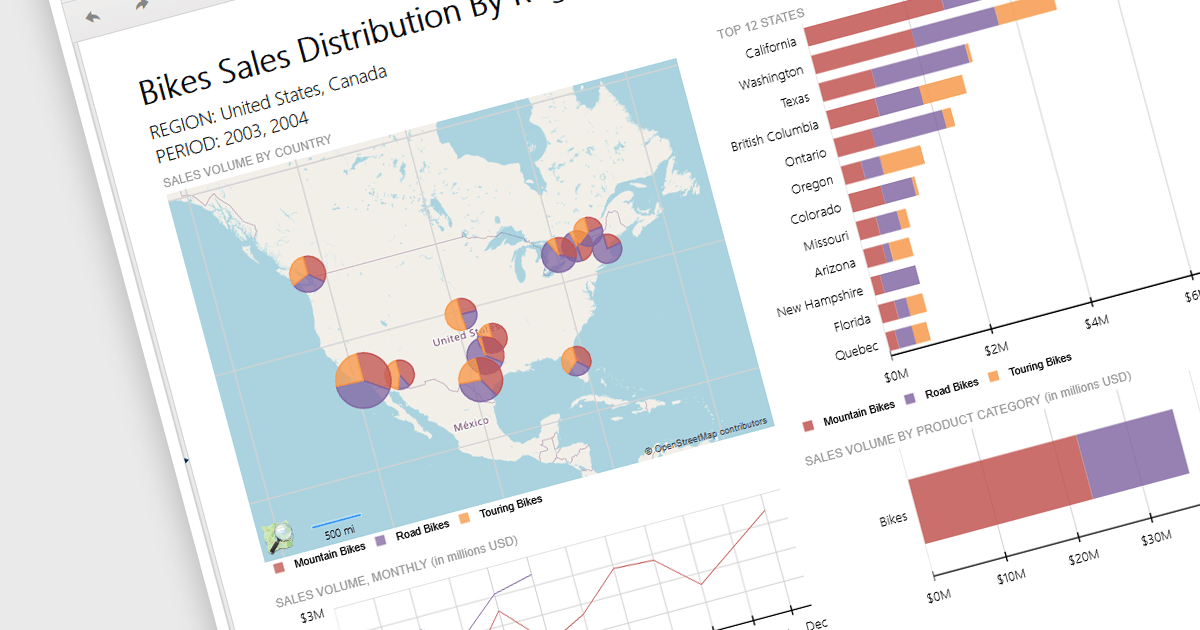
Reporting controls with map support empower developers to create insightful reports by visualizing location-based data. This functionality allows overlaying diverse datasets directly onto geographic layouts, facilitating spatial analysis and revealing patterns that might be hidden in traditional tables or charts. By integrating maps, reports become more interactive, engaging users and enabling location-specific data exploration. This ultimately enhances decision-making by providing clear and immediate visual insights into the geographical distribution of data. Maps offer a more intuitive way to communicate complex datasets, particularly valuable for demographics, regional sales, resource allocation, or any scenario where geographical context is crucial.
Several .NET 8 WinForms reporting controls offer maps, including:
For an in-depth analysis of features and price, visit our comparison of .NET 8 WinForms reporting controls.
전화 : 00798 14 800 6332
팩스 : +1 770 250 6199


