













공식 공급 업체
200 이상의 소프트웨어 개발처와 판매 계약을 맺은 공인 디스트리뷰터로서 합법적인 라이선스를 제공합니다.
모든 브랜드 보기.
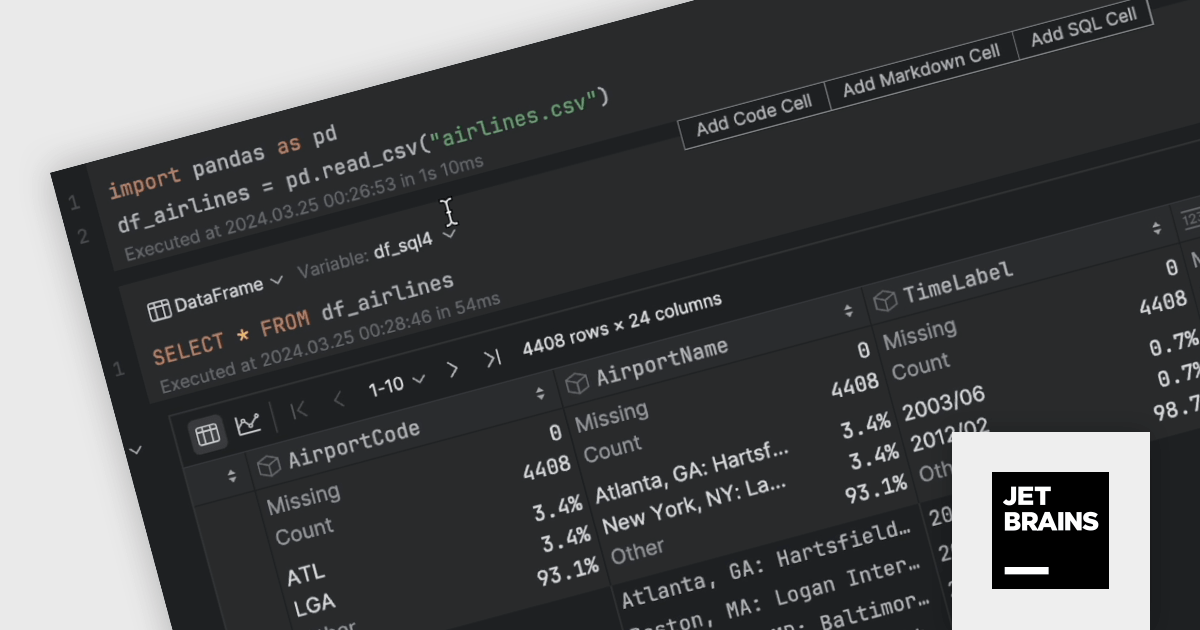
DataSpell by JetBrains is an Integrated Development Environment (IDE) specifically designed for data analysts and engineers. It allows you to write Python scripts, run SQL queries, analyze data in Jupyter notebooks, manage dbt workflows, and connect to various databases, all within one seamless interface. DataSpell empowers you to stay focused on exploring insights and delivering high-quality results by combining rich data analysis tools with features like real-time error checking, code quality analysis, and built-in support for best practices like testing and documentation.
The DataSpell 2024.1 update brings the power of SQL directly to your Jupyter Notebook. This enhancement allows you to seamlessly analyze data frames and CSV files using intuitive SQL syntax. Simply create a dedicated SQL cell, select the target data frame, and craft your queries to filter, sort, or manipulate data with ease. DataSpell's powerful coding assistance ensures a smooth and efficient workflow throughout the process.
To see a full list of what's new in version 2024.1, see our release notes.
DataSpell is licensed per user as a commercial annual subscription. See our DataSpell licensing page for full details.
For more information, visit our DataSpell product page.
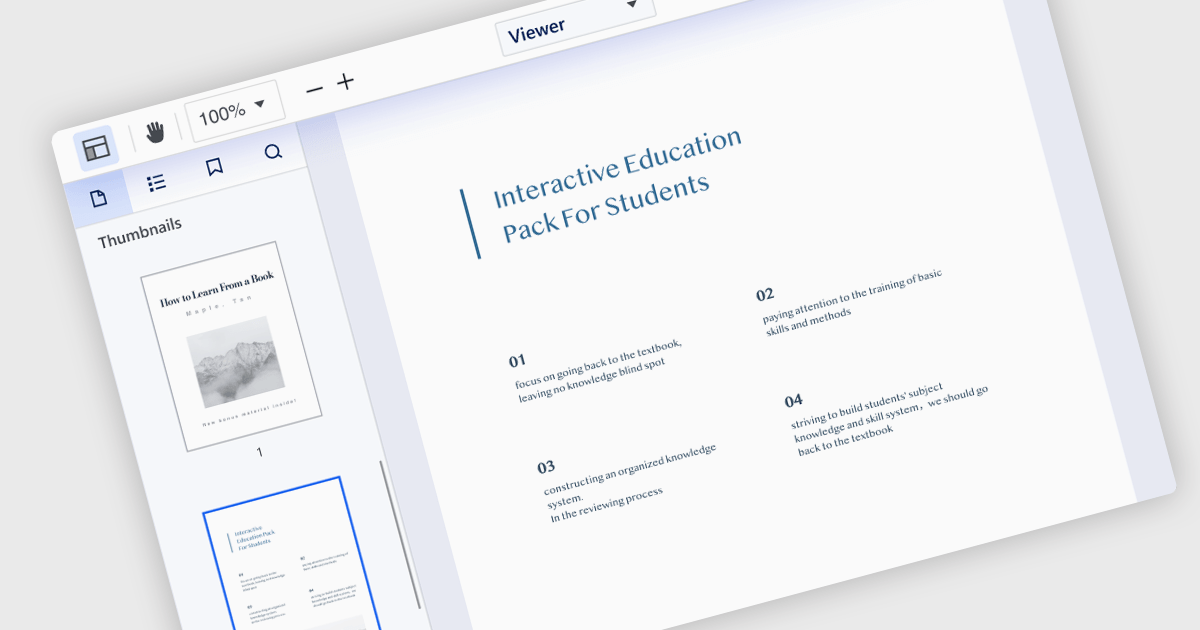
Extracting pages from a Portable Document Format (PDF) file allows users to select specific pages or ranges within the viewer and create a new PDF containing only those selections. This feature is valuable for creating targeted excerpts from a larger document for sharing or further editing. The resulting PDF maintains the original formatting, images, and text of the selected pages, ensuring that the integrity of the extracted content is preserved.
Several .NET WPF PDF viewer components allow you to extract a page from a PDF, including:
For an in-depth analysis of features and price, visit our comparison of .NET WPF PDF viewer components.
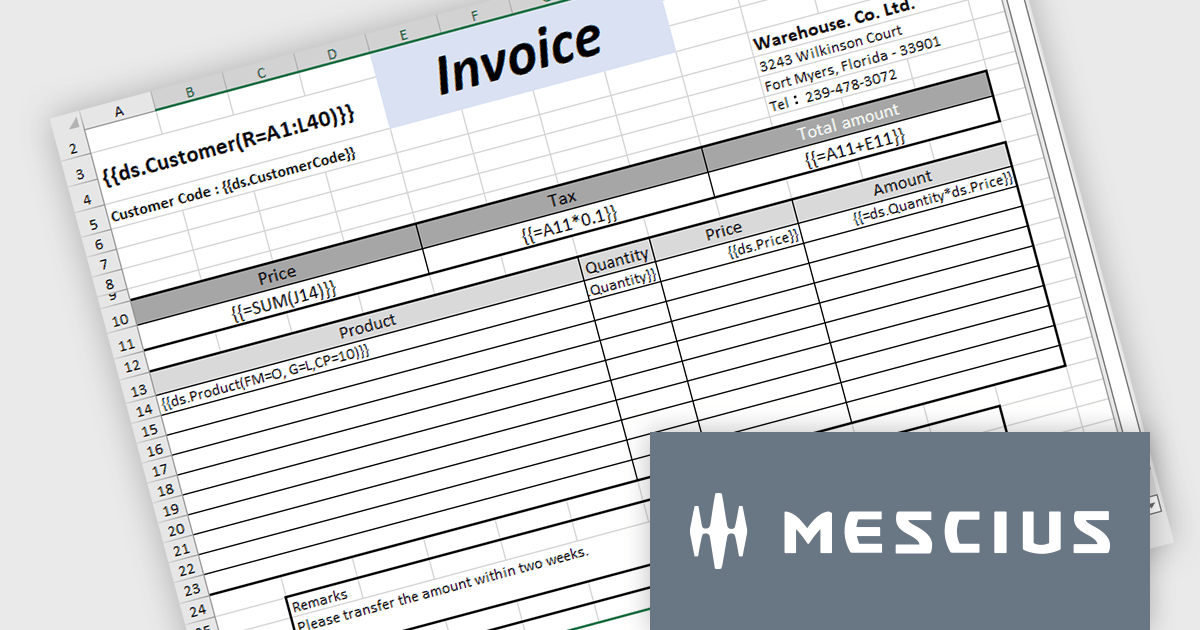
Document Solutions for Excel, .NET Edition (DsExcel) is a high-performance spreadsheet API library that enables .NET developers to create, manipulate, and generate Excel documents within their applications entirely independent of Microsoft Excel. DsExcel boasts a fast and lightweight design and features cross-platform and cross-framework compatibility. It includes a powerful calculation engine that handles over 450 Excel functions and allows for the creation of custom functions for complex calculations.
The Document Solutions for Excel v7.1 update includes enhancements to DsExcel templates which prioritize performance and stability to cater to a broader range of use cases. This includes improved handling of missing data sources, new OverwriteFillFormat functionality to operate in both Pagination and non-Pagination modes, expanded support for image and shape elements, optimized processing for merged cells, and backwards compatibility with older templates to ensure a smooth transition for existing users.
To see a full list of what's new in v7.1.0, see our release notes.
Document Solutions for Excel, .NET Edition is licensed per developer and is available in several license options for differing distribution needs. Team licenses are also available for multiple developers within the same organization. See our Document Solutions for Excel, .NET Edition licensing page for full details.
Learn more on our Document Solutions for Excel, .NET Edition product page.
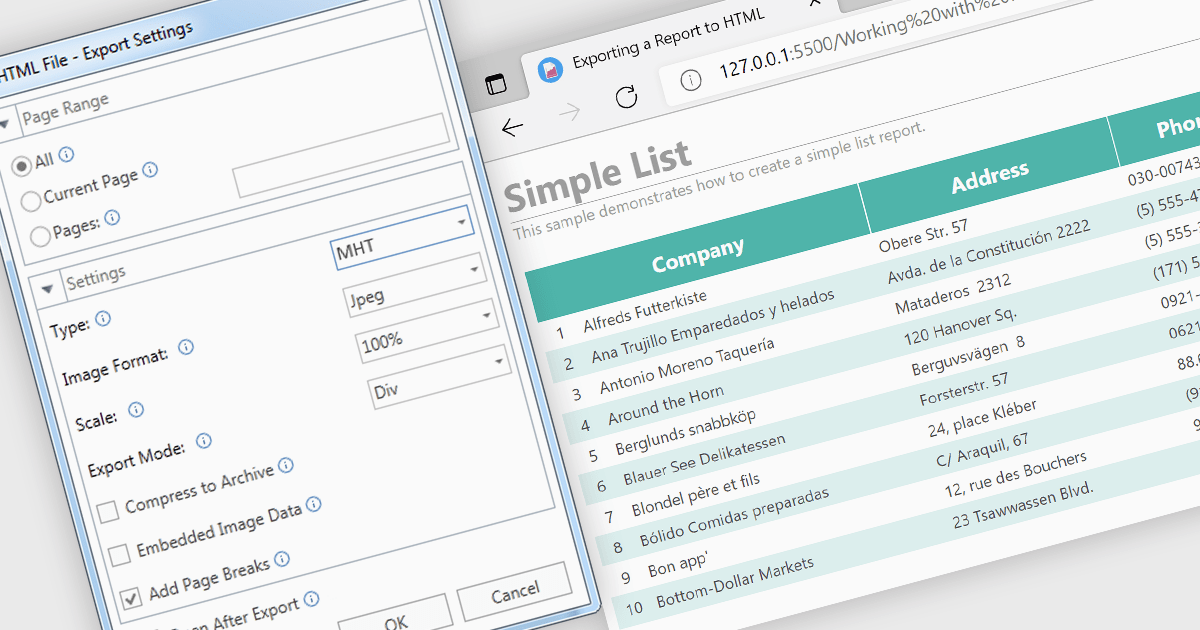
MHT (MHTML or MIME HTML) is a web archive format that bundles a web page's HTML code and all its resources such as images, stylesheets, and scripts into a single file that can be viewed offline or in applications that don't require an internet connection. Exporting to MHT format gives you a single archive file that contains your webpage and all its necessary components. This format is especially beneficial for preserving the exact state of a web page at a specific point in time, allowing for offline storage and easy sharing without losing the original design and functionality. Additionally, it simplifies the management and transfer of web content by consolidating multiple files into a single entity.
Several .NET 8 WPF reporting components allow you to export to MHT, including:
For an in-depth analysis of features and price, visit our comparison of .NET 8 WPF reporting components.
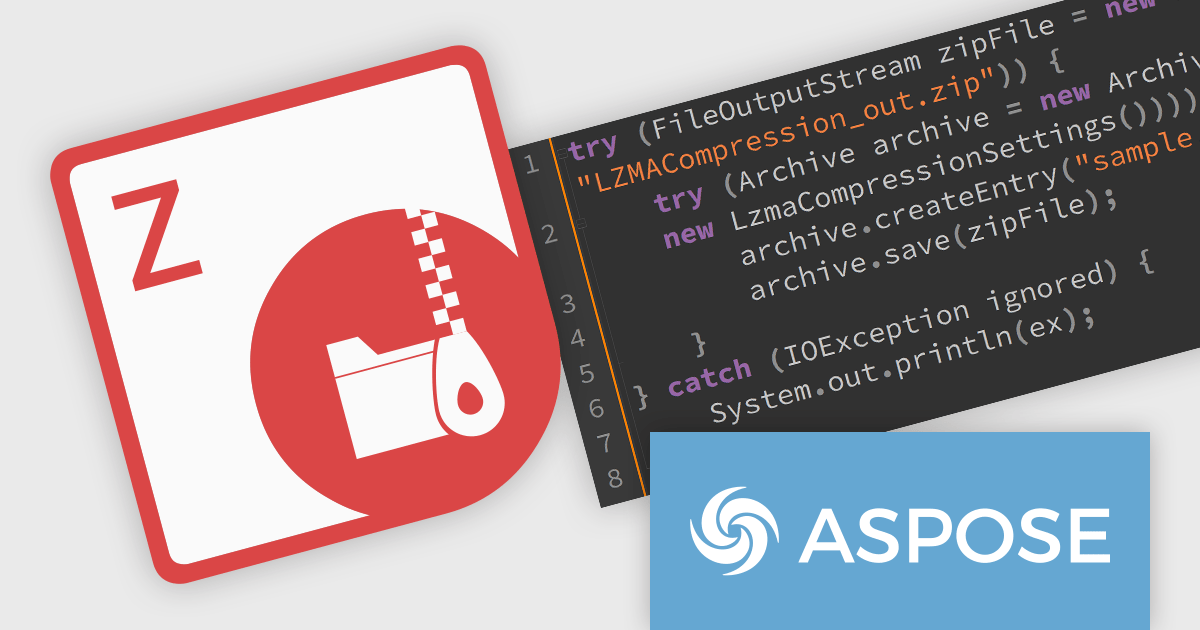
Aspose.ZIP for Java is a library that simplifies working with ZIP archives in your Java applications. It allows you to compress and decompress files and folders, create and manipulate archives, and encrypt them for security. With Aspose.ZIP, you can avoid writing complex compression algorithms or dealing with the intricacies of archive formats, letting you focus on the core functionality of your program.
The Aspose.ZIP for Java V24.3 release adds support for the Lempel–Ziv–Markov chain algorithm (LZMA), a popular lossless data compression algorithm that achieves high compression ratios while maintaining fast decompression speeds. This enhancement allows users to create and extract ZIP archives compressed with LZMA, reducing file sizes while maintaining data integrity. This functionality can be particularly beneficial for applications that deal with large datasets or require efficient storage and transmission of data.
To see a full list of what's new in 24.3, see our release notes.
Aspose.ZIP for Java is offered as Developer Small Business, Developer OEM, Developer SDK, Site Small Business, Site OEM, and Site SDK licenses catering to a range of business needs. Licenses are perpetual, and include 1 year of support and maintenance. Subscription renewals are also available. See our Aspose.ZIP for Java licensing page for full details.
Aspose.ZIP for Java is available in the following products:
전화 : 00798 14 800 6332
팩스 : +1 770 250 6199


