













공식 공급 업체
200 이상의 소프트웨어 개발처와 판매 계약을 맺은 공인 디스트리뷰터로서 합법적인 라이선스를 제공합니다.
모든 브랜드 보기.
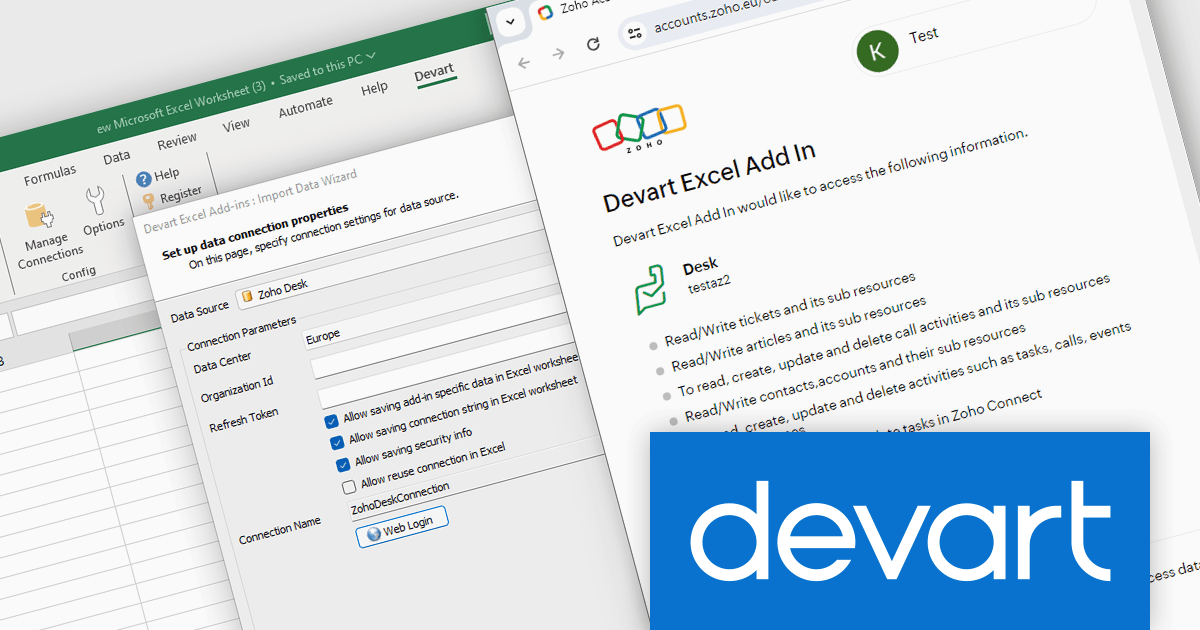
Devart Excel Add-in for Zoho Desk bridges the gap between your Zoho Desk helpdesk data and the familiar environment of Microsoft Excel. This powerful tool allows you to seamlessly import, edit, and update your Zoho Desk information directly within Excel spreadsheets. By leveraging Excel's robust data analysis features, the Devart add-in empowers users to gain deeper insights from their customer support data.
This integration unlocks a multitude of use cases for Zoho Desk users. Teams can leverage the add-in to generate comprehensive reports on ticket volume, agent performance, and customer satisfaction. The ability to edit data in Excel enables bulk updates to ticket statuses, classifications, and even custom fields within Zoho Desk. This streamlined data manipulation fosters improved efficiency and facilitates data-driven decision making for your customer support operations.
Devart Excel Add-in for Zoho Desk is licensed per user and is available as a Perpetual license with 1 year support and maintenance. See our Devart Excel Add-in for Zoho Desk licensing page for full details.
Devart Excel Add-in for Zoho Desk is available in the following products:
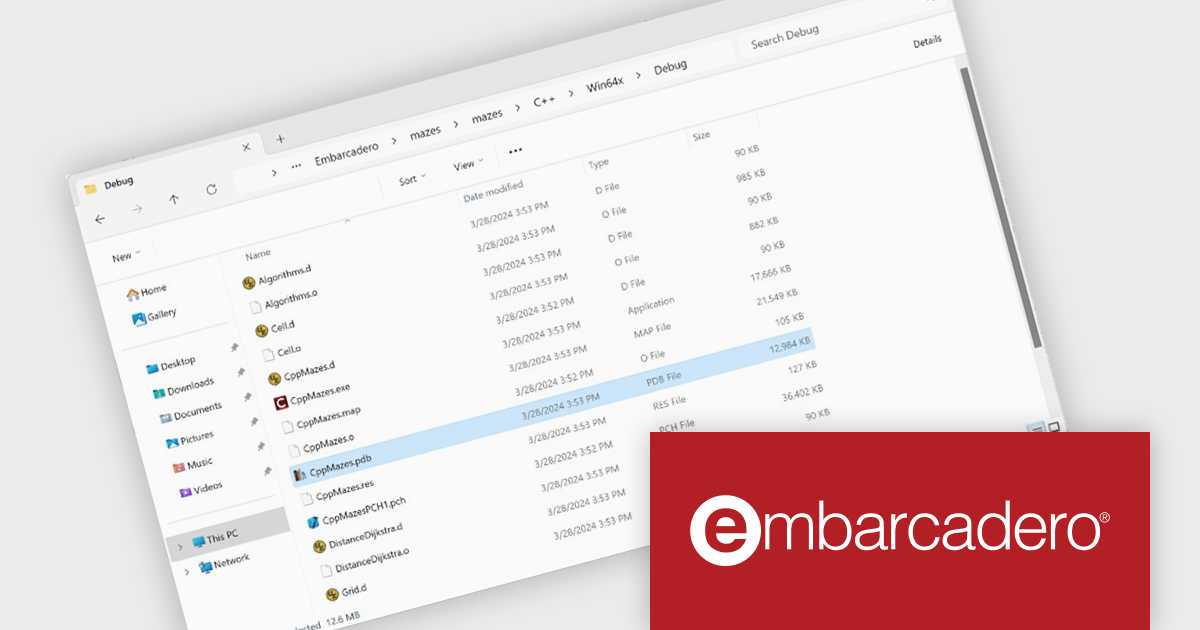
C++Builder by Embarcadero is a rapid application development environment that simplifies C++ development for Windows, iOS, macOS, and Android. It streamlines the process by offering visual UI design tools, pre-built components, and a powerful debugger, enabling faster creation of high-performance native applications.
The C++Builder 12.1 Athens update includes a brand new Clang-based C++ compiler that brings modern development to 64-bit versions of Windows. This high-quality toolchain offers a powerful 64-bit compiler and linker, ideal for large applications. Seamless integration with external libraries and existing C++ code ensures a smooth transition. Full IDE integration and support for VCL, FireMonkey, FireDAC, and RTL libraries make it a complete solution for modern C++ development on Windows.
To see a full list of what's new in C++Builder 12.1 Athens, see our release notes.
C++Builder Professional, Enterprise and Architect are licensed per Named, Network Named or Concurrent user and are available as a Perpetual License with an Update Subscription that includes support and free upgrades for 1 Year. C++Builder Professional is also available as a Named Annual user license. See our C++Builder licensing page for full details.
C++Builder is available to buy in the following products:
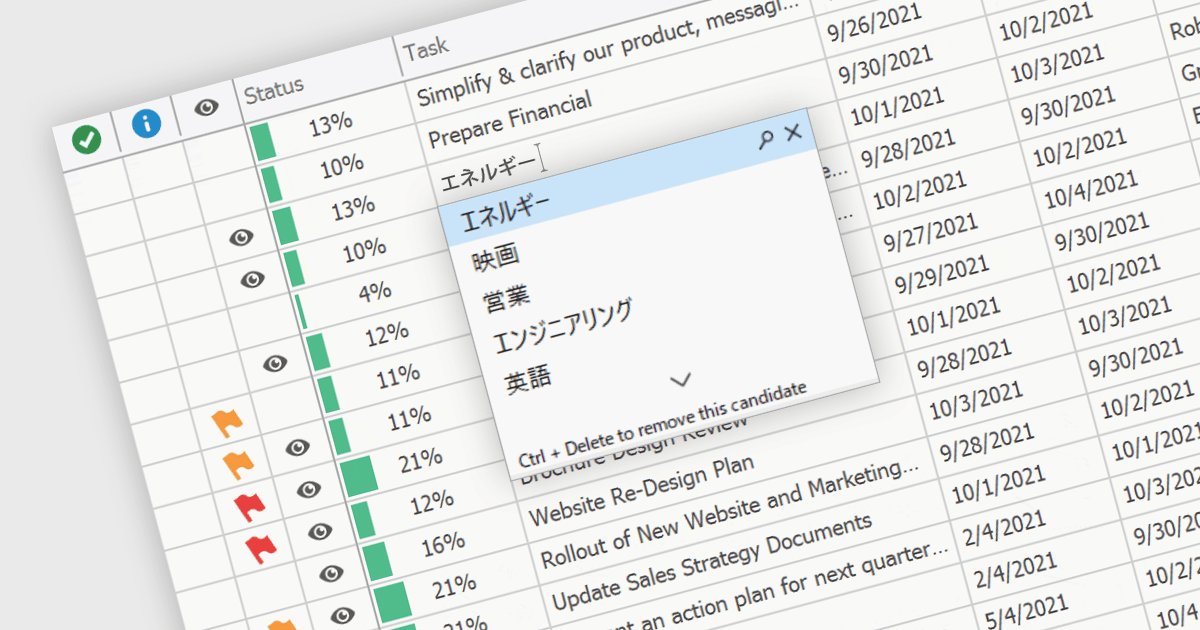
An Input Method Editor (IME) facilitates the entry of complex characters and scripts not directly supported by standard keyboards, which is especially vital for languages with extensive character sets like Chinese, Japanese, and Korean. When integrated into a grid component, an IME enables users to input text directly into data cells using phonetic or syllabic methods that are converted into the desired characters. This integration streamlines the data entry process in applications requiring multi-language support, significantly enhancing usability and efficiency. It simplifies the development of applications targeting global markets by providing native language input support, thereby improving the user experience and reducing the need for external language input tools.
Several WinForms grid components offer Input Method Editor (IME) support, including:
For an in-depth analysis of features and price, visit our comparison of WinForms grid components.

Map component extend your Blazor app's functionality by facilitating the display of geographic information. This allows you to visualize data with real-world location context, enhancing user understanding and engagement. Blazor map components often integrate with popular map providers and support features such as markers, layers, and customization, allowing you to create interactive and informative map experiences within your web application.
Several Blazor UI suites feature map components including:
For an in-depth analysis of features and price, visit our Blazor UI Suites comparison.
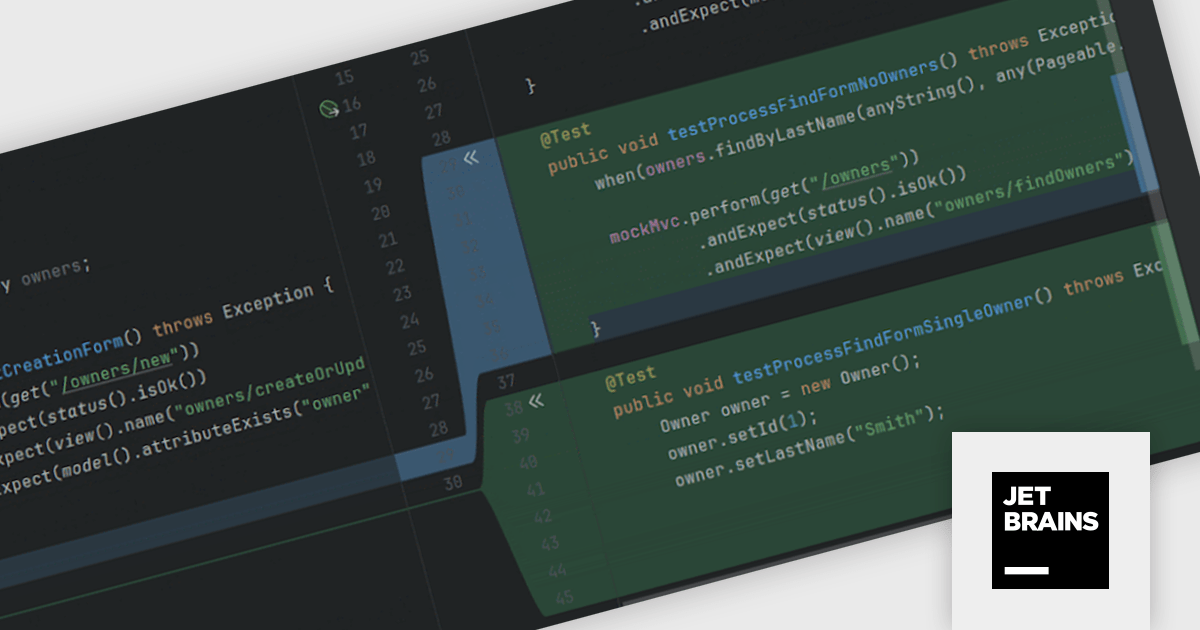
JetBrains AI Assistant is a plugin for their IDEs that uses large language models to enhance your coding experience. It can answer your questions about code, suggest completions and refactorings, and even help you write documentation and commit messages. It analyzes the context of your project to provide the most relevant suggestions, and you can chat with it directly within the IDE. It's a powerful tool for programmers looking to boost their productivity.
JetBrains AI Assistant 2024.1 includes improved test generation features that help you write better tests faster. It automatically locates existing test files, using them as templates to ensure that new test cases conform to the format and style of current ones. The AI Assistant meticulously analyzes your code along with any related documentation to propose tests that expose edge cases and potential anomalies. With a simple approval process, you can quickly integrate these suggestions and have robust tests prepared to execute, allowing you to devote more time to developing new code.
To see a full list of what's new in version 2024.1 see our release notes.
JetBrains AI Assistant requires that you already own a JetBrains IDE product with an active commercial subscription license and is licensed per user as a commercial annual subscription. We can supply new subscriptions, subscription renewals, lapsed subscription renewals, and additional developer licenses. See our JetBrains AI Assistant licensing page for full details.
For more information, visit our JetBrains AI Assistant product page.
전화 : 00798 14 800 6332
팩스 : +1 770 250 6199


