













공식 공급 업체
200 이상의 소프트웨어 개발처와 판매 계약을 맺은 공인 디스트리뷰터로서 합법적인 라이선스를 제공합니다.
모든 브랜드 보기.
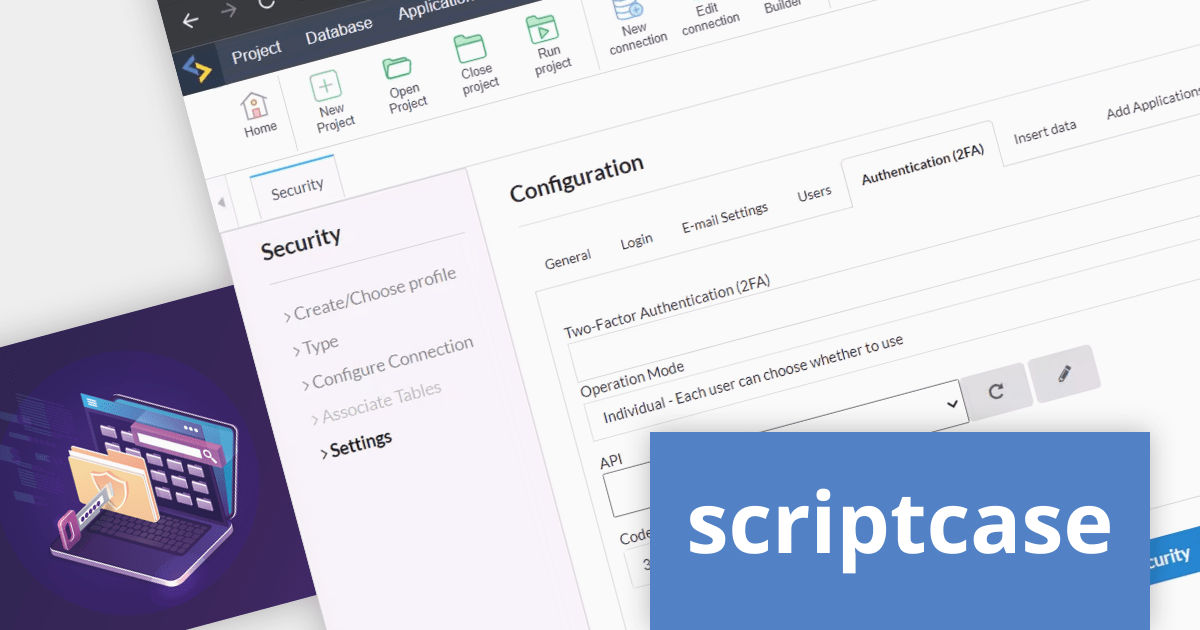
Scriptcase is a RAD platform that simplifies PHP web application development. Its drag-and-drop interface, code generation capabilities, and database integration make it a user-friendly tool for both experienced programmers and non-technical users. By streamlining the development process, Scriptcase accelerates the time to market, reduces coding effort, enhances productivity, lowers costs, and improves user experience.
The Scriptcase V9.10 release adds a new security module that provides System Administrators with total control over user access. The module supports multiple access methods including login, email, or both. It also allows sysadmins to define user creation rules, and adds the option to use two-factor authentication (2FA).
To see a full list of what's new in version 9.10.000, see our release notes.
For more information, visit our Scriptcase product page.
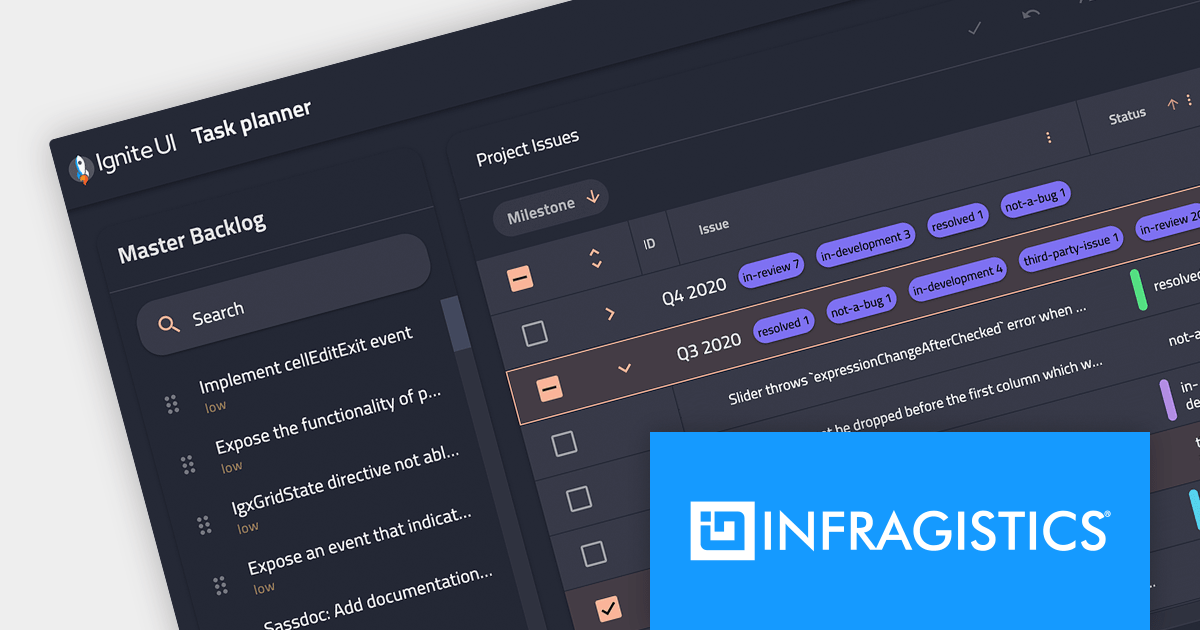
Several Infragistics products have changed in price effective December 7, 2023. Infragistics Ultimate now includes App Builder - a cloud-based WYSIWYG tool designed to simplify user interface design and development. The new pricing for each product is shown below:
| Product | USD ($) | EUR (€) | GBP (£) |
|---|---|---|---|
| Indigo Design Essential * | $495 | €435 | £385 |
| Indigo.Design ** | $1,695 | €1,495 | £1,295 |
| Infragistics Ignite UI | $1,295 | €1,135 | £995 |
| Infragistics Professional | $1,495 | €1,315 | £1,155 |
| Infragistics Ultimate | $2,245 | €1,975 | £1,735 |
| Infragistics Ultimate UI for ASP.NET Web Forms | $1,595 | €1,395 | £1,225 |
| Infragistics Ultimate UI for Windows Forms | $1,195 | €1,055 | £925 |
| Infragistics Ultimate UI for WPF | $1,195 | €1,055 | £925 |
| Infragistics Windows Forms Test Automation for IBM *** | $2,995 | €2,635 | £2,295 |
| Infragistics Windows Forms Test Automation for Micro Focus UFT *** | $2,995 | €2,635 | £2,295 |
| Infragistics WPF Test Automation for Micro Focus UFT *** | $2,995 | €2,635 | £2,295 |
Log on to ComponentSource and visit the links above to see your personalized discounted prices in your local currency.
Prices shown are SRP for 1 Seat New Perpetual Licence with 1 year Standard Support subscription except:
* 1 Year Annual Subscription License with Professional Support
** 1 Year Annual Subscription License with Enterprise Support
*** Includes Priority Support
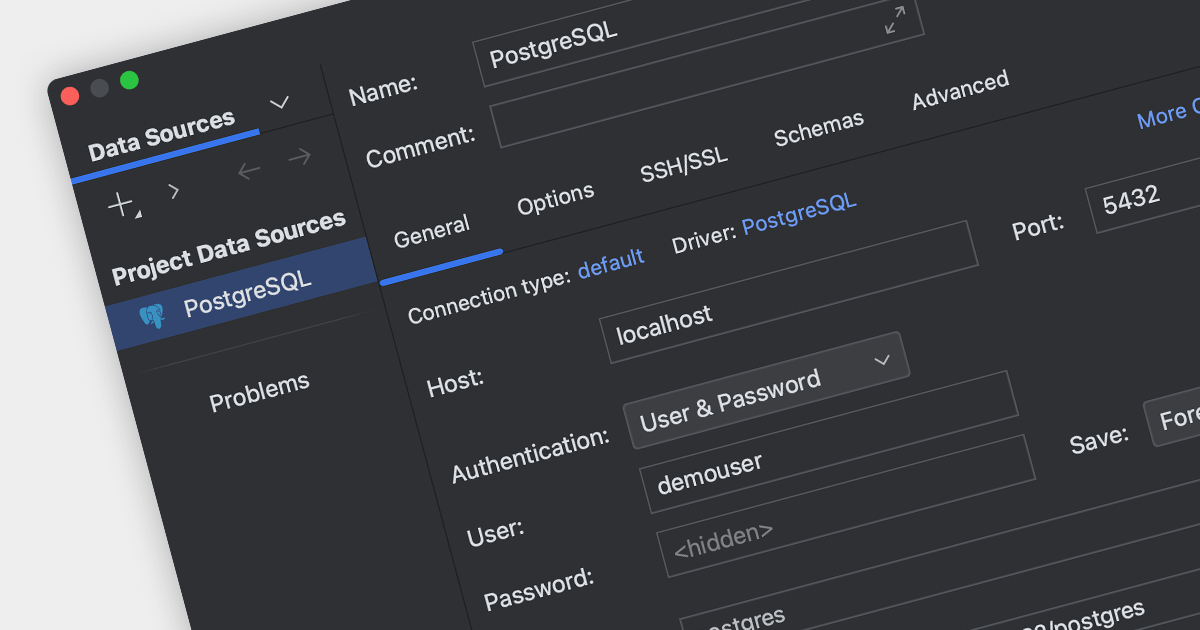
PostgreSQL, often referred to as Postgres, is a powerful, open-source object-relational database management system (RDBMS) that emphasizes extensibility and SQL compliance. The ability to connect to PostgreSQL data sources within your IDE streamlines the development process, enabling developers to write, debug, and deploy applications without switching between multiple tools. It also provides a centralized interface for managing database schema, data, and security, enhancing the overall development experience.
Several IDEs offer PostgreSQL connection support, including:
For an in-depth analysis of features and price, visit our IDEs comparison.
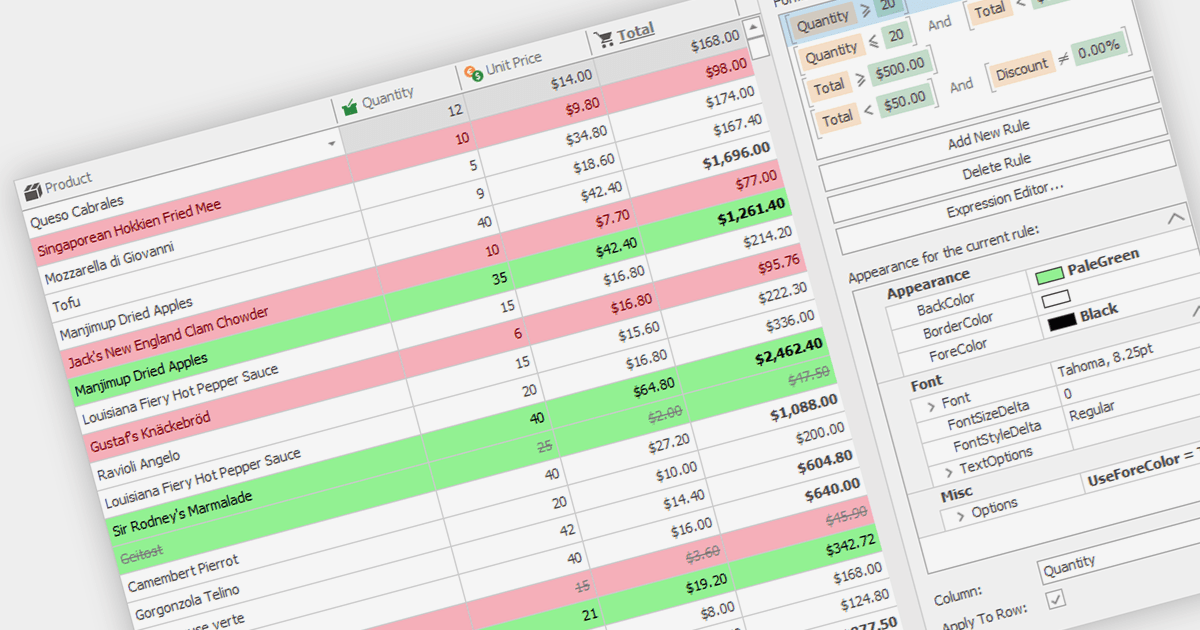
Conditional formatting in grids allows users to apply visual styles to cells or ranges based on the data they contain. It enhances data readability and analysis by highlighting critical values, outliers, or trends in a data-driven manner. For instance, a cell might be colored red if it contains a value below a certain threshold, thereby drawing attention to potential issues.
Several WinForms grid components support conditional formatting including:
For an in-depth analysis of features and price, visit our WinForms Grid comparison.
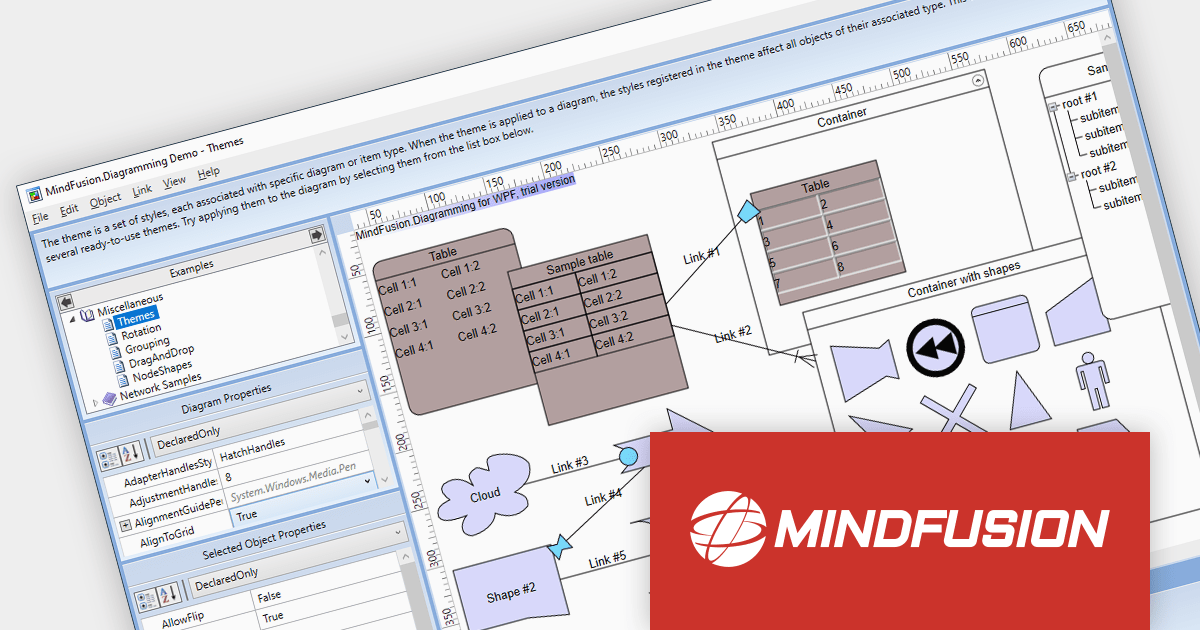
MindFusion.Diagramming for WPF provides a comprehensive toolset for creating a wide array of diagrams, including organizational charts, graphs, class hierarchies, and family trees. It offers extensive customization options for appearance and behavior, as well as save/load options and several automatic layouts.
Version 4.0.0 adds support for asynchronous serialization, which means that files can now be saved and loaded asynchronously. This allows users to interact with the application while data is being loaded or saved, making it feel more responsive.
To see a full list of what's new in version 4.0.0, see our release notes.
For more information, visit our MindFusion.Diagramming for WPF product page.
전화 : 00798 14 800 6332
팩스 : +1 770 250 6199


