













공식 공급 업체
200 이상의 소프트웨어 개발처와 판매 계약을 맺은 공인 디스트리뷰터로서 합법적인 라이선스를 제공합니다.
모든 브랜드 보기.
ComponentSource and Aqua Data Studio have worked closely together for the past year to support developers, database administrators, and data professionals with powerful tools for managing and working with data. Aqua Data Studio’s products are designed to simplify database development and administration, supporting a wide range of relational and NoSQL databases through intuitive, productivity-focused solutions.
Central to this collaboration is their product Aqua Data Studio, a flagship database IDE, which is offered to customers worldwide. By bringing together query development, database design, data visualization, and version control in a single platform, Aqua Data Studio helps teams work more efficiently across complex database environments.
This partnership enables ComponentSource to further differentiate its product offering by delivering a best-in-class database management solution alongside its global licensing, procurement, and customer support expertise. By working with Aqua Data Studio, ComponentSource helps ensure that Aqua Data Studio’s tools reach a worldwide audience, while customers benefit from a trusted purchasing experience and access to leading data development technology.
Learn more about Aqua Data Studio.
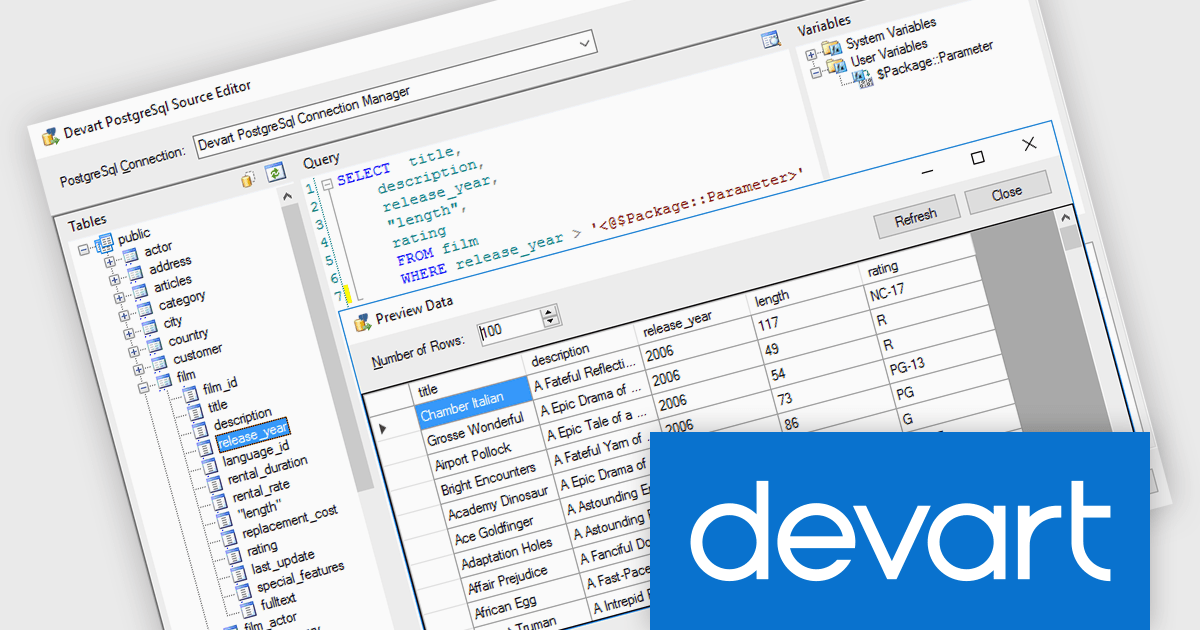
Devart SSIS Data Flow Components for PostgreSQL provide an optimized solution for integrating PostgreSQL databases with Microsoft SQL Server. These components enable efficient data extraction, transformation, and loading (ETL) processes, allowing developers to connect to PostgreSQL databases effortlessly within SSIS workflows. With support for advanced data mapping, bulk operations, and bidirectional synchronization, the tool simplifies complex data integration tasks while maintaining high performance and reliability.
Devart SSIS Data Flow Components for PostgreSQL adds support for PostgreSQL 18, enabling organizations to leverage the latest advancements of PostgreSQL directly within SSIS processes. PostgreSQL 18 introduces major improvements such as a redesigned asynchronous I/O subsystem that can dramatically accelerate data reads and query performance, enhanced SQL features like virtual generated columns and UUIDv7 support, and simplified upgrade processes that preserve important planner statistics.
Devart SSIS Data Flow Components for PostgreSQL is licensed per developer or per server and is available as an Annual or Perpetual License with a 12 month support and maintenance subscription. See our Devart SSIS Data Flow Components for PostgreSQL licensing page for full details.
Devart SSIS Data Flow Components for PostgreSQL is available individually or as part of Devart SSIS Universal Bundle.

Merging PDFs in a PDF viewer allows users to combine multiple PDF files into a single, unified document directly within the viewing application, without the need for external tools. This capability improves document management by preserving original formatting, page order, and visual consistency while reducing file clutter and simplifying sharing. By consolidating related content into one professional-looking file, users can improve collaboration, ensure clearer communication, and save time otherwise spent managing multiple attachments. Common use cases include compiling reports from multiple contributors, combining invoices or statements for record-keeping, assembling project documentation, or preparing complete proposals and presentations for clients and stakeholders.
Several .NET PDF viewer components offer PDF merging support including:
For an in-depth analysis of features and price, visit our .NET PDF viewer comparison.
List & Label by combit is a software development toolkit that helps developers to integrate comprehensive reporting functionalities into their desktop, web, and cloud applications. It offers features such as data binding, complex data visualization, and a user-friendly report designer, along with printing, exporting, and previewing capabilities. List & Label operates independently of programming languages and data sources, providing developers with the flexibility to design and deliver informative reports within their development environment.
The List & Label 31.001 update adds support for ZUGFeRD 2.4, enabling standards-compliant electronic invoices to be generated as part of existing reporting and document output processes. Developers can produce invoices that combine a conventional PDF layout with embedded XML data compatible with EN 16931, allowing the same document to be used for both visual review and automated processing. This allows current e-invoicing requirements to be met without introducing separate invoice formats or additional export logic.
To see a full list of what's new in version 31.001, see our release notes.
List & Label is licensed per developer and is available as a Perpetual License with a 12 month support and maintenance subscription. See our List & Label licensing page for full details.
List & Label is available in the following products:
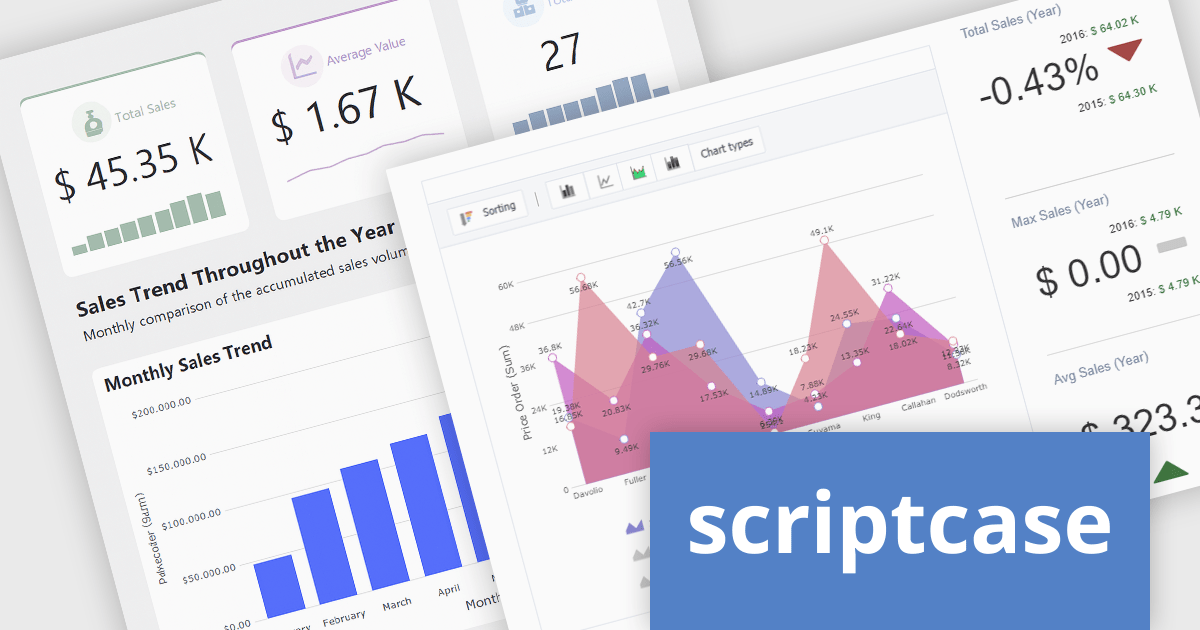
Scriptcase is a RAD platform that simplifies PHP web application development. Its drag-and-drop interface, code generation capabilities, and database integration make it a user-friendly tool for both experienced programmers and non-technical users. By improving the development process, Scriptcase accelerates the time to market, reduces coding effort, enhances productivity, lowers costs, and improves user experience.
Scriptcase compatibility with PHP 8.2 allows developers to deploy and maintain applications on a modern, fully supported PHP runtime, improving overall security, stability, and performance. By aligning with the latest PHP standards, developers can take advantage of ongoing language improvements, maintain compatibility with current libraries and frameworks, and simplify deployment on up-to-date hosting environments, while reducing technical debt and the risks associated with running end-of-life PHP versions.
Scriptcase is licensed per developer and is available as an Annual or Perpertual license with 1 year support and maintenance. See our Scriptcase licensing page for full details.
For more information, visit our Scriptcase product page.
전화 : 00798 14 800 6332
팩스 : +1 770 250 6199


