













공식 공급 업체
200 이상의 소프트웨어 개발처와 판매 계약을 맺은 공인 디스트리뷰터로서 합법적인 라이선스를 제공합니다.
모든 브랜드 보기.
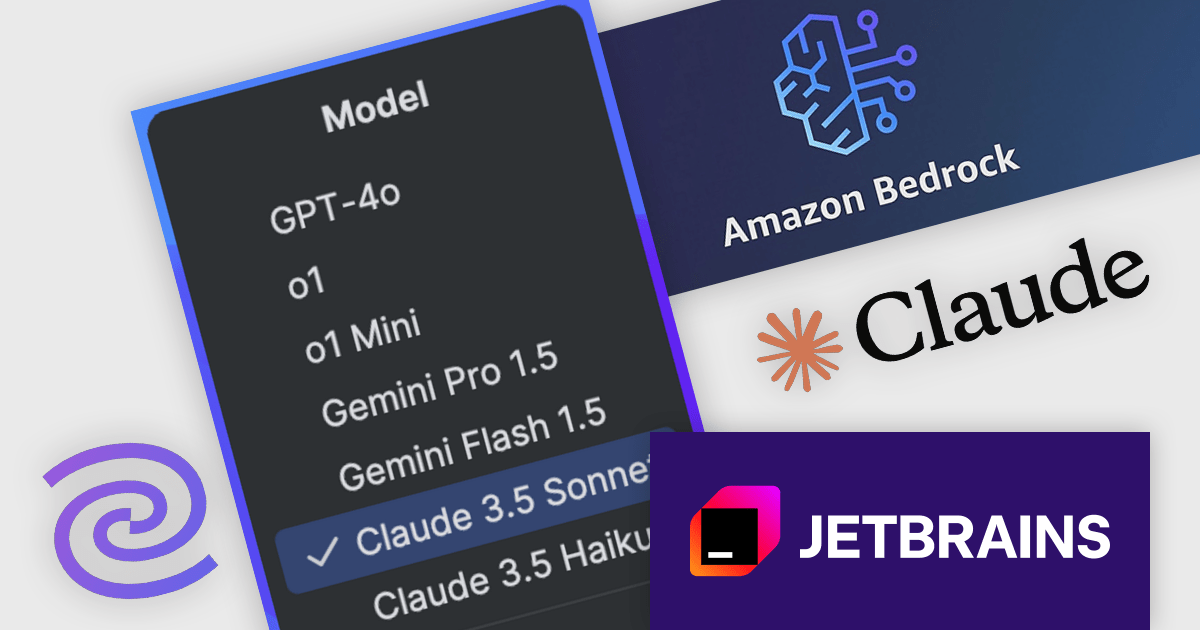
JetBrains AI Assistant - AI Pro is a plugin for JetBrains IDEs that uses large language models to enhance your coding experience. It can answer your questions about code, suggest completions and refactorings, and even help you write documentation and commit messages. It analyzes the context of your project to provide the most relevant suggestions, and you can chat with it directly within the IDE. JetBrains AI Assistant is a powerful tool for programmers looking to boost their productivity.
JetBrains introduces Anthropic Claude AI models via Amazon Bedrock in the 24.3.2 release of its IDEs, offering advanced AI-driven coding assistance exclusively to users with a paid AI Assistant subscription. This integration enhances productivity by providing intelligent code explanations, refactoring suggestions, test generation, and documentation support, all seamlessly embedded within the development workflow. With multi-model flexibility, developers can now leverage Claude models for their strong reasoning capabilities and efficient handling of complex programming tasks. Amazon Bedrock ensures reliable performance, low-latency responses, and global availability, enabling smooth AI assistance even under high demand.
JetBrains AI Assistant requires that you already own a JetBrains IDE product with an active commercial subscription license and is licensed per user as a commercial annual subscription. We can supply new subscriptions, subscription renewals, lapsed subscription renewals, and additional developer licenses. See our JetBrains AI Assistant licensing page for full details.
For more information, visit our JetBrains AI Assistant product page.
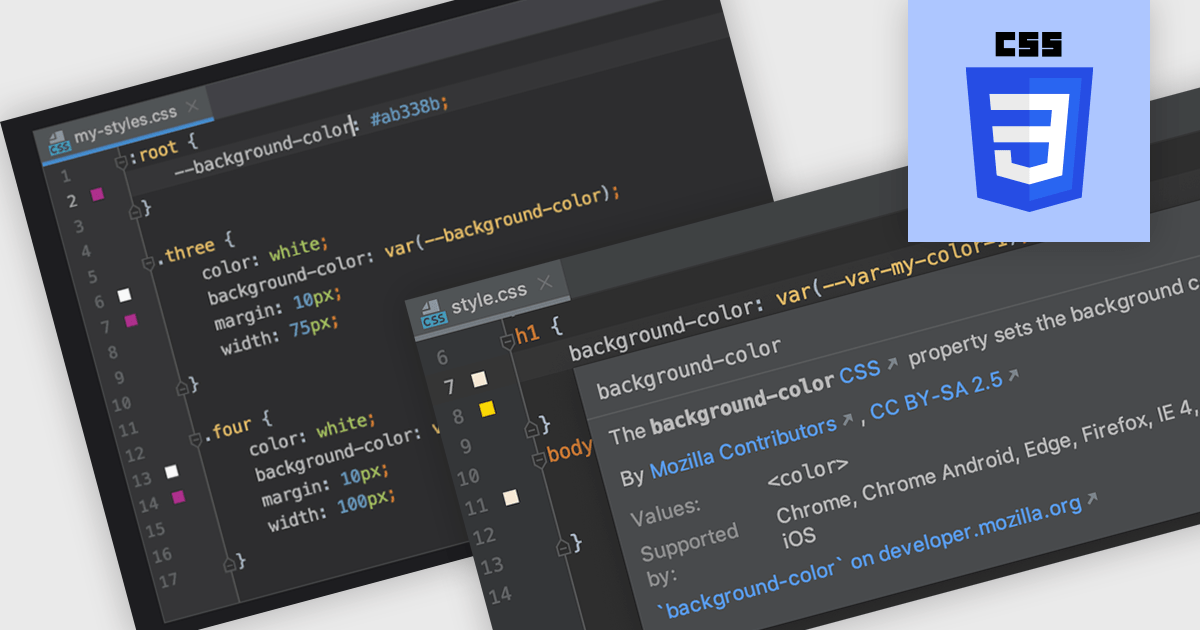
CSS (Cascading Style Sheets) is the language used to define the presentation of HTML documents. IDEs with CSS support include features that simplify writing, debugging, and managing stylesheets. With syntax highlighting, code completion, real-time validation, and integrated documentation, developers can catch errors early and speed up development. These tools enhance efficiency and accuracy, leading to cleaner code and better-performing web applications.
Several Integrated Development Environments (IDEs) offer Cascading Style Sheets (CSS) support including:
For an in-depth analysis of features and price, visit our comparison of IDEs.
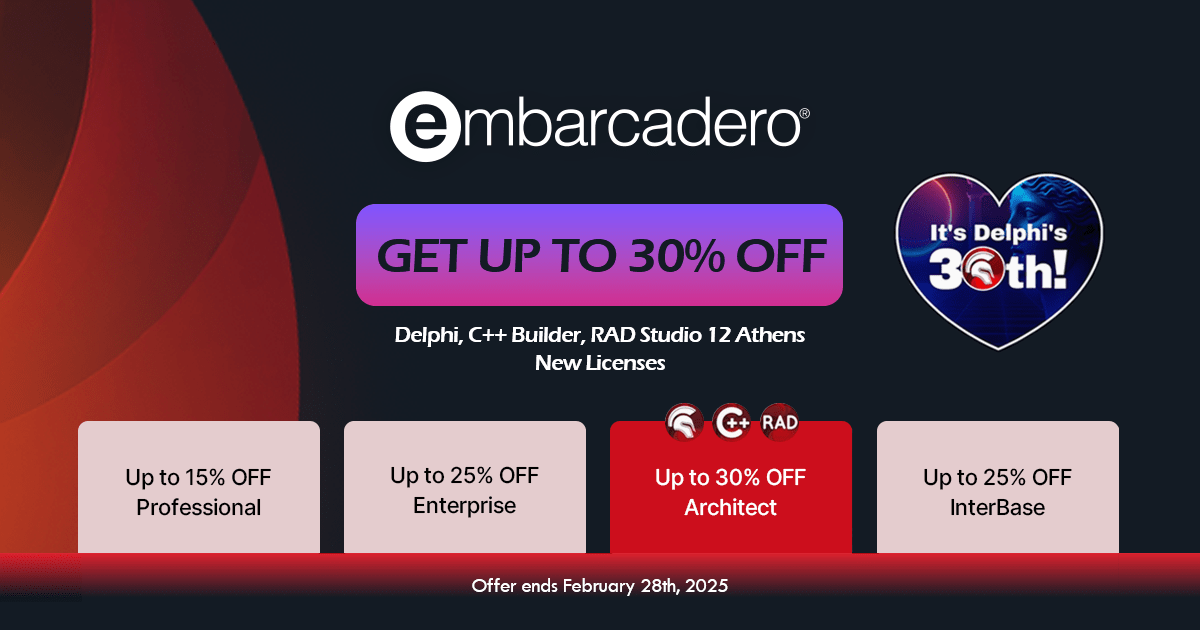
Embarcadero has announced a sale to celebrate the 30th anniversary of Delphi. Customers benefit from discounts of up to 30% on new perpetual licenses of its popular Delphi, C++Builder and RAD Studio products, as well as up to 25% on InterBase until the end of February 2025.
Delphi is a feature-rich IDE for developing cross-platform native applications with the Object Pascal programming language, offering robust tools for rapid application development (RAD). Available in the following editions:
C++ Builder is a RAD environment designed for creating high-performance applications in C++, featuring advanced visual design tools and broad platform compatibility. Available in the following editions:
RAD Studio is a versatile development suite that integrates Delphi and C++ Builder, streamlining the creation of native applications across multiple platforms. Available in the following editions:
InterBase is a compact yet powerful SQL database engine optimized for embedded, mobile, and enterprise solutions, offering strong security and seamless multi-platform support.
The special offer expires on February 28, 2025, so be sure to place your order before then to benefit from the discount. Our Embarcadero licensing experts are available to help with any queries you may have.
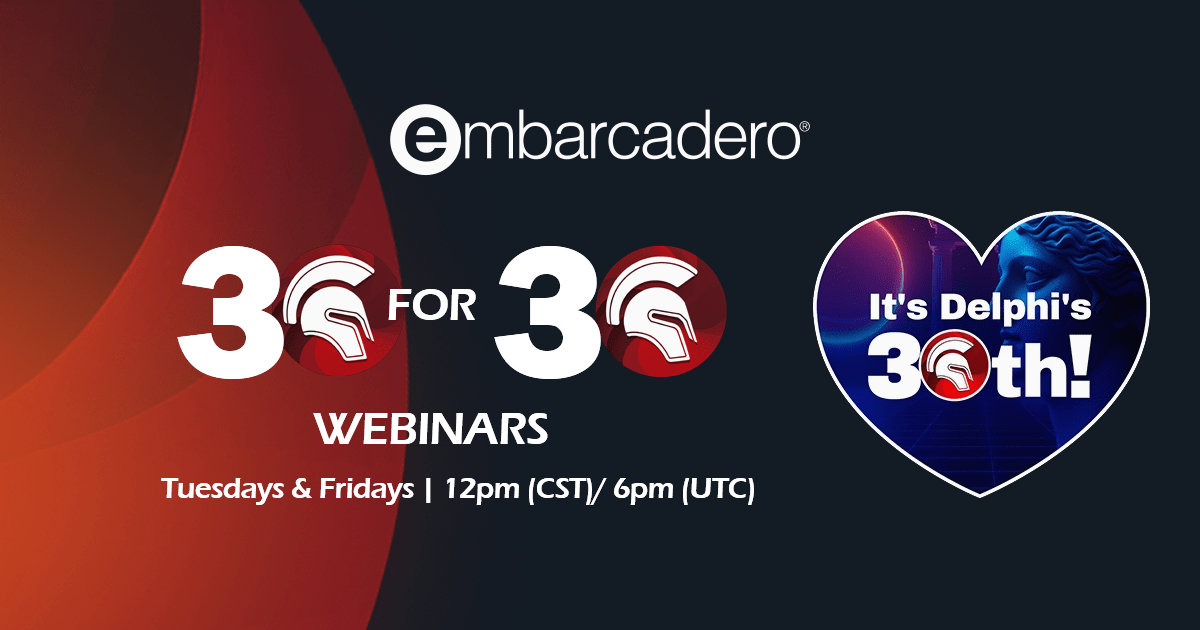
Embarcadero is celebrating 30 years of innovation with a special month-long event! Throughout February, the company is hosting 30 exclusive webinars, bringing together developers, industry experts, and technology enthusiasts to explore the latest advancements in RAD Studio, Delphi, C++Builder, and more. Whether you’re looking to enhance your skills, discover new tools, or gain insights from experts, this webinar series offers something for everyone. Don’t miss this opportunity to be part of the celebration and learn from the best in the industry!
Join Embarcadero Developer Advocate Ian Barker for an exciting lineup of 30 webinars, running every Tuesday and Friday until April 28, 2025. As part of the series, don’t miss a special 30th birthday webinar on February 14, 2025, celebrating three decades of innovation!
Learn more about Embarcadero's 30 for 30 webinar schedule.
Register today for the webinars and discover how you can harness Embarcadero’s powerful tools to enhance your development and productivity.
Explore the full range of products and latest news on our Embarcadero brand page.
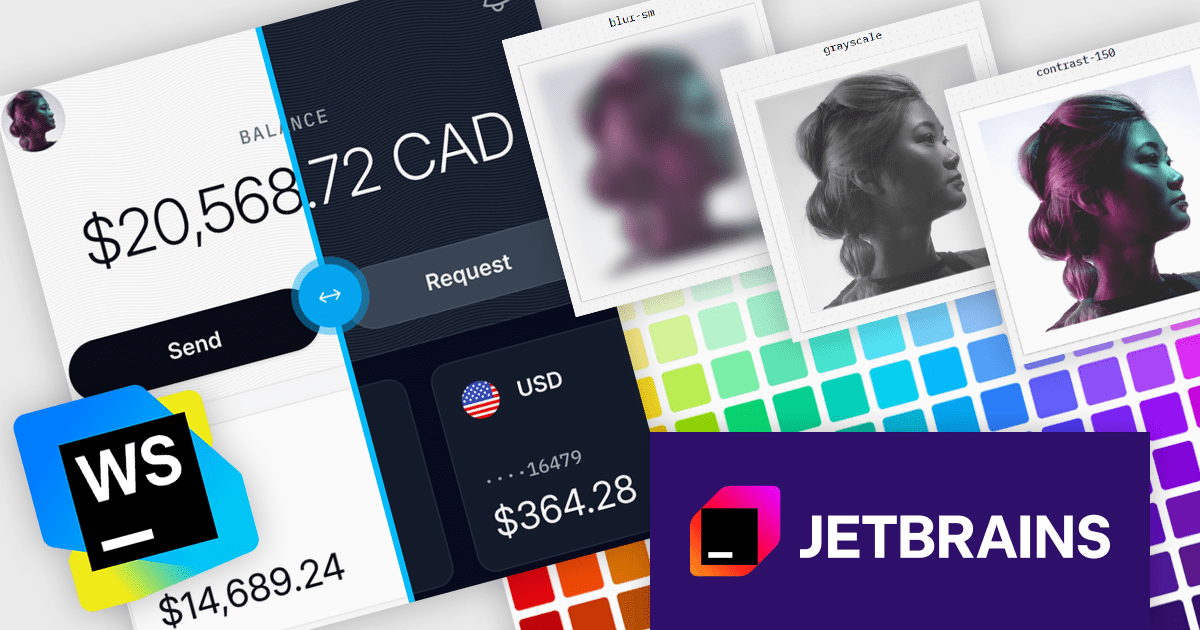
JetBrains WebStorm is a powerful and modern Integrated Development Environment (IDE) specifically designed for web development. It offers a feature-rich environment that supports popular web technologies like JavaScript, HTML, CSS, and Node.js. WebStorm helps you write cleaner, more efficient code with features like syntax highlighting, auto-completion, code refactoring, and built-in testing tools. It integrates seamlessly with various web frameworks and libraries, making it a versatile choice for both front-end and back-end development.
JetBrains WebStorm enhances the Tailwind CSS development experience by providing seamless integration with its intelligent coding tools. It supports the latest Tailwind features like cascade layers, custom properties, and container queries, offering autocompletion, hover previews, and real-time error detection to streamline development. With support for high-performance builds and accurate P3 color previews, WebStorm ensures developers can efficiently create visually rich, responsive designs while maintaining clean and optimized code. The IDE’s robust navigation and project-wide search capabilities further simplify managing Tailwind CSS configurations, making WebStorm an ideal choice for developers seeking speed, precision, and efficiency in their workflows.
WebStorm is licensed per user, and is available as a commercial annual subscription license. We can supply new subscriptions, subscription renewals (including continuity discounts), lapsed renewals, and additional user licenses. See our WebStorm licensing page for full details.
WebStorm is available to buy individually, or as part of the JetBrains All Products Pack.
전화 : 00798 14 800 6332
팩스 : +1 770 250 6199


