













공식 공급 업체
200 이상의 소프트웨어 개발처와 판매 계약을 맺은 공인 디스트리뷰터로서 합법적인 라이선스를 제공합니다.
모든 브랜드 보기.
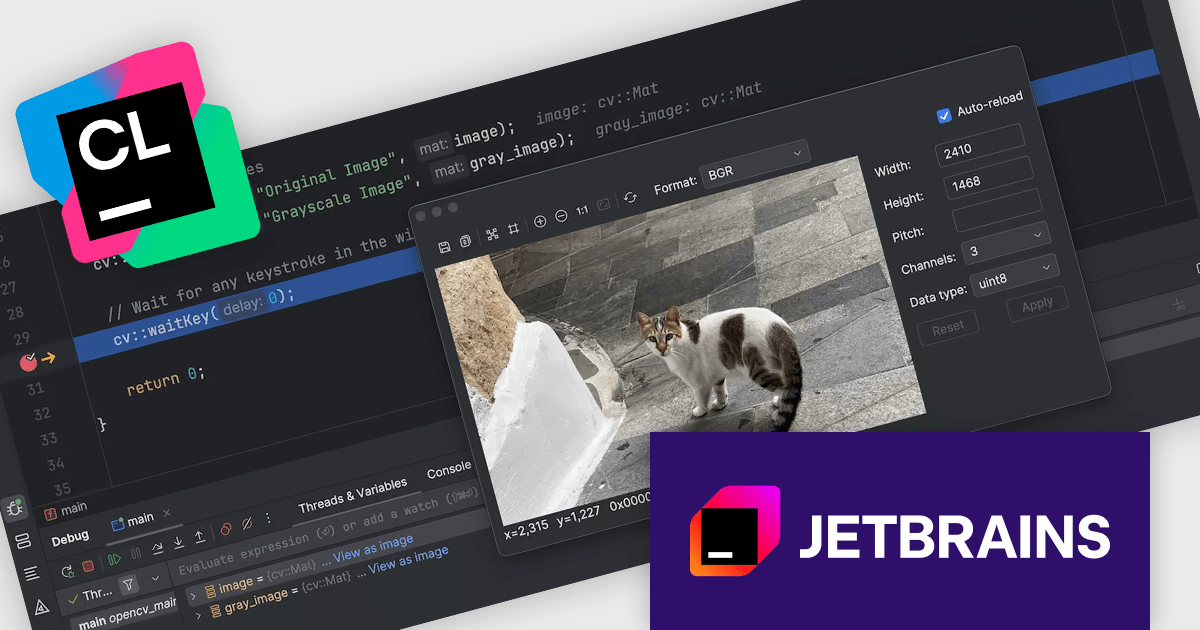
CLion, by JetBrains, is a robust Integrated Development Environment (IDE) tailored for C and C++ development, with support for other languages like Python, Kotlin, and Rust via plugins. Designed for software developers and embedded engineers, it streamlines coding with features like intelligent code completion, real-time analysis, and an advanced debugger. CLion integrates seamlessly with tools like CMake, version control systems, and remote development setups, making it ideal for cross-platform and performance-critical projects. By automating repetitive tasks and enhancing code quality, it helps developers focus on innovation and problem-solving.
The JetBrains CLion 2024.3 update introduces an OpenCV (Open Source Computer Vision Library) image viewer feature that enhances the debugging process for software developers working with computer vision and machine learning applications. This feature allows two-dimensional OpenCV arrays to be visualized directly as images within a separate dialog during debugging, enabling a more intuitive understanding of complex data. By integrating image editing capabilities into the development workflow, it eliminates the need for external tools, streamlining tasks such as data inspection and manipulation. This addition ensures a faster, more efficient debugging experience, improving overall productivity and precision when developing vision-based applications.
To see a full list of what's new in version 2024.3, see our release notes.
CLion is licensed per user as a commercial annual subscription. We can supply New Subscriptions, Subscription Renewals, Lapsed Subscription Renewals, and Additional Developer Licenses. See our CLion licensing page for full details.
CLion is available to buy individually or as part of JetBrains All Products Pack.
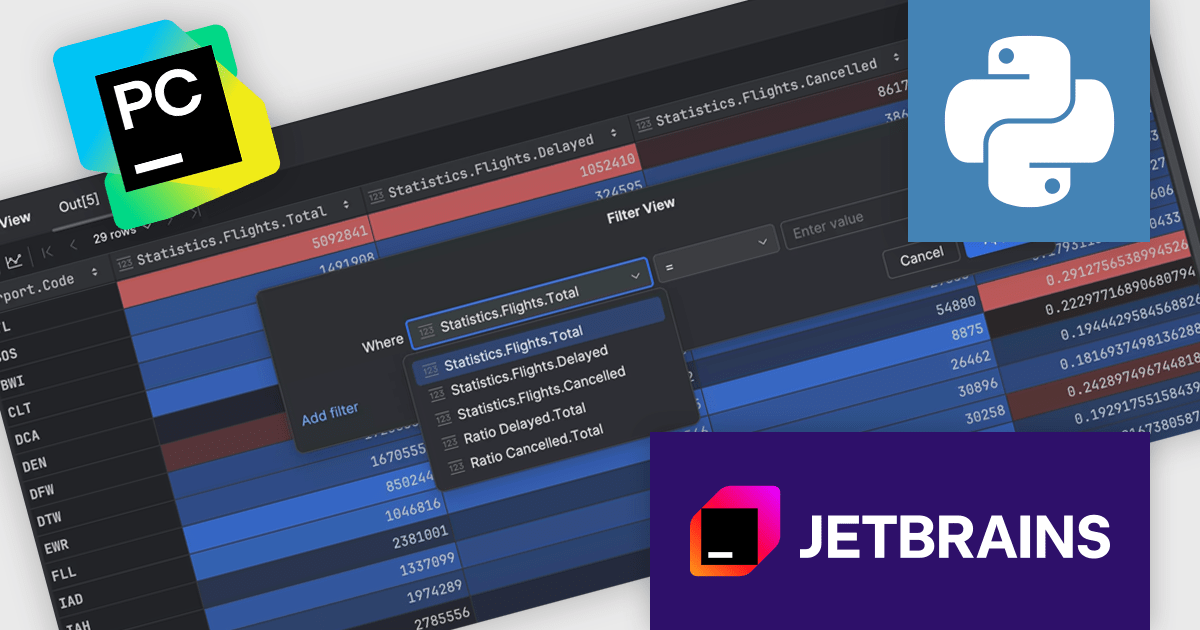
PyCharm by JetBrains is a comprehensive Integrated Development Environment (IDE) specifically designed for Python programming. It offers a range of features to enhance productivity, including code analysis for error detection, a visual debugger for troubleshooting, integrated unit testing for code verification, and support for version control systems to manage code changes. PyCharm also caters to web development using frameworks like Django, making it a powerful tool for both experienced developers and beginners in the Python world.
The PyCharm 2024.3 release introduces a powerful no-code data filtering feature, allowing users to seamlessly filter and analyze data directly within the Data View tool window or dataframes using an intuitive Filter icon. This update eliminates the need for coding, providing immediate, in-window results, and supports popular Python frameworks like pandas, Polars, NumPy, PyTorch, TensorFlow, and Hugging Face Datasets. Ideal for data scientists, analysts, and developers, this feature enhances productivity, simplifies data exploration, and enables rapid iteration on datasets, making it particularly useful for tasks like preprocessing, cleaning, and extracting insights from complex data.
To see a full list of what's new in version 2024.3, see our release notes.
PyCharm is licensed per user, and is available as a commercial annual subscription license. We can supply new subscriptions, subscription renewals (including continuity discounts), lapsed renewals, and additional user licenses. See our PyCharm licensing page for full details.
PyCharm is available to buy in the following products:
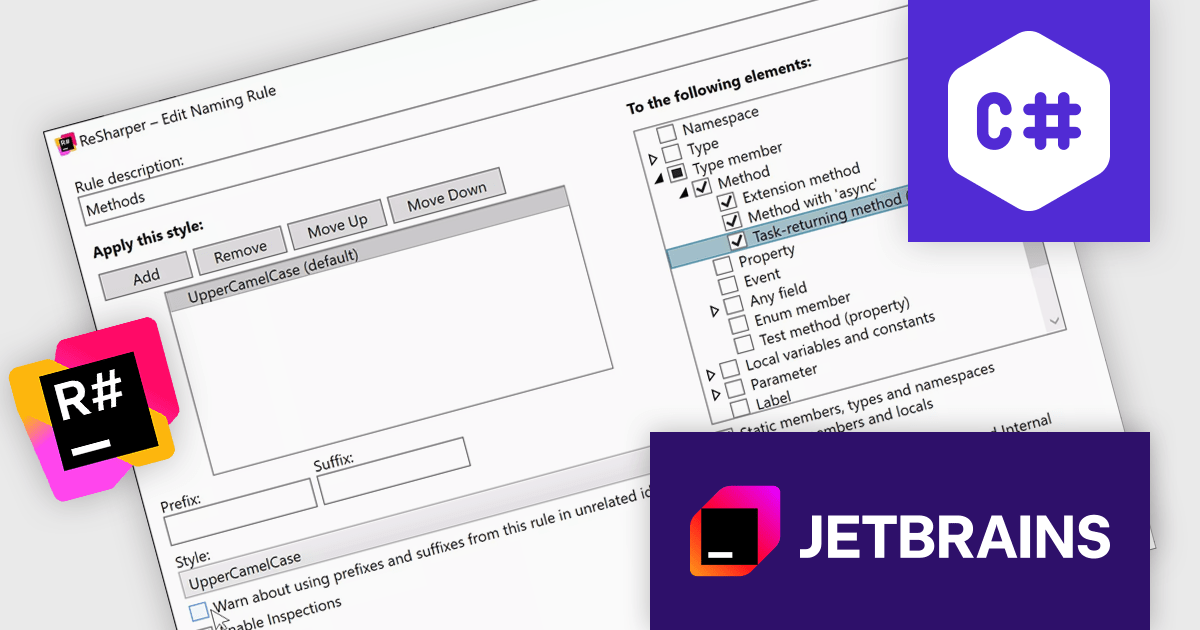
ReSharper is a productivity and code quality plugin for Visual Studio, developed by JetBrains. It helps .NET developers write cleaner, more efficient code. By analyzing code on-the-fly, ReSharper identifies potential errors and suggests fixes. It also automates code refactoring, allowing developers to safely restructure their codebase. These features improve developer productivity and maintainability of the code, making ReSharper a valuable tool for both individual developers and development teams.
The ReSharper 2024.3 release introduces enhanced naming style options, empowering developers to fine-tune naming conventions for improved code clarity and consistency. The update includes distinct rules for async and Task-returning local functions, as well as support for Task-returning methods without the async modifier. This is particularly beneficial for scenarios such as interface declarations, where async modifiers aren’t permitted but Task-like return types are used in implementation. By addressing these nuanced use cases, ReSharper ensures cleaner code that aligns seamlessly with modern development practices.
To see a full list of what's new in version 2024.3, see our release notes.
ReSharper is licensed per user, and is available as a commercial annual subscription license. We can supply new subscriptions, subscription renewals (including continuity discounts), lapsed renewals, and additional user licenses. See our ReSharper licensing page for full details.
ReSharper is available to buy in the following products:
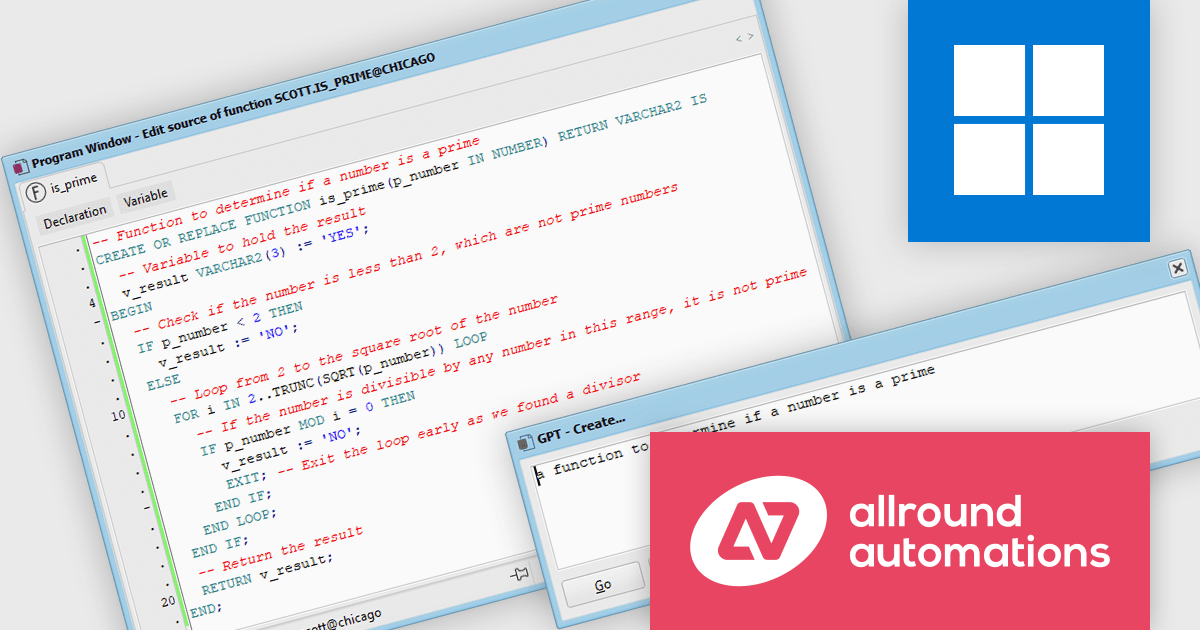
Allround Automations is a leading provider of innovative software solutions tailored for database professionals. With a strong focus on enhancing productivity and simplifying complex workflows, the company delivers tools that empower developers to work more efficiently and accurately. Known for its commitment to quality and user-friendly design, Allround Automations combines advanced technology with practical features to address the evolving needs of database development and management. By continuously innovating and integrating modern advancements, the brand remains a trusted partner for IT professionals worldwide.
The PL/SQL Developer v16.0 update introduces the AI Assistant, a powerful feature designed to enhance efficiency and accuracy in SQL and PL/SQL development. By leveraging integration with leading AI systems, the AI Assistant allows developers to streamline tasks such as code creation, modification, optimization, and analysis. It provides predefined functions for common operations while also supporting customization for specific needs, enabling developers to tailor AI capabilities to their workflows. This integration not only reduces development time but also minimizes errors, improves code quality, and offers insights that support better decision-making, making it an essential enhancement for modern software development practices.
To see a full list of what's new in v16.0, see our release notes.
PL/SQL Developer is licensed per user and is available with or without a 12 month support contract. See our PL/SQL Developer licensing page for full details.
Learn more on our PL/SQL Developer product page.
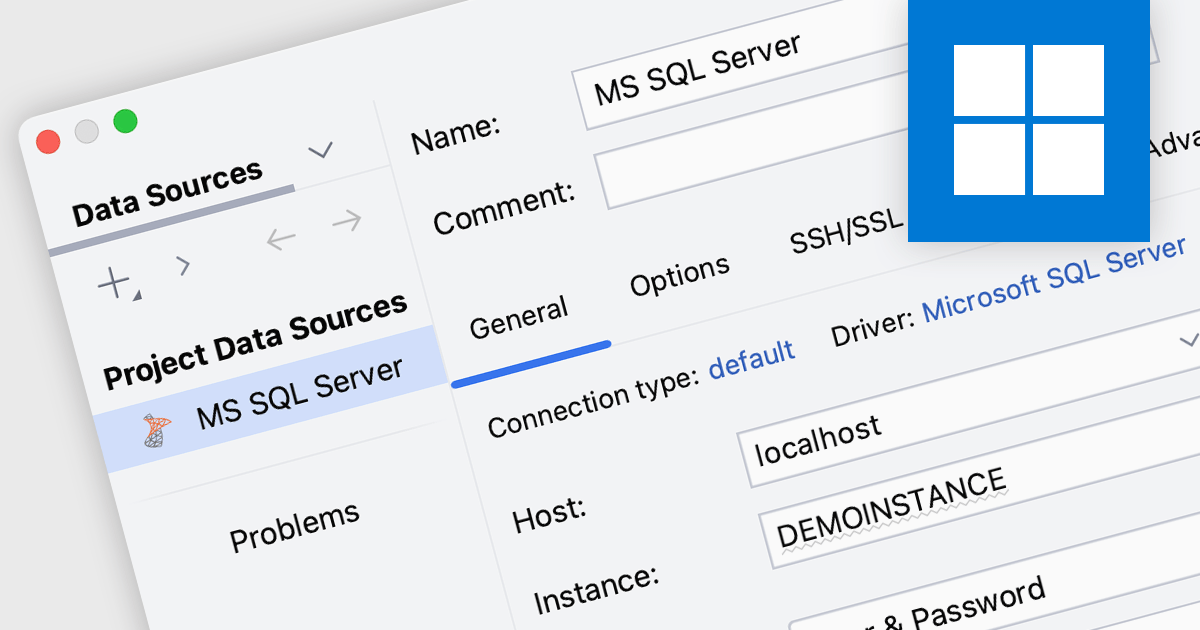
SQL Server connectivity in integrated development environments (IDEs) allows developers to connect directly to an SQL Server database, enabling them to execute queries, manage data, and interact with database objects like tables and stored procedures within the IDE. This integration streamlines workflows by reducing the need to switch tools, enhances productivity with features like autocomplete and syntax highlighting, and supports better collaboration and database management through visual tools and intuitive interfaces. It also simplifies debugging, testing, and schema visualization, making development more efficient.
Many integrated development environments (IDEs) offer SQL Server connectivity including:
For an in-depth analysis of features and price, visit our comparison of IDEs.
전화 : 00798 14 800 6332
팩스 : +1 770 250 6199


