













공식 공급 업체
200 이상의 소프트웨어 개발처와 판매 계약을 맺은 공인 디스트리뷰터로서 합법적인 라이선스를 제공합니다.
모든 브랜드 보기.
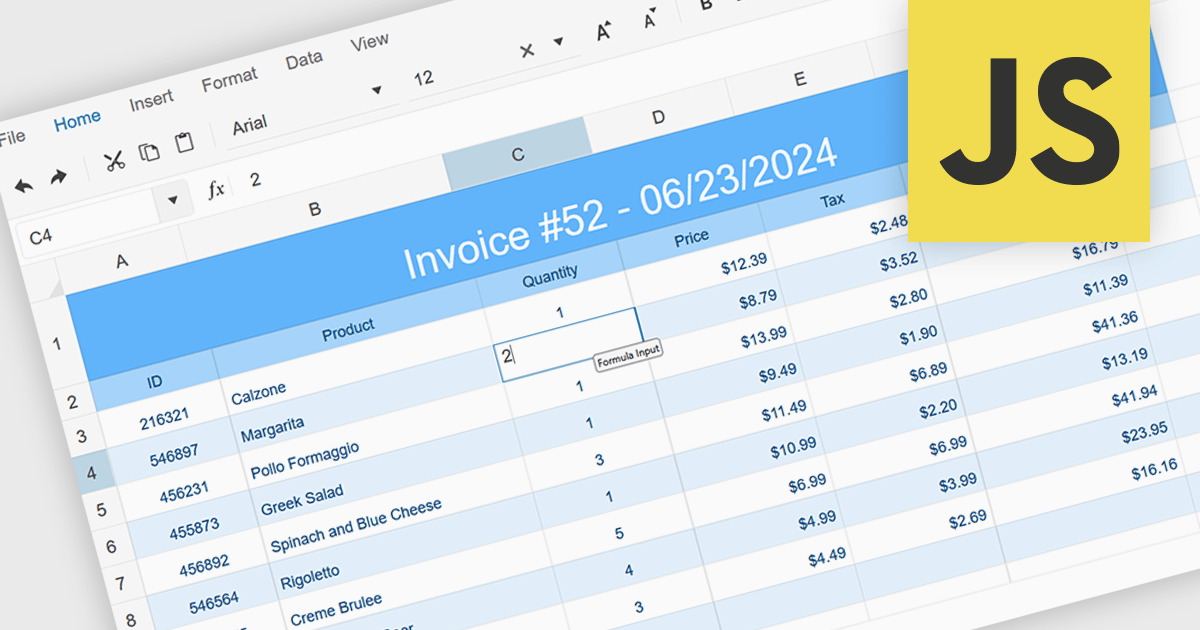
In-cell data editing allows information to be modified directly within a spreadsheet cell rather than through separate forms or dialog boxes. This approach speeds up data entry, provides immediate visual feedback, and makes it easier to spot and correct mistakes in context. It enhances efficiency by reducing interruptions, lowering cognitive effort, and offering a familiar Excel-style experience. Common use cases include updating financial figures, adjusting inventory records, or revising project timelines where quick, accurate edits are essential.
Several JavaScript spreadsheet controls support in-cell data editing including:
For an in-depth analysis of features and price, visit our comparison of JavaScript Spreadsheet Controls.
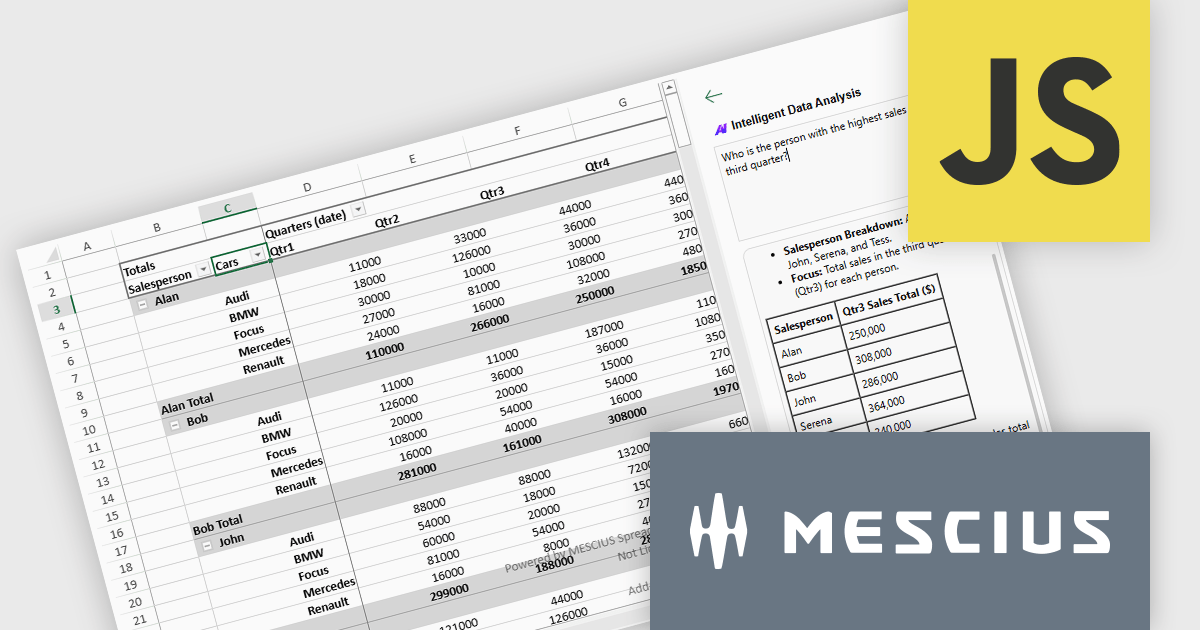
SpreadJS is a complete enterprise JavaScript spreadsheet solution used to create financial reports and dashboards, budgeting and forecasting models, scientific, engineering, healthcare, education, science lab notebooks, and other similar JavaScript business applications. Leverage the high-speed calculation engine with over 500 Excel built-in functions in 19 languages, to deliver true Excel-like spreadsheet experiences with zero dependencies on Excel.
On August 21st, MESCIUS hosted a CodeClinic for the Developer Preview of the SpreadJS AI Add-on. Product Manager Chris Bannon demonstrated how to enhance your JavaScript spreadsheet applications with natural language formula generation, intelligent PivotTable creation, and AI-powered worksheet functions - all integrated directly into the spreadsheet UI.
The webinar includes the following key takeaways:
Watch the Webinar On-Demand and get ready to bring the power of AI to your JavaScript Spreadsheets.
SpreadJS is licensed per developer and includes 1 Year Maintenance (major and minor version releases and unlimited support phone calls). SpreadJS requires an Annual or Perpetual Deployment License. The optional Add-ons are available at an additional cost, and require a SpreadJS license. See our SpreadJS licensing page for full details.
For more information, visit our SpreadJS product page.
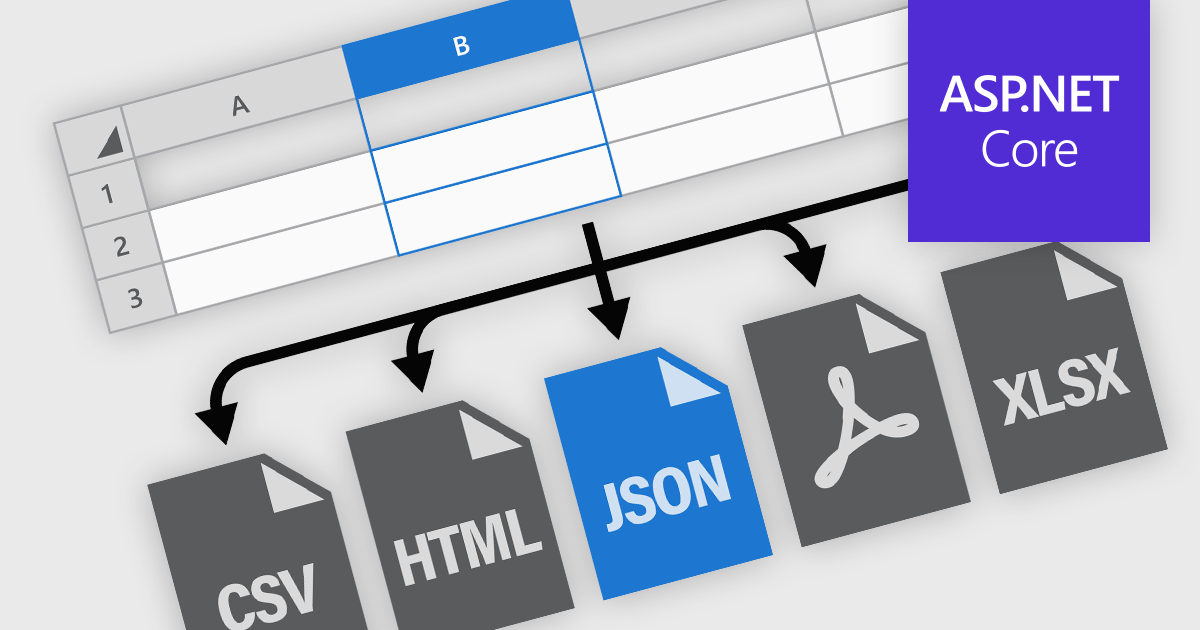
Spreadsheet components in modern UI frameworks offer robust capabilities for exporting and printing data, enabling users to take structured, interactive grid content and transform it into static or sharable formats. These features are crucial in enterprise applications, where end users often need to generate reports, export analysis results, or share datasets in widely recognized formats. Whether integrated into financial dashboards, inventory systems, or business intelligence tools, export and print functionalities ensure that grid data remains portable, consistent, and accessible across various workflows and platforms.
Common features include:
For an in-depth analysis of features and price, visit our ASP.NET Core spreadsheet components comparison.
SpreadJS is a high-performance JavaScript spreadsheet and data presentation component designed for enterprise web applications. It enables developers to deliver Excel-like functionality directly within their web solutions, providing advanced features such as data binding, complex calculations, pivot tables, charts, and extensive formatting options. Fully compatible with modern JavaScript frameworks like React, Angular, and Vue, SpreadJS allows seamless integration and customization, empowering development teams to create interactive, data-driven user experiences without relying on external spreadsheet applications.
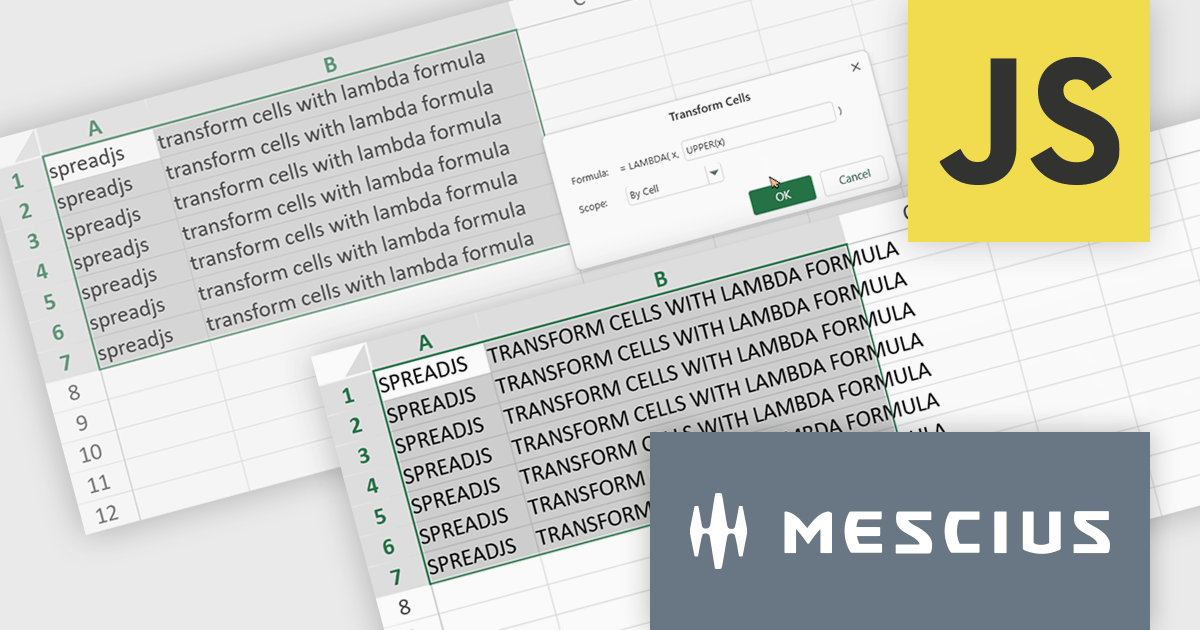
The SpreadJS 18.2 adds a new Transform command which enables you to apply LAMBDA functions directly to a selected range of cells and replace the original content with calculated results. This simplifies data transformations - whether mapping, filtering, or reshaping - into a clean, single-step process. With this feature, you can select any range and apply a custom LAMBDA formula - for example, converting units, adjusting values, or formatting entries - and have SpreadJS overwrite the selection with the computed results immediately. This removes manual steps like inserting formulas in separate cells, copying values, or pasting back as values. This feature integrates with SpreadJS’s existing LAMBDA capabilities to offer more interactive and efficient spreadsheet manipulation.
To see a full list of what's new in 18.2, see our release notes.
SpreadJS is licensed per developer and includes 1 Year Maintenance (major and minor version releases and unlimited support phone calls). SpreadJS requires an Annual or Perpetual Deployment License. The optional Add-ons are available at an additional cost, and require a SpreadJS license. See our SpreadJS licensing page for full details.
For more information, visit our SpreadJS product page.

Cell-level editing and interaction features are essential components of any modern spreadsheet application, as they directly influence how users enter, modify, and manage data at the most granular level. These capabilities go beyond basic typing to provide enhanced flexibility, control, and context, enabling users to maintain accuracy while streamlining workflows. A well-designed set of cell-level tools supports both data integrity and user productivity, ensuring that spreadsheets can handle everything from quick updates to complex, structured datasets with efficiency and precision.
Common features include:
For an in-depth analysis of features and price, visit our Angular spreadsheet components comparison.
전화 : 00798 14 800 6332
팩스 : +1 770 250 6199


