













공식 공급 업체
200 이상의 소프트웨어 개발처와 판매 계약을 맺은 공인 디스트리뷰터로서 합법적인 라이선스를 제공합니다.
모든 브랜드 보기.
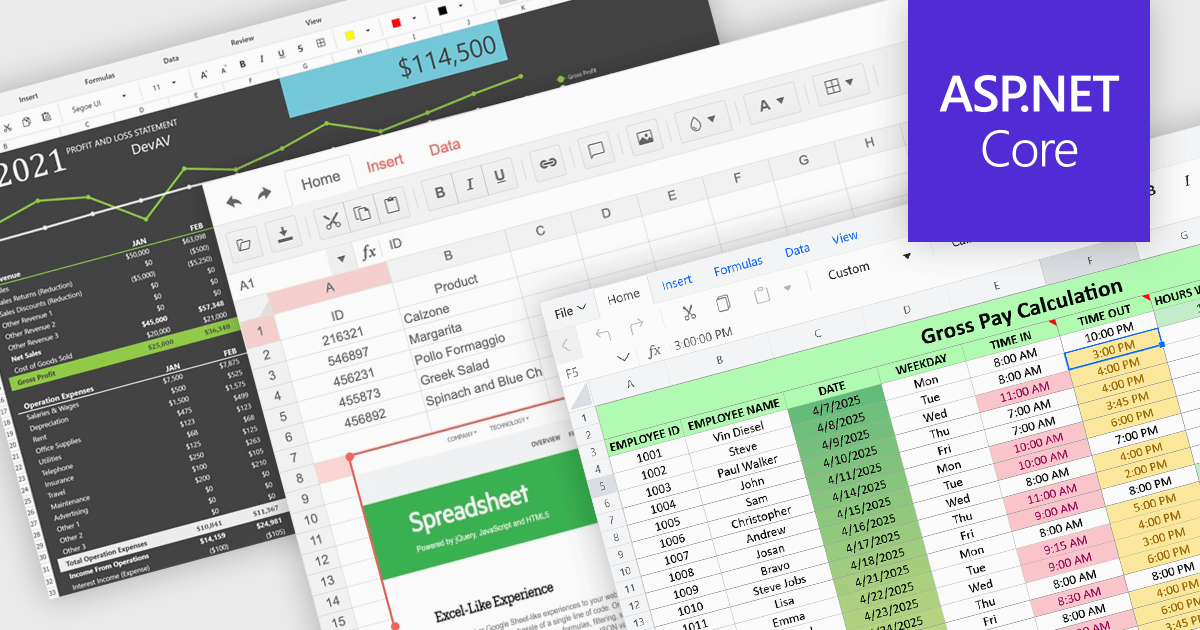
Formatting and presentation features shape how information is communicated within a spreadsheet, turning raw values into content that is clearer, more readable, and visually consistent. These capabilities help users emphasize key data, establish a coherent visual style, and create worksheets that are easier to interpret at a glance. By supporting both subtle adjustments and more expressive enhancements, they play a central role in making spreadsheets suitable for reporting, analysis, and presentation-focused tasks across a wide range of scenarios.
Common features include:
For an in-depth analysis of features and price, visit our ASP.NET Core spreadsheet components comparison.
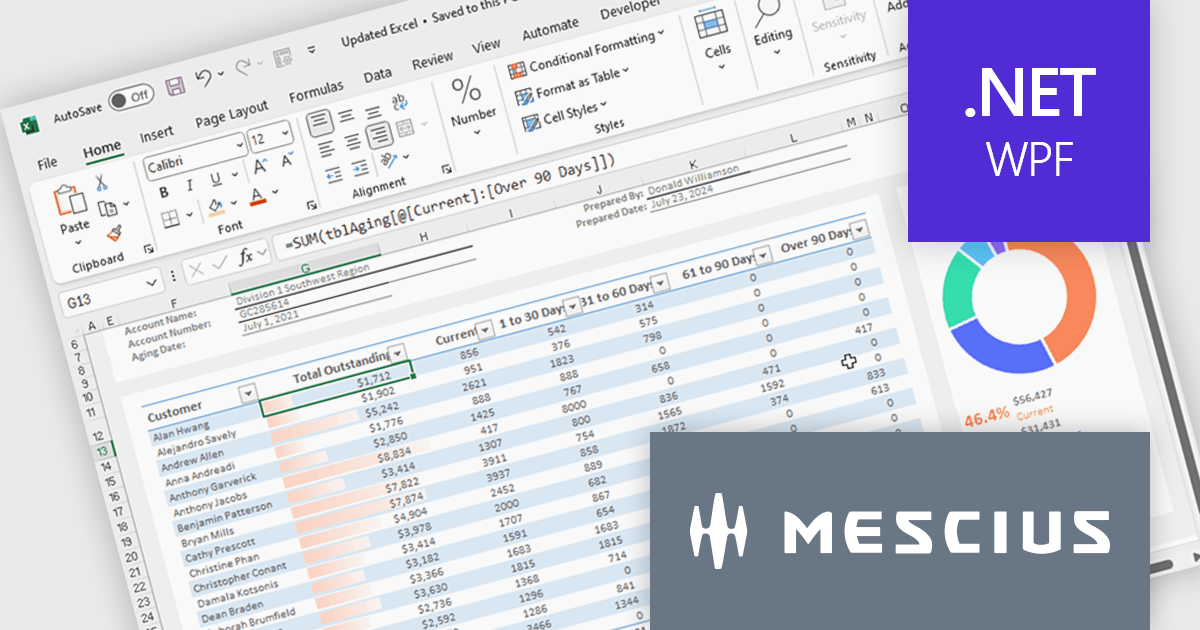
Spread.NET helps you create spreadsheets, grids, dashboards, and forms. It includes a powerful calculation engine with 450+ functions and the ability to import and export Excel spreadsheets. You can develop in Visual Studio using VB or C# for WinForms, ASP.NET, and WPF.
In this blog post, MESCIUS Product Marketing Specialist Mackenzie Albitz guides you through four essential steps for importing and exporting Excel spreadsheets in your WPF applications:
Detailed sample code is included and you can even download a finished sample project to follow along.
Read the complete blog post to learn the steps for integrating this powerful Excel functionality into your WPF applications.
Spread.NET is licensed per developer and is available as a Perpetual License with a 12 month support and maintenance subscription. We can supply any Spread.NET license including new licenses, maintenance renewals, and upgrade licenses. See our Spread.NET licensing page for full details.
For more information, visit our Spread.NET product page.
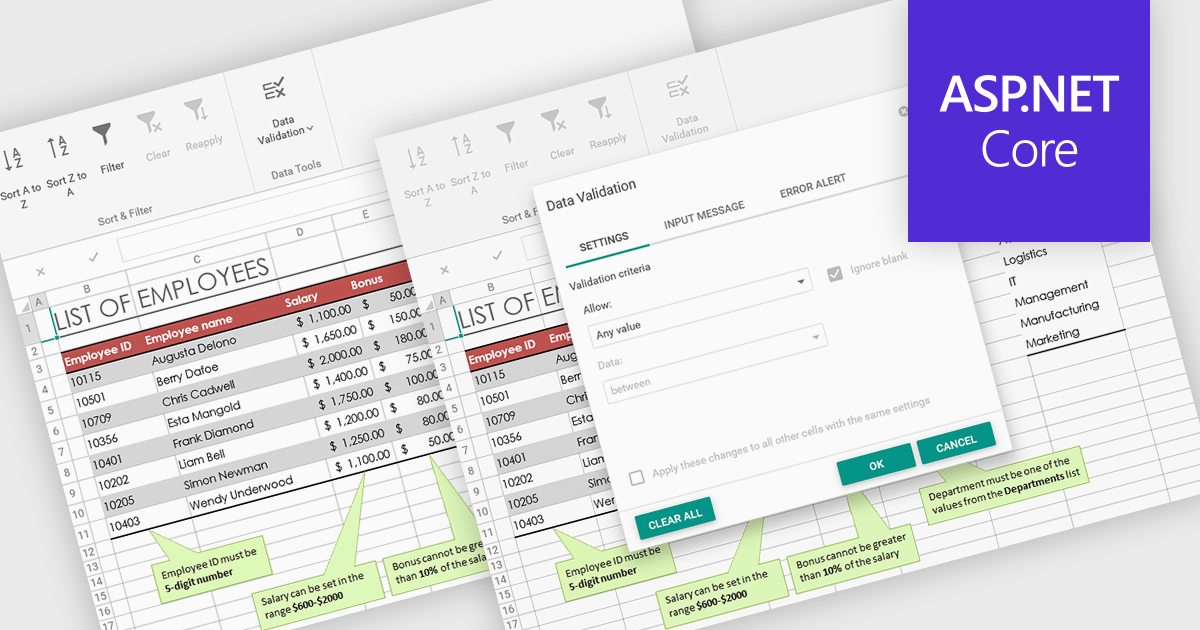
Data validation in spreadsheets allows users to control what information can be entered into each cell, ensuring that data remains accurate and consistent across a workbook. By defining specific rules and restrictions, it helps prevent incorrect inputs and maintains the integrity of shared data. Users can provide guidance through prompts or drop-down lists, reducing the likelihood of errors and saving time on data correction. This feature is especially valuable in collaborative settings, such as managing budgets, tracking inventory, or collecting survey responses, where reliable data entry is essential for accurate analysis and reporting.
Several ASP .NET Core spreadsheet products offer data validation, including:
For an in-depth analysis of features and price, visit our comparison of ASP .NET Core spreadsheet controls.
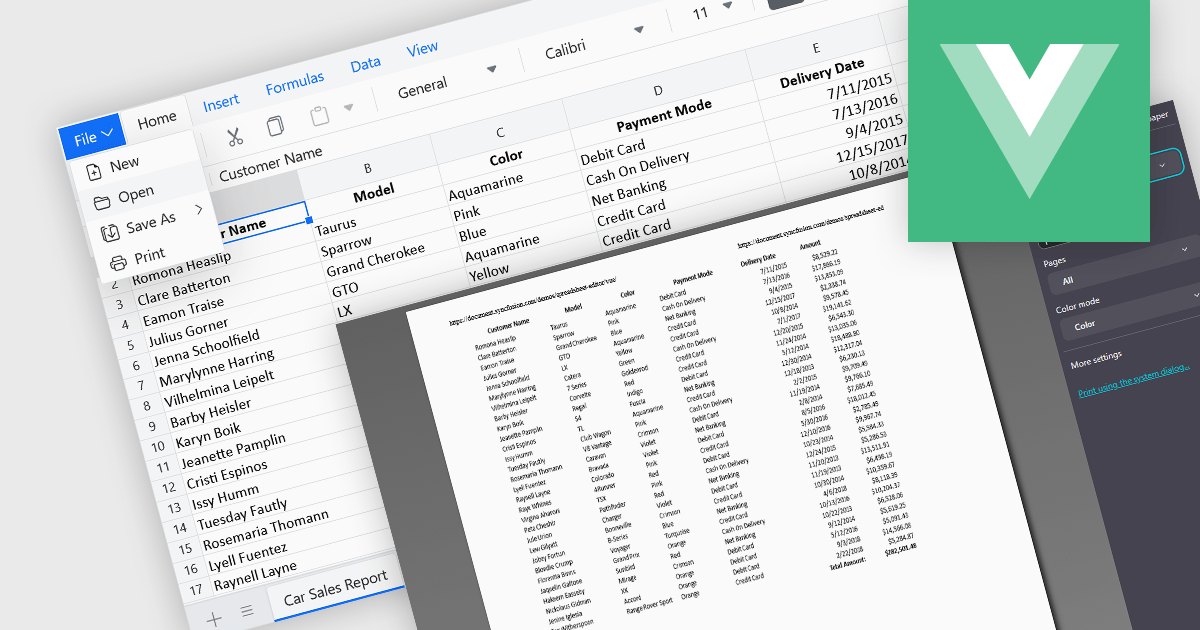
The ability to print spreadsheets is a core feature that produces a physical copy or a formatted digital version, such as a PDF, of the data and layout contained within a spreadsheet file. This function allows users to review, distribute, archive, or present the original information that preserves the structure in a readable and consistent format. By configuring print settings, such as page orientation, scaling, and headers, users can control how the content appears on paper, ensuring clarity and professionalism in the output. It is especially useful for reports, financial statements, and records that need to be reviewed offline or submitted in a formal context.
Several Vue.js spreadsheet components enable printing, including:
For an in-depth analysis of features and price, visit our comparison of Vue.js spreadsheet components.
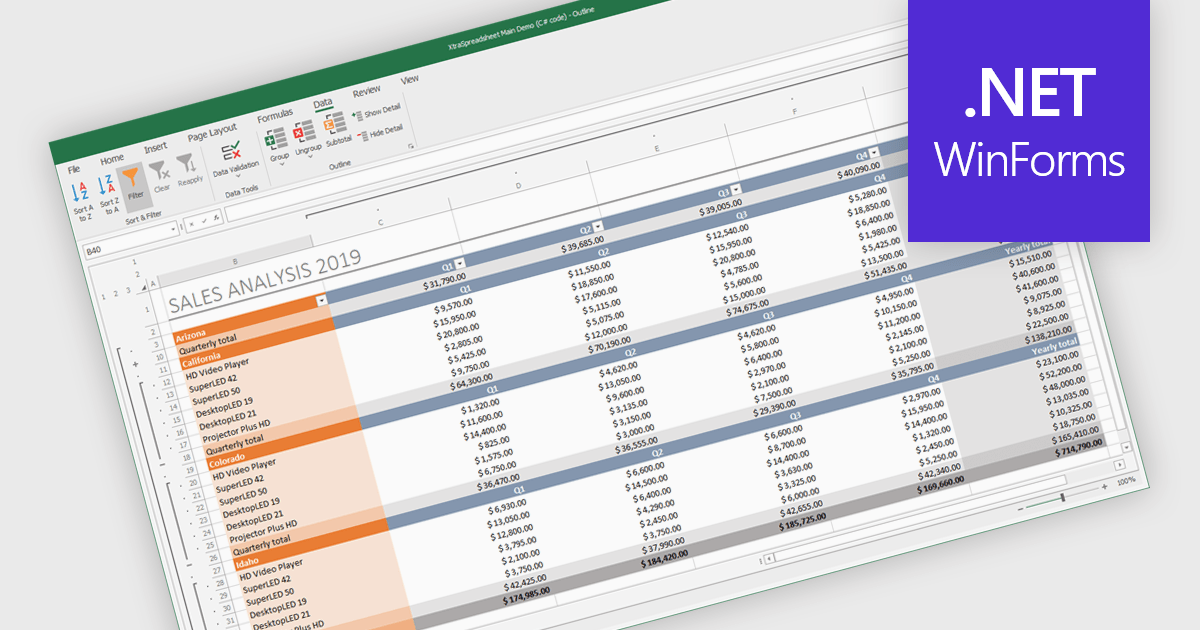
Grouping and filtering are key spreadsheet tools that make data easier to manage and analyze. Grouping combines related rows or columns into collapsible sections for clearer summaries. Filtering displays only the information that meets specific conditions, helping focus on what matters most. Together, these features improve data management, reduce visual clutter, and enhance analytical clarity.
Several .NET WinForms spreadsheet controls contain data filtering and grouping controls including:
For an in-depth analysis of features and price, visit our comparison of .NET WinForms spreadsheet controls.
전화 : 00798 14 800 6332
팩스 : +1 770 250 6199


