













공식 공급 업체
200 이상의 소프트웨어 개발처와 판매 계약을 맺은 공인 디스트리뷰터로서 합법적인 라이선스를 제공합니다.
모든 브랜드 보기.
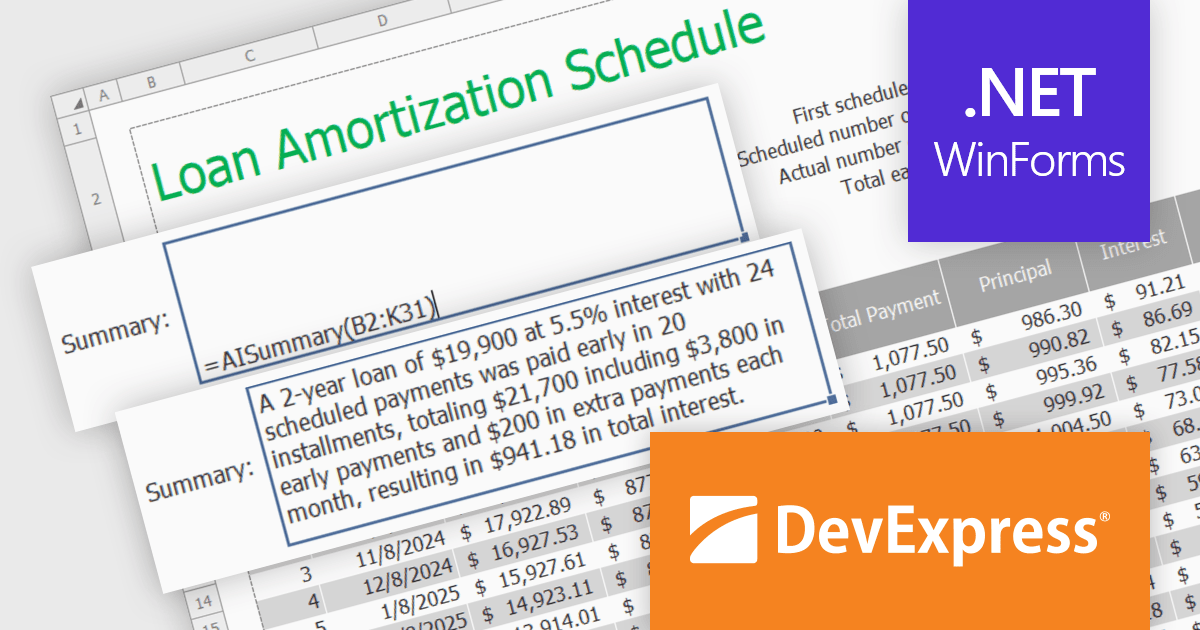
DevExpress DXperience is a comprehensive software development suite designed to enhance productivity and streamline the creation of high-performance applications across various platforms. It offers a wide range of tools and components for developers working with .NET frameworks including Windows Forms, WPF, ASP.NET, and Blazor as well as JavaScript, Angular, React, Vue, and jQuery. The suite includes powerful UI controls, data visualization tools, reporting capabilities, and cross-platform libraries that enable developers to build modern, responsive, and visually appealing applications efficiently.
In this blog post, DevExpress's Maria Nikulina shows you how to integrate OpenAI services with the DevExpress WinForms Spreadsheet Control (included with DXperience) to implement user-defined formulas for advanced calculations. These formulas let you automate repetitive tasks, efficiently analyze data, and execute advanced calculations not possible with built-in functions.
Steps include:
Detailed sample code is included.
Read the complete blog to learn how to take Excel formula calculations to a whole new level by integrating AI services.
DevExpress DXperience is licensed per developer and is available as a Perpetual License with a 12 month support and maintenance subscription. See our DevExpress DXperience licensing page for full details.
The DevExpress WinForms Spreadsheet Control is available to buy in the following products:
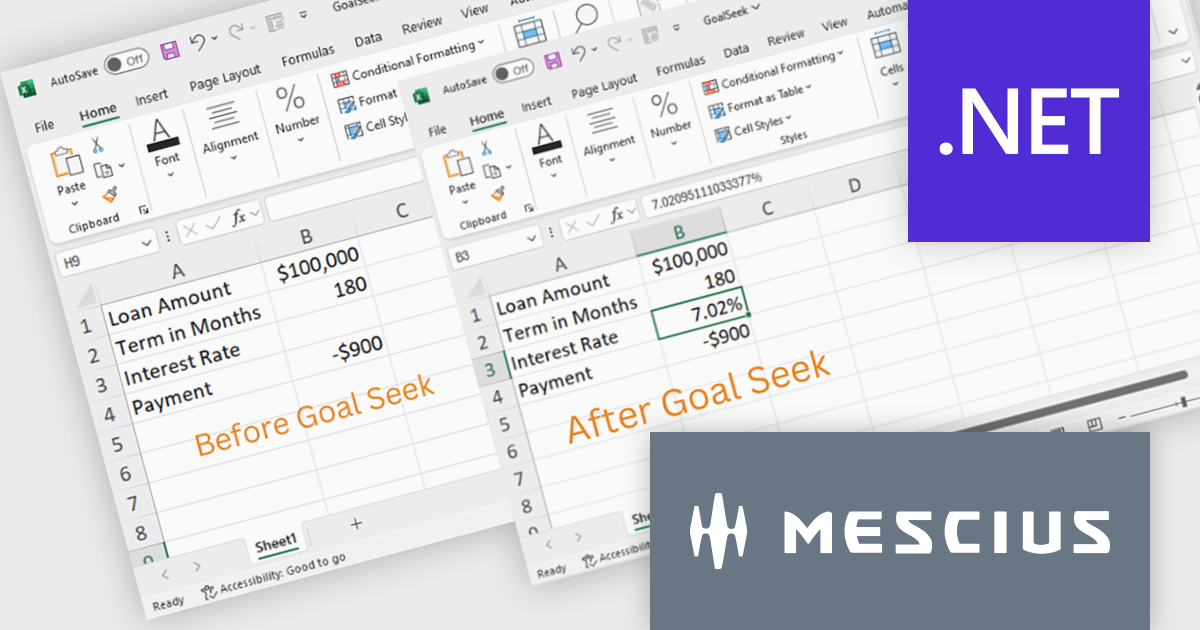
Document Solutions for Excel, .NET Edition by MESCIUS is designed to enable developers to create and manipulate Excel documents programmatically within .NET applications. It provides a robust API for interacting with Excel spreadsheets, allowing developers to automate tasks such as data extraction, formatting, and generation of reports. The framework offers comprehensive support for various Excel features, including formulas, charts, conditional formatting, and data validation. It also provides tools for handling large datasets and optimizing performance, making it suitable for both small-scale and enterprise-level applications.
The Document Solutions for Excel 7.2 release now incorporates Goal Seek functionality, providing developers with the ability to programmatically implement scenario analysis and decision-making processes within their .NET applications. By leveraging the Goal Seek API, developers can automate the process of determining the optimal input values required to achieve a specific target output within an Excel spreadsheet. This feature significantly enhances the capabilities of the framework, empowering developers to create more sophisticated and dynamic applications that can effectively support complex modeling and analysis tasks.
To see a full list of what's new in version 7.2, see our release notes.
Document Solutions for Excel, .NET Edition is licensed per developer and is available in several license options for differing distribution needs. Team licenses are also available for multiple developers within the same organization. See our Document Solutions for Excel, .NET Edition licensing page for full details.
Document Solutions for Excel, .NET Edition is available to buy in the following products:
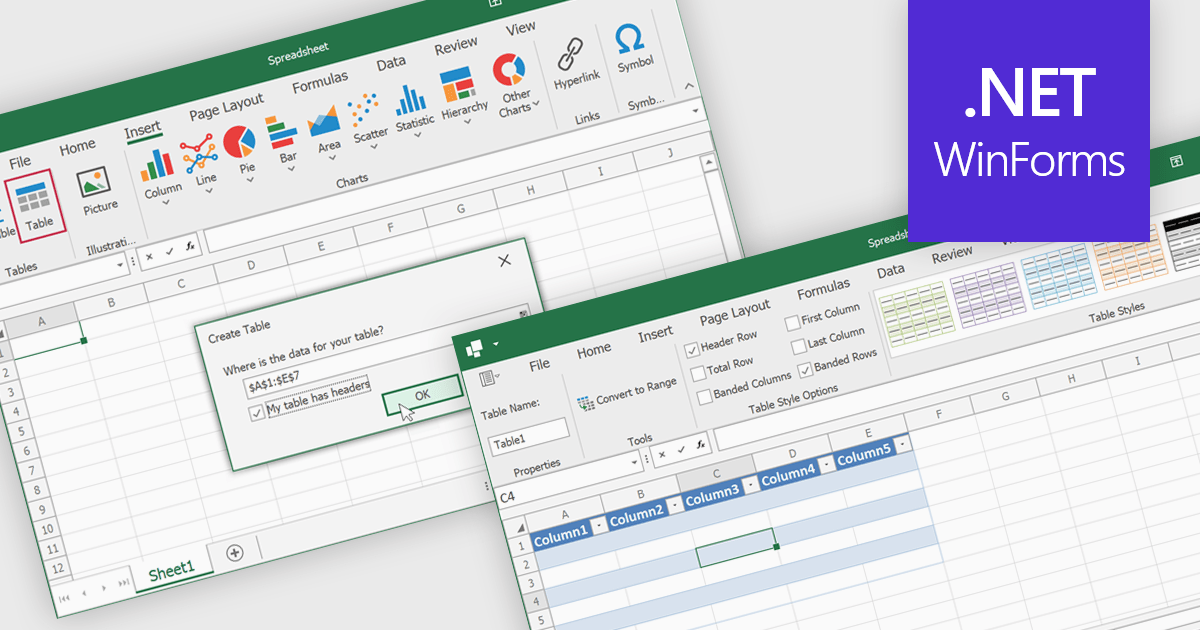
Spreadsheet tables are organized groups of data in a spreadsheet, often with a header row and a range of cells containing related information. They make data management easier by grouping related information, improving how it looks and how easy it is to use. You can use functions and formulas on entire tables to automate calculations and reduce manual work. Tables often let you filter and sort data based on specific criteria, making analysis and reporting easier. Common uses include financial analysis, inventory management, project tracking, and customer databases.
Several WinForms spreadsheet controls offer table support including:
For an in-depth analysis of features and price, visit our WinForms spreadsheet controls comparison.
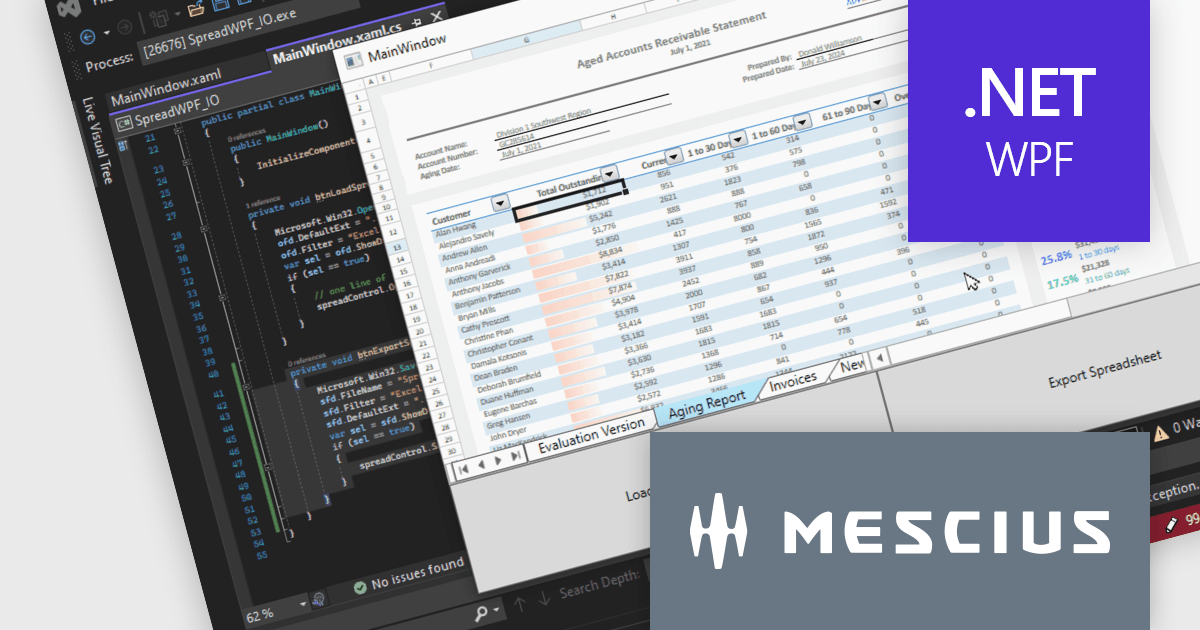
Spread.NET helps you create spreadsheets, grids, dashboards, and forms. It includes a powerful calculation engine with 450+ functions and the ability to import and export Excel spreadsheets. Leverage the extensive .NET spreadsheet API and powerful calculation engine to create analysis, budgeting, dashboard, data collection and management, scientific, and financial applications.
In this blog post, MESCIUS Product Marketing Specialist Mackenzie Albitz guides you through the four essential steps to import and export Excel spreadsheets on your way to creating robust spreadsheet applications with Spread.NET. These steps include:
Sample code is included in the blog and you can download the sample app in either C# or VB.
Read the full blog to get started using the full capabilities of the Spread.NET WPF component.
Spread.NET is licensed per developer and is available as a Perpetual License with a 12 month support and maintenance subscription. We can supply any Spread.NET license including new licenses, maintenance renewals, and upgrade licenses. See our Spread.NET licensing page for full details.
For more information, visit our Spread.NET product page.
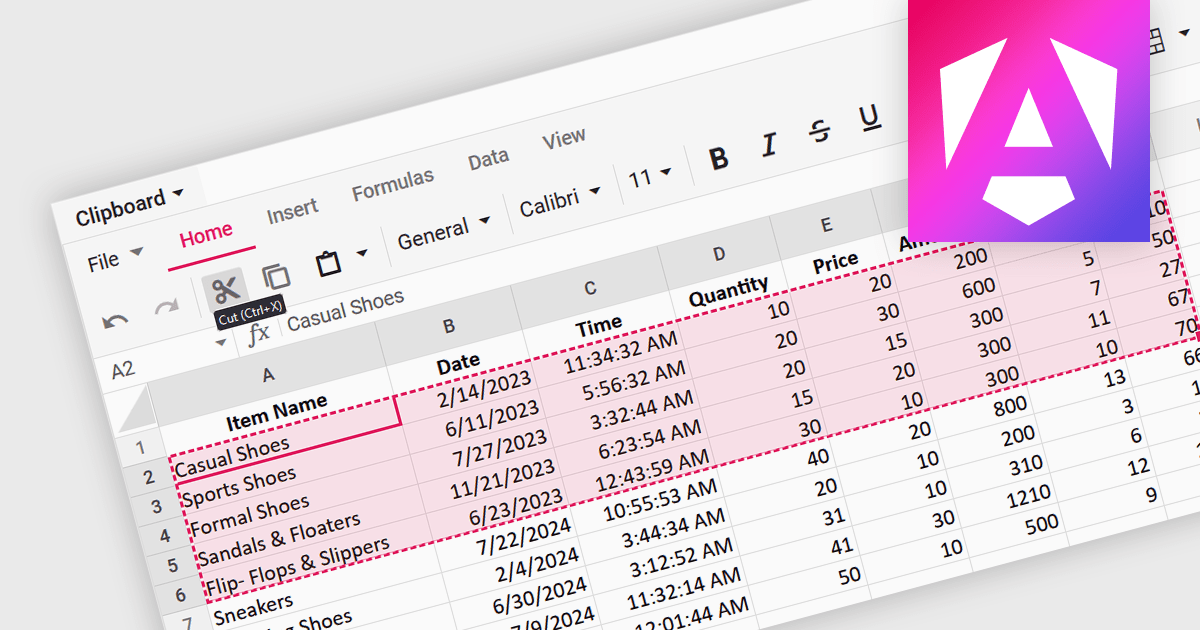
A spreadsheet control that supports clipboard operations gives users the ability to cut, copy and paste data within or between spreadsheets. These functions enable users to efficiently transfer, duplicate, or relocate information by temporarily storing selected cells or ranges in a system-wide clipboard. This functionality forms a key part of a spreadsheet application, saving time and increasing productivity by enabling quick duplication or relocation of data without the need to manually re-enter information. By reducing the risk of errors that might occur during manual data entry or reformatting, these operations help maintain data integrity and streamline data manipulation and management tasks.
Several Angular spreadsheet components support the use of clipboard operations, including:
For an in-depth analysis of features and price, visit our comparison of Angular spreadsheet controls.
전화 : 00798 14 800 6332
팩스 : +1 770 250 6199


