













공식 공급 업체
200 이상의 소프트웨어 개발처와 판매 계약을 맺은 공인 디스트리뷰터로서 합법적인 라이선스를 제공합니다.
모든 브랜드 보기.
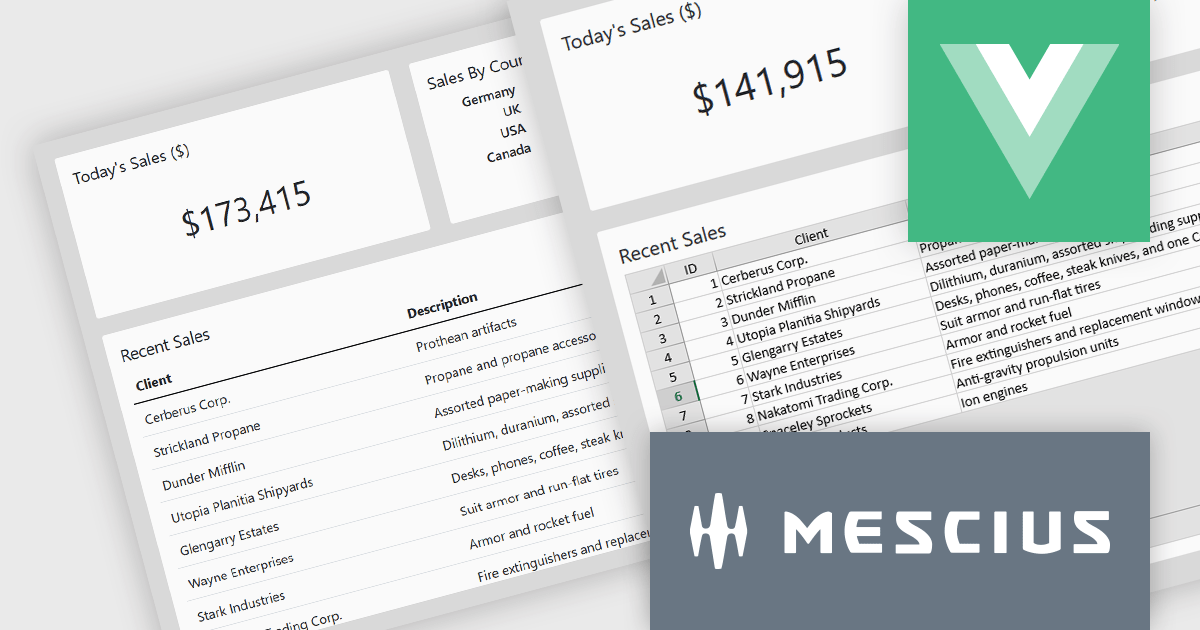
SpreadJS by MESCIUS is a high-performance JavaScript spreadsheet component designed to seamlessly integrate Excel-like functionality into web applications. It empowers developers to deliver robust spreadsheet experiences within their applications, complete with features like data import/export, complex formulas, conditional formatting, and extensive customization options. SpreadJS caters to a wide range of use cases, from financial modeling and data analysis to project management and interactive dashboards, ultimately allowing developers to build feature-rich and user-friendly web applications.
In this blog post, MESCIUS Product Manager Kevin Ashley demonstrates how to enhance an existing Vue app with the ability to import and export XLSX files using SpreadJS. Steps include:
Detailed sample code is included for each step.
View the complete blog and get starting working with Excel files in your Vue applications.
SpreadJS is licensed per developer and includes 1 Year Maintenance (major and minor version releases and unlimited support phone calls). SpreadJS requires an Annual or Perpetual Deployment License. The optional Add-ons are available at an additional cost, and require a SpreadJS license. See our SpreadJS licensing page for full details.
For more information, visit our SpreadJS product page.
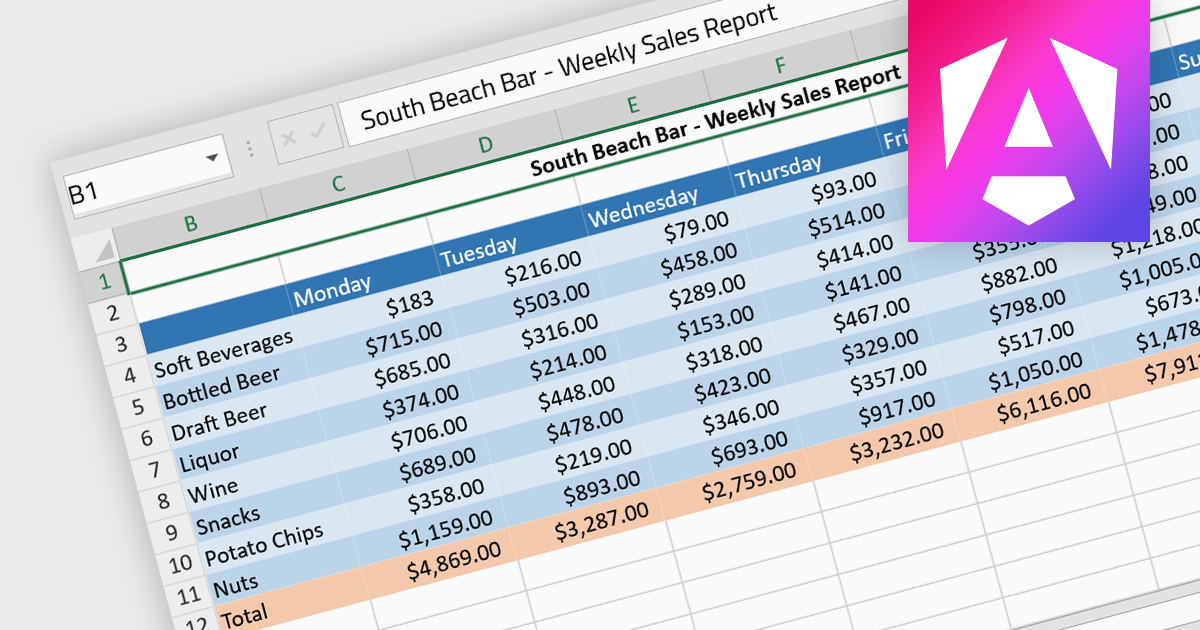
Cell formatting allows you to customize of the appearance and behavior of individual cells within a spreadsheet or data table to improve readability, comprehension, and accuracy of data presentation. This can encompass adjustments to font style, size, and color, as well as the inclusion of borders, shading, numeric or date formatting, cell alignment and so on. By employing cell formatting, users can significantly enhance the readability and organization of their spreadsheets, allowing for quicker data comprehension and clearer communication of the information they contain. It also helps in distinguishing different types of data, emphasizes important figures, and maintains consistency across related documents, thereby reducing the likelihood of errors and misinterpretations.
Several Angular spreadsheet components support cell formatting, including:
For an in-depth analysis of features and price, visit our comparison of Angular spreadsheet controls.

Telerik UI for Blazor is a comprehensive UI library that provides over 110 native Blazor components for building modern and feature-rich web applications. This professional-grade solution offers a complete set of components to satisfy all user interface requirements, saving time and effort in UI design.
The Telerik UI for Blazor v6.0.0 update (part of the 2024 Q2 release) introduces a powerful spreadsheet component, empowering developers to integrate Excel-like functionality seamlessly within Blazor applications. This intuitive interface allows users to view, edit, and manipulate tabular data, complete with formatting options, hyperlink insertion, image embedding, and robust formulas and functions. By eliminating the need for external libraries and streamlining data management through native spreadsheet operations, this update enhances workflow efficiency and application performance.
To see a full list of what's new in 2024 Q2 (v6.0.0), see our release notes.
Telerik UI for Blazor is licensed per developer and is available as a perpetual license with a one year support subscription, which is available in three tiers: Lite, Priority or Ultimate. See our Telerik UI for Blazor licensing page for full details.
Telerik UI for Blazor is available to buy in the following products:
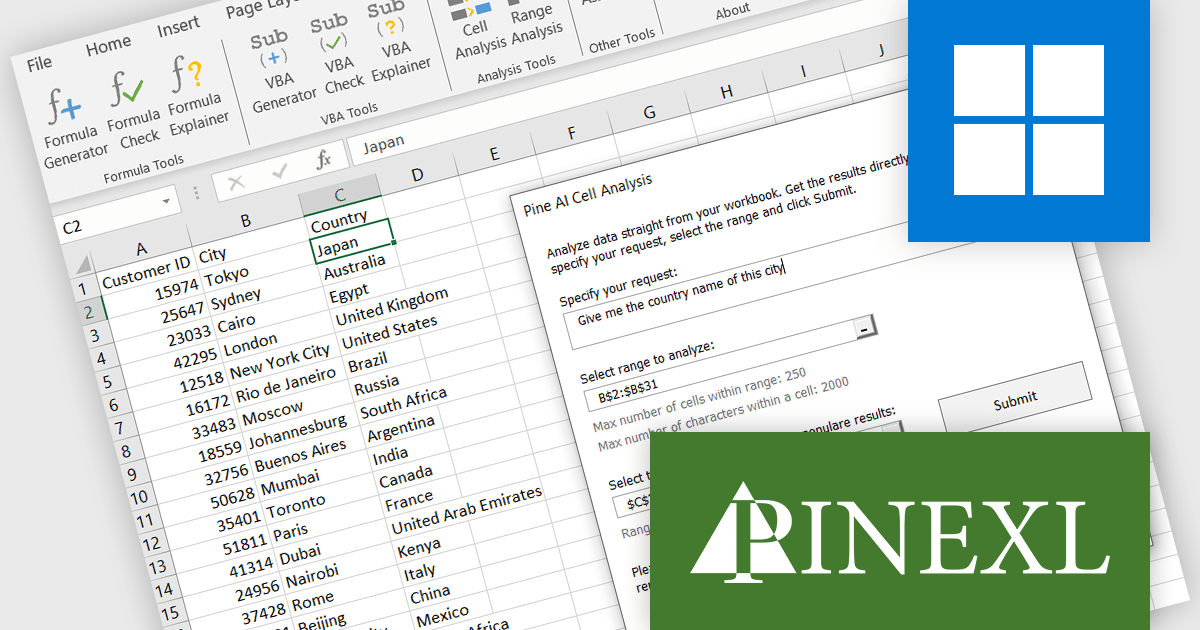
Pine AI Excel Add-In, developed by Pinexl, leverages OpenAI's ChatGPT to provide AI-powered functionalities within Microsoft Excel. This VBA-based add-in caters to both beginner and advanced users by offering formula generation, error correction, and explanation alongside VBA code generation, repair, and description. Pine AI's ability to comprehend user intent and directly analyze data within spreadsheets streamlines data manipulation and automation tasks for Excel users.
The Pine AI v1.4.2 update significantly expands its capabilities for handling complex data and tasks within Excel. The maximum number of characters you can input has been significantly raised for core features, allowing you to tackle more intricate formulas and explanations with the AI Assistant, Formula Explainer, Formula Check, Formula Generator, and VBA Generator. This update expands Pine AI's capabilities, making it an even more powerful tool for developers who want to supercharge their Excel workflow.
To see a full list of what's new in 1.4.2, see our release notes.
Pine AI Excel Add-In is licensed per user on an annual subscription basis. To continue using the software you will need an active subscription. See our Pine AI Excel Add-In licensing page for full details.
Learn more on our Pine AI Excel Add-In product page.
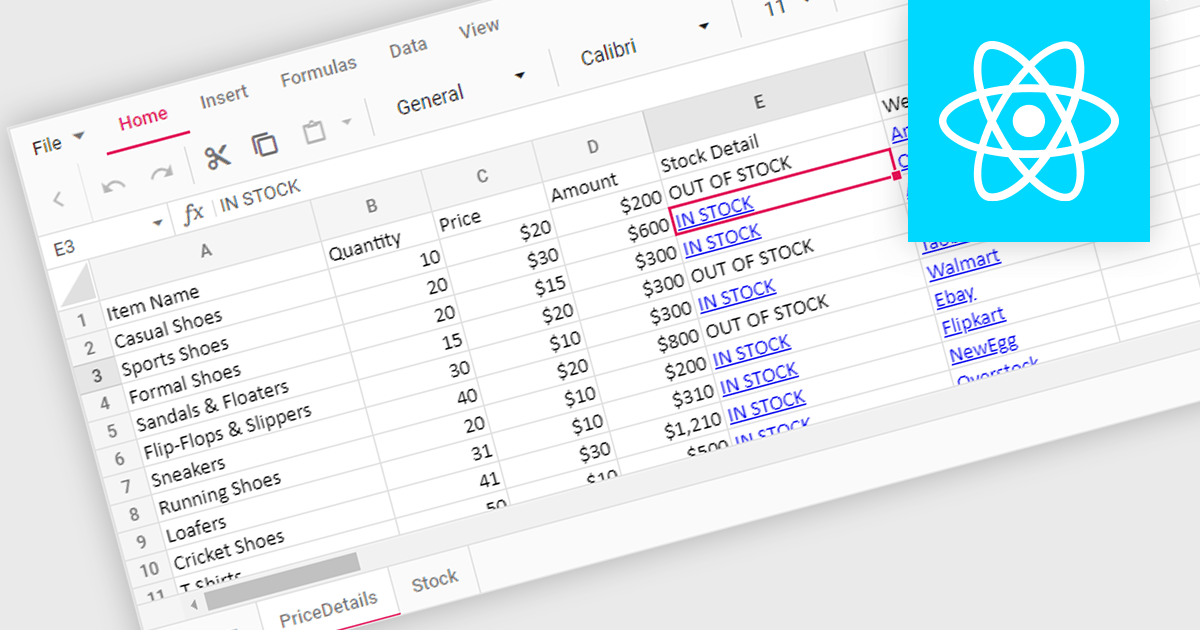
Hyperlink support in a spreadsheet control allows developers to integrate clickable links within cells. This functionality offers several advantages: users can seamlessly navigate to external web pages, reference internal documents within the spreadsheet itself (including across worksheets), and launch email compositions directly from specific cells. Hyperlink support enhances user experience by streamlining information access and promoting efficient data exploration within the spreadsheet.
Several React Spreadsheet controls offer Hyperlink support including:
For an in-depth analysis of features and price, visit our comparison of React Spreadsheet controls.
전화 : 00798 14 800 6332
팩스 : +1 770 250 6199


