













공식 공급 업체
200 이상의 소프트웨어 개발처와 판매 계약을 맺은 공인 디스트리뷰터로서 합법적인 라이선스를 제공합니다.
모든 브랜드 보기.

Aspose.Cells for .NET is a robust programming library that empowers developers to manipulate, automate, and convert spreadsheets within their .NET applications. It eliminates dependence on Microsoft Excel while providing comprehensive control over data, formatting, charts, and even conversion to various file formats like PDF, JSON, and image formats, making it a powerful tool for streamlining spreadsheet-related tasks across platforms and environments.
The Aspose.Cells for .NET V24.1 release adds support for .NET 8. This allows developers to enjoy the performance boosts, enhanced cross-platform compatibility, and new APIs in the latest version of Microsoft's popular development framework.
To see a full list of what's new in Aspose.Cells for .NET 24.1, see our release notes.
Aspose.Cells for .NET is offered as Developer Small Business, Developer OEM, Site Small Business, and Site OEM licenses, catering to a range of business needs. Licenses are perpetual, and include 1 year of support and maintenance. Subscription renewals are also available. See our Aspose.Cells for .NET licensing page for full details.
Aspose.Cells for .NET is available to buy in the following products:

In spreadsheet controls, localization refers to adapting the user interface and functionality to different languages and cultural contexts. This involves translating static text like menu labels and buttons, formatting dates and numbers according to regional conventions, and even adjusting features like formula syntax to match users' expectations. Effective localization ensures intuitive interaction for global audiences, boosting user adoption and enhancing the overall spreadsheet experience.
Several Angular spreadsheet controls support localization including:
For an in-depth analysis of features and price, visit our Angular Spreadsheet Controls comparison.
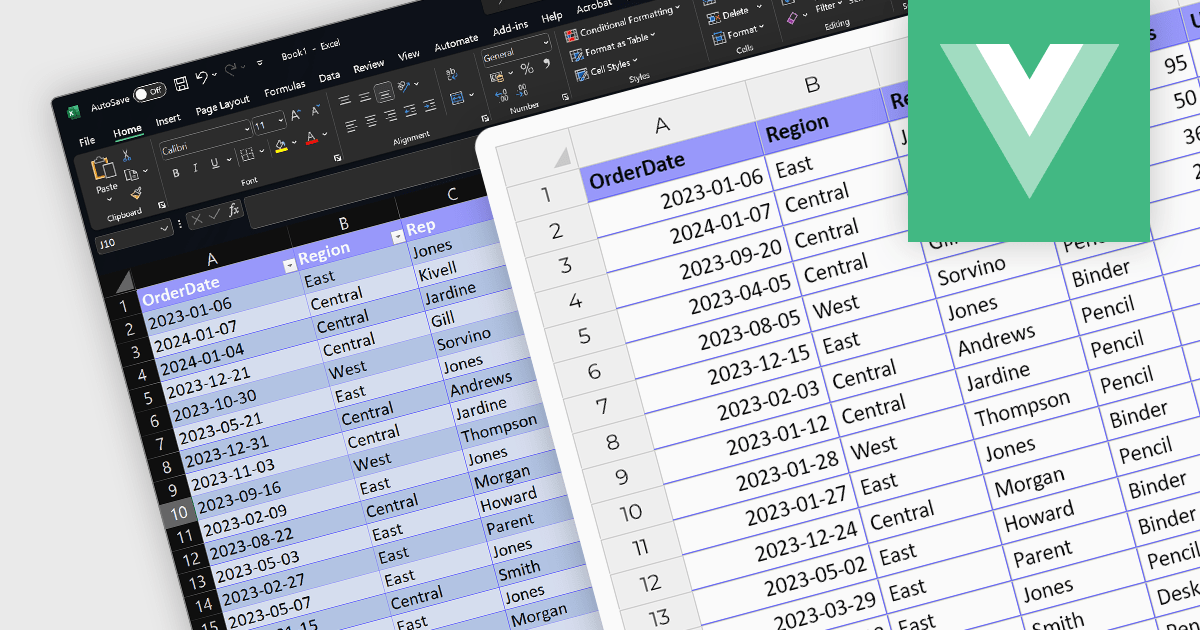
The ability to import XLSX files is a common feature in spreadsheet software, allowing users to open and work with files created in other applications like Microsoft Excel. These versatile controls streamline data integration and boost efficiency by effortlessly populating spreadsheets with pre-existing data, saving valuable time and eliminating error-prone manual entry. This ensures compatibility and ease of data transfer, enabling users to bring in complex datasets with various formatting and formulas intact, which is essential for interoperability and collaboration. Vue.js spreadsheet components eliminate the drudgery of manual data entry and revolutionize the way you manage information within your applications.
Several Vue.js spreadsheet controls support XLSX file import, including:
For an in-depth analysis of features and price, visit our Vue.js Spreadsheet Controls comparison.
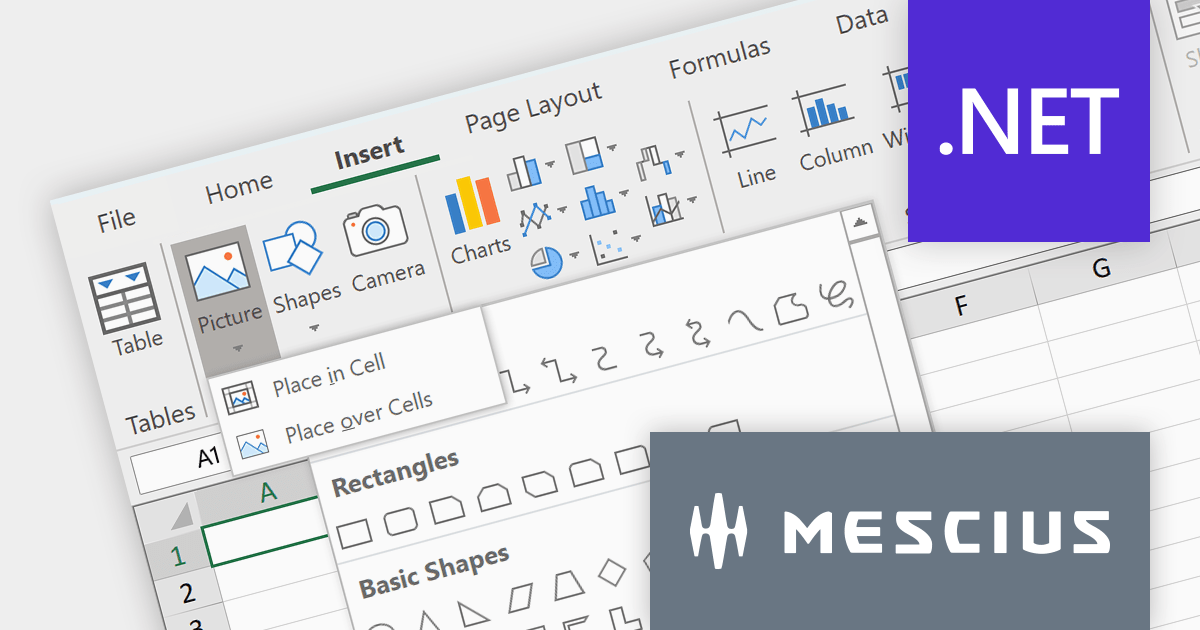
Spread.NET by MESCIUS is a powerful tool for building Excel-like applications in your .NET projects. It lets you create interactive spreadsheets, grids, dashboards, and even forms within WinForms, ASP.NET, and WPF applications. With its rich feature set, including a robust calculation engine, formula support, and Excel compatibility, Spread.NET empowers developers to build data analysis tools, budgeting apps, scientific dashboards, and more, all within the familiar .NET environment.
The Spread.NET v17 release adds a new Ribbon control to modernize your spreadsheet's look and feel. Inspired by Excel, this intuitive interface organizes commands into clear, contextual tabs and groups, making it easy for users to find the tools they need. This modern upgrade not only boosts productivity but also brings a familiar feel to your spreadsheets, streamlining the entire user experience.
To see a full list of what's new in version 17, see our release notes.
Spread.NET is licensed per developer and is available as a Perpetual License with a 12 month support and maintenance subscription. We can supply any Spread.NET license including new licenses, maintenance renewals, and upgrade licenses. See our Spread.NET licensing page for full details.
For more information, visit our Spread.NET product page.

SpreadJS by MESCIUS is a powerful JavaScript library that lets you build Excel-like spreadsheets within your web applications. It offers tables, charts, formulas, pivot tables, and more, all running within the browser. It works with major frameworks like Angular, React, and Vue, and offers Excel file import and export. SpreadJS empowers developers to create interactive dashboards, analyze data, and streamline workflows, all within the familiar spreadsheet interface.
The SpreadJS 17 release introduces the optional GanttSheet Add-On, a full Gantt implementation that works inside of SpreadJS. It seamlessly integrates with your existing spreadsheets, transforming them into clear and concise Gantt charts. This allows you to visualize tasks, dependencies, and progress at a glance, identifying potential bottlenecks and adjust schedules proactively. GanttSheet offers a flexible and intuitive may to manage tasks, sort data, customize calendar settings, and even import/export plans for smooth collaboration.
To see a full list of what's new in version 17, see our release notes.
SpreadJS is licensed per developer and includes 1 Year Maintenance (major and minor version releases and unlimited support phone calls). SpreadJS requires an Annual or Perpetual Deployment License. The GanttSheet Add-On is available at an additional cost, and requires a SpreadJS license. See our SpreadJS licensing page for full details.
For more information, visit our SpreadJS product page.
전화 : 00798 14 800 6332
팩스 : +1 770 250 6199


