













공식 공급 업체
200 이상의 소프트웨어 개발처와 판매 계약을 맺은 공인 디스트리뷰터로서 합법적인 라이선스를 제공합니다.
모든 브랜드 보기.
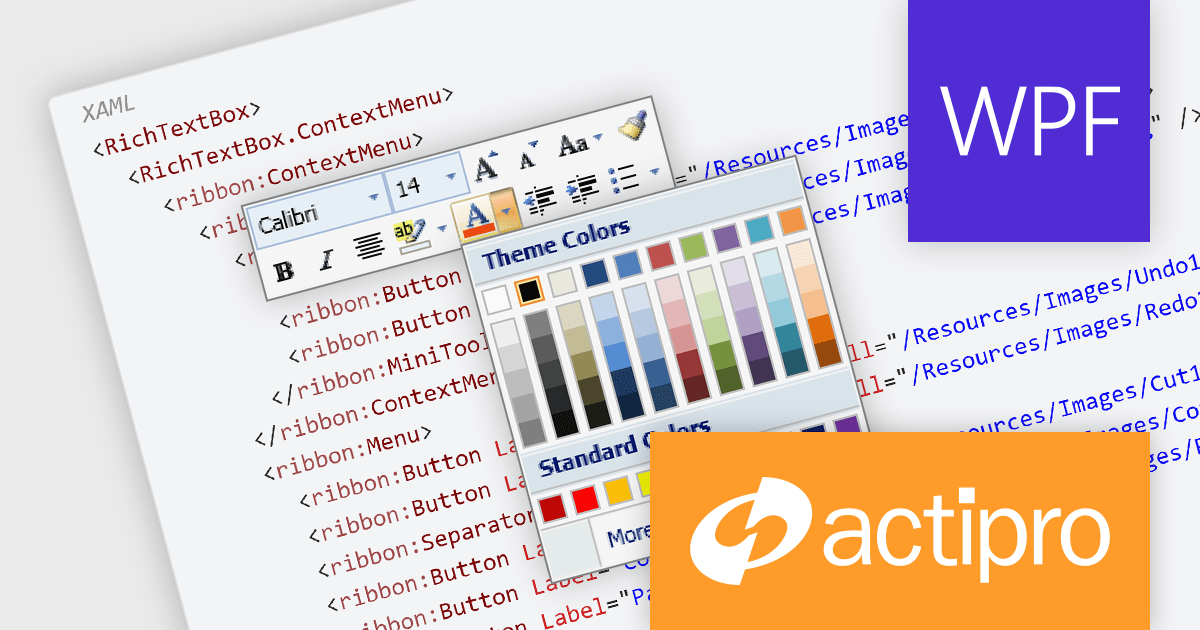
Actipro Bars for WPF is a UI component library that equips developers with the tools to build advanced ribbons, toolbars, and menus within their WPF applications. It offers an "Office-like" ribbon experience with customization options, supports MVVM design patterns, and includes a rich set of controls specifically designed for use within these elements, allowing for a cohesive and user-friendly interface.
The Actipro Bars for WPF V24.1.1 release introduces the MiniToolBar, a new control designed to improve user experience and productivity. This context-sensitive toolbar appears next to highlighted text or alongside context menus, offering quick access to relevant formatting and editing functions. By eliminating the need to navigate through text-based menus or cluttered toolbars, the MiniToolBar streamlines workflows and keeps the workspace clean, allowing users to focus on completing tasks efficiently.
To see a full list of what's new in 24.1.1, see our release notes.
Actipro Bars for WPF is licensed per developer and is available as a Perpetual license with 1 year support and maintenance. See our Actipro Bars for WPF licensing page for full details.
Actipro Bars for WPF is available in the following products:
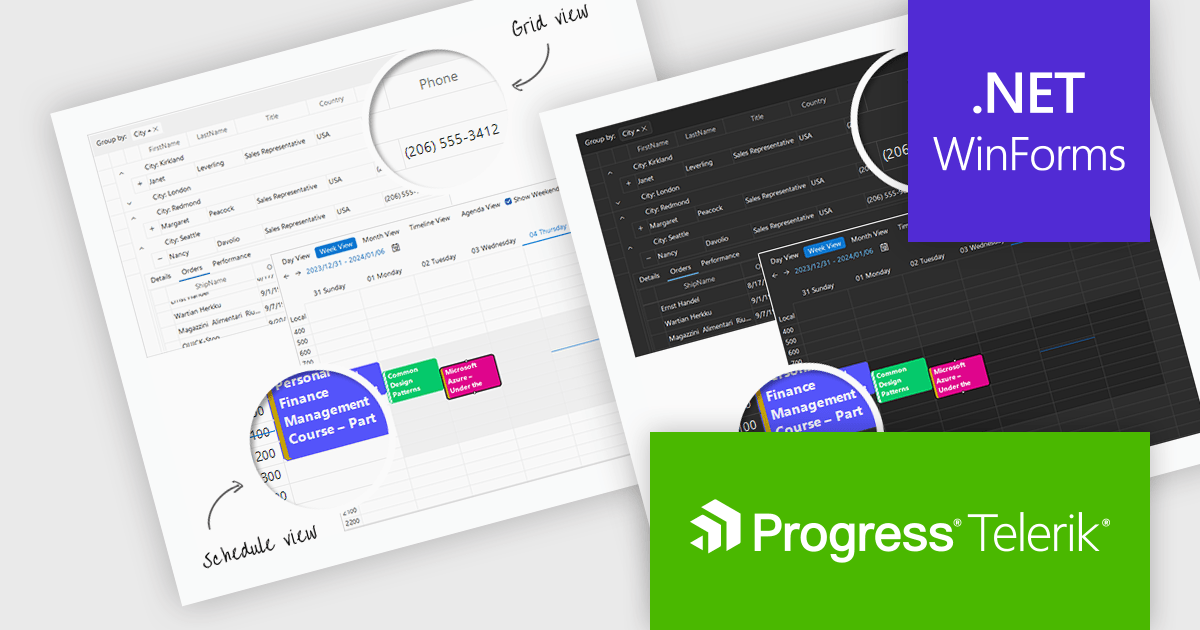
Telerik UI for WinForms is a comprehensive UI library offering over 160 versatile controls designed to streamline the development of modern, data-rich desktop applications. With features like built-in High DPI support, extensive customization options, and components ranging from grids and charts to schedulers and rich text boxes, it empowers developers to craft visually appealing and feature-packed Windows Forms applications.
The Telerik UI for WinForms 2024 Q1 update adds new Windows 11 Light and Dark compact themes, empowering developers to deliver modern, space-optimized UIs tailored to user preferences. These compact alternatives to the existing Windows 11 themes enhance application aesthetics, align with the latest design trends, and cater to users who prefer more compact interfaces. Users will enjoy improved focus and clarity with the uncluttered interface, ideal for multitasking and complex workflows.
To see a full list of what's new in 2024 Q1, see our release notes.
Telerik UI for WinForms is licensed per developer and is available as a perpetual license with a one year support subscription, which is available in three tiers: Lite, Priority or Ultimate. See our Telerik UI for WinForms licensing page for full details.
Telerik UI for WinForms is available to buy in the following products:
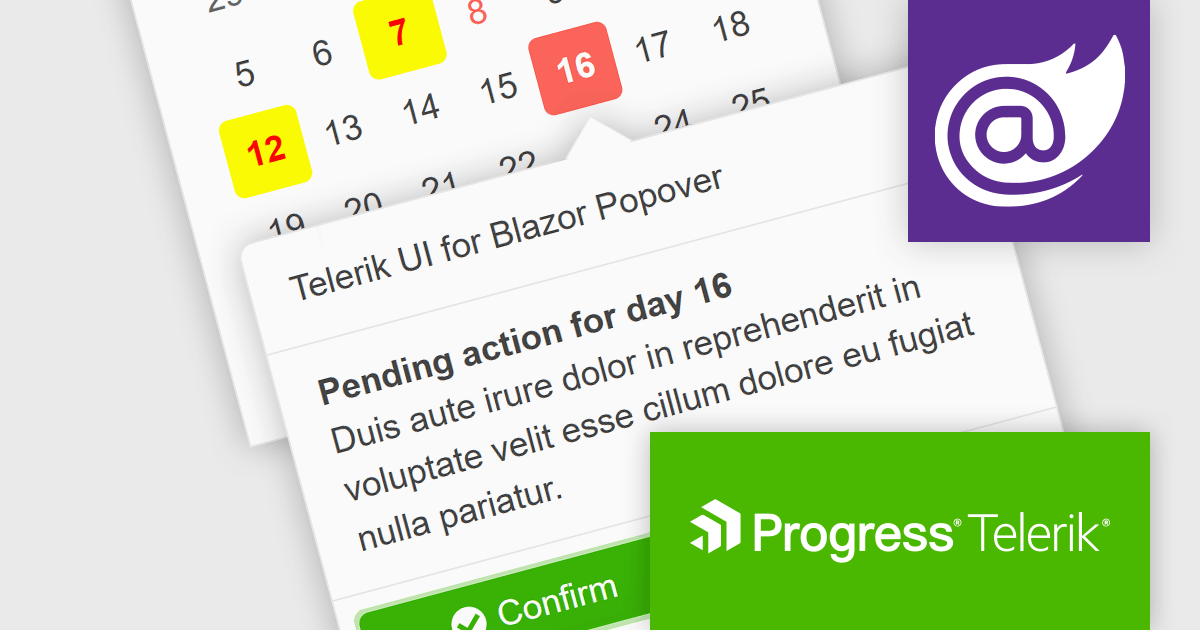
Telerik UI for Blazor is a comprehensive UI library that provides over 110 native Blazor components for building modern and feature-rich web applications. This professional-grade solution offers a complete set of components to satisfy all user interface requirements, saving time and effort in UI design.
The Telerik UI for Blazor v5.1.0 update (part of the 2024 Q1 release) adds a popover component. More advanced than a tooltip, this component offers a temporary overlay that surfaces contextually relevant information, options or actions upon user interaction (a click or mouse hover) with a designated anchor element. You can set position and collision parameters, as well as customizable parameters for appearance and animations. This provides Blazor developers with a way to offer users additional content without cluttering the primary interface.
To see a full list of what's new in 2024 Q1 (v5.1.0), see our release notes.
Telerik UI for Blazor is licensed per developer and is available as a perpetual license with a one year support subscription, which is available in three tiers: Lite, Priority or Ultimate. See our Telerik UI for Blazor licensing page for full details.
Telerik UI for Blazor is available to buy in the following products:

Telerik offers two distinct UI component libraries for web development, tailored to specific .NET frameworks. Telerik UI for ASP.NET Core provides 110+ server-side wrappers for Kendo UI widgets, seamlessly integrating them into modern .NET Core projects with HTML and Tag Helpers. Telerik UI for ASP.NET MVC focuses on traditional ASP.NET MVC applications, directly embedding the same extensive component library within MVC views. This empowers developers to build high-quality, feature-rich web applications in either framework, leveraging pre-built UI elements and functionalities for faster development cycles.
The Telerik UI for ASP.NET Core and ASP.NET MVC 2024 Q1 releases add a new ToggleButton component. This versatile control boasts extensive customization options, intuitive user interactions with event triggers and state indicators, and space-saving capabilities through button grouping. The ToggleButton offers users an intuitive means of controlling settings, options and features, and empowers developers to craft clear, interactive interfaces that elevate both user experience and development efficiency.
To see a full list of what's new in 2024 Q1, see our release notes for Telerik UI for ASP.NET Core and Telerik UI for ASP.NET MVC.
Telerik UI for ASP.NET Core and Telerik UI for ASP.NET MVC are both licensed per developer and are available as perpetual licenses with a one year support subscription, which is available in three tiers: Lite, Priority or Ultimate. See our Telerik UI for ASP.NET Core and Telerik UI for ASP.NET MVC licensing pages for full details.
Telerik UI for ASP.NET Core is available to buy in the following products:
Telerik UI for ASP.NET MVC is available to buy in the following products:
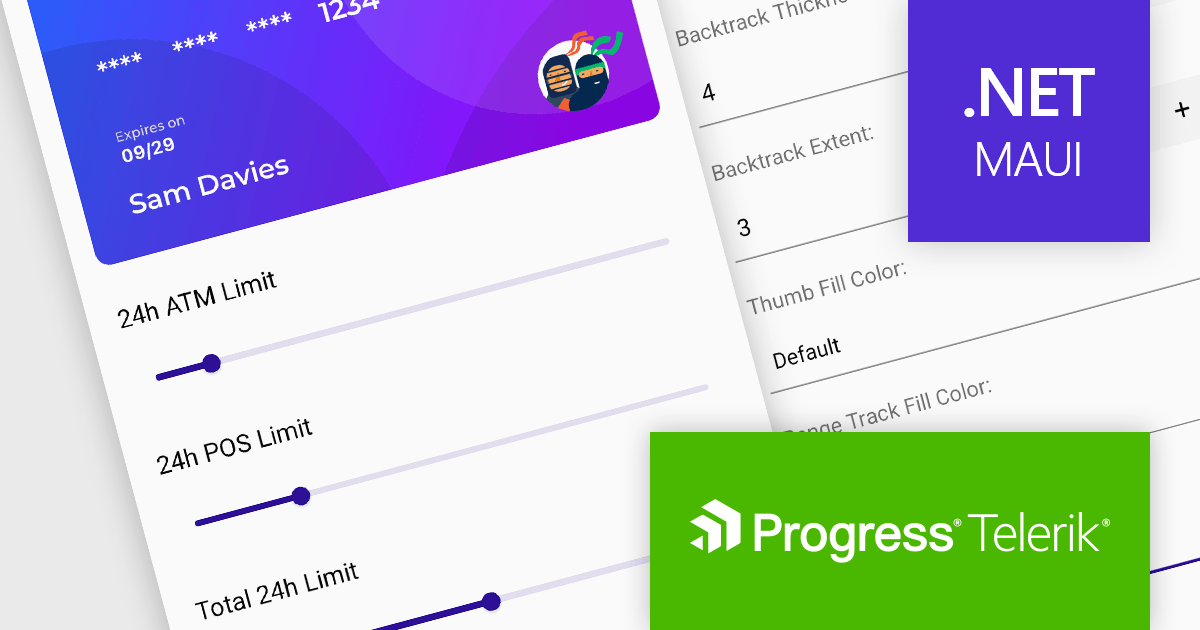
Telerik UI for .NET MAUI is a UI suite offering 60+ native controls for developers building modern, cross-platform mobile and desktop applications. Targeting Android, iOS, macOS, and Windows from a single codebase, it streamlines development while ensuring professional design and performance.
Telerik UI for .NET MAUI v6.7.0 (part of the 2024 Q1 release) introduces a powerful Slider component, enhancing user interaction capabilities. This new addition empowers developers to integrate intuitive value selection within a predefined range directly into their MAUI applications. Users can seamlessly choose values by dragging a thumb along a customizable visual slider, accompanied by clear visual cues like backtrack, range track, ticks, and labels. Informative tooltips appear on thumb drag, displaying the current selection. This versatile component streamlines user input and data selection, improving the overall user experience of your MAUI applications.
To see a full list of what's new in 2024 Q1 (v6.7.0), see our release notes.
Telerik UI for .NET MAUI is licensed per developer and is available as a perpetual license with a one year support subscription, which is available in three tiers: Lite, Priority or Ultimate. See our Telerik UI for .NET MAUI licensing page for full details.
Telerik UI for .NET MAUI is available to buy in the following products:
전화 : 00798 14 800 6332
팩스 : +1 770 250 6199


