













공식 공급 업체
200 이상의 소프트웨어 개발처와 판매 계약을 맺은 공인 디스트리뷰터로서 합법적인 라이선스를 제공합니다.
모든 브랜드 보기.
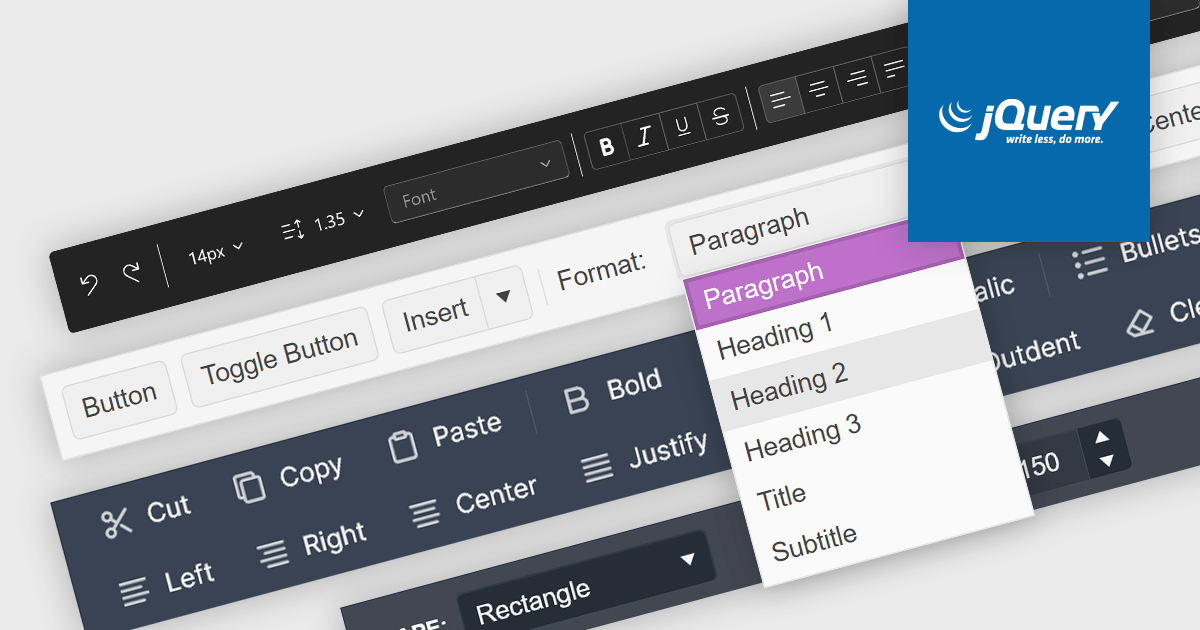
Toolbar controls for jQuery extend the functionality of your web applications by providing customizable toolbars with UI elements like buttons, dropdowns, and menus. These libraries offer features like drag-and-drop customization, theming options, and accessibility compliance, streamlining user interaction for common actions like editing, formatting, and navigation.
Several jQuery UI suites feature a toolbar control including:
For an in-depth analysis of features and price, visit our jQuery UI Suites comparison.

Actipro Avalonia UI Pro is a suite of professionally designed UI controls, themes, and components specifically built for the Avalonia UI framework. It empowers developers to craft beautiful, modern cross-platform applications while leveraging their existing C# and WPF skills. Actipro offers a range of controls from essential navigation and data visualization components to advanced charting and scheduling features, all adhering to its signature high-quality design and seamless integration with Avalonia.
The Actipro Avalonia UI Pro 24.1.0 update introduces the Card control, designed to present information about a single subject in a visually grouped and actionable way. This control offers flexibility through optional cover, thumbnail, header, and footer sections, allowing developers to effectively organize content within the card. Additionally, cards can be made interactive, enabling users to directly engage with the presented information.
To see a full list of what's new in 24.1.0, see our release notes.
Actipro Avalonia UI Pro is licensed per developer and is available as a Perpetual license with 1 year support and maintenance. See our Actipro Avalonia UI Pro licensing page for full details.
Learn more on our Actipro Avalonia UI Pro product page.
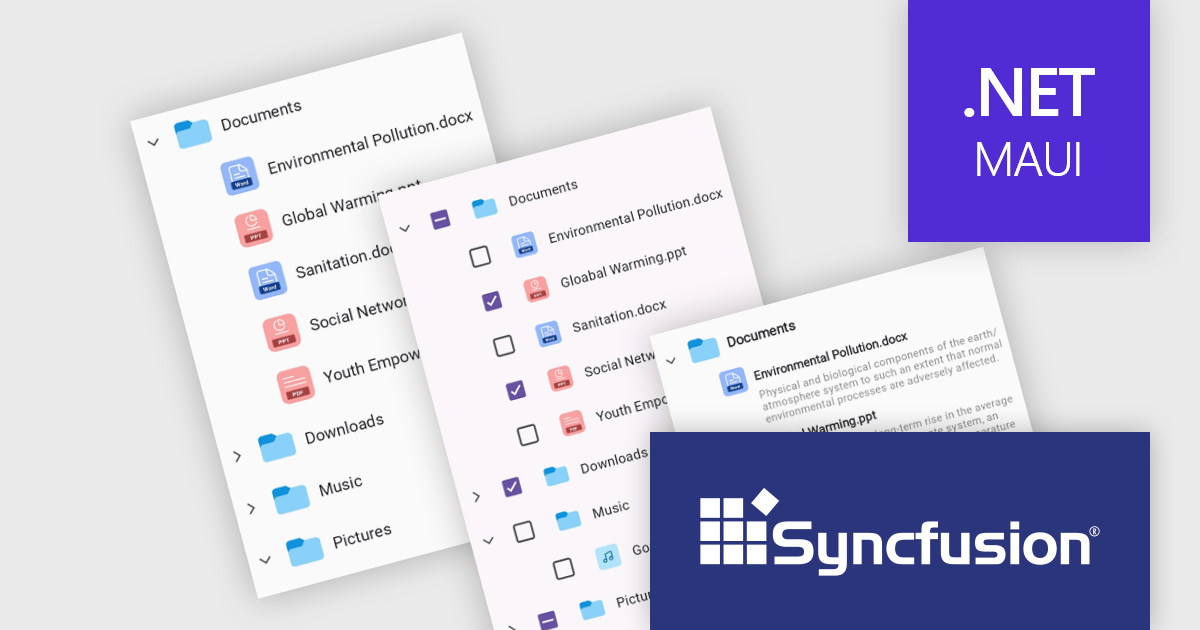
Syncfusion Essential Studio .NET MAUI, available as part of Syncfusion Essential Studio Enterprise, empowers developers with a comprehensive suite of native UI controls, data visualization tools, and performance optimizations for building modern, cross-platform mobile and desktop applications. This professional-grade toolkit leverages the power of C# and XAML, enabling rapid development of stunning and responsive experiences across diverse platforms.
The Syncfusion Essential Studio .NET MAUI 2024 Volume 1 (25.1.35) release introduces the production-ready TreeView component which is designed to display hierarchical data in a familiar tree-like structure. It allows users to expand and collapse branches, ensuring efficient navigation through complex information. Optimized for smooth scrolling and data reuse, the TreeView supports data binding for easy population and offers customization options for both UI appearance and selection behavior.
To see a full list of what's new in version 2024 Volume 1 (25.1.35), see our release notes.
Syncfusion Essential Studio .NET MAUI is available as part of Syncfusion Essential Studio Enterprise which is licensed per developer starting with a Team License of up to five developers. It is available as a 12 Month Timed Subscription License which includes support and maintenance. See our Syncfusion Essential Studio Enterprise licensing page for full details.
For more information, visit our Syncfusion Essential Studio .NET MAUI product page.
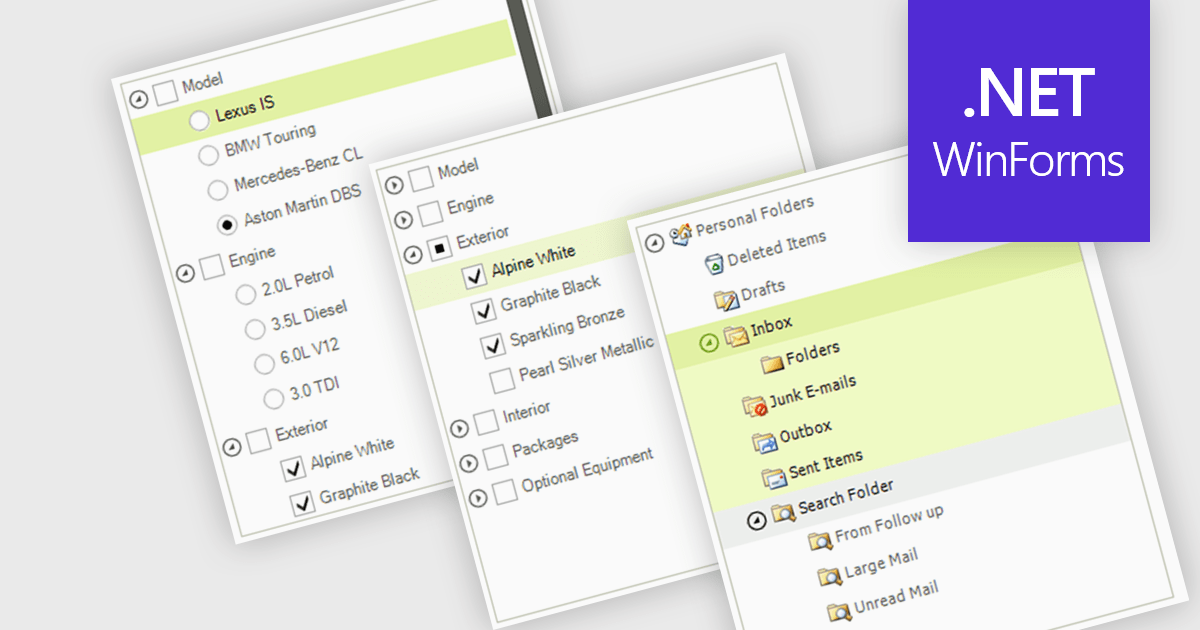
A treelist control is a specialized user interface element that visually organizes data in a hierarchical structure. It resembles a nested list, allowing users to efficiently navigate and explore parent-child relationships within their applications. Treelist components offer a significant advantage for developers by providing a pre-built solution for displaying complex, hierarchical data, saving development time and effort.
Several WinForms UI suites feature a treelist control including:
For an in-depth analysis of features and price, visit our WinForms UI Suites comparison.
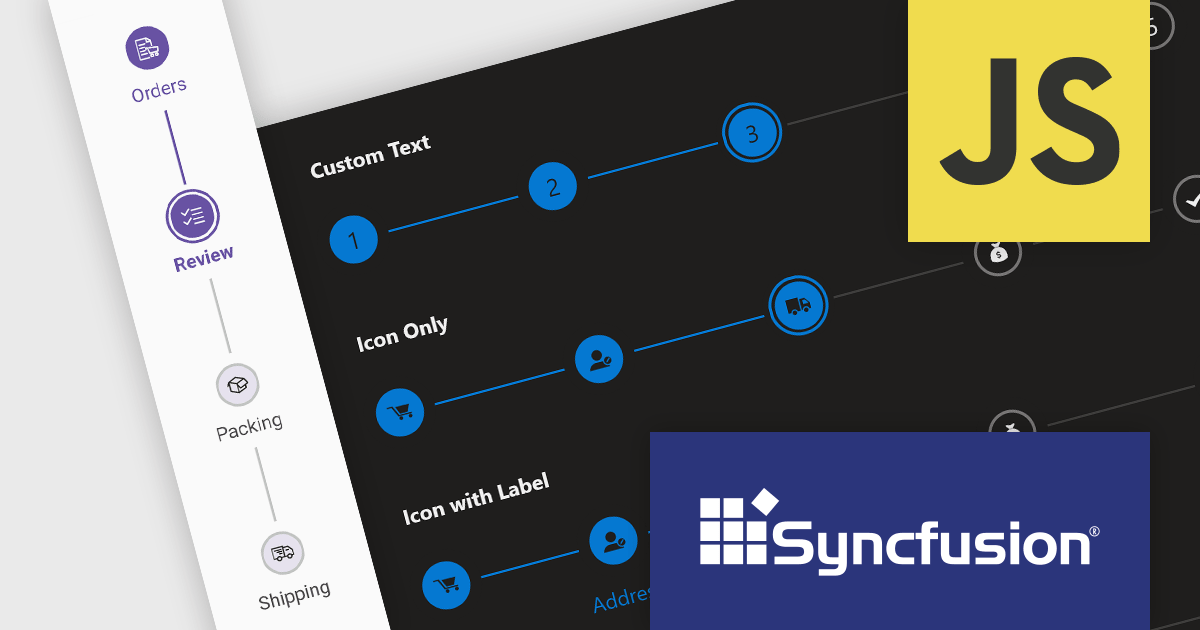
Syncfusion Essential Studio JavaScript, available as part of Syncfusion Essential Studio Enterprise, is a comprehensive UI library offering over 80 high-performance, lightweight, and responsive components to transform your web apps. Built from scratch with TypeScript, it boasts modularity and touch-friendliness, letting you pick and choose specific features while ensuring smooth mobile interaction. With rich themes, global accessibility features, and extensive documentation, it powers everything from basic buttons to interactive charts and data grids, simplifying front-end development across JavaScript, Angular, React, and Vue.
The Syncfusion Essential Studio JavaScript 2024 Volume 1 (25.1.35) release introduces the production-ready Stepper component which simplifies the creation of wizards and walkthroughs within your web applications. It provides a user-friendly interface to guide users through a step-by-step process, enhancing the overall user experience. The component offers a variety of step types, orientations, and customization options to perfectly suit your specific requirements.
To see a full list of what's new in version 2024 Volume 1 (25.1.35), see our release notes.
Syncfusion Essential Studio JavaScript is available as part of Syncfusion Essential Studio Enterprise which is licensed per developer starting with a Team License of up to five developers. It is available as a 12 Month Timed Subscription License which includes support and maintenance. See our Syncfusion Essential Studio Enterprise licensing page for full details.
For more information, visit our Syncfusion Essential Studio JavaScript product page.
전화 : 00798 14 800 6332
팩스 : +1 770 250 6199


