













공식 공급 업체
200 이상의 소프트웨어 개발처와 판매 계약을 맺은 공인 디스트리뷰터로서 합법적인 라이선스를 제공합니다.
모든 브랜드 보기.
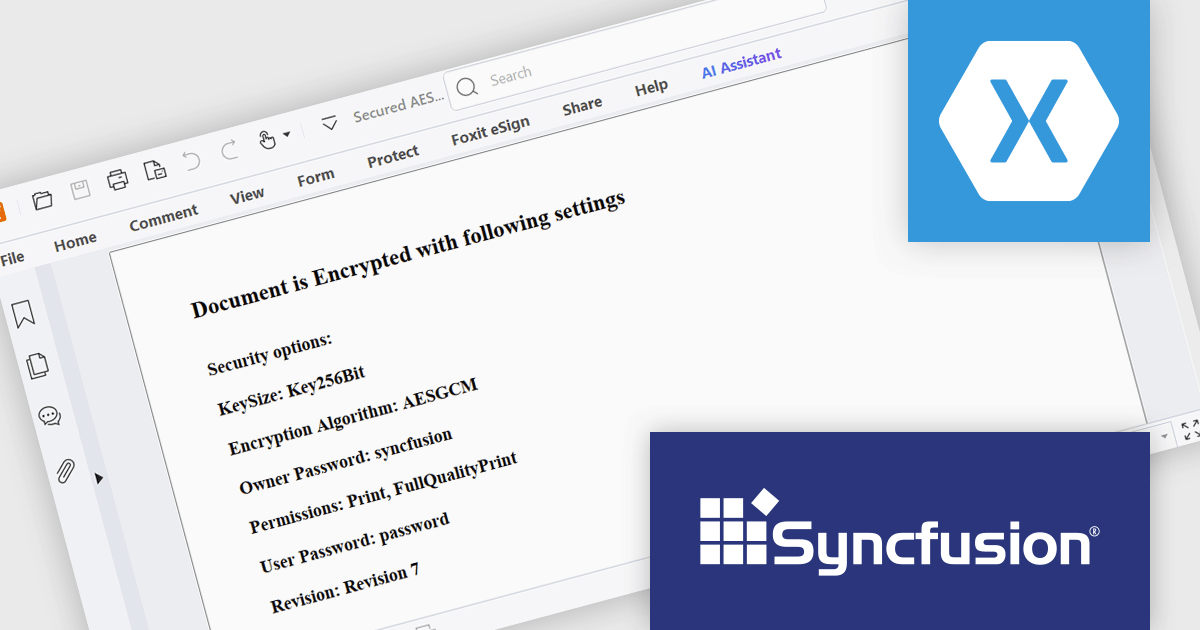
Syncfusion Essential Studio for Xamarin by Syncfusion is a robust UI control suite for building cross-platform line of business applications targeting iOS, Android, UWP, WPF, and macOS from a single C# codebase. It offers over 155 controls including DataGrid, Charts, and ListView, enabling developers to create responsive enterprise-grade apps with a consistent user experience. Designed for performance and scalability, it supports MVVM architecture, touch interaction, and rapid development, making it ideal for data-centric applications in industries such as finance, healthcare, and logistics.
The Syncfusion Essential Studio for Xamarin offers advanced AES GCM encryption for PDFs, enabling developers to implement secure document workflows with confidence. This enhancement allows for robust encryption and decryption of PDF files using a modern cryptographic standard that provides both data confidentiality and integrity. By incorporating authenticated encryption, AES GCM ensures that PDF content is protected against unauthorized access and tampering, making it well-suited for applications that handle sensitive information or require compliance with stringent data protection standards.
Syncfusion Essential Studio for Xamarin is available as part of Syncfusion Essential Studio Enterprise which is licensed per developer starting with a Team License of up to five developers. It is available as a 12 Month Timed Subscription License which includes support and maintenance. See our Syncfusion Essential Studio Enterprise licensing page for full details.
Learn more on our Syncfusion Essential Studio for Xamarin product page.
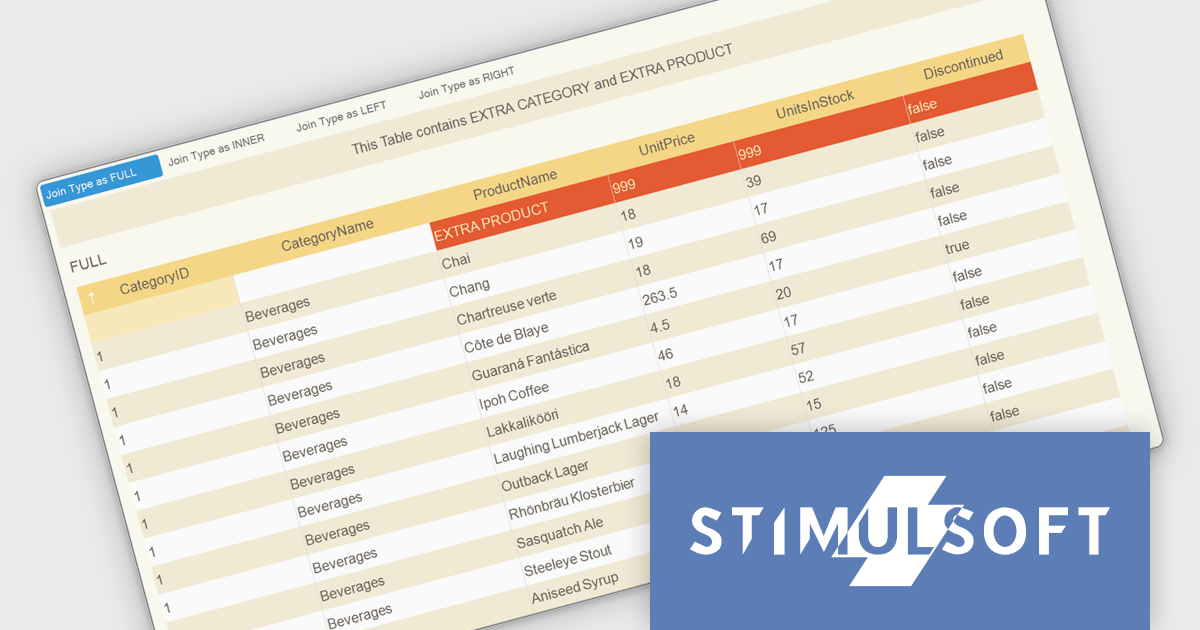
Stimulsoft Dashboards.WEB is a versatile suite of tools for crafting interactive data visualizations for web and desktop applications. It empowers developers to embed intuitive dashboards across various platforms, using the platform-specific components or a centralized cloud designer. With rich data analysis elements, extensive customization options, and pre-built templates, Stimulsoft Dashboards helps you transform complex data into clear, actionable insights for any audience.
The Stimulsoft Dashboards.WEB 2025.3.1 update introduces support for selecting data join types including Full, Inner, Left and Right when combining tables during dashboard rendering and data transformation. This enhancement gives developers precise control over how datasets are merged, ensuring the resulting structure accurately reflects the intended relationships between records. By configuring join types directly in the relationship editor, developers can optimize data grouping, maintain consistency across transformations and visualizations, and produce more reliable and context-aware analytics.
To see a full list of what's new in 2025.3.1, see our release notes.
Stimulsoft Dashboards.WEB is licensed per developer and is available as a perpetual license with 1 year support and maintenance. See our Stimulsoft Dashboards.WEB licensing page for full details.
Stimulsoft Dashboards.WEB is available individually or as part of Stimulsoft Ultimate.
Automa OPC-UAC simplifies OPC UA (Open Platform Communications Unified Architecture) connectivity for Microsoft Windows applications, requiring fewer than ten function calls to establish communication. It links SCADA (Supervisory Control and Data Acquisition) and HMI (Human-Machine Interface) systems with MES (Manufacturing Execution Systems), facilitating real-time data exchange, precise timestamp tracking, and data quality management. With built-in DataChange Subscribers, developers can monitor industrial processes in real time. Multi-language support (C++, C#, VB) ensures flexibility for diverse development environments, making it an efficient tool for automation and machine-to-machine communication.
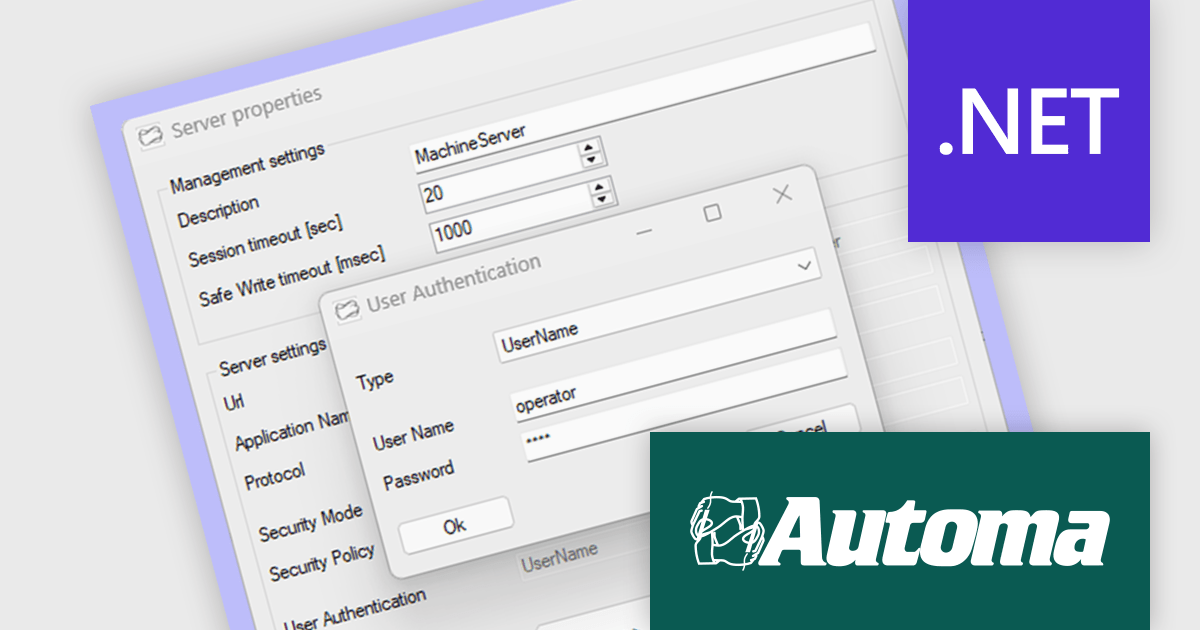
The OPC-UAC v2.0 update adds built-in support for user authentication through usernames and passwords. This enhancement aligns with standard OPC UA security practices, providing a straightforward way to enforce access control when connecting to servers. It helps developers and system administrators maintain secure communications across industrial systems that require user-level verification.
To see a full list of what's new in v2.0, see our release notes.
OPC-UAC is licensed per machine. Each machine running an application that includes the OPC-UAC library needs a license. see our OPC-UAC licensing page for full details.
For more information, visit our Automa OPC-UAC product page.
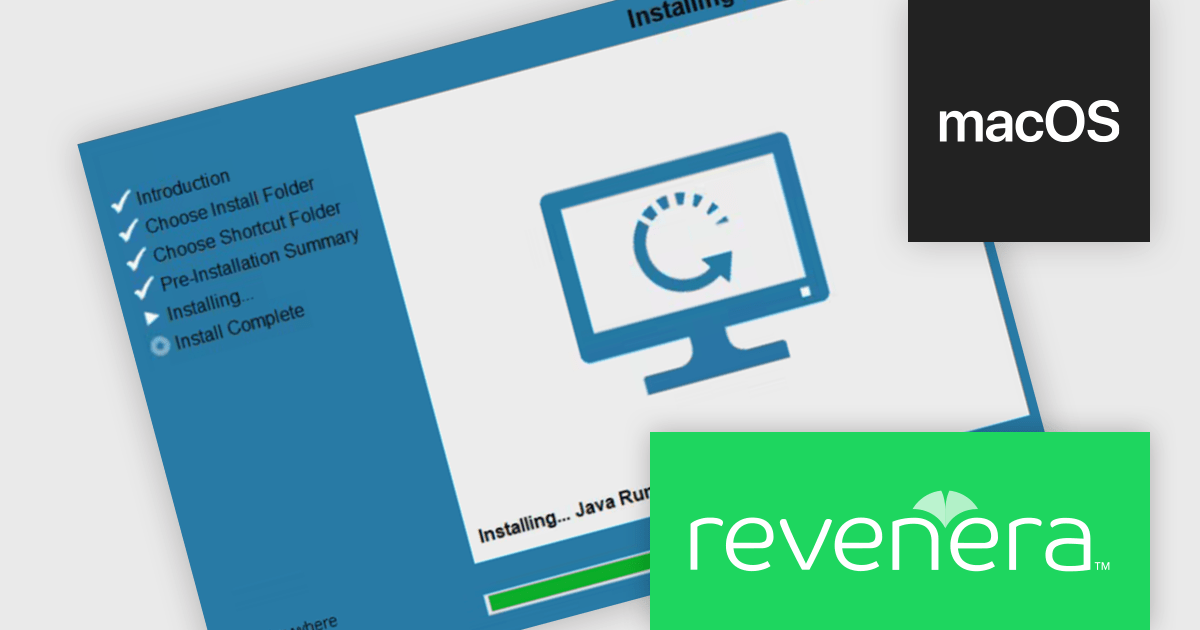
InstallAnywhere by Revenera simplifies the process of creating professional, multi-platform installers for diverse deployment environments. It enables developers to design reliable installation packages for on-premise platforms such as Windows, Linux, and macOS, as well as modern environments like Docker containers and cloud deployments. With its intuitive interface and robust customization options, InstallAnywhere helps deliver a consistent and polished user experience across all supported platforms.
The InstallAnywhere 2025 R1 release has been updated to support macOS Universal Binaries, allowing it to run natively on both Intel x64 and Apple Silicon (Arm64/AArch64) architectures. This update removes the previous dependency on Rosetta, Apple’s emulation layer, which often introduced performance bottlenecks and compatibility issues. With this release, macOS users can expect smoother, faster installations and consistent behavior across all modern Apple hardware, including those using the latest Apple Silicon chips.
To see a full list of what's new in version 2025 R1, see our release notes.
InstallAnywhere is licensed per user and is available as a three year timed subscription. See our InstallAnywhere licensing page for full details.
For more information, visit our InstallAnywhere product page.
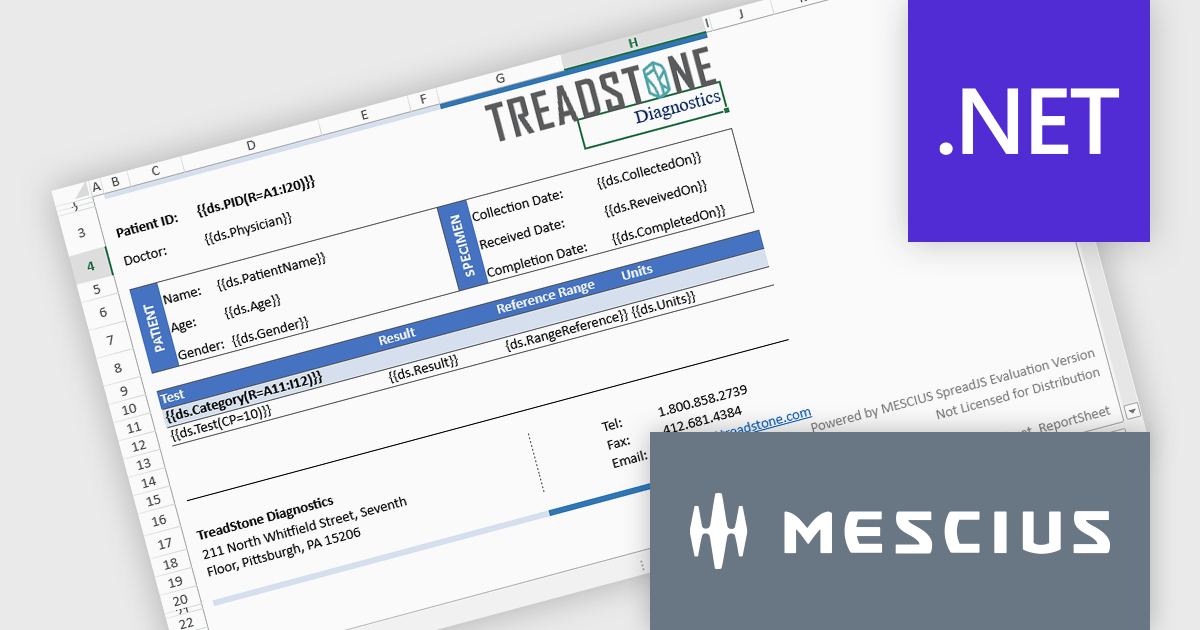
Document Solutions for Excel, .NET Edition by MESCIUS is designed to enable developers to create and manipulate Microsoft Excel documents programmatically within .NET applications. It provides a robust API for interacting with Excel spreadsheets, allowing developers to automate tasks such as data extraction, formatting, and generation of reports. The framework offers comprehensive support for various Excel features, including formulas, charts, conditional formatting, and data validation. It also provides tools for handling large datasets and optimizing performance, making it suitable for both small-scale and enterprise-level applications.
Document Solutions for Excel, .NET Edition improves pagination by enabling images and shapes to stay anchored to their top-left cell, maintaining consistent positioning as content flows across pages. This enhancement ensures that visual elements such as charts, icons, and shapes are treated as part of the cell's content, allowing them to paginate along with the data they relate to. As a result, developers can generate dynamic, multi-page Excel documents with accurate and predictable layouts, without having to manually reposition or reformat visuals. This not only saves time during document generation but also improves the overall quality and reliability of exported reports, forms, and other structured content.
Document Solutions for Excel is licensed per developer and is available in several license options for differing distribution needs. Team licenses are also available for multiple developers within the same organization. See our Document Solutions for Excel, .NET Edition licensing page for full details.
Document Solutions for Excel, .NET Edition is available to buy in the following products:
전화 : 00798 14 800 6332
팩스 : +1 770 250 6199


