













공식 공급 업체
200 이상의 소프트웨어 개발처와 판매 계약을 맺은 공인 디스트리뷰터로서 합법적인 라이선스를 제공합니다.
모든 브랜드 보기.

Since 2022, ComponentSource has expanded global access to Blazorise’s high performance UI component library by offering it through their comprehensive catalog of developer tools. Blazorise’s modular architecture and seamless integration with Bootstrap, Bulma, AntDesign and Material perfectly complement ComponentSource’s mission to provide versatile, high-quality components for any project.
Over the past three years, this partnership has demonstrated a shared commitment to delivering feature rich Blazor UI solutions including theming, form validation, localization, data grids and charting that integrate seamlessly into modern web applications.
As they mark three years of working together, ComponentSource and Blazorise continue to support developers with a growing ecosystem of modern UI components, proactive feature enhancements, comprehensive documentation, and expert support that accelerate Blazor application development.
Blazorise is licensed per developer and is runtime royalty free. Licenses include a 1 year subscription for updates and premium support. Professional, Enterprise, and Enterprise Plus editions are available, each offering tailored levels of support and service to meet varying business needs. See our Blazorise licensing page for full details.
For more information, visit our Blazorise brand page.
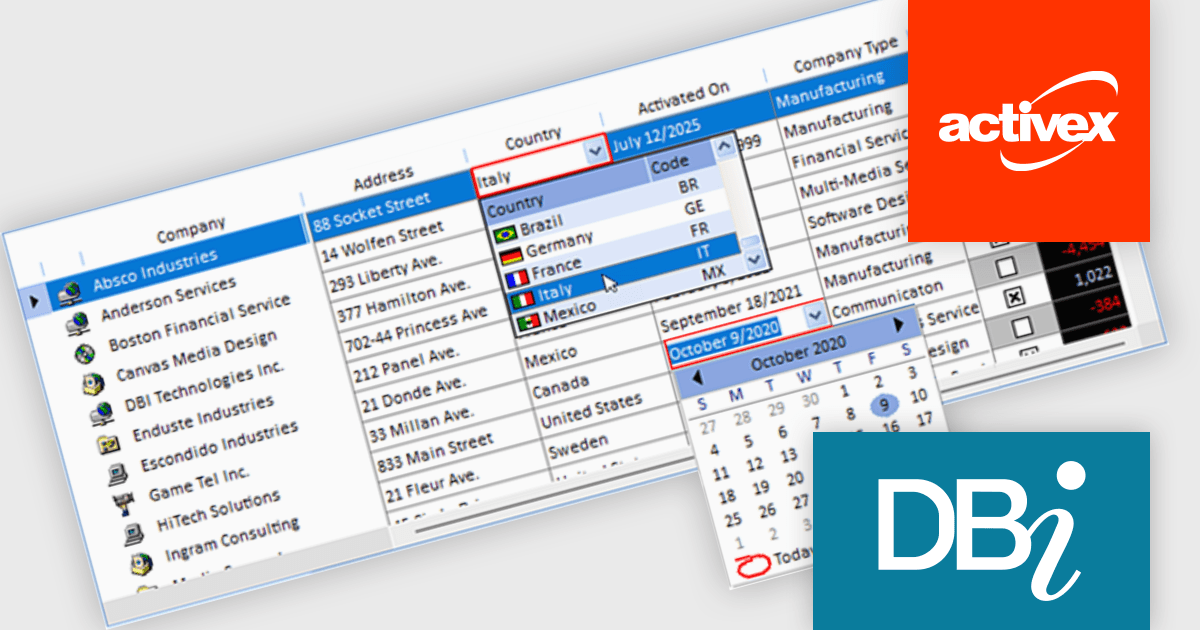
Studio Controls for COM and Studio Controls COM 64 by DBI Technologies are a set of 32-bit and 64-bit ActiveX components for building data-driven Windows applications. Both suites include controls for grids, scheduling, calendars, and UI elements, designed to integrate with environments like Microsoft Access and Visual Basic. The suite supports Windows styling and XML configuration, helping developers create professional, interactive applications across legacy and modern platforms.
The Studio Controls for COM v7.5 update introduces ctxGrid, a high performance 32 bit and 64 bit ActiveX data grid that integrates seamlessly into any ActiveX supported IDE and provides developers with formatted input controls including combo boxes and validation rules for robust data entry. It supports dynamic column manipulation such as locking, sorting and auto sizing and leverages XML driven styling and theming to ensure a consistent Windows compliant user interface while exposing a fully extensible API for implementing custom behaviors. Its lightweight architecture delivers a minimal memory footprint and rapid rendering of large datasets, enabling developers to add interactive data presentation and input functionality quickly without compromising overall application responsiveness.
To see a full list of what's new, see our Studio Controls for COM release notes and Studio Controls COM 64 release notes.
Studio Controls for COM/COM 64 is licensed per developer, royalty-free for runtime use. A one-year subscription includes support, updates, upgrades and any new controls. See our Studio Controls for COM licensing page and Studio Controls COM 64 licensing page for full details.
For more information, see our Studio Controls for COM product page and Studio Controls COM 64 product page.
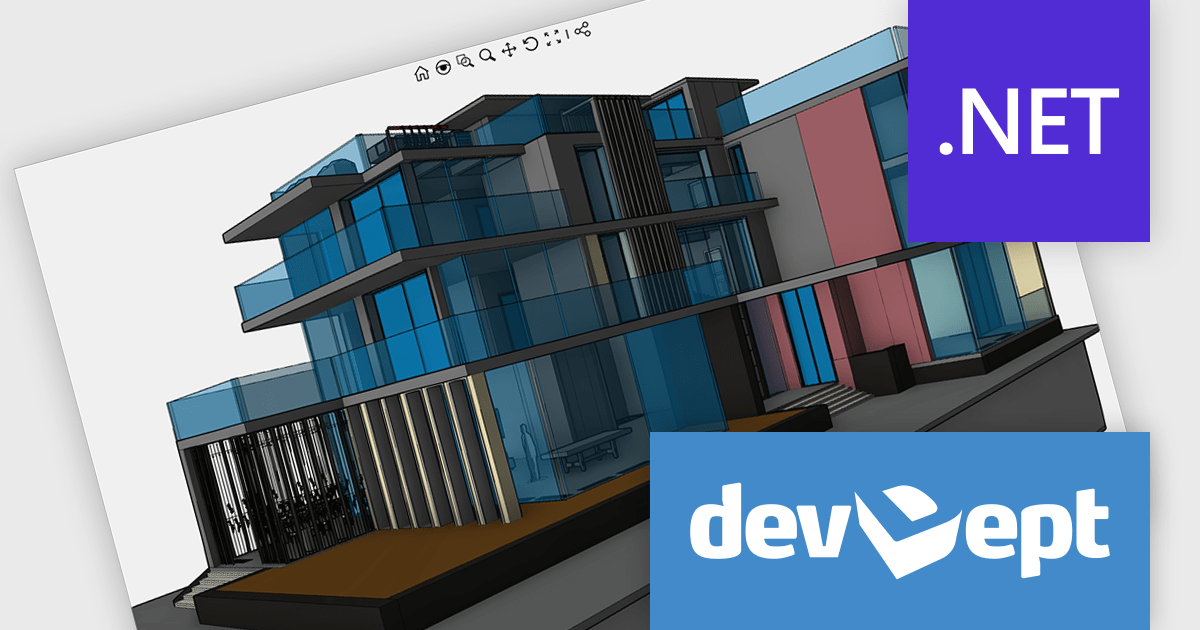
EyeShot by devDept is a comprehensive 3D graphics toolkit designed for .NET developers building engineering and CAD (Computer-Aided Design) applications. It offers a robust set of components for creating, editing, and rendering complex 2D and 3D geometry directly within Windows Forms and WPF environments. With support for advanced modeling features, viewport controls, and industry-standard file formats, EyeShot simplifies the integration of interactive graphics into technical software. It is well-suited for developers working in areas like mechanical design, architecture, and simulation who need high-performance rendering and precise modeling capabilities.
The EyeShot 2025.2 update introduces Shaded VectorView, a major enhancement that replaces the legacy RasterView mode. This new feature enables precise dimensioning directly on shaded views. Shaded VectorView maintains consistent line weights, addressing a long-standing limitation where raster-based views could appear visually inconsistent. By merging the visual fidelity of shaded rendering with the clarity of vector graphics, this upgrade delivers a more unified and production-ready experience for engineers and designers alike.
To see a full list of what's new in version 2025.2, see our release notes.
Eyeshot is licensed per developer and is available as an annual license, with either Lite or Priority support. See our licensing pages for Eyeshot Pro, Eyeshot Ultimate, and Eyeshot Fem for full details.
Eyeshot is available to buy in the following products:
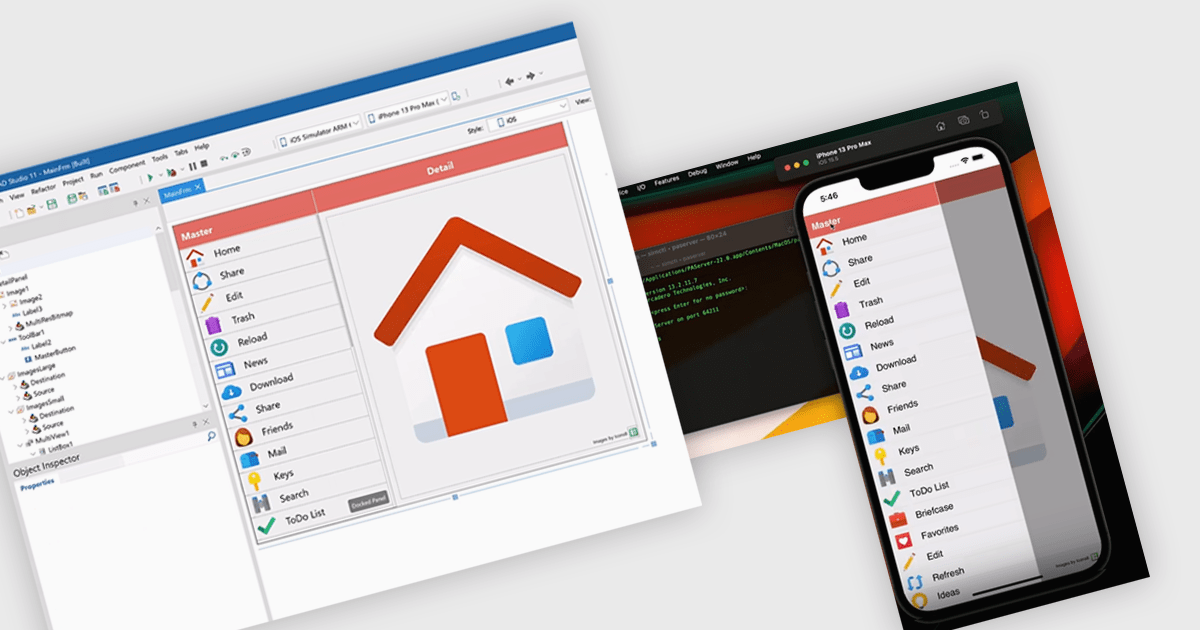
iOS deployment refers to the process of building, signing, and transferring an iOS application from a development environment to either a simulator, a physical device, or the App Store. Within the Integrated Development Environments (IDE), this process integrates essential tasks including compiling the source code, managing provisioning profiles, setting up entitlements, and packaging the app for distribution. It also ensures alignment with Apple’s platform requirements through integrated tools that manage signing certificates and provisioning profiles.
Several IDEs offer support for deploying to iOS including:
For an in-depth analysis of features and price, visit our comparison of Integrated Development Environments (IDEs).
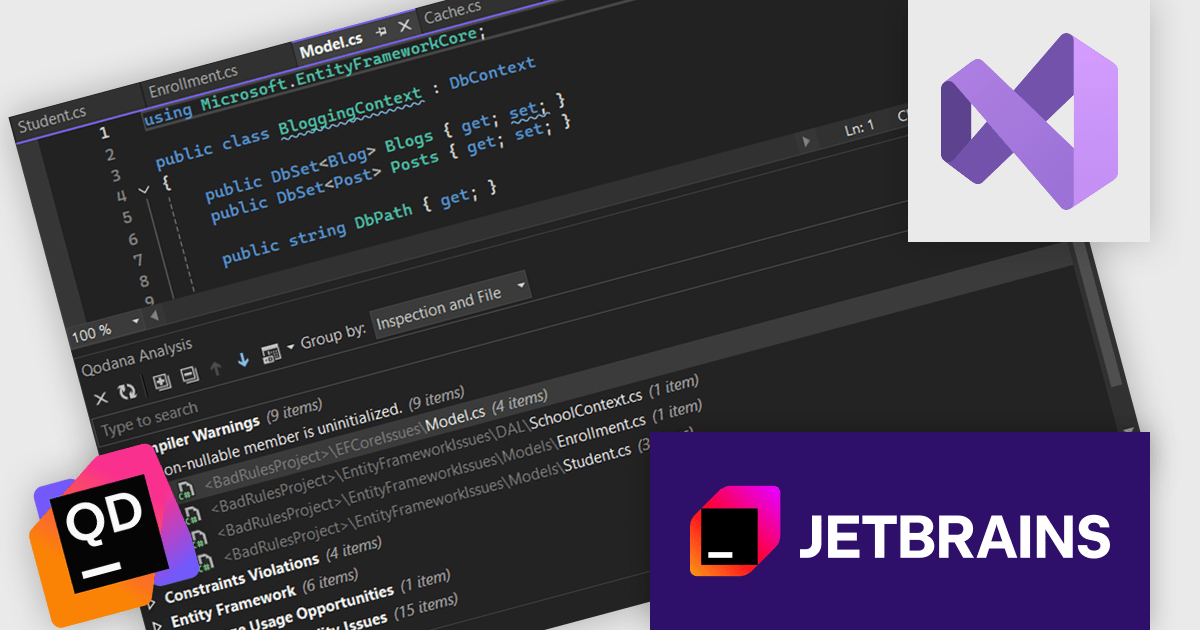
Qodana by JetBrains is a static code analysis tool that seamlessly integrates with your CI/CD pipeline, bringing the powerful inspection capabilities of JetBrains IDEs directly into your workflow. It scans codebases for over 2,500 potential issues, including performance bottlenecks, security vulnerabilities, and bad coding practices, granting developers, QA engineers, and team leads comprehensive insights to improve code quality, maintainability, and overall project health. Qodana can analyze code written in 60+ languages including Java, JavaScript, TypeScript, PHP, Kotlin, Python, Go, and C#.
The Qodana 2025.1 release introduces Visual Studio integration which enables developers to review inspection results without leaving their development environment. With the new Qodana plugin, users can explore detailed inspection reports directly within Visual Studio, improving visibility, code quality and helping catch potential issues. Additionally, the plugin connects seamlessly to Qodana Cloud, allowing teams to track issues across repositories and maintain consistent code standards.
To see a full list of what's new in 2025.1, see our release notes.
Qodana is licensed per user as a commercial annual subscription. See our Qodana licensing page for full details.
For more information, visit our Qodana product page.
전화 : 00798 14 800 6332
팩스 : +1 770 250 6199


