













공식 공급 업체
200 이상의 소프트웨어 개발처와 판매 계약을 맺은 공인 디스트리뷰터로서 합법적인 라이선스를 제공합니다.
모든 브랜드 보기.
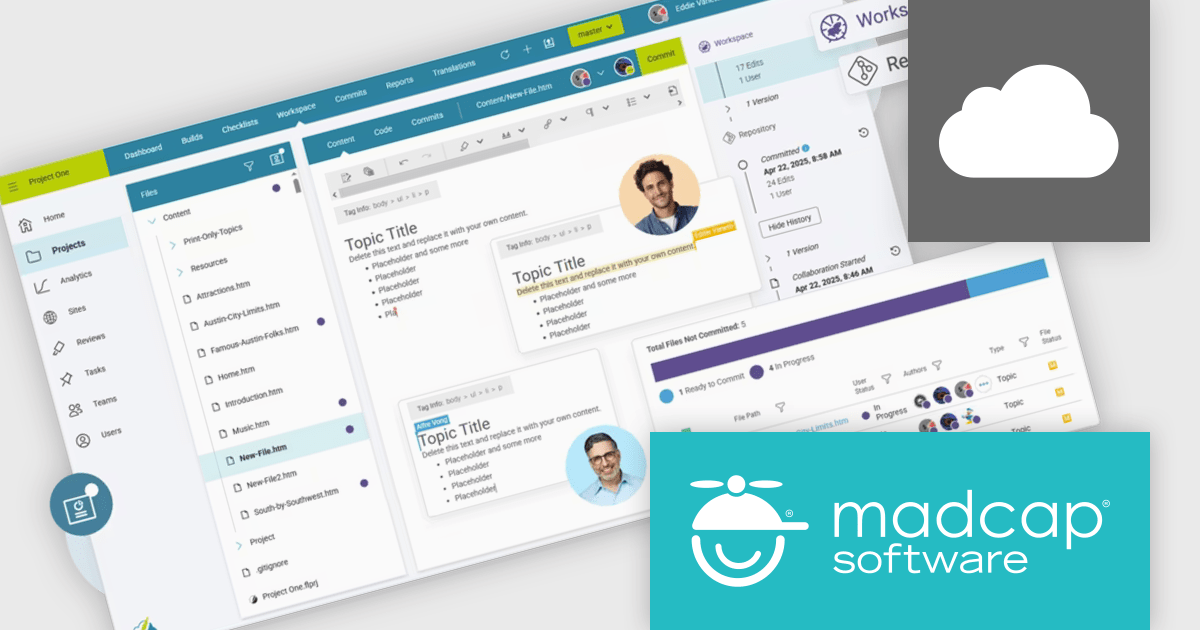
MadCap Flare Online is a cloud-based authoring platform that streamlines the creation, delivery, and management of technical content. Organizations can publish and host documentation, knowledge bases, and user guides directly to the web without managing complex infrastructure. Designed for collaboration and scalability, Flare Online enables teams to maintain a consistent brand experience across all outputs while providing end users with an intuitive, self-service interface.
Flare Online provides a real-time browser editor with built-in Git source control, allowing multiple writers to coauthor, track versions, and roll back changes seamlessly. Its responsive design features and search optimization ensure that content looks great and is easy to find on any device. AI-assisted writing tools help enforce style consistency and reduce manual editing, while single-source publishing delivers coordinated outputs to HTML5, desktop, and print formats. Integrated task management and automated build scheduling keep projects on track, and analytics integration provides insights into user engagement for continuous improvement. With automated translation workflows and out-of-the-box integrations with Salesforce, Zendesk, ServiceNow, and Slack, Flare Online supports large-scale documentation initiatives and accelerates time to market.
MadCap Flare Online is licensed per user (Author) on a 12 month basis. A Platform license is required in addition to any user (Author) licenses. See our MadCap Flare Online licensing page for full details.
For more information, see our MadCap Flare Online product page.
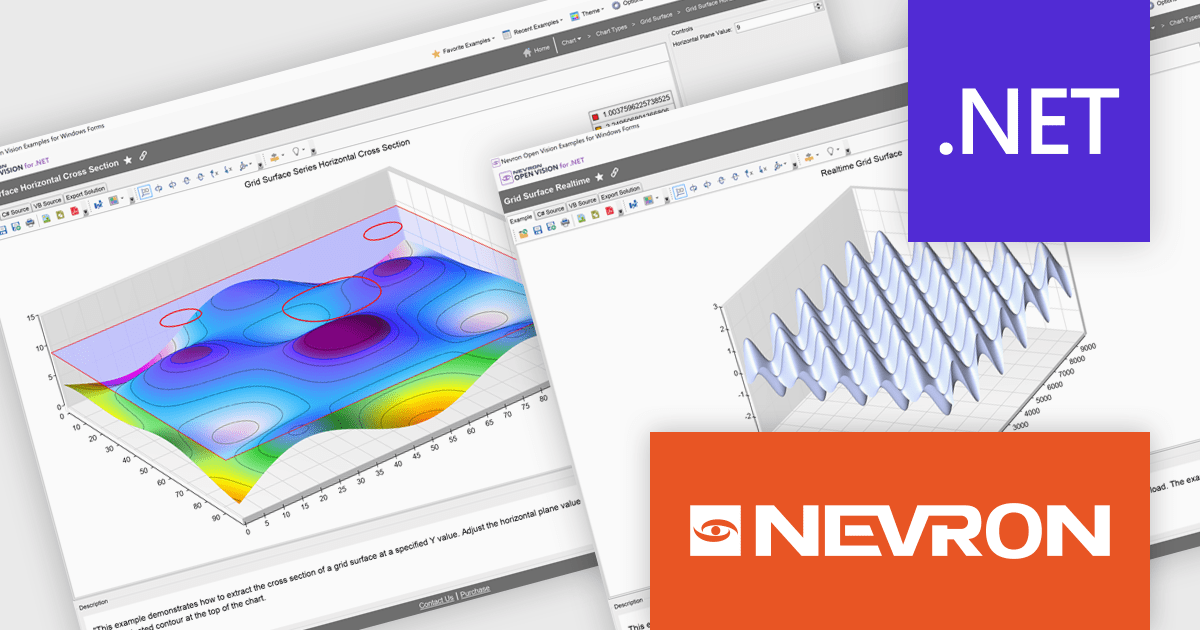
Nevron Open Vision for .NET is a comprehensive cross-platform framework that enables developers to build rich presentation layers from a single codebase supporting Windows, macOS, Android and iOS. It offers an extensive collection of widgets and components including data grids, charting and diagramming so development teams can create modern interfaces without HTML constraints. With built-in virtualization and integration into existing .NET projects, NOV improves development and deployment through single-file executables and reduced boilerplate, making it suitable for enterprise desktop applications, mobile apps and embedded solutions requiring premium-quality UI components.
The Nevron Open Vision for .NET 2025.1 update brings native .NET 9.0 support, enabling developers to leverage the latest runtime improvements for faster startup, reduced memory usage and more efficient garbage collection. By targeting .NET 9.0, NOV components can directly use updated language APIs and benefit from JIT/AOT optimizations without relying on compatibility layers, while still remaining functional on .NET 8.0 and .NET Framework 4.7.2+. This ensures seamless integration with modern tooling in Visual Studio and the .NET CLI, delivers up-to-date security and ultimately allows teams to build and deploy cross-platform applications with greater performance and reliability.
To see a full list of what's new in 2025.1, see our release notes.
Nevron Open Vision for .NET is licensed per developer on a perpetual basis with an optional 12-month subscription for updates and maintenance, and is royalty-free at runtime. See our Nevron Open Vision for .NET licensing page for full details.
For more information, see our Nevron Open Vision for .NET product page.
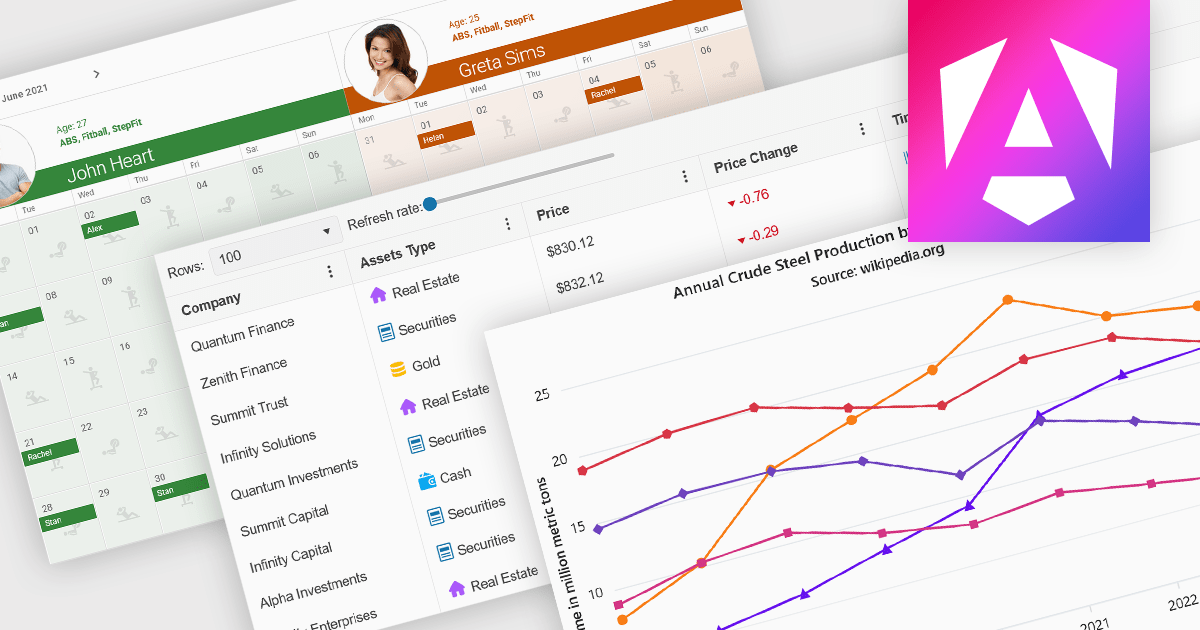
Angular UI controls are specialized components developed to integrate with applications built on the Angular framework. Typically offered as part of comprehensive UI suites, these controls help developers build highly interactive, data-rich web applications while maintaining performance and design consistency. By encapsulating complex behaviors into modular, reusable elements, Angular UI suites simplify the development process and support faster deployment of robust, enterprise-grade front ends.
Common controls include:
For an in-depth analysis of features and price, visit our Angular UI suites comparison.
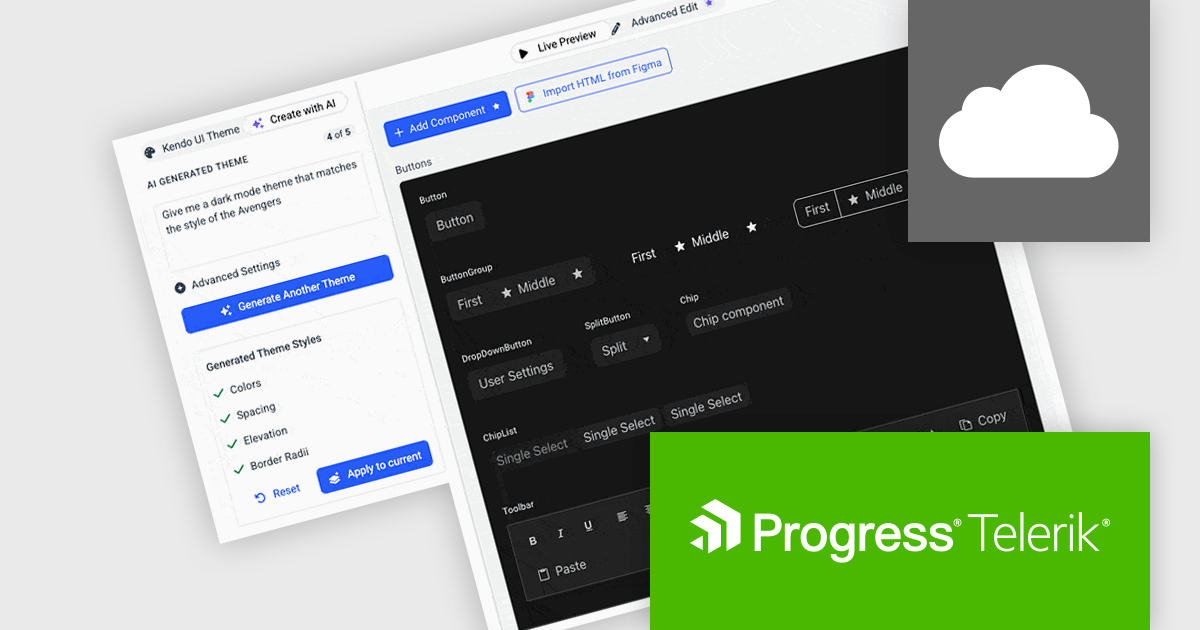
Progress ThemeBuilder by Telerik is a comprehensive visual design tool that accelerates user interface customization for Telerik and Kendo UI web components. ThemeBuilder enables you to style virtually every appearance-related property of the UI components, from top-level elements to the smallest of details, without requiring direct CSS manipulation. It integrates seamlessly with existing development workflows and allows developers to create, modify, and maintain consistent and visually appealing themes across applications. This tool significantly reduces the time and effort required for UI customization and makes it easy to align them with branding and design specifications.
The Progress ThemeBuilder 2025 Q2 update introduces AI-powered theme generation, allowing developers to produce fully cohesive design themes through natural language prompts. Instead of manually configuring color palettes, typography, and layout settings, developers can specify brand requirements or stylistic preferences in plain text, and the AI generates the corresponding theme assets, reducing development time and minimizing inconsistency across components. Generated themes integrate directly with existing ThemeBuilder workflows, ensuring immediate compatibility with styling APIs and design tokens. This enhancement streamlines the process of adopting new design styles, enabling teams to focus on functionality while maintaining a unified visual identity.
To see a full list of what's new in 2025 Q2, see our release notes.
Progress ThemeBuilder is licensed per user and is available as an annual license with a one year support subscription, which is available in three tiers: Lite, Priority or Ultimate. See our Progress ThemeBuilder licensing page for full details.
For more information, see our Progress ThemeBuilder product page.
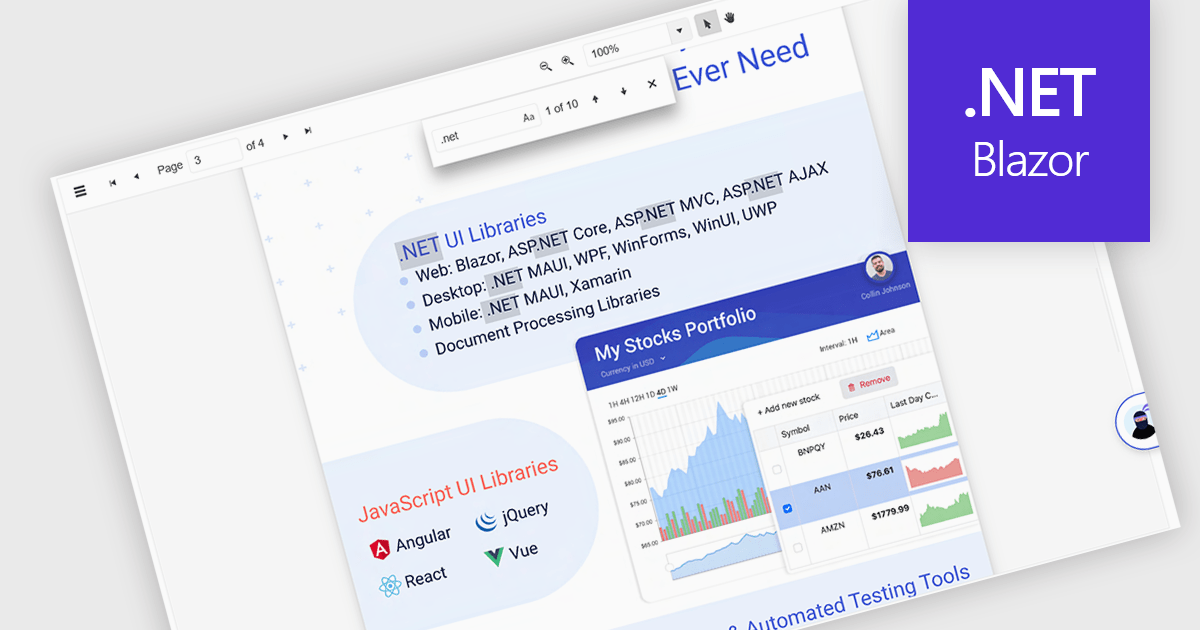
Text Searching in a PDF Viewer .NET Blazor component enables users to locate specific words, terms or phrases within a PDF document. This capability enhances document navigation and accessibility by enabling users to quickly identify and move to relevant content without manually scanning each page. Typically supporting case-sensitive and whole-word matching options, the search can be triggered through UI controls and backend logic, making it a flexible feature for applications that handle large or complex PDF files. This is particularly beneficial for developers building document-heavy applications, as it improves user efficiency and ensures precise content discovery.
Several Blazor PDF Viewers allow users to search for text, including:
For an in-depth analysis of features and price, visit our comparison of Blazor PDF viewers.
전화 : 00798 14 800 6332
팩스 : +1 770 250 6199


