













공식 공급 업체
200 이상의 소프트웨어 개발처와 판매 계약을 맺은 공인 디스트리뷰터로서 합법적인 라이선스를 제공합니다.
모든 브랜드 보기.
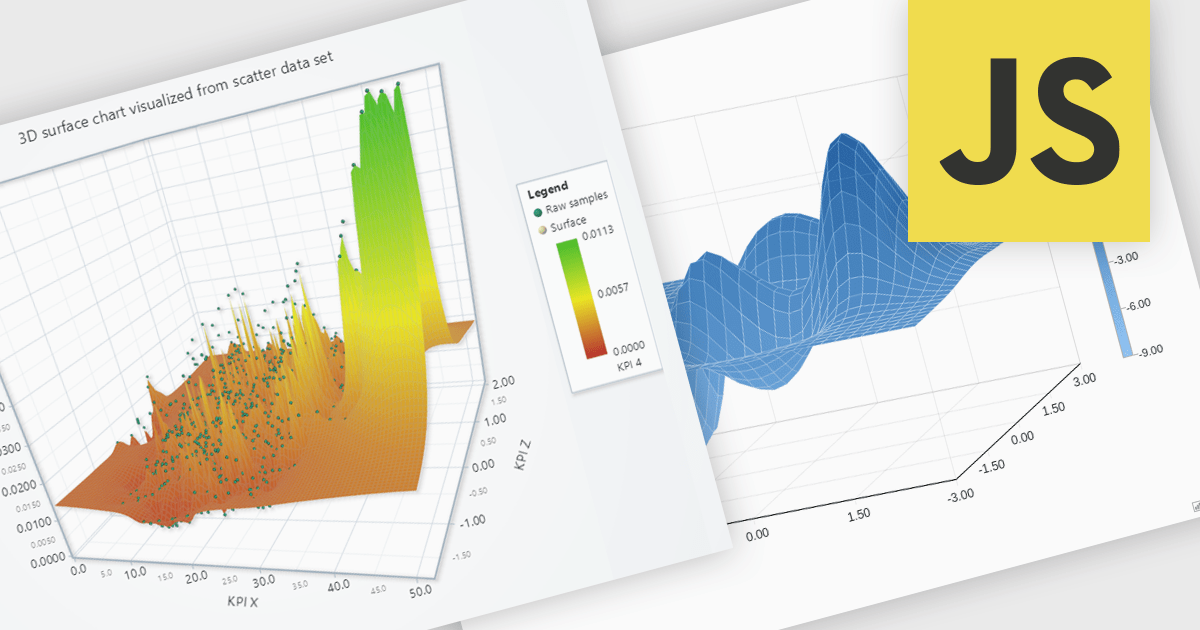
Surface charts are 3D visualizations that show relationships between three numerical variables as a continuous surface. They help identify trends and optimal values, making them useful in science, engineering, and business. Common uses include topographical mapping, financial modeling, and performance analysis. For example, businesses can use surface charts to analyze how price and demand affect revenue, helping them find the best price point. By displaying data in three dimensions, surface charts reveal insights that may not be clear in 2D charts.
Several JavaScript chart controls offer support for Surface charts, including:
For an in-depth analysis of features and price, visit our JavaScript chart controls comparison.
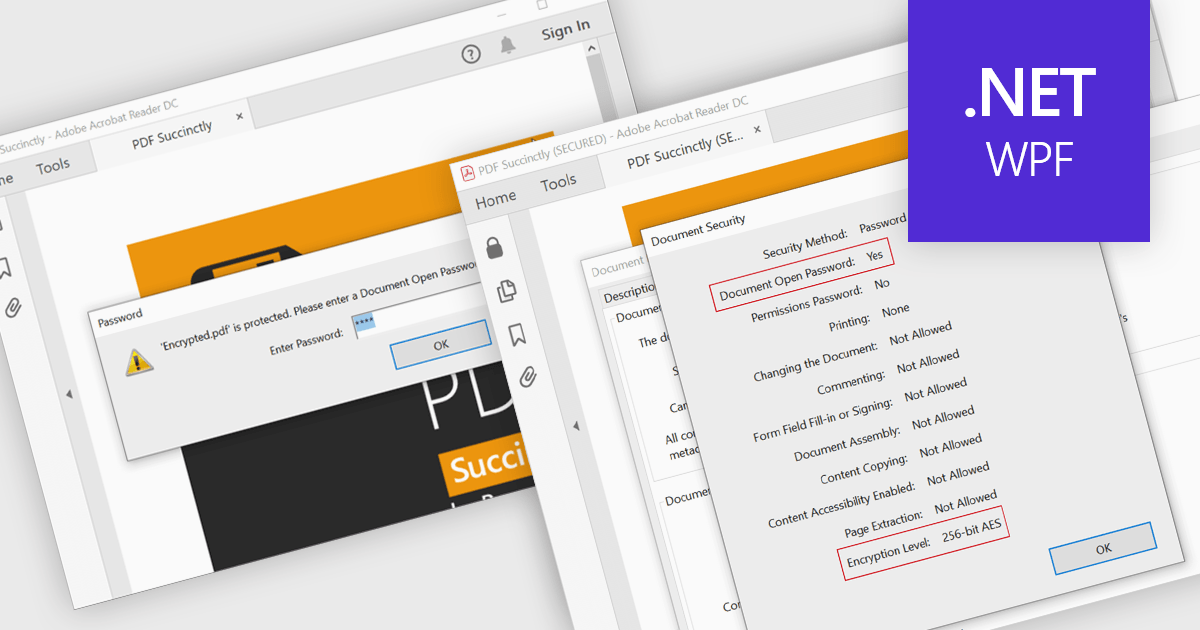
Encrypting and decrypting PDFs protect sensitive information by preventing unauthorized access, data breaches, and cyber threats. With strong encryption, password protection, and role-based access control, it ensures document confidentiality while allowing secure sharing and controlled modifications. Decryption enables authorized users to access protected files without compromising security. Essential for businesses, legal firms, and financial institutions, it safeguards contracts, financial records, and proprietary data while ensuring compliance with data protection regulations.
Several .NET WPF PDF controls offer encryption and decryption support including:
For an in-depth analysis of features and price, visit our .NET WPF PDF controls comparison.
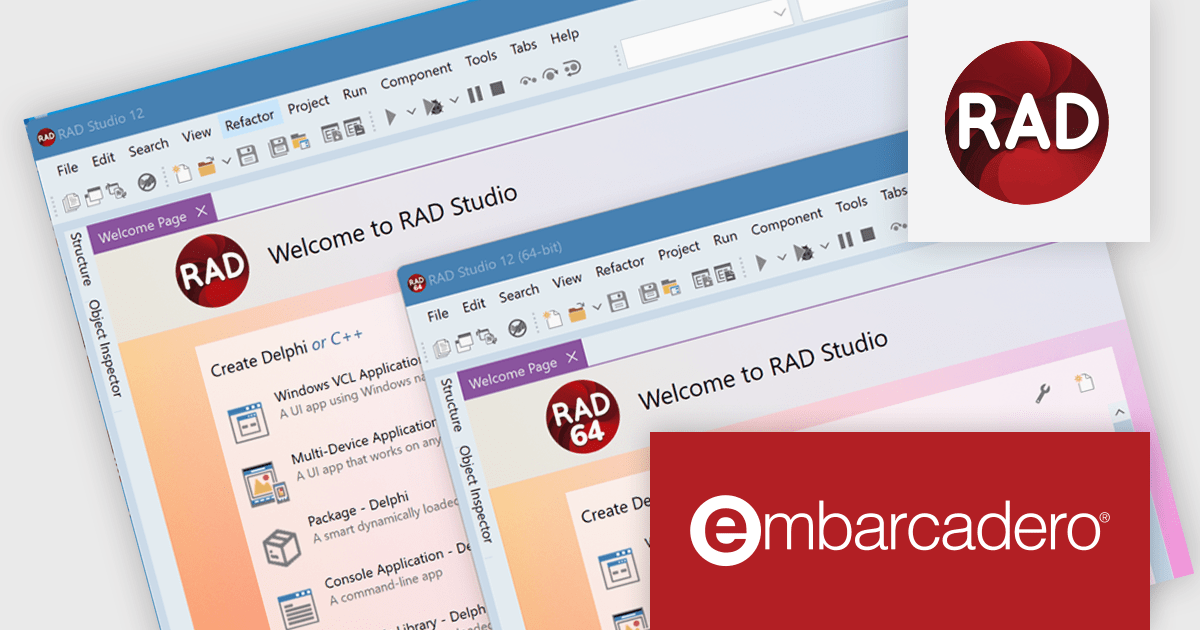
RAD Studio by Embarcadero is a integrated development environment (IDE) used to build applications for various platforms. It allows programmers to create native apps for Windows, macOS, mobile devices (Android and iOS), and more using C++ or Delphi. RAD Studio is known for its rapid application development features and is targeted towards professional developers building data-rich and visually appealing applications.
The RAD Studio 12.3 Athens release takes a major step forward with the initial release of its 64-bit Integrated Development Environment (IDE). While currently limited to supporting only 64-bit Windows target platforms, this release lays the foundation for enhanced performance and scalability. The transition to a 64-bit IDE unlocks virtually unlimited memory space, benefiting developers working with large projects, extensive component libraries, and complex designers. It also enables design-time access to databases that require a 64-bit client driver. This milestone sets the stage for more powerful development workflows in future updates.
To see a full list of what's new in version 12.3 Athens, see our release notes.
RAD Studio is licensed per Named, Network Named or Concurrent user and is available as a Perpetual License with an Update Subscription that includes support and free upgrades for 1 Year. See our RAD Studio licensing page for full details.
RAD Studio is available to buy in the following products:
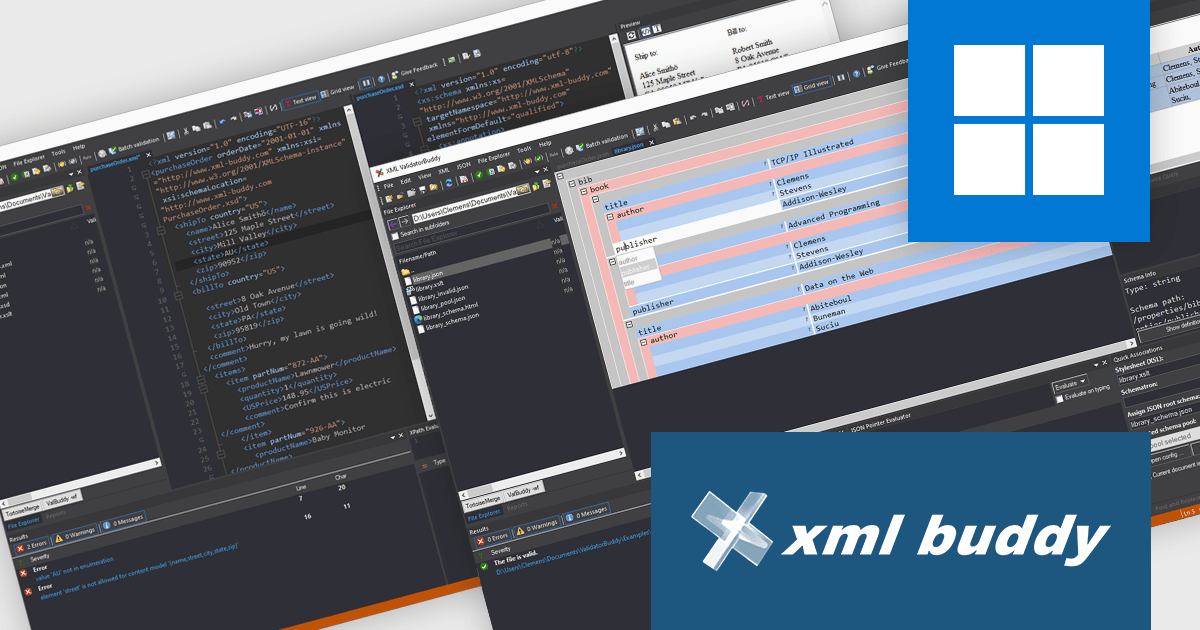
ComponentSource, a leading provider of software development tools, has partnered with xml-buddy, a specialist in XML validation, transformation, and editing. This collaboration enhances XML data management for developers, data analysts, and IT professionals, improving efficiency and accuracy in complex workflows.
xml-buddy's XML ValidatorBuddy delivers high-performance XML editing with advanced features, including support for large files, batch validation, XSLT transformations, Schematron validation, syntax coloring, auto-completion, and XML Schema enforcement. These powerful tools simplify structured data management, minimize errors, and enhance automation.
This partnership enhances ComponentSource’s offerings, giving professionals in finance, healthcare, and IT access to xml-buddy’s powerful XML processing tools. With advanced features for seamless data management, industry compliance, and workflow optimization, customers can now streamline their operations more efficiently than ever.
xml-buddy is licensed as per-user, allowing installation on multiple devices as long as it is not used concurrently on more than one device, with an optional 12-month maintenance period for updates and technical support. See our licensing page for full details.
For more information, visit our XML ValidatorBuddy product page.
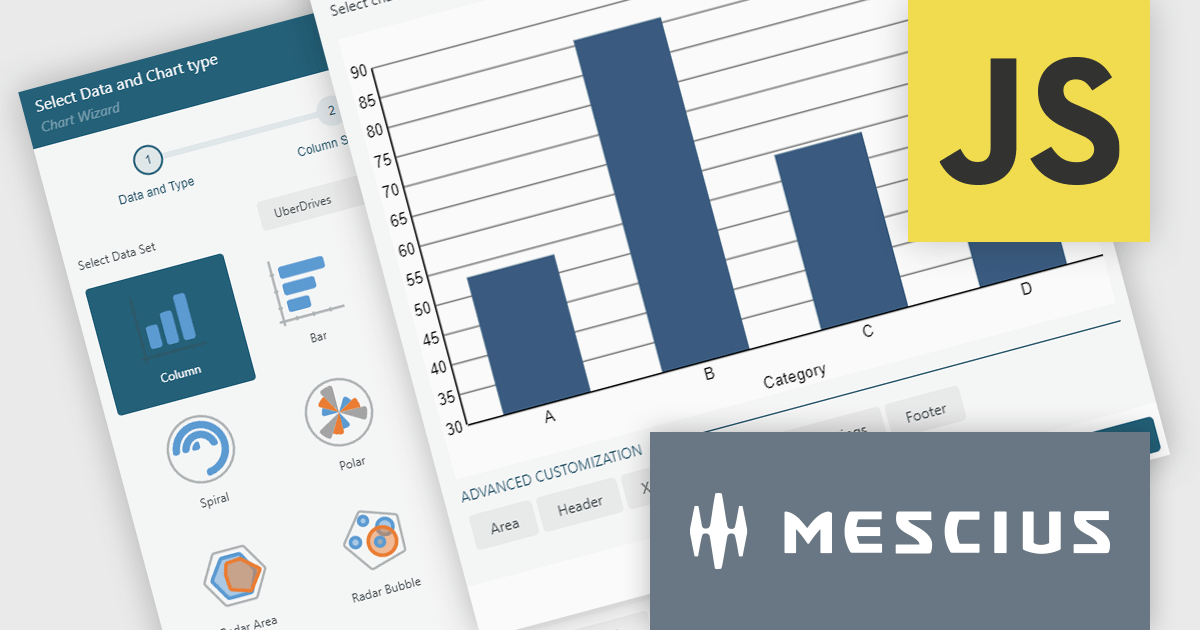
ActiveReportsJS by MESCIUS is a JavaScript reporting toolkit that empowers developers to design and embed interactive reports within web applications. It offers a standalone report designer for crafting reports and a JavaScript report viewer component for seamless integration into web frameworks like React or vanilla JavaScript. This solution streamlines report creation, facilitates data visualization, and delivers a user-friendly report experience.
The ActiveReportsJS 5.2 update introduces a completely revised chart report item, offering greater flexibility and control over data visualization. With enhanced configurability, developers can now customize data binding, axis settings, labels, and legends using dynamic expressions, allowing for more precise and adaptable chart designs. Additionally, seamless migration ensures that existing charts are automatically converted to the new model when older reports are opened in the designer, eliminating the need for manual adjustments. These improvements simplify chart configuration and make it easier to create clear and insightful reports.
To see a full list of what's new in 5.2, see our release notes.
ActiveReportsJS is licensed on an annual subscription or perpetual basis and is available as a Single Deployment License for non-commercial use, and as a Single Domain License or Unlimited Domain License for commercial and/or SaaS use. See our ActiveReportsJS licensing page for full details.
Learn more on our ActiveReportsJS product page.
전화 : 00798 14 800 6332
팩스 : +1 770 250 6199


