













공식 공급 업체
200 이상의 소프트웨어 개발처와 판매 계약을 맺은 공인 디스트리뷰터로서 합법적인 라이선스를 제공합니다.
모든 브랜드 보기.
Highcharts is a JavaScript charting framework that allows web developers and data analysts to generate dynamic, visually appealing charts and graphs for websites and web applications. It can display a variety of chart types, including line, spline, area, column, bar, pie, scatter, and many more. Highcharts is well-known for its ease of use, rich documentation, and ability to handle huge datasets efficiently. Features include responsive design, accessibility support, and cross-browser compatibility. Its customization capabilities allow users to create bespoke data visualizations that increase engagement and provide insightful data presentations.
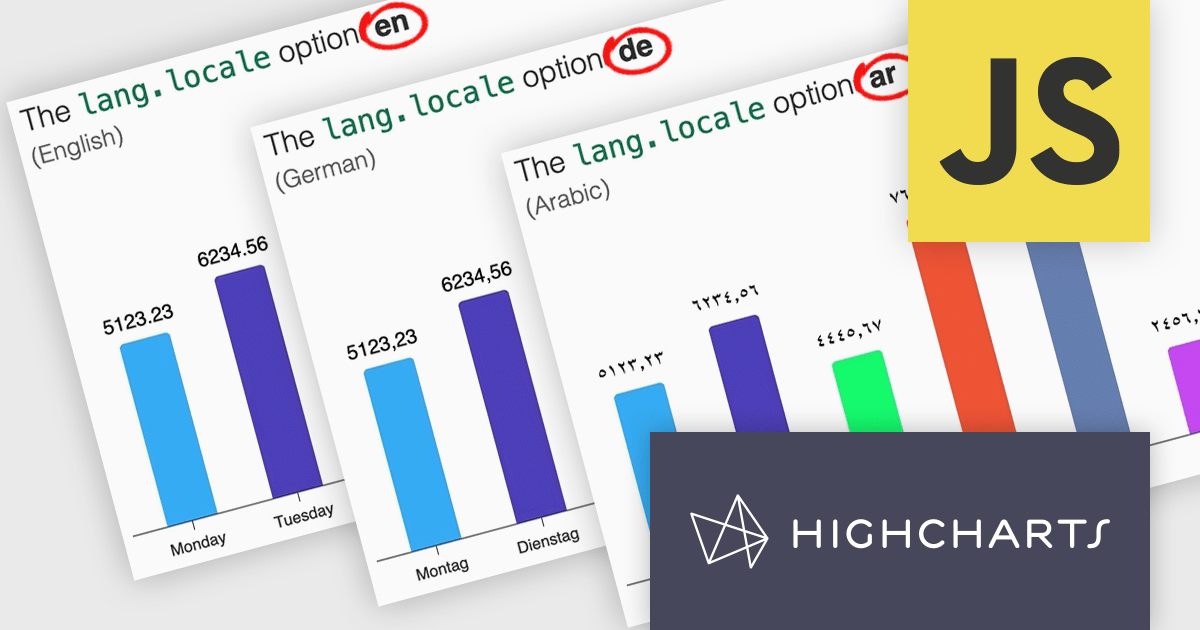
Highcharts v12 introduces the lang.locale option, enabling locale-aware formatting for dates and numbers in charts. This option allows you to define the locale for all charts on a page or set it individually per chart. If no locale is specified, the chart automatically defaults to the page’s or browser’s language settings. Utilizing the browser’s Intl object, lang.locale ensures that dates and numbers are formatted correctly, not only replacing elements like month and weekday names but also structuring entire date expressions according to the selected locale. For instance, American English (en-US) formats a date as January 1, 2025, while British English (en-GB) displays it as 1 January 2025.
To see a full list of what's new in v12, see our release notes.
Highcharts Core is licensed on an annual or perpetual basis, OEM licenses, and Advantage Renewals. It is licensed per Developer and has several license options including Internal, SaaS, SaaS+, and Self Hosted. See our Highcharts Core licensing page for full details.
Learn more on our Highcharts Core product page.
DevExpress WinForms is a comprehensive suite of 190+ UI controls and development tools designed for building high-performance desktop applications. It offers a broad array of customizable controls, from data grids and ribbon interfaces to advanced charts, maps, and diagramming components. This empowers developers to rapidly create functionally rich applications, while adhering to accessibility guidelines and touch-enabled technology for modern Windows environments.
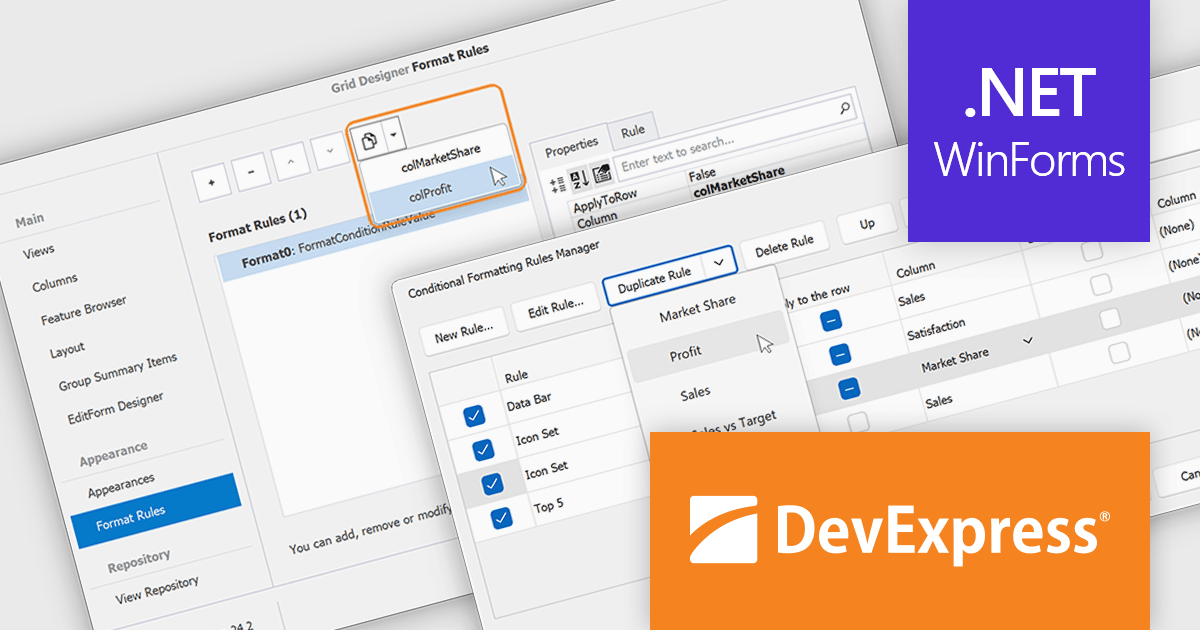
The DevExpress WinForms v24.2 update introduces a rule duplication feature for conditional formatting, enabling developers to efficiently reuse and modify existing rules without manual recreation. This enhancement streamlines both design-time and runtime workflows, allowing quick adjustments to formatting logic across Data Grid, PivotGrid, TreeList, and Vertical Grid. By simplifying rule management within the Visual Studio Designer and at runtime, this update improves productivity, ensures consistency across UI elements, and reduces the effort required to maintain complex formatting configurations.
To see a full list of what's new in version 24.2, see our release notes.
DevExpress WinForms is licensed per developer and is available as a Perpetual License with a 12 month support and maintenance subscription. See our DevExpress WinForms licensing page for full details.
DevExpress WinForms is available individually or in the following products:
SWIFT Framework .NET by SWIFT Components is a comprehensive .NET library designed to facilitate seamless integration with the SWIFT financial messaging network. It provides developers with robust tools for creating, parsing, and validating SWIFT messages, streamlining the process of handling financial transactions and communications within .NET applications.
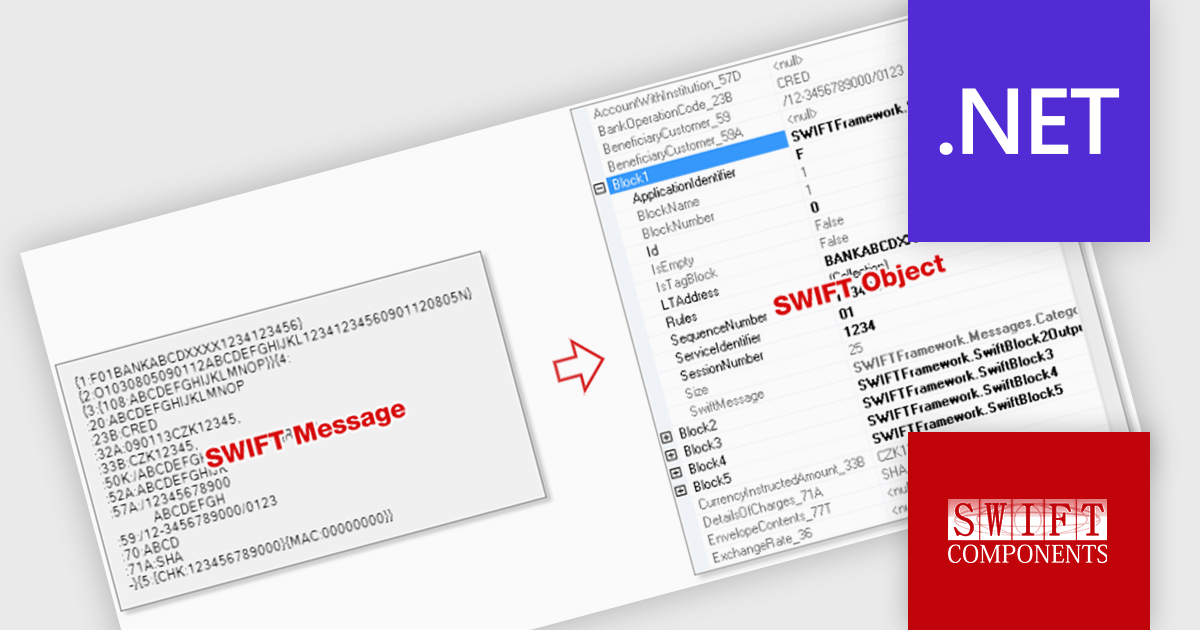
SWIFT Framework .NET enhances financial message processing by converting raw SWIFT messages into structured objects, enabling developers to efficiently parse, validate, and integrate financial data within their applications. This feature ensures compliance with SWIFT standards while streamlining workflows by eliminating manual data handling and reducing processing errors. With structured objects, developers can implement automated validations, transformations, and integrations with minimal effort, improving system reliability and performance in financial operations.
SWIFT Framework .NET is licensed per site, licensing an unlimited number of developers at a single physical address, and includes a one year subscription. See our SWIFT Framework .NET licensing page for full details.
Learn more on our SWIFT Framework .NET product page.
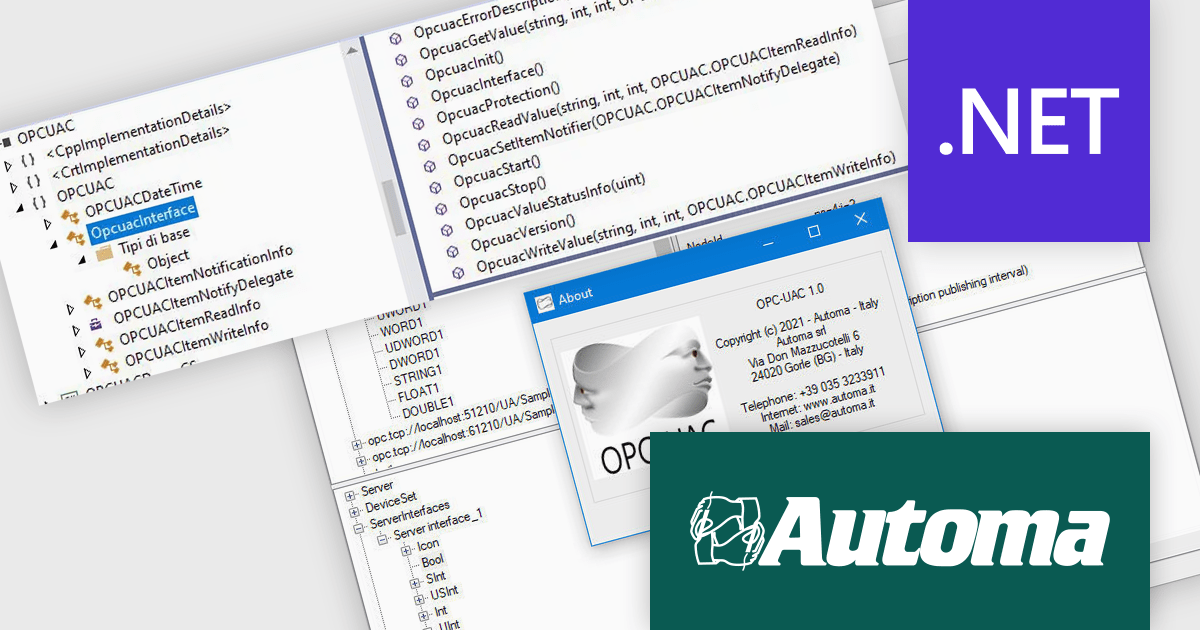
OPC-UAC simplifies OPC UA (Open Platform Communications Unified Architecture) connectivity for Microsoft Windows applications, requiring fewer than ten function calls to establish communication. It links SCADA (Supervisory Control and Data Acquisition) and HMI (Human-Machine Interface) systems with MES (Manufacturing Execution Systems), facilitating real-time data exchange, precise timestamp tracking, and data quality management. With built-in DataChange Subscribers, developers can monitor industrial processes in real time. Multi-language support (C++, C#, VB) ensures flexibility for diverse development environments, making it an efficient tool for automation and machine-to-machine communication.
By reducing integration complexity, OPC-UAC enhances industrial automation, predictive maintenance, and manufacturing efficiency. Its reliable communication framework minimizes downtime and supports real-time decision-making. The intuitive configuration streamlines deployment, while robust connectivity ensures smooth machine-to-system interaction. With real-time monitoring and flexible language support, it enables developers and system integrators to build more responsive and data-driven automation solutions.
OPC-UAC is licensed per machine. Each machine running an application that includes the OPC-UAC library needs a license. see our OPC-UAC licensing page for full details.
For more information, visit our Automa OPC-UAC product page.
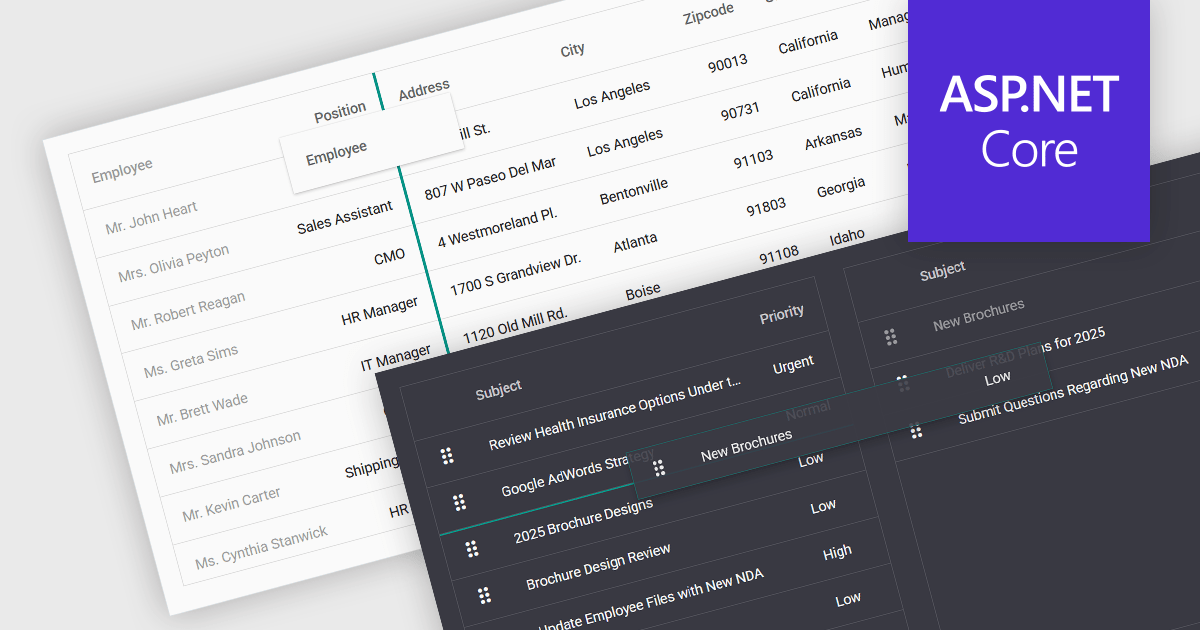
Drag-and-drop functionality in a data grid allows users to interactively move, reorder, or transfer data elements within the grid or between different grids using a simple click-and-drag motion. This feature provides an intuitive way to manipulate data without requiring complex commands or manual input, improving both efficiency and usability. It is particularly beneficial in applications that require frequent adjustments to data structures, such as dashboards, reporting tools, and data management systems. By enabling users to customize the grid layout dynamically, drag and drop functionality enhances productivity, and ensures greater flexibility when handling data.
Several ASP.NET Core grid controls support drag-and-drop functionality, including:
For an in-depth analysis of features and price, visit our ASP.NET Core grid controls comparison.
전화 : 00798 14 800 6332
팩스 : +1 770 250 6199


