













공식 공급 업체
200 이상의 소프트웨어 개발처와 판매 계약을 맺은 공인 디스트리뷰터로서 합법적인 라이선스를 제공합니다.
모든 브랜드 보기.
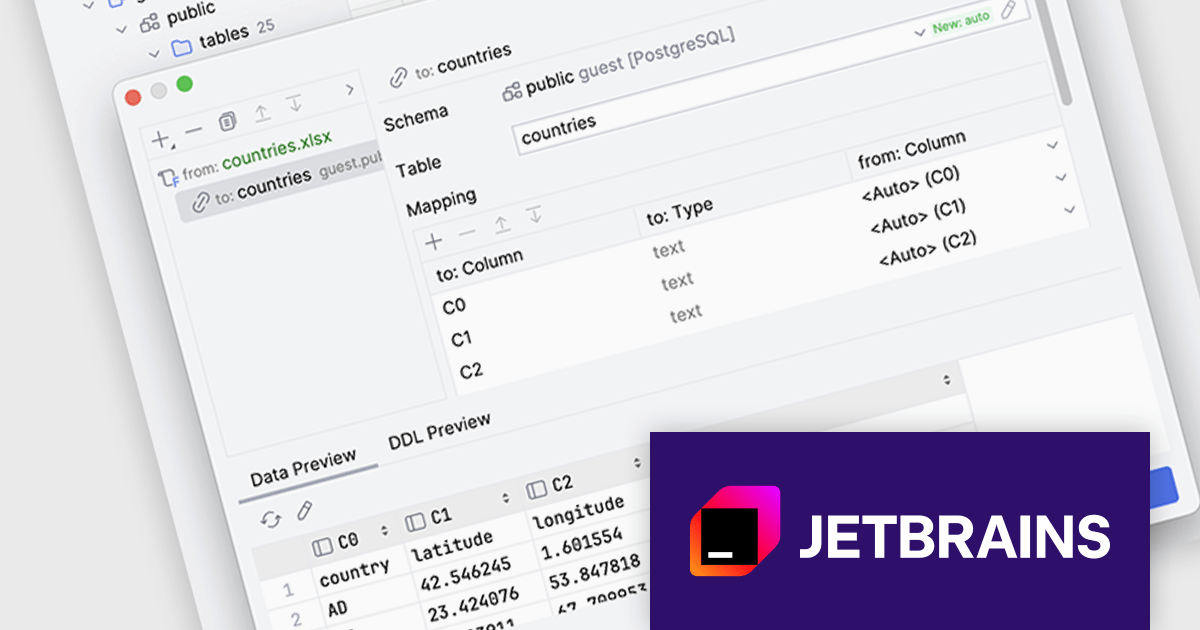
DataGrip is a multi-engine database environment that supports MySQL, PostgreSQL, Microsoft SQL Server, Oracle, Sybase, DB2, SQLite, HyperSQL, Apache Derby and H2. It includes an editor that provides intelligent coding assistance such as auto-completion, analysis and navigation. It also features a query console for running and profiling queries.
The DataGrip 2024.2 release revolutionizes the way users import data from tabular files. By supporting a range of file types, including Excel, JSON, Parquet, and Shapefile, DataGrip offers a flexible solution for data analysts and developers. Users can now tailor the import process to their exact requirements, ensuring seamless integration of data into their projects.
To see a full list of what's new in version 2024.2, see our release notes.
DataGrip is licensed per user, and is available as a commercial annual subscription license. We can supply new subscriptions, subscription renewals (including continuity discounts), lapsed renewals, and additional user licenses. See our DataGrip licensing page for full details.
DataGrip is available to buy in the following products:
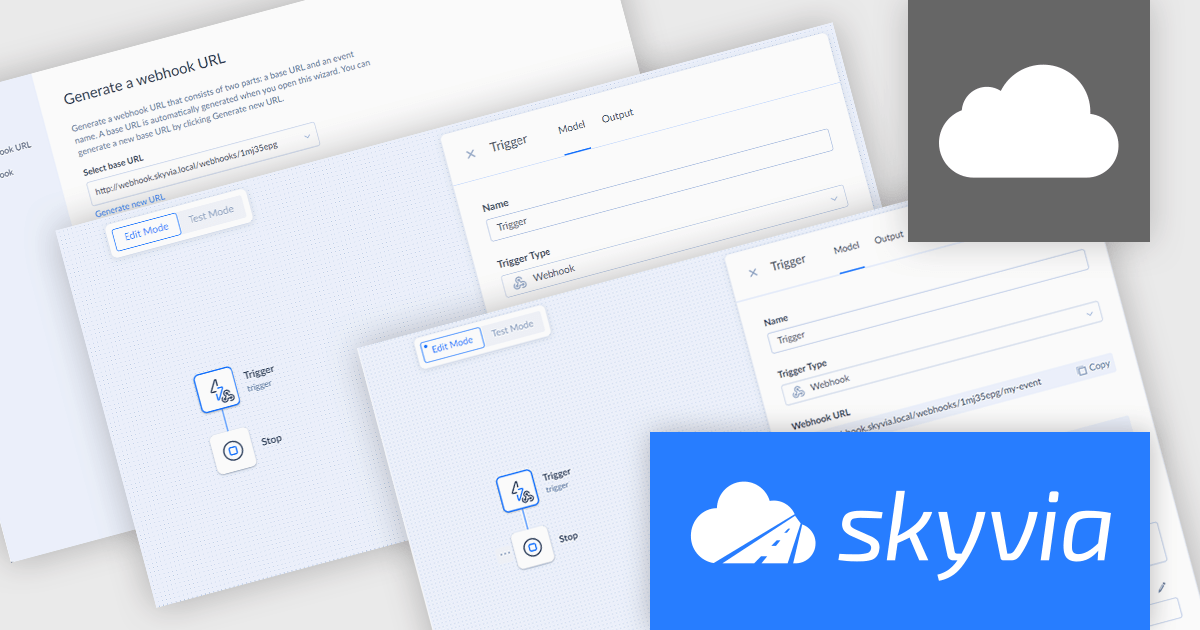
Skyvia Automation is a cloud-based platform designed to streamline and automate data-driven processes. It offers a user-friendly interface that allows users to create and manage complex workflows without requiring extensive coding knowledge. By connecting various applications and data sources, Skyvia Automation enables organizations to automate repetitive tasks, synchronize data across systems, and streamline business operations, ultimately improving efficiency and productivity.
The latest release of Skyvia Automation introduces Webhook Triggers, allowing users to initiate automations from external sources. Once a Webhook Trigger is set up, Skyvia generates a unique webhook URL, which can be called from any external application or service, prompting Skyvia to immediately execute the associated automation upon receiving the request.
To see a full list of what's new in the latest release, see our release notes.
Skyvia Automation is licensed based on the number of tasks per month and is available as an Annual License. See our Skyvia Automation licensing page for full details.
Learn more on our Skyvia Automation product page.
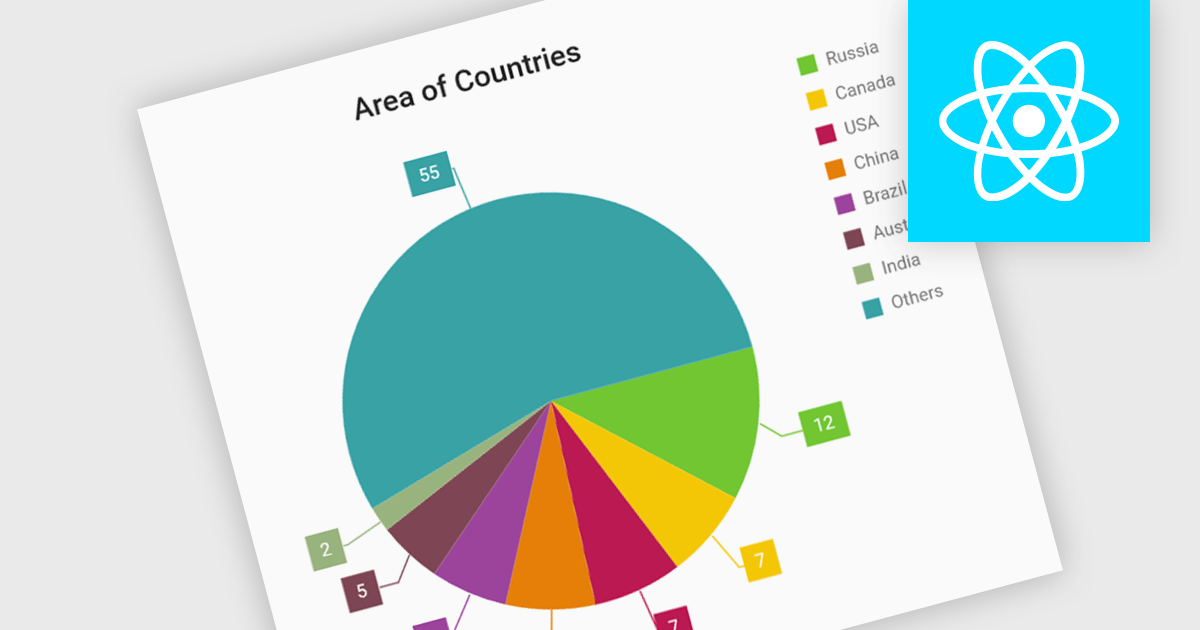
Pie charts are circular diagrams that visually represent data as slices of a whole. Each slice represents a category, with its size proportional to its share of the total. They are particularly effective for illustrating categorical data, such as market shares, demographics, or budget allocations. Pie charts offer a clear and intuitive way to compare relative quantities, making it easy to identify the dominant categories and their contributions to the overall composition.
Several React chart controls offer pie charts including:
For an in-depth analysis of features and price, visit our React chart controls comparison.
JetBrains is a technology-leading software development firm specializing in the creation of intelligent, productivity-enhancing software. ComponentSource is in the highest level of the JetBrains partner program, a Premium Reseller, reselling the JetBrains product range worldwide. JetBrains is widely known for its innovative products for the .NET environment, including IntelliJ IDEA, ReSharper, Rider, and dotUltimate.
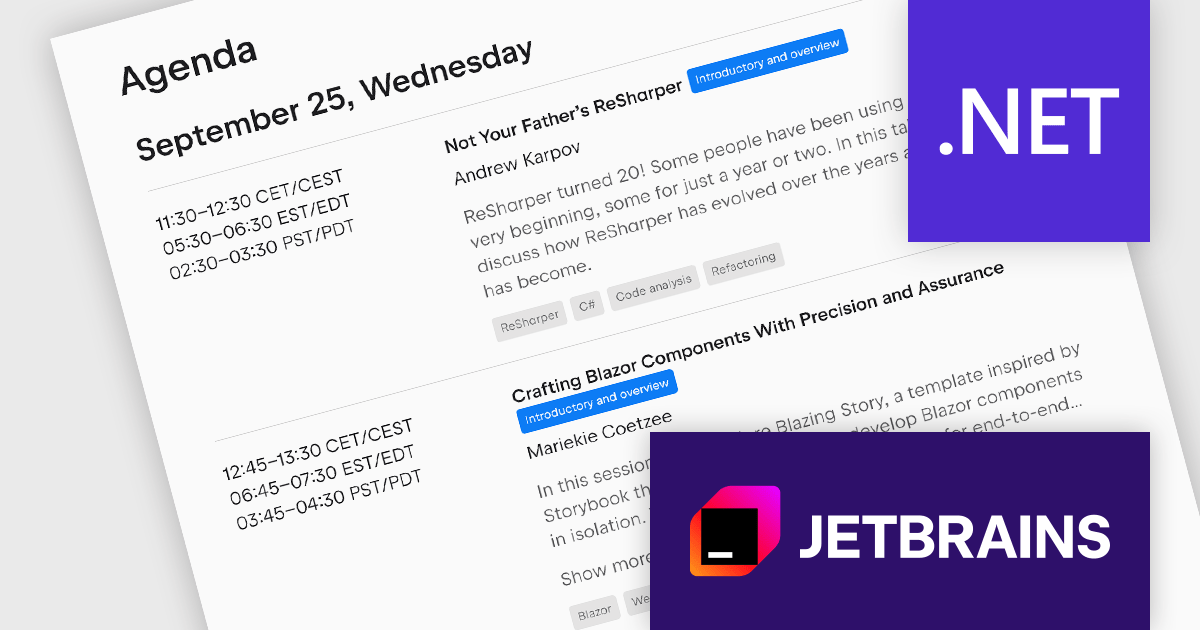
Are you a .NET developer looking to upskill and learn from the best? Then look no further than JetBrains .NET Days Online 2024, a free online community event on September 25-26, 2024 designed to bring you the latest insights and trends in the .NET world. This year's agenda boasts a stellar lineup of talks covering .NET Core, Blazor, microservices, and more, all delivered by renowned experts in the .NET development world. Don't miss this exciting opportunity to learn, connect, and be inspired – register today!
Register now for this FREE online event.
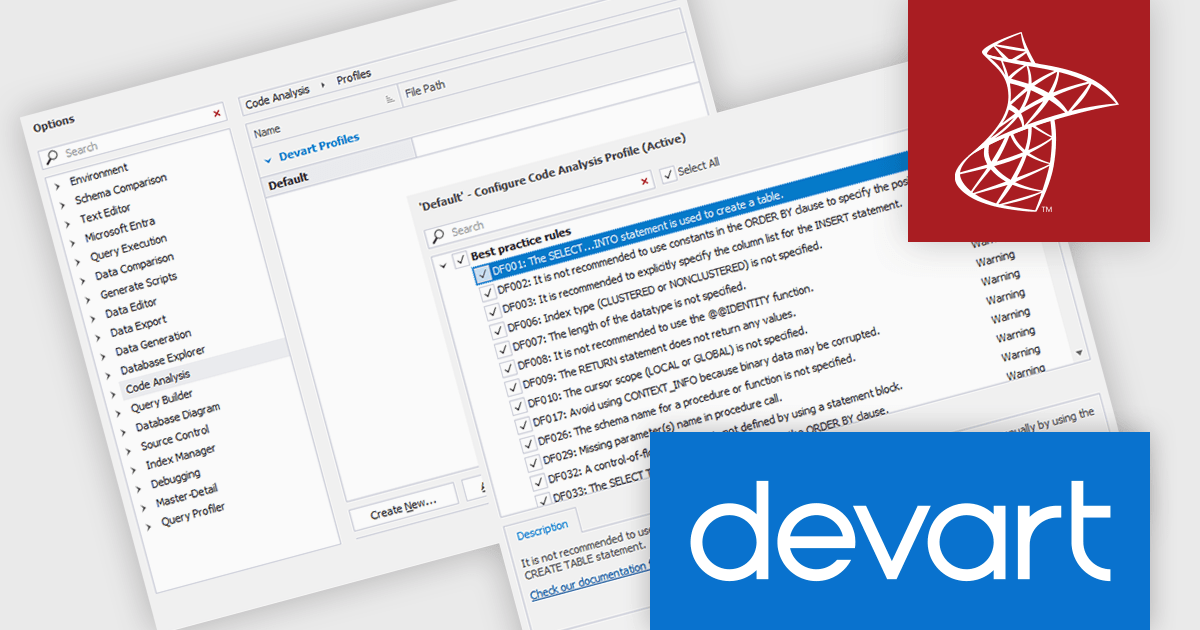
Devart's dbForge SQL Complete is a powerful code completion tool for SQL Server Management Studio and Visual Studio that significantly enhances SQL coding productivity. It offers advanced features like context-aware suggestions, intelligent code formatting, and robust refactoring capabilities, helping developers write cleaner, more efficient SQL queries. With its intuitive interface and extensive feature set, dbForge SQL Complete is a valuable asset for database professionals seeking to streamline their development workflow and improve code quality.
The dbForge SQL Complete V7.0.158 release introduces the new T-SQL Code Analyzer, a powerful tool designed to enhance T-SQL coding practices and optimize database performance. Available exclusively in the newly launched Enterprise Edition, this comprehensive analyzer meticulously scrutinizes T-SQL scripts, identifying potential issues, performance bottlenecks, and deviations from best practices. By leveraging the analyzer's insights, developers and DBAs can significantly improve code quality and efficiency, ensuring that their T-SQL scripts adhere to established standards and guidelines.
To see a full list of what's new in V7.0.158, see our release notes.
dbForge SQL Complete is licensed per developer and is available as an Annual or Perpetual License with a 12 month support and maintenance subscription. See our dbForge SQL Complete licensing page for full details.
dbForge SQL Complete is available in the following products:
전화 : 00798 14 800 6332
팩스 : +1 770 250 6199


