













공식 공급 업체
200 이상의 소프트웨어 개발처와 판매 계약을 맺은 공인 디스트리뷰터로서 합법적인 라이선스를 제공합니다.
모든 브랜드 보기.
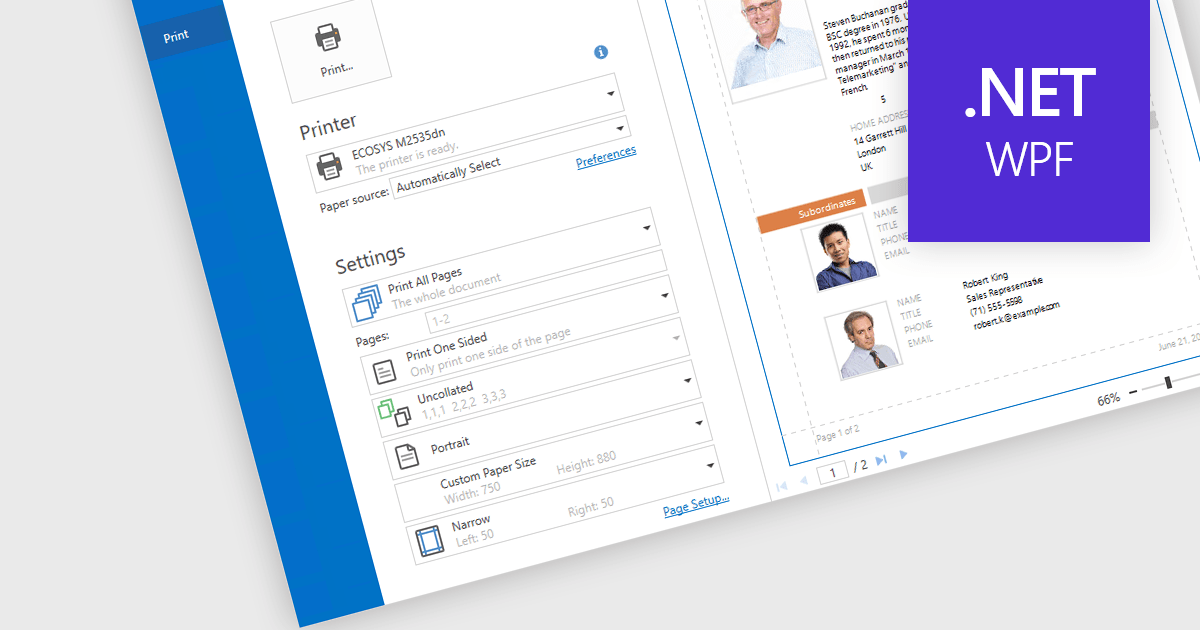
Print & Preview .NET WPF controls provide a comprehensive solution for printing and previewing content within your WPF applications. These controls offer a user-friendly interface for users to review their content before committing to printing, ensuring accuracy and preventing costly errors. Additionally, they support various printing options, including page orientation, margins, and scaling, allowing developers to customize the printing experience to meet specific requirements.
Many .NET WPF UI Suites contain Print & Preview controls including:
For an in-depth analysis of features and price, visit our comparison of .NET WPF UI Suites.
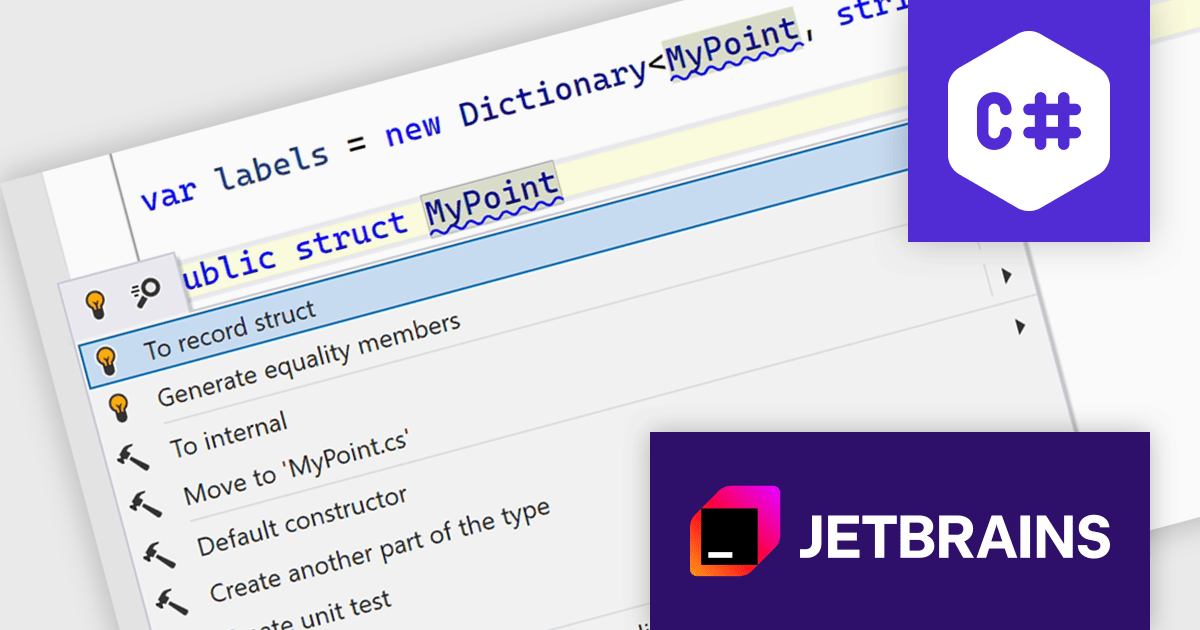
ReSharper is a productivity and code quality plugin for Visual Studio, developed by JetBrains. It helps .NET developers write cleaner, more efficient code. By analyzing code on-the-fly, ReSharper identifies potential errors and suggests fixes. It also automates code refactoring, allowing developers to safely restructure their codebase. These features improve developer productivity and maintainability of the code, making ReSharper a valuable tool for both individual developers and development teams.
The ReSharper 2024.2 release significantly enhances its C# support by providing comprehensive coverage for C# 12 features. Primary constructors, enhanced collection expressions, and improved context actions are now seamlessly integrated into ReSharper's code analysis and completion features. Moreover C# 13 support is improved with ref struct interface implementation. These advancements empower C# developers to write cleaner, more concise, and efficient code with greater ease and productivity.
To see a full list of what's new in version 2024.2, see our release notes.
ReSharper is licensed per user, and is available as a commercial annual subscription license. We can supply new subscriptions, subscription renewals (including continuity discounts), lapsed renewals, and additional user licenses. See our ReSharper licensing page for full details.
ReSharper is available to buy in the following products:
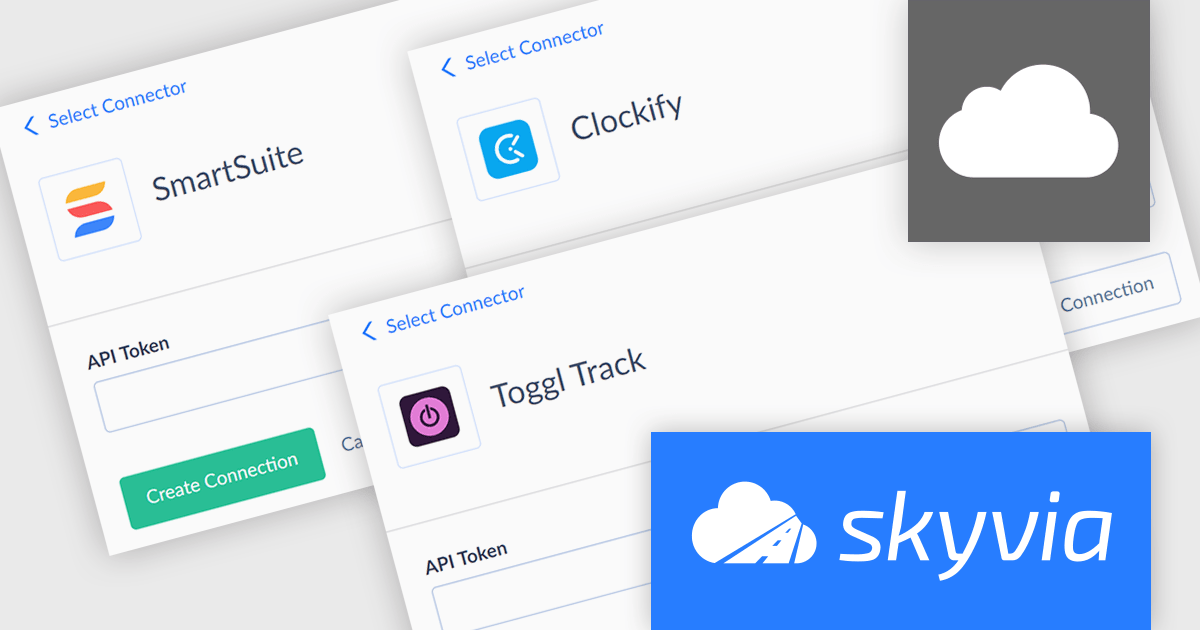
Skyvia Connect is a cloud-based integration platform that enables developers to connect and synchronize data between various applications and databases. It offers a flexible and scalable solution for building data pipelines and automating data workflows, supporting a wide range of data sources and formats. By providing a user-friendly interface and pre-built connectors, Skyvia Connect simplifies the process of integrating data systems, allowing developers to focus on core application development and data management tasks.
The latest release of Skyvia Connect adds new connectors for Clockify, SmartSuite and Toggl Track. This enhancement enables developers to seamlessly integrate time tracking and project management data from these popular platforms into their applications. By providing connections to these tools, Skyvia Connect empowers users to streamline workflows and automate data-driven processes across various domains.
To see a full list of what’s new, see our release notes.
Skyvia Connect is licensed based on volume of traffic per month and is available as an Annual License. See our Skyvia Connect licensing page for full details.
For more information, visit our Skyvia Connect product page.
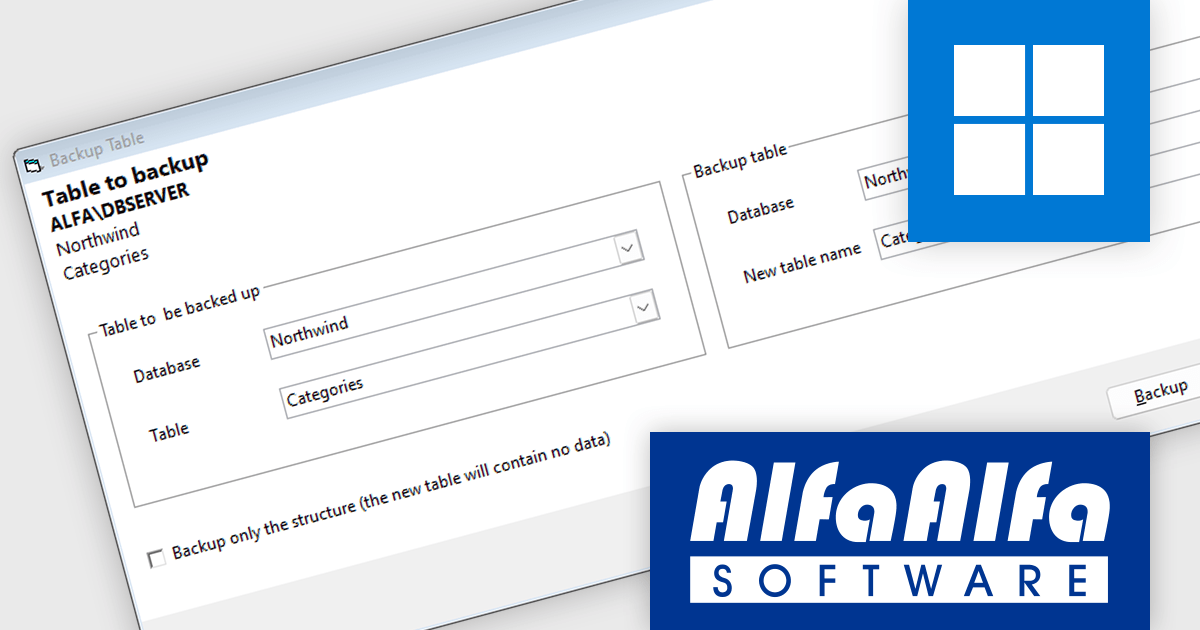
AlfaAlfa SQL Server Comparison Tool (SCT) is a powerful application for finding differences between databases. It lets users easily analyze, compare, and document the structure of tables, procedures, functions, views, triggers, and relationships.
The AlfaAlfa SQL Server Comparison Tool (SCT) version 5.1.0 update introduces a new feature that allows developers to efficiently backup entire tables, including both their structure and data. This functionality provides a comprehensive and streamlined approach to data protection, enabling developers to create backups of critical tables at specific points in time. By simplifying the backup process, SCT helps ensure data integrity and facilitates seamless recovery in case of data loss or corruption.
To see a full list of what's new in 5.1.0, see our release notes.
AlfaAlfa SQL Server Comparison Tool (SCT) is licensed per user and is available as Individual, Site and Enterprise licenses. All licenses include 1 year of maintenance which provides software upgrades and technical support. See our AlfaAlfa SQL Server Comparison Tool (SCT) licensing page for full details.
Learn more on our AlfaAlfa SQL Server Comparison Tool (SCT) product page.
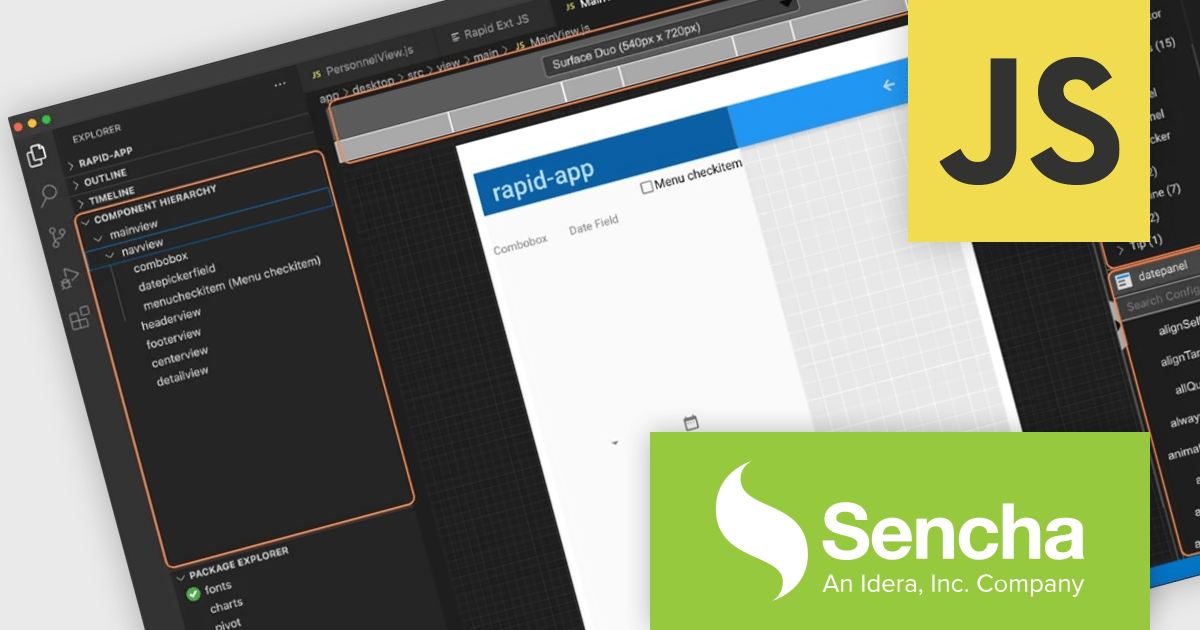
Sencha Ext JS is a comprehensive JavaScript framework for building robust, data-intensive web applications. It offers a rich library of pre-built UI components, advanced data management capabilities, and tools for efficient development and testing, enabling rapid creation of cross-platform applications with high performance and a polished user experience.
Rapid Ext JS is a powerful visual development tool that simplifies the process of creating Ext JS applications. By providing a drag-and-drop interface and real-time preview capabilities, it enables developers to quickly design and build complex user interfaces without writing extensive code. The editor offers a wide range of pre-built components and templates, making it easy to create consistent and visually appealing applications. Rapid Ext JS integrates seamlessly with Visual Studio Code, providing developers with a familiar and productive development environment.
To utilize Rapid Ext JS you will need Sencha Ext JS Enterprise or Ultimate edition, available as an Annual Subscription or Perpetual License. See our Sencha Ext JS licensing page for full details.
For more information, see our Sencha Ext JS product page.
전화 : 00798 14 800 6332
팩스 : +1 770 250 6199


