













공식 공급 업체
200 이상의 소프트웨어 개발처와 판매 계약을 맺은 공인 디스트리뷰터로서 합법적인 라이선스를 제공합니다.
모든 브랜드 보기.

ComponentSource and Afterlogic have had a successful 15-year partnership focused on delivering high-quality software solutions to the global developer community. This long-standing cooperation demonstrates a shared commitment to providing developers with tools that simplify and elevate the development process.
Afterlogic is well-known for its expertise in email and collaboration software, providing a variety of dependable and configurable solutions. Among its solutions, the MailBee.NET product line stands out as a robust set of components for managing email-related operations such as SMTP, IMAP and POP3 within.NET applications. These components, together with Afterlogic's WebMail and MailSuite Pro solutions, have become indispensable tools for developers looking to include advanced email and collaboration features into their software.
ComponentSource, a leading distributor of software components and development tools, has played a crucial role in expanding the reach of Afterlogic’s products. Through this partnership, ComponentSource has helped make the MailBee.NET range and other Afterlogic solutions accessible to a broader audience of developers.
The cooperation between ComponentSource and Afterlogic has had a long-term, beneficial influence on the developer community, making complex email and collaboration tools more accessible and simple to implement. As we celebrate this 15-year anniversary, we look forward to extending the relationship by providing developers worldwide with dependable, creative software components that improve their applications.
Learn more about Afterlogic.
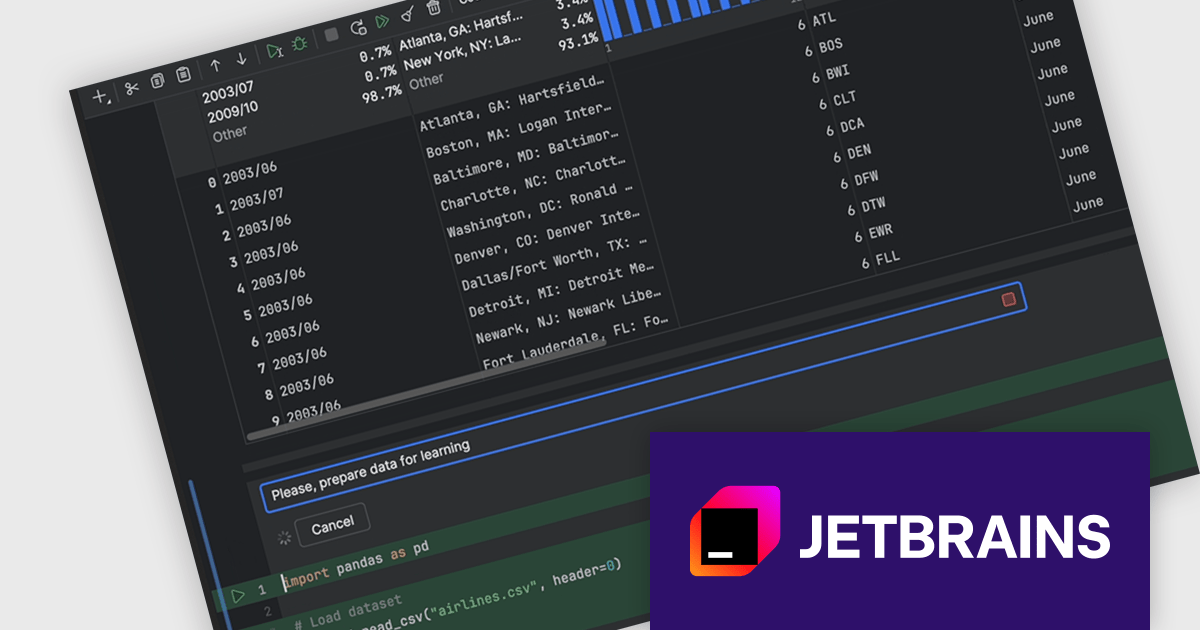
DataSpell by JetBrains is an Integrated Development Environment (IDE) specifically designed for data analysts and engineers. It allows you to write Python scripts, run SQL queries, analyze data in Jupyter notebooks, manage dbt workflows, and connect to databases, all within one seamless interface. DataSpell empowers you to stay focused on exploring insights and delivering high-quality results by combining rich data analysis tools with features like real-time error checking, code quality analysis, and built-in support for best practices like testing and documentation.
The DataSpell 2024.2 release improves its AI Assistant which now seamlessly integrates into Jupyter notebooks, transforming them into intelligent coding environments. With AI cells, you can effortlessly request code generation, seek guidance on the next analytical steps, refine existing code, and troubleshoot errors directly within your notebook. This innovative feature empowers users to accelerate their data science workflows, enhance code quality, and unlock new possibilities through collaborative interaction with AI.
To see a full list of what's new in version 2024.2, see our release notes.
DataSpell is licensed per user as a commercial annual subscription. See our DataSpell licensing page for full details.
DataSpell is available to buy in the following products:
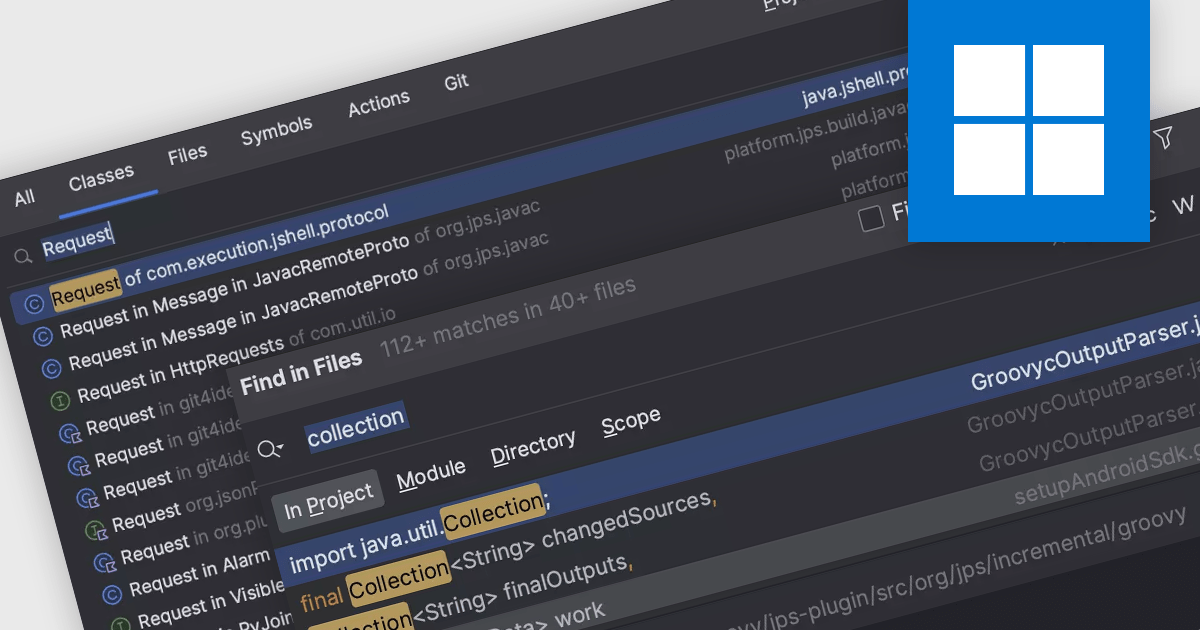
Code navigation offers the ability to efficiently move between different parts of a codebase, such as functions, classes, variables, and other code elements. Effective code navigation significantly improves productivity and maintainability by reducing the time spent searching for code and enhancing overall comprehension.
Several IDEs offer support for code navigation including:
For an in-depth analysis of features and price, visit our IDEs comparison.
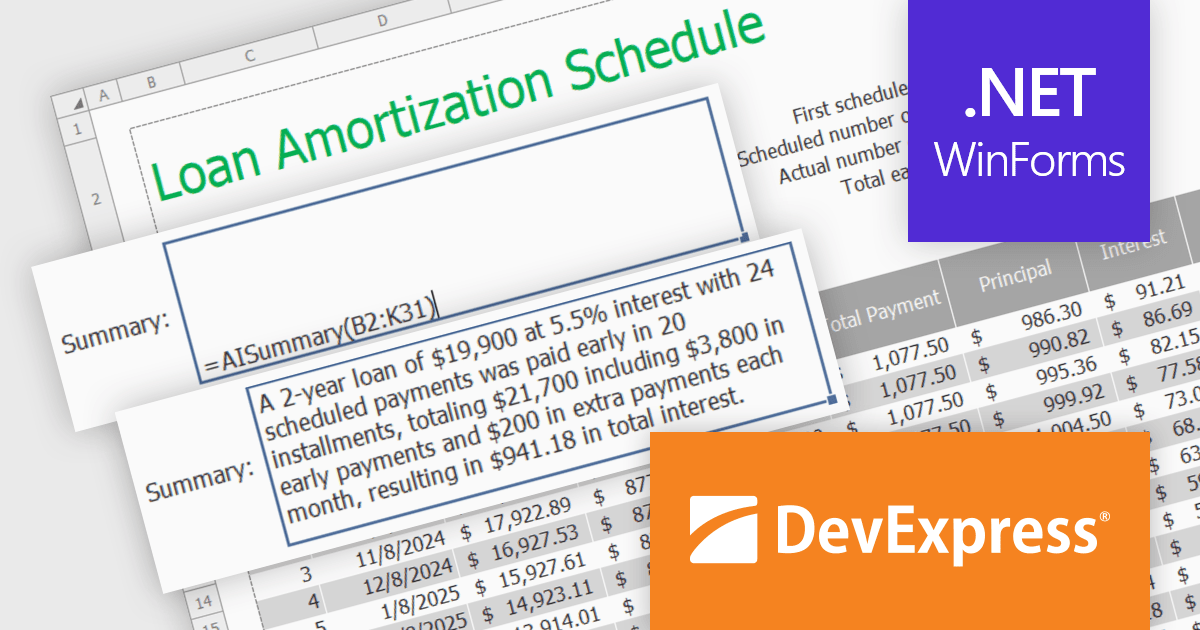
DevExpress DXperience is a comprehensive software development suite designed to enhance productivity and streamline the creation of high-performance applications across various platforms. It offers a wide range of tools and components for developers working with .NET frameworks including Windows Forms, WPF, ASP.NET, and Blazor as well as JavaScript, Angular, React, Vue, and jQuery. The suite includes powerful UI controls, data visualization tools, reporting capabilities, and cross-platform libraries that enable developers to build modern, responsive, and visually appealing applications efficiently.
In this blog post, DevExpress's Maria Nikulina shows you how to integrate OpenAI services with the DevExpress WinForms Spreadsheet Control (included with DXperience) to implement user-defined formulas for advanced calculations. These formulas let you automate repetitive tasks, efficiently analyze data, and execute advanced calculations not possible with built-in functions.
Steps include:
Detailed sample code is included.
Read the complete blog to learn how to take Excel formula calculations to a whole new level by integrating AI services.
DevExpress DXperience is licensed per developer and is available as a Perpetual License with a 12 month support and maintenance subscription. See our DevExpress DXperience licensing page for full details.
The DevExpress WinForms Spreadsheet Control is available to buy in the following products:
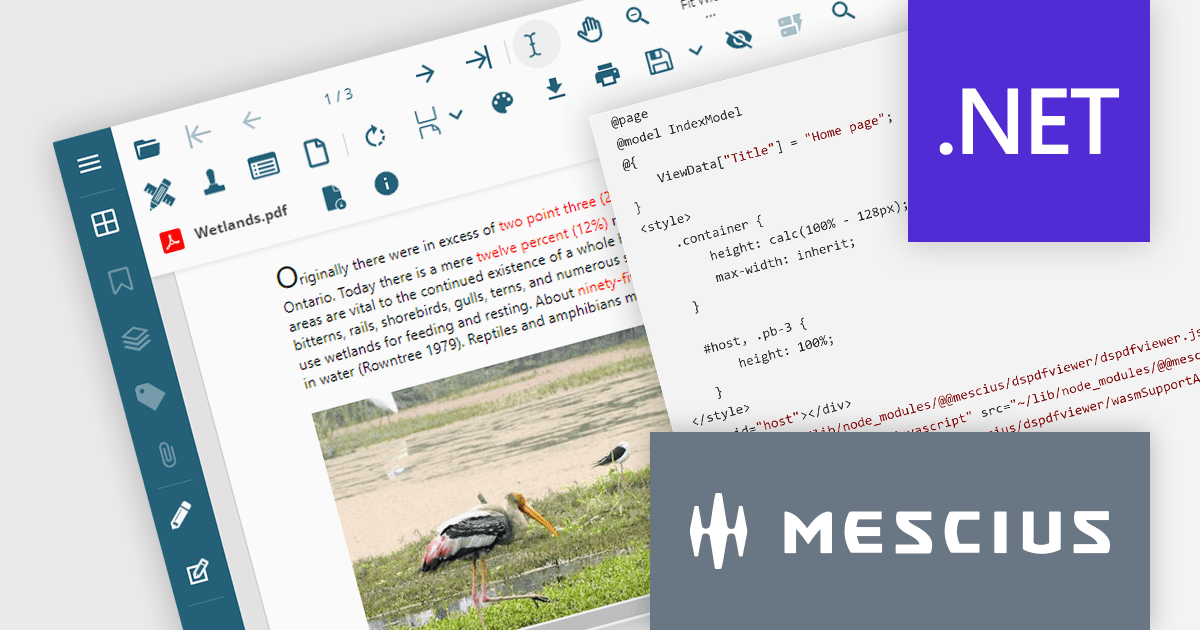
Document Solutions for PDF (DsPdf) by MESCIUS is a software development toolkit that provides .NET Core libraries and a JavaScript PDF viewer for manipulating and displaying PDFs. DsPdf enables developers to create, edit, annotate, and redact PDF documents directly within web applications. The included DsPdfViewer component offers a feature-rich, cross-platform solution for viewing and interacting with PDFs in modern browsers on various operating systems, including mobile devices.
The Document Solutions for PDF 7.2 release adds a cutting-edge WebAssembly (Wasm)-based PDF Viewer. This innovative solution leverages the power of WebAssembly to deliver a locally optimized, high-performance PDF editing experience directly within your web browser. This translates to a smoother, more intuitive user experience, regardless of network conditions or server load. The Wasm-based PDF Viewer is designed to cater to the demands of modern users, offering seamless cross-platform compatibility, advanced editing features, and a secure, privacy-focused environment.
To see a full list of what's new in version 7.2, see our release notes.
Document Solutions for PDF is licensed per developer and is available in several license options for differing distribution needs. Team licenses are also available for multiple developers within the same organization. See our Document Solutions for PDF licensing page for full details.
Document Solutions for PDF is available to buy in the following products:
전화 : 00798 14 800 6332
팩스 : +1 770 250 6199


