













공식 공급 업체
200 이상의 소프트웨어 개발처와 판매 계약을 맺은 공인 디스트리뷰터로서 합법적인 라이선스를 제공합니다.
모든 브랜드 보기.
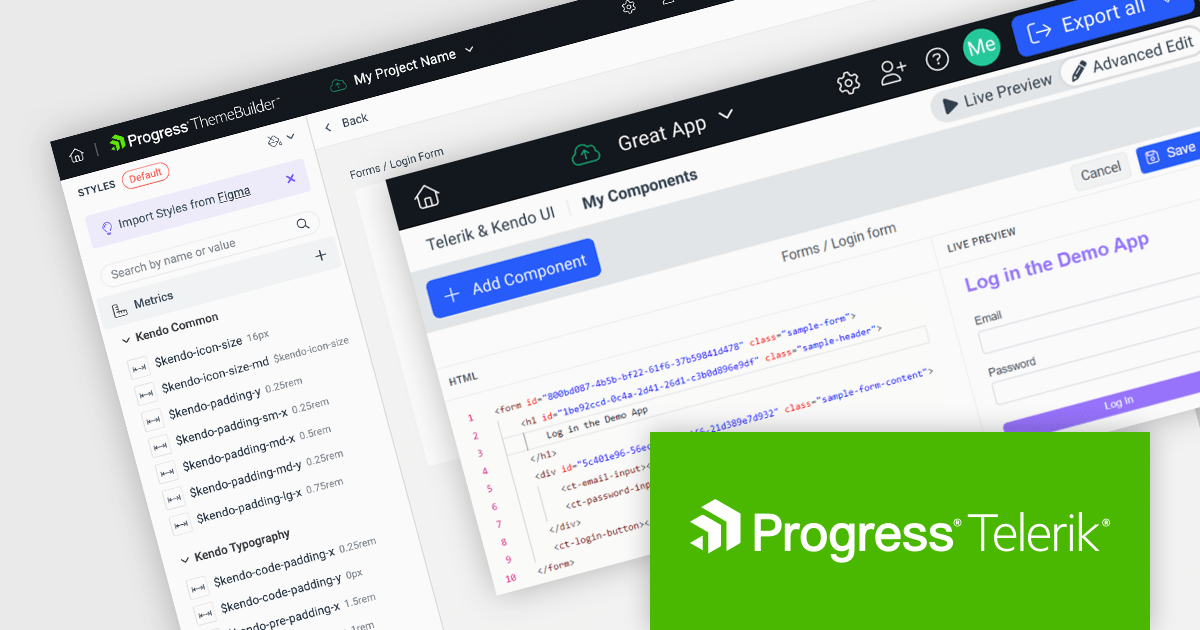
Progress ThemeBuilder by Telerik is a comprehensive visual design tool that accelerates user interface customization for Telerik and Kendo UI web components. ThemeBuilder enables you to style virtually every appearance-related property of the UI components, from top-level elements to the smallest of details, without requiring direct CSS manipulation. It integrates seamlessly with existing development workflows and allows developers to create, modify, and maintain consistent and visually appealing themes across applications. This tool significantly reduces the time and effort required for UI customization and makes it easy to align them with branding and design specifications.
The Progress ThemeBuilder 2024 Q3 update adds custom component support, extending the tool's theming capabilities beyond the default set of Telerik and Kendo UI components. By being able to style any custom HTML, it helps you achieve a consistent style across both Telerik/Kendo UI components and your own internal ones. This enhancement allows for the seamless integration of custom-built UI components into the ThemeBuilder environment, providing a unified styling experience and ensuring consistent visual design throughout your projects, whilst streamlining the UI development process.
To see a full list of what's new in 2024 Q3, see our release notes.
Progress ThemeBuilder is licensed per user and is available as an annual license with a one year support subscription, which is available in three tiers: Lite, Priority or Ultimate. See our Progress ThemeBuilder licensing page for full details.
For more information, see our Progress ThemeBuilder product page.

Infragistics Ignite UI for Blazor is a comprehensive UI component library designed specifically for .NET developers building modern web applications with Blazor. It offers a rich set of over 60 components, including performant data grids, interactive charts, and essential UI elements. This allows developers to craft visually appealing, feature-packed Blazor applications with a focus on data visualization, user interaction, and a variety of design themes.
The Ignite UI for Blazor 24.1 release introduces the the 'HighlightingMode' property to the treemap control. This feature empowers developers to customize how treemap items respond to mouse-over events. The 'Brighten' options isolates the highlight to the hovered item, while the 'FadeOthers' options subtly dims all other items to accentuate the focused element. To refine the visual experience, developers have control over the animation speed, allowing for smooth and engaging transitions between highlighted and non-highlighted states.
To see a full list of what's new in version 24.1 (23.2.257), see our release notes.
Infragistics Ignite UI for Blazor is part of Infragistics Ignite UI which is licensed per developer and is available as a Perpetual License with a 1, 2 or 3 year support and maintenance subscription. See our Infragistics Ignite UI licensing page for full details.
Infragistics Ignite UI for Blazor is available in the following products:
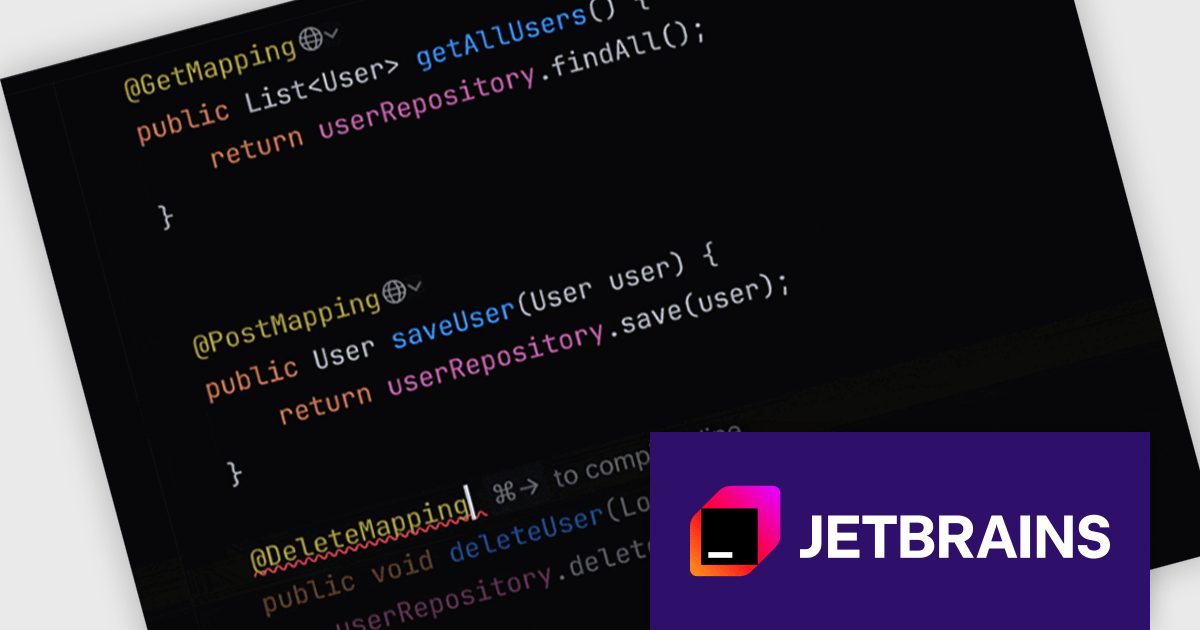
JetBrains AI Assistant is a plugin for their IDEs that uses large language models to enhance your coding experience. It can answer your questions about code, suggest completions and refactorings, and even help you write documentation and commit messages. It analyzes the context of your project to provide the most relevant suggestions, and you can chat with it directly within the IDE. It's a powerful tool for programmers looking to boost their productivity.
The JetBrains AI Assistant 2024.2 update has been enhanced with incremental acceptance of code suggestions, providing a more granular control over the code generation process. Multiline code suggestions are now presented in stages, with each single-line suggestion requiring explicit acceptance before the next line is displayed. This approach empowers users to carefully review and approve code changes step-by-step.
To see a full list of what's new in version 2024.2 see our release notes.
JetBrains AI Assistant requires that you already own a JetBrains IDE product with an active commercial subscription license and is licensed per user as a commercial annual subscription. We can supply new subscriptions, subscription renewals, lapsed subscription renewals, and additional developer licenses. See our JetBrains AI Assistant licensing page for full details.
For more information, visit our JetBrains AI Assistant product page.
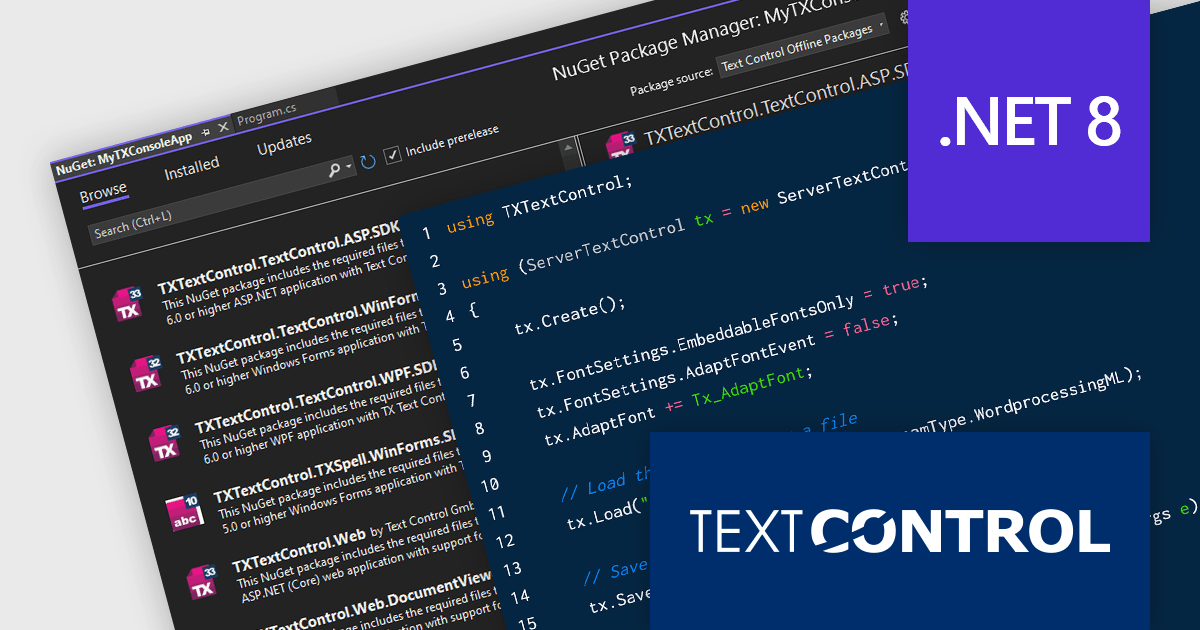
TX Text Control .NET Server for ASP.NET is a server-side component that equips developers with a powerful word processing engine for web applications. It integrates seamlessly with ASP.NET, ASP.NET Core, popular frameworks like Angular and React, and JavaScript, allowing you to build dynamic document editing and generation features directly within your web applications. This empowers you to create documents on the fly using data from various sources, edit existing documents in the browser, and handle functionalities like PDF processing and form filling, all on the server-side.
Converting Microsoft Word documents to PDF is a common requirement across a wide range of applications. From dynamic document generation through mail merges with data sources like JSON to create invoices and other deliverables, the final output often requires PDF conversion for distribution. Additionally, PDF/A, an ISO standard, is essential for the secure, long-term archiving of documents. In this blog post, Text Control's Bjoern Meyer shows you how to convert a DOCX file to PDF using TX Text Control in a .NET 8 console application. Steps include:
Read the complete blog now and learn how to accomplish this very common task quickly and easily using TX Text Control.
TX Text Control .NET Server for ASP.NET is licensed per Developer and includes Run-time licensing for up to 5 Servers. Licensing is perpetual, and include a 1-year subscription. See our TX Text Control .NET Server for ASP.NET licensing page for more details.
Learn more about TX Text Control .NET Server for ASP.NET.
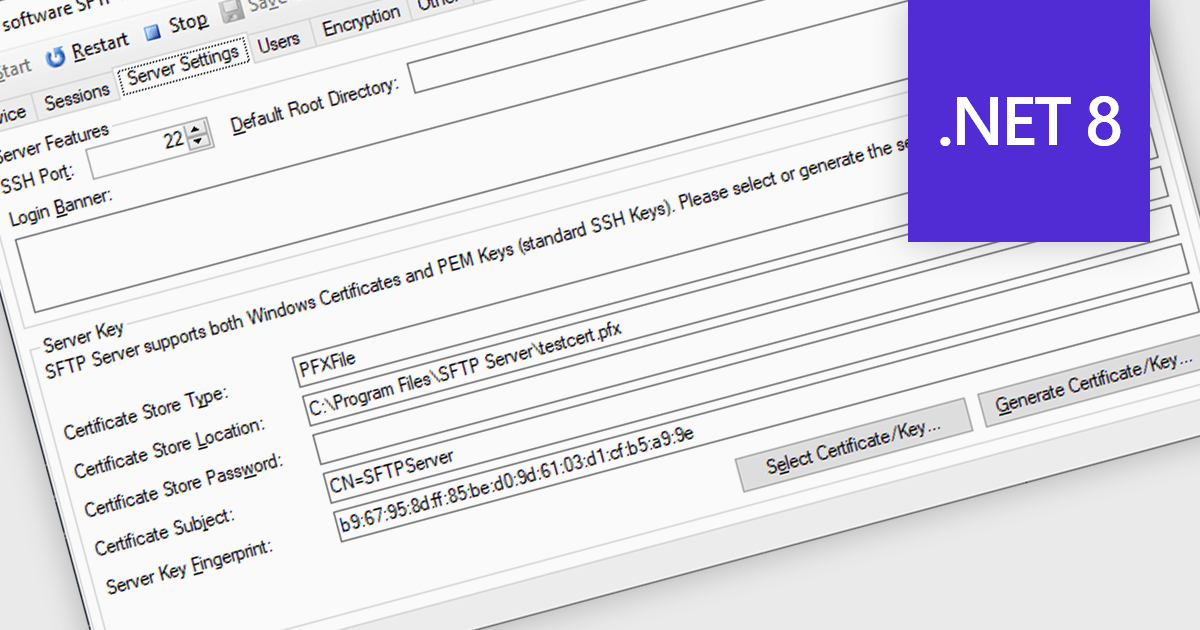
Cryptography and encryption are fundamental to secure internet communications. These techniques transform data into an unreadable format, safeguarding sensitive information from unauthorized access. By employing robust algorithms and cryptographic keys, communications components protect data transmission and storage. This ensures confidentiality, integrity, and authenticity, preventing data breaches, eavesdropping, and tampering. Cryptography's benefits are paramount in protecting personal information, financial transactions, and sensitive business data, fostering trust and security in the digital realm.
Several .NET 8 communications and messaging components offer cryptography/encryption support including:
For an in-depth analysis of features and price, visit our .NET 8 communications and messaging components comparison.
전화 : 00798 14 800 6332
팩스 : +1 770 250 6199


