













공식 공급 업체
200 이상의 소프트웨어 개발처와 판매 계약을 맺은 공인 디스트리뷰터로서 합법적인 라이선스를 제공합니다.
모든 브랜드 보기.
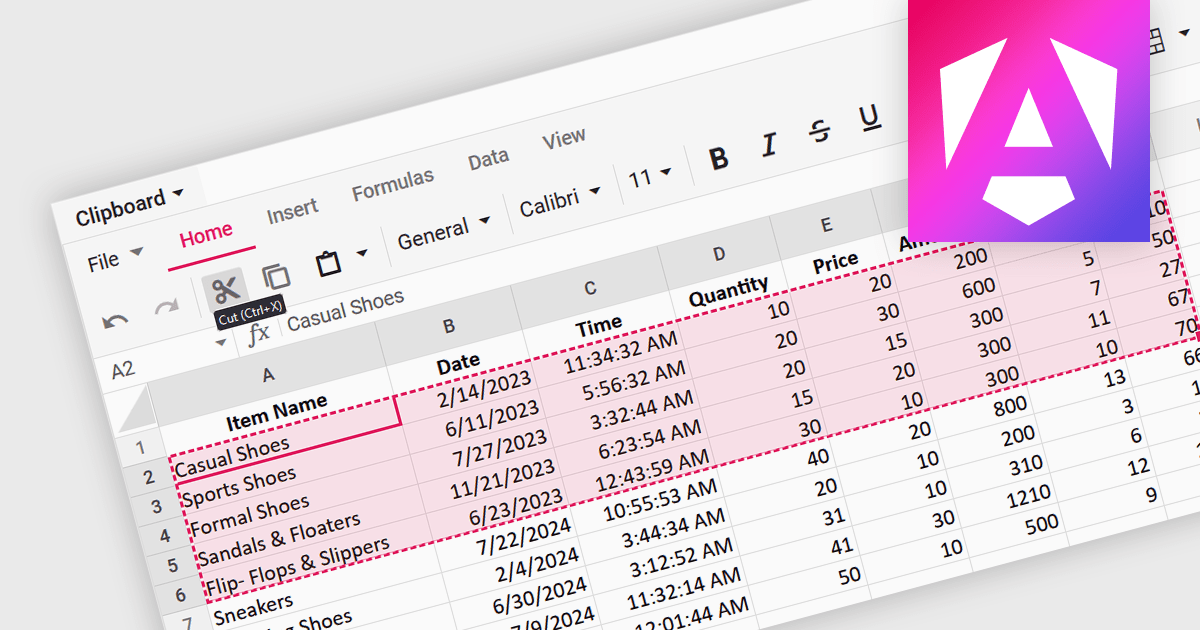
A spreadsheet control that supports clipboard operations gives users the ability to cut, copy and paste data within or between spreadsheets. These functions enable users to efficiently transfer, duplicate, or relocate information by temporarily storing selected cells or ranges in a system-wide clipboard. This functionality forms a key part of a spreadsheet application, saving time and increasing productivity by enabling quick duplication or relocation of data without the need to manually re-enter information. By reducing the risk of errors that might occur during manual data entry or reformatting, these operations help maintain data integrity and streamline data manipulation and management tasks.
Several Angular spreadsheet components support the use of clipboard operations, including:
For an in-depth analysis of features and price, visit our comparison of Angular spreadsheet controls.
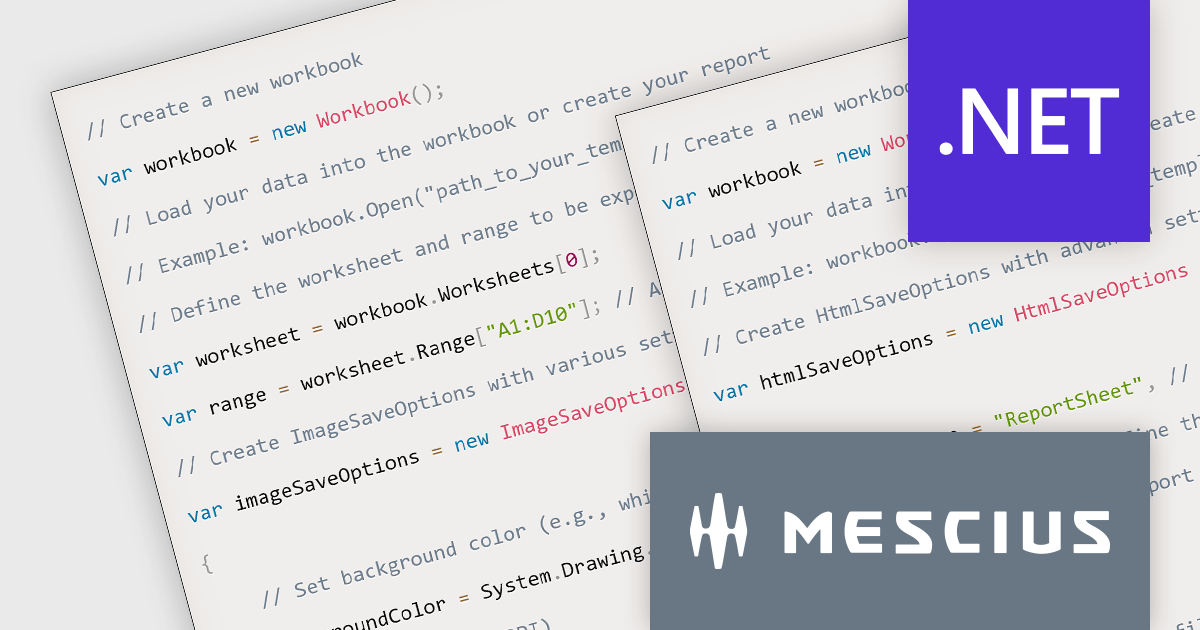
Document Solutions for Excel, .NET Edition is a high-speed, small-footprint, server-side spreadsheet API that requires no dependencies on Excel. The interface-based API is modeled on Excel's document object model which means you can import, calculate, query, generate, and export any spreadsheet scenario. Using DsExcel, you can programmatically create Excel reports, sorted and filtered tables, sorted and filtered pivot tables, dashboard, add charts, sparklines, conditional formats, import and export Excel templates and also convert spreadsheets to PDF, HTML, or an image format.
In this blog post, MESCIUS Software Engineer Prabhat Sharma demonstrates the exporting capabilities of the DsExcel API including exporting Excel XLSX to formats such as PDF, image, JSON, and HTML. Source code is included for each step, showing you how to use Document Solutions to export reports in each format.
Read the complete blog and learn how to make your data more accessible and versatile.
Document Solutions for Excel, .NET Edition is licensed per developer and is available in several license options for differing distribution needs. Team licenses are also available for multiple developers within the same organization. See our Document Solutions for Excel, .NET Edition licensing page for full details.
Learn more on our Document Solutions for Excel, .NET Edition product page.
Syncfusion Essential Studio .NET MAUI, available as part of Syncfusion Essential Studio Enterprise, empowers developers with a comprehensive suite of native UI controls, data visualization tools, and performance optimizations for building modern, cross-platform mobile and desktop applications. This professional-grade toolkit leverages the power of C# and XAML, enabling rapid development of stunning and responsive experiences across diverse platforms.
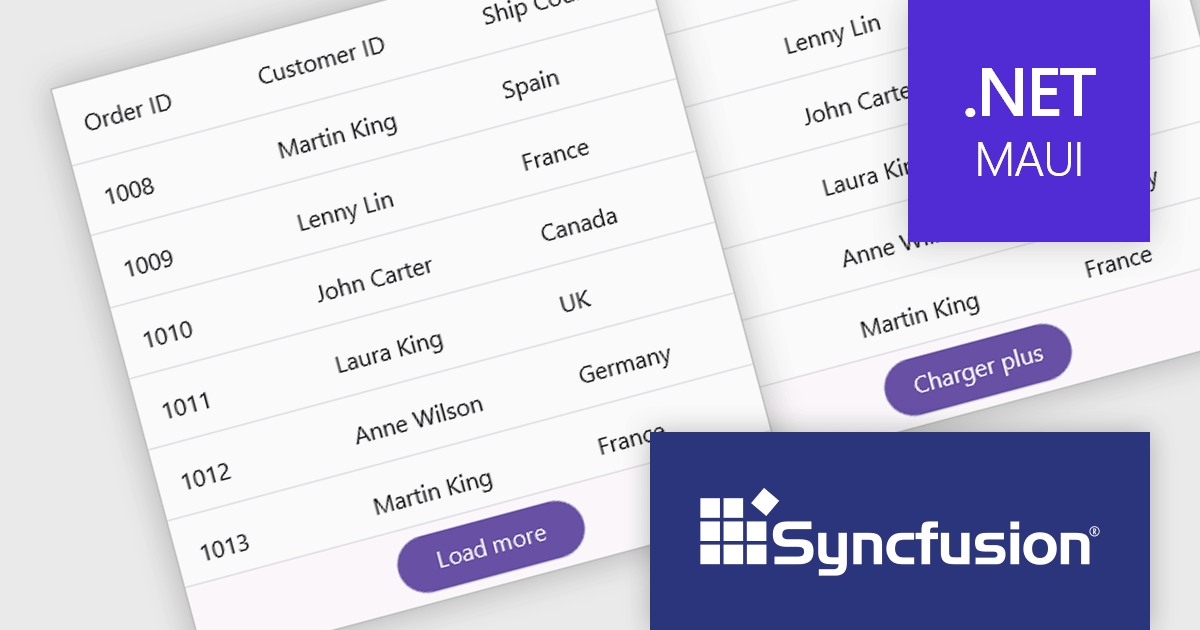
The Syncfusion Essential Studio .NET MAUI 2024 Volume 2 SP1 (26.2.4) release improves the SfDataGrid by adding localization and support for applying formatting in a column with different cultures. This capability enables developers to create globally accessible and culturally sensitive applications by tailoring grid content and numerical displays to specific cultures, improving user experience and data interpretation accuracy across diverse user bases.
To see a full list of what's new in 2024 Volume 2 SP1 (26.2.4), see our release notes.
Syncfusion Essential Studio .NET MAUI is available as part of Syncfusion Essential Studio Enterprise which is licensed per developer starting with a Team License of up to five developers. It is available as a 12 Month Timed Subscription License which includes support and maintenance. See our Syncfusion Essential Studio Enterprise licensing page for full details.
Learn more on our Syncfusion Essential Studio .NET MAUI product page.
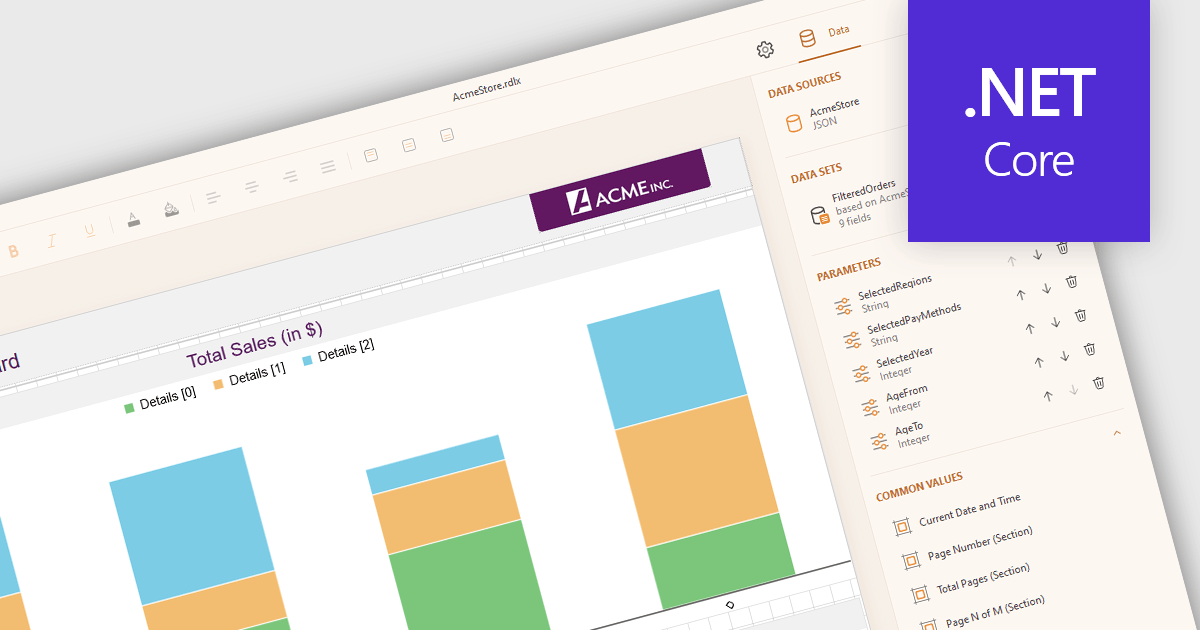
JSON data connectivity in reporting controls enables seamless integration of dynamic, human-readable data into reports. By directly connecting to JSON data sources, developers can leverage the format's flexibility, ease of use, and ability to handle diverse data structures. This empowers creation of adaptable reports that can quickly consume and visualize data from various sources, such as APIs, databases, or cloud services. Real-time reporting and interactive dashboards become feasible as JSON's structure aligns well with modern data consumption patterns. Use cases include operational reporting, data exploration, and business intelligence applications where agile data integration is paramount.
Several .NET Core reporting controls offer JSON data connectivity including:
For an in-depth analysis of features and price, visit our .NET Core reporting controls comparison.

PDF to image conversion within in WPF PDF Viewer components enables developers to programmatically export individual PDF pages as images such as PNG, JPEG, or BMP. This capability enables applications to create image-based representations of PDF content, facilitating tasks such as generating thumbnails, exporting visual data, or integrating PDF content into image-centric workflows, enhancing application versatility and user experience.
Several .NET 8 WPF PDF viewer components support PDF to image conversion including:
For an in-depth analysis of features and price, visit our comparison of .NET 8 WPF PDF Viewer Components.
전화 : 00798 14 800 6332
팩스 : +1 770 250 6199


