













공식 공급 업체
200 이상의 소프트웨어 개발처와 판매 계약을 맺은 공인 디스트리뷰터로서 합법적인 라이선스를 제공합니다.
모든 브랜드 보기.
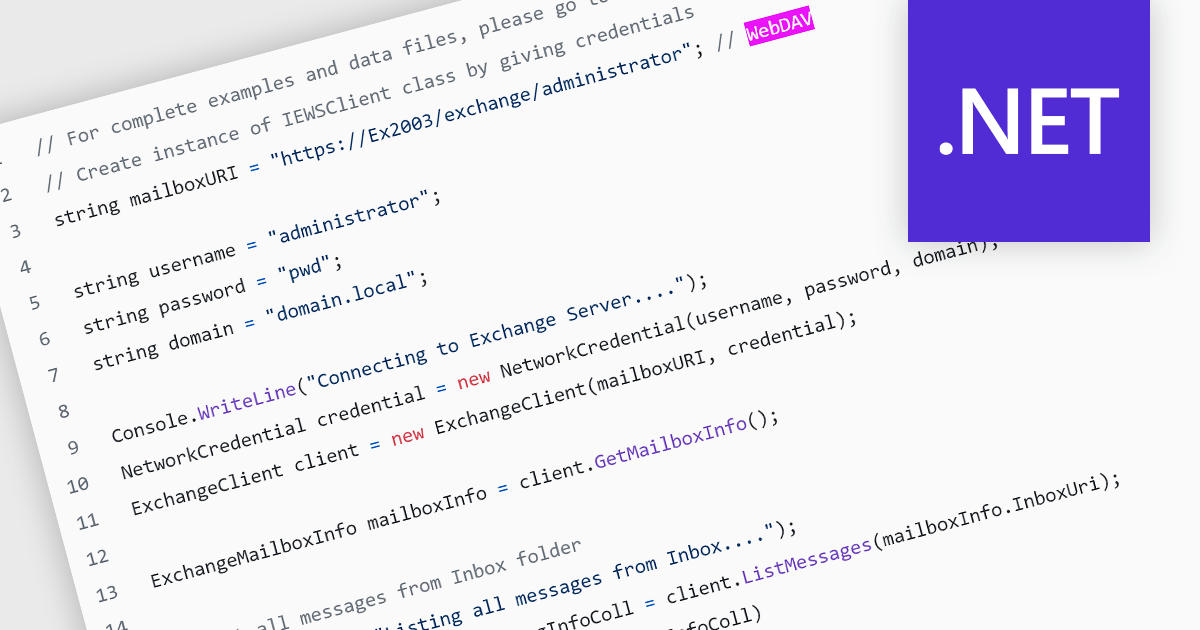
Web Distributed Authoring and Versioning (WebDAV) is an open-standard extension to HTTP (Hypertext Transfer Protocol). Its basic functionality enables file management through a web server, allowing users to share, copy, move, and edit files over the internet. As well as resource locking and other features, WebDAV also supports metadata handling and namespace management, which improves the organization and retrieval of documents. This protocol eliminates the need to download and upload files constantly, facilitating collaborative editing and file management on remote web servers.
Several .NET communications and messaging components support the WebDAV internet protocol, including:
For an in-depth analysis of features and price, visit our comparison of .NET communications and messaging components.
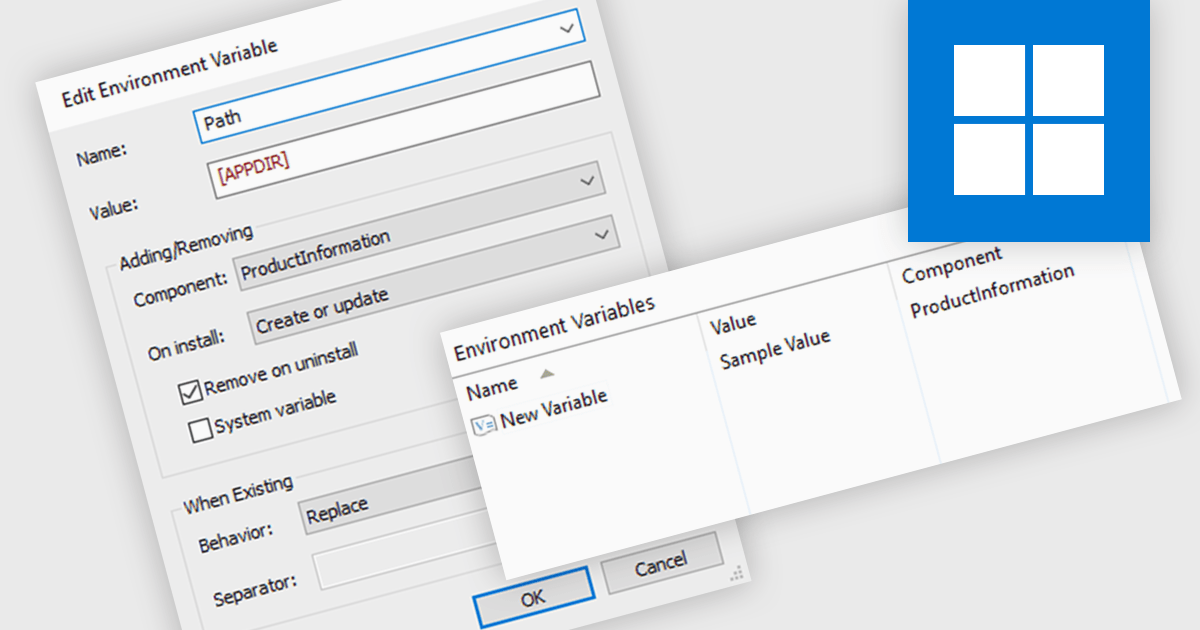
Environment variables offer a flexible mechanism for configuring application settings within an installer. By defining variables that can be modified before or during installation, developers can tailor software behavior to specific environments without recompiling. This approach promotes reusability, simplifies deployment, and ensures compatibility across different systems. Common use cases include specifying installation paths, database connection strings, and licensing information, enhancing both user experience and administrative control.
Several installation tools offer the ability to adjust environment variables including:
For an in-depth analysis of features and price, visit our comparison of Installation Tools.

In datagrids, tooltips are on-demand informational popups that appear when hovering over a cell. They provide critical context for truncated content, enhancing usability by allowing users to view the full data point without sacrificing grid layout or requiring them to navigate elsewhere. This improves data comprehension and reduces the need for scrolling or resizing columns, leading to a more efficient user experience.
Several jQuery grid controls offer support for tooltips including:
For an in-depth analysis of features and price, visit our jQuery grid controls comparison.
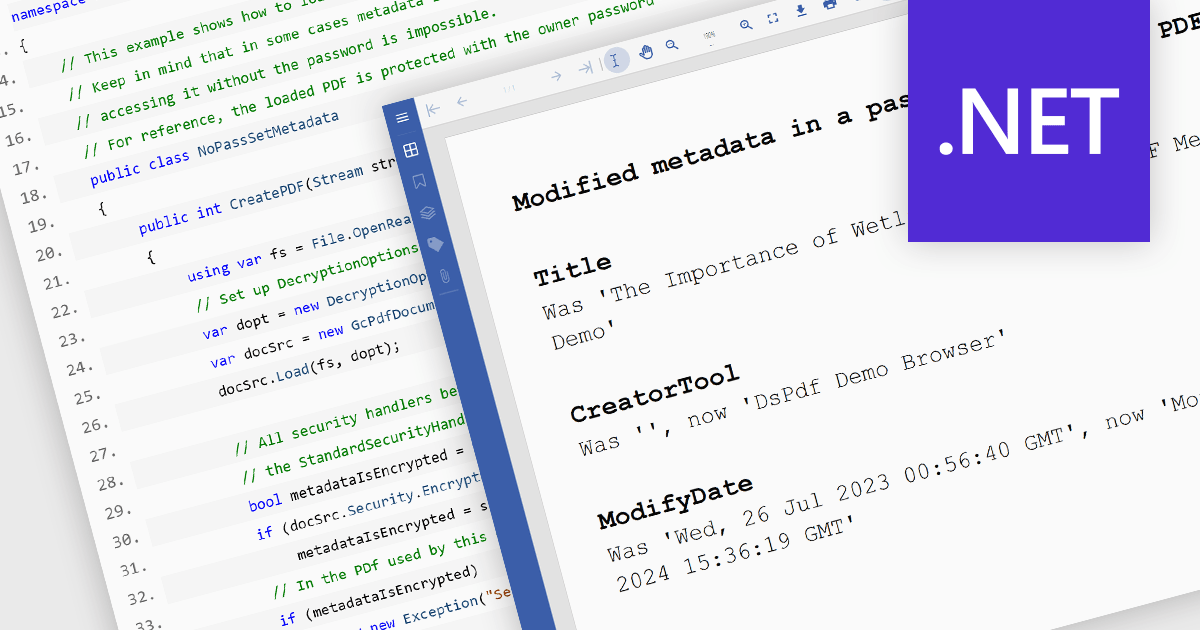
.NET PDF components that support custom metadata empower developers to embed rich, searchable data within PDF documents. By defining and populating custom metadata fields, organizations can significantly enhance document discoverability and retrieval. This capability is invaluable for applications requiring robust search functionality, enabling users to efficiently find documents based on specific criteria beyond standard properties. Ultimately, this leads to improved document management, streamlined workflows, and increased productivity.
Several .NET PDF viewer components allow you to create custom metadata, including:
For an in-depth analysis of features and price, visit our comparison of .NET PDF viewer components.

Devart's ODBC Drivers provide high-performance connectivity to various databases and cloud services. They ensure broad compatibility with existing tools, offer advanced features like stored procedures and secure data encryption, and optimize data processing efficiency. This empowers developers to seamlessly work with live data across Windows, macOS, and Linux environments without requiring additional software installations or vendor libraries, streamlining data access and integration.
Devart expands its ODBC Driver suite with seamless connectivity to Microsoft Excel, and the Smartsheet and Zoho Billing Cloud services. Now you can effortlessly integrate these valuable data sources into any ODBC-compliant application or programming language, streamlining data access and analysis for maximized efficiency.
The ODBC Drivers are licensed per developer and is available as an Annual or Perpetual License with a 12 month support and maintenance subscription. See our ODBC Driver licensing pages for Microsoft Excel, Smartsheet, and Zoho Billing.
For more information about the ODBC Drivers visit our product pages:
전화 : 00798 14 800 6332
팩스 : +1 770 250 6199


