













공식 공급 업체
200 이상의 소프트웨어 개발처와 판매 계약을 맺은 공인 디스트리뷰터로서 합법적인 라이선스를 제공합니다.
모든 브랜드 보기.
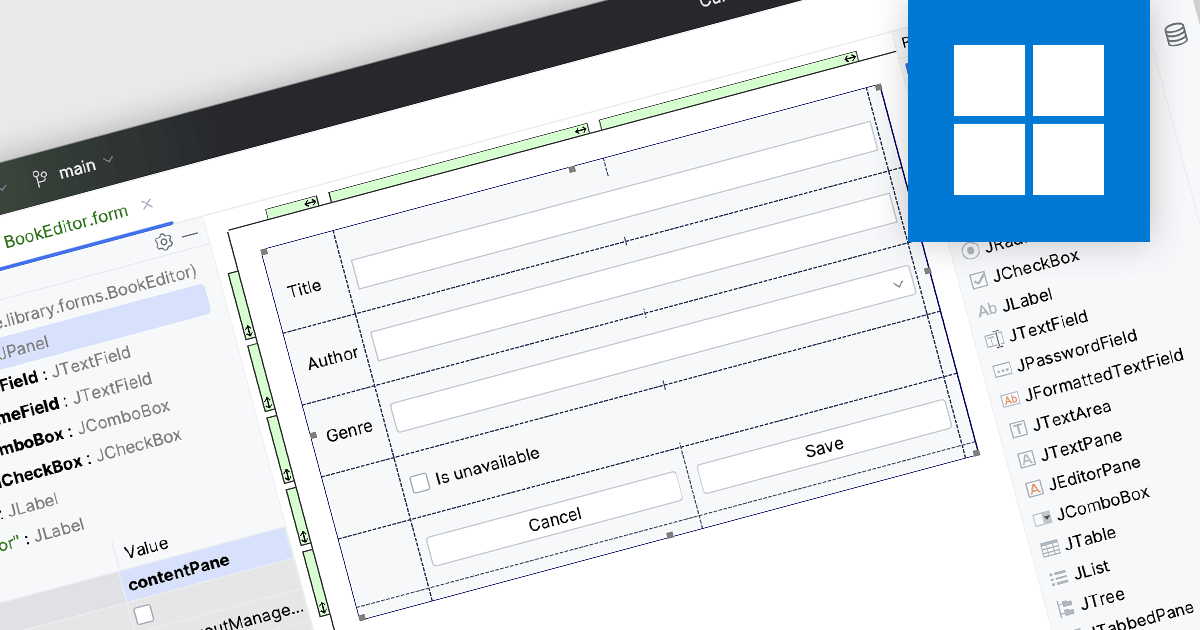
Integrated Development Environments (IDEs) with visual editing allow developers to manipulate and arrange graphical elements and code components using a user-friendly, often drag-and-drop, interface. This capability enhances the development process by providing real-time visual feedback, reducing the need to manually write extensive code for UI layouts and other visual elements. The benefits include increased efficiency, as developers can quickly iterate and refine designs, improved accuracy through immediate visual validation of changes, and a more intuitive development experience that bridges the gap between design and implementation, ultimately leading to faster project completion and higher quality software products.
Several IDEs offer visual editing including:
For an in-depth analysis of features and price, visit our comparison of IDEs.
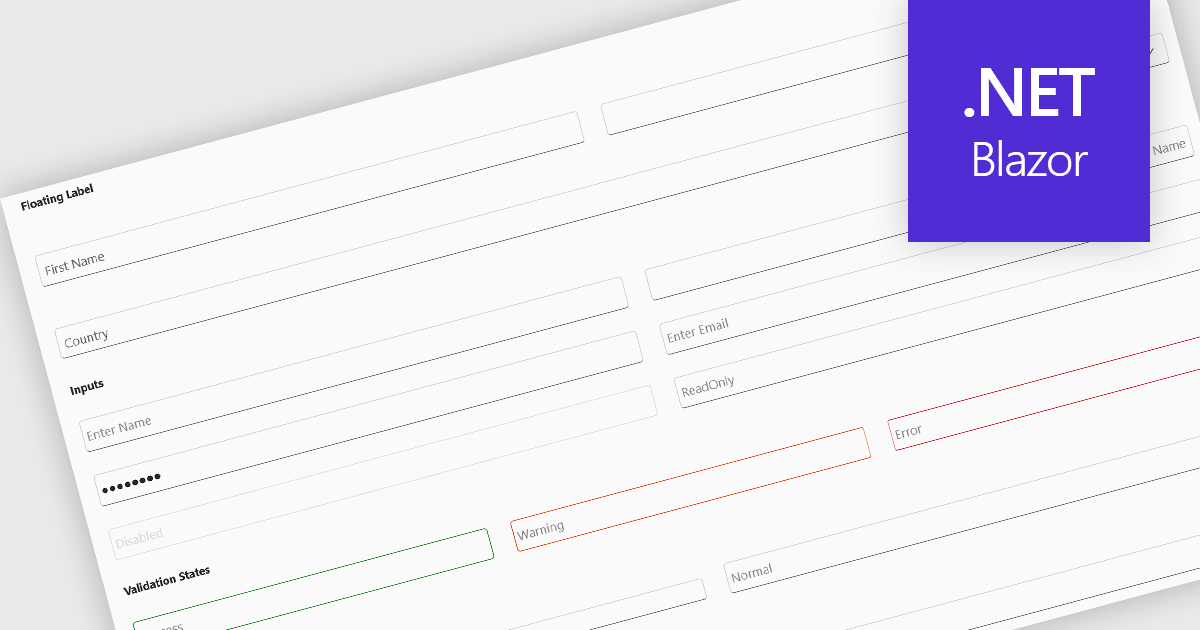
Text box components, also known as text fields, are essential elements allowing users to input and edit text within a user interface. They play a crucial role in forms and dialogs by facilitating data entry, improving user experience through clear labeling and validation, and ultimately enabling users to interact and provide information to the system.
Several Blazor data editor collections offer text box components including:
For an in-depth analysis of features and price, visit our Blazor data editors comparison.
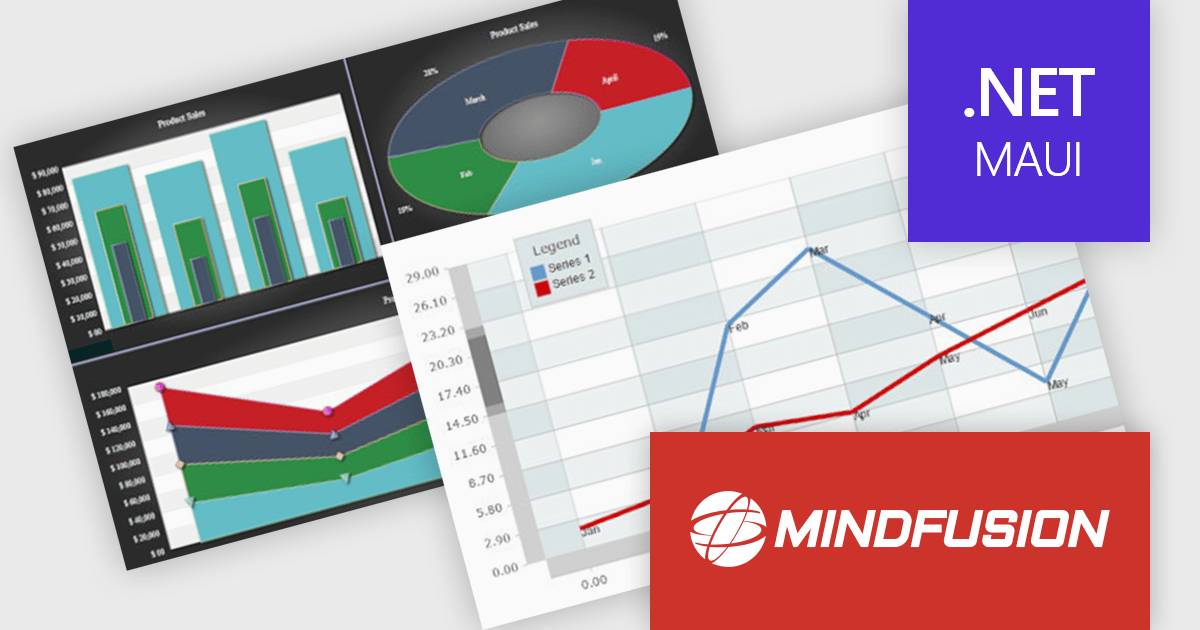
MindFusion.Charting for .NET MAUI is a comprehensive charting library designed specifically for developing data visualizations within .NET MAUI applications. This powerful toolkit empowers developers to create a wide range of chart types, including 2D and 3D charts and intuitive dashboards. The library offers a high degree of customization, allowing developers to tailor the appearance and behavior of charts to perfectly match their application's needs.
Developers can boost their productivity with MindFusion.Charting for .NET MAUI, which simplifies the creation of informative data visualizations. This translates to improved user experiences within applications, as users can gain valuable insights by exploring data through clear and engaging charts. The library's versatility caters to various use cases, making it suitable for applications in business intelligence, scientific analysis, and any scenario where data visualization plays a crucial role.
MindFusion.Charting for .NET MAUI is licensed per developer and is available as a perpetual license with 1 year subscription and support. See our MindFusion.Charting for .NET MAUI licensing page for full details.
For more information, visit our MindFusion.Charting for .NET MAUI product page.
TeamCity by JetBrains is a continuous integration (CI) server that streamlines your software development workflow. It automates builds and tests upon code commits, allowing you to identify and fix integration issues early in the development cycle. TeamCity offers a user-friendly interface for configuration and integrates with popular IDEs, promoting efficient collaboration and improved code quality.
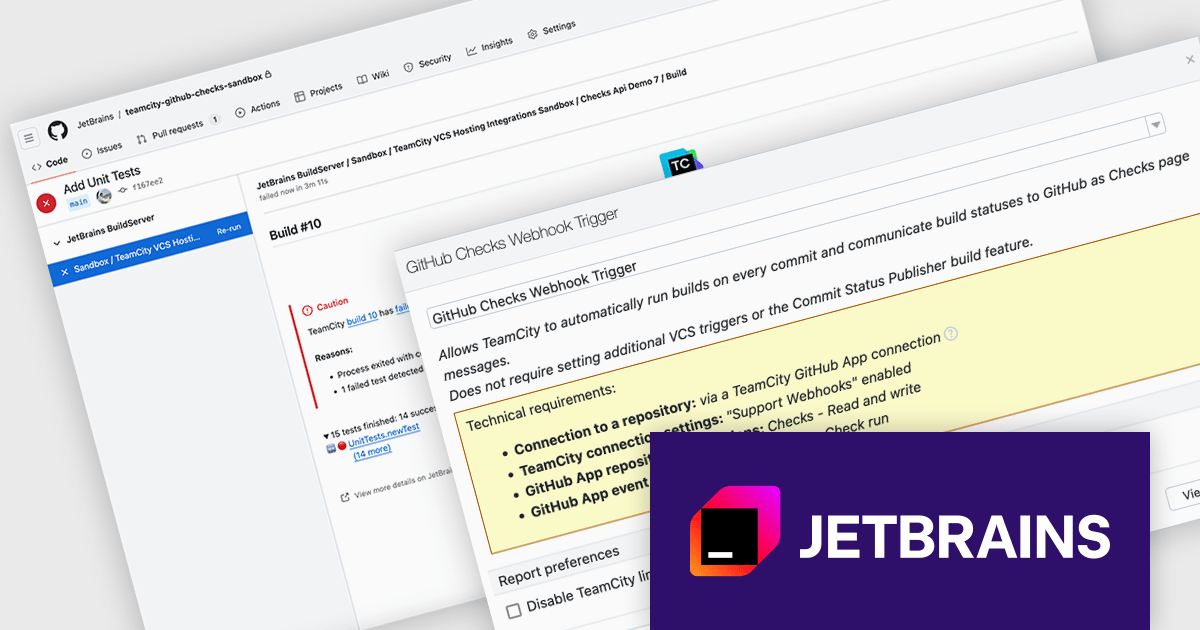
Version 2024.07 adds a new GitHub Checks webhook trigger that enhances your development workflow by establishing a direct link between your Git commits and CI builds. When you push a commit to GitHub, TeamCity will automatically queue a build thanks to the webhook. This eliminates the need for manual intervention and ensures immediate feedback. TeamCity will also publish the build status and details directly as GitHub checks, providing clear visibility into the build process. This streamlines communication and aids in faster troubleshooting.
To see a full list of what's new in version 2024.07, see our TeamCity Cloud release notes or TeamCity On-Premises release notes.
TeamCity Cloud is licensed per committer, and is available as a commercial annual license. See our TeamCity Cloud licensing page for full details.
TeamCity On-Premises is licensed per server and per build agent, and is available as a commercial perpetual license. See our TeamCity On-Premises licensing page for full details.
For more information, visit our TeamCity On-Premises or TeamCity Cloud product pages.
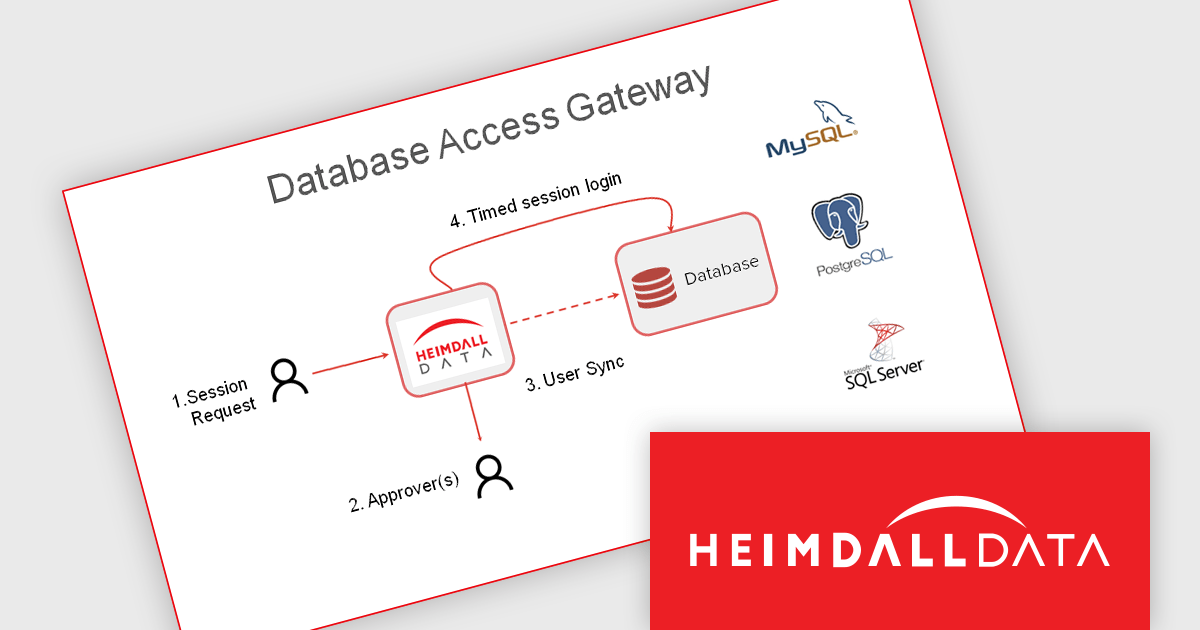
Heimdall Database Access Gateway integrates your existing ID management solution with databases to comply with data security regulations. It ensures user credentials authenticate against Active Directory / LDAP as a single source of truth.
Why Use Heimdall Database Access Gateway?
Organizations are mandated to demonstrate sensitive data is secured via SOX, SoD, SOC 2, GDPR, HIPPA, FINRA, or ISO/IEC 27001. Managing roles on the database is resource intensive, and most cloud deployments do not integrate with Enterprise Identity and Access Management (IAM) Solutions such as Kerberos. The Heimdall Database Access Gateway simplifies data access management and ensures compliance by providing:
Heimdall Database Access Gateway is licensed per user on an annual subscription basis. See our Heimdall Database Access Gateway licensing page for full details.
Learn more on our Heimdall Database Access Gateway product page.
전화 : 00798 14 800 6332
팩스 : +1 770 250 6199


