













공식 공급 업체
200 이상의 소프트웨어 개발처와 판매 계약을 맺은 공인 디스트리뷰터로서 합법적인 라이선스를 제공합니다.
모든 브랜드 보기.
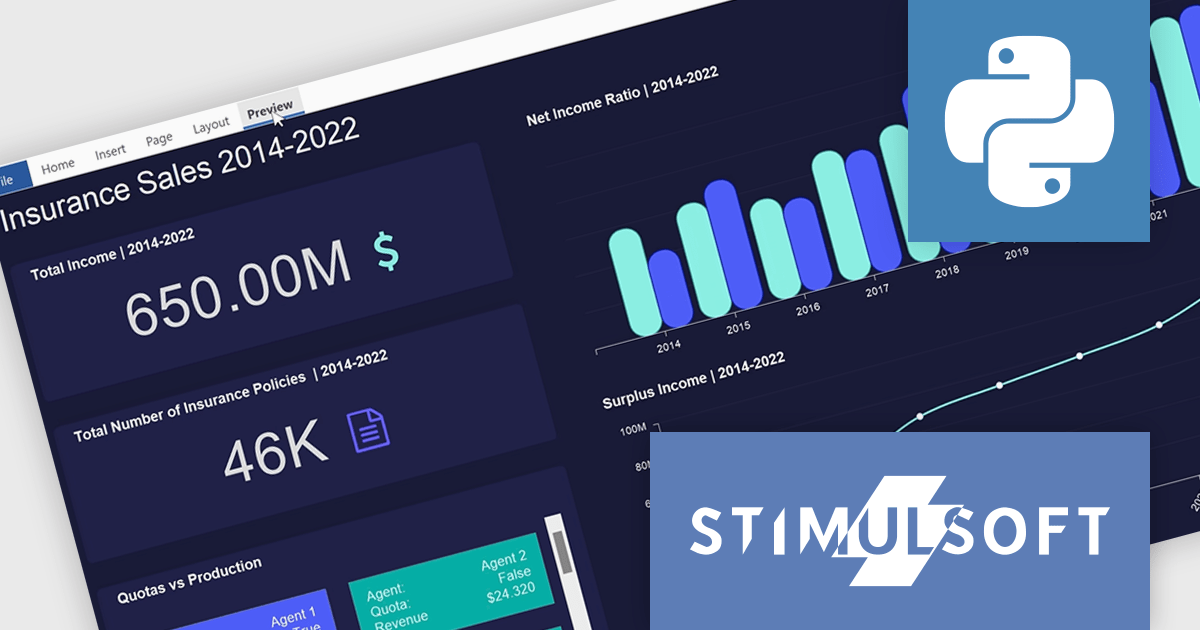
Stimulsoft Dashboards.PYTHON is a new data visualization tool specifically designed for building interactive dashboards within Python applications. It combines a client-side JavaScript engine for data processing with a designer component to craft dashboards and a viewer for displaying them. This empowers developers to create clear and informative visual representations of data directly within their Python projects.
Developers can leverage a rich set of pre-built widgets to construct dashboards that display data through charts, gauges, and other informative elements. These dashboards can be interactive, enabling users to filter data, drill down into specific details, and gain a deeper understanding of the information at hand. This makes Stimulsoft Dashboards.PYTHON a valuable tool for a wide range of use cases, from business intelligence and financial analysis to scientific data visualization and project management.
Stimulsoft Dashboards.PYTHON is licensed per developer and is available as a perpetual license with 1 year support and maintenance. See our Stimulsoft Dashboards.PYTHON licensing page for full details.
Stimulsoft Dashboards.PYTHON is available in the following products:
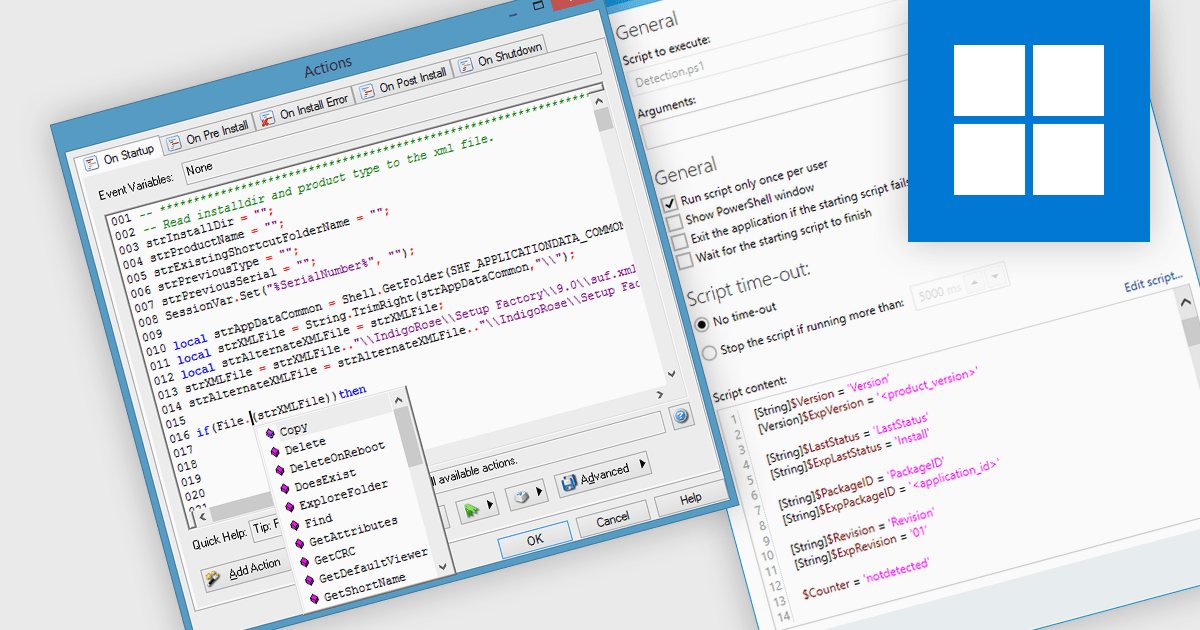
Installation tools leverage scripting to handle conditional logic, enabling the installation to adapt to different system configurations or user selections. Scripting plays a vital role in streamlining Windows installation tools. By employing languages like PowerShell or batch files, IT professionals can automate repetitive tasks during deployment, such as software installation, configuration adjustments, and user environment setup. This not only reduces manual effort and human error but also ensures consistency and efficiency in provisioning large numbers of Windows machines.
Several installation tools offer support for scripting, including:
For an in-depth analysis of features and price, visit our Installation Tools comparison.
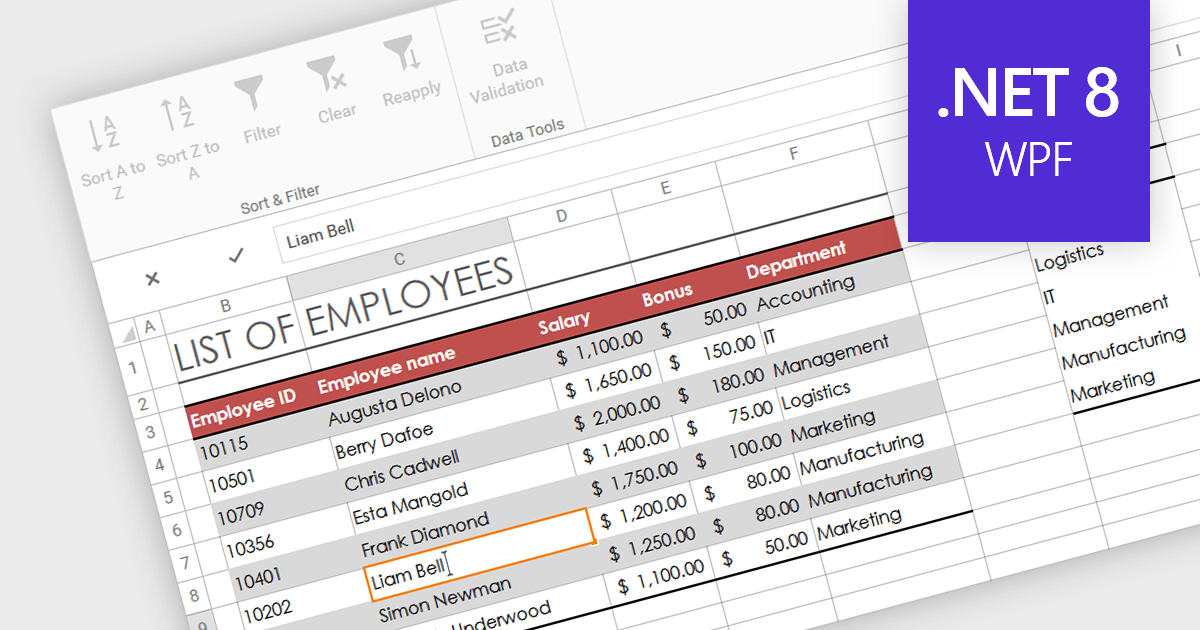
In-cell data editing refers to the functionality within spreadsheet software that allows users to directly click on and modify the contents of a cell without the need for separate data entry forms or pop-up dialogs. This feature allows for quicker and more direct changes to the data displayed on the screen, enhancing productivity by reducing the steps required for data manipulation.
Several .NET 8 WPF spreadsheet controls support in-cell data editing including:
For an in-depth analysis of features and price, visit our comparison of .NET 8 WPF Spreadsheet Controls.
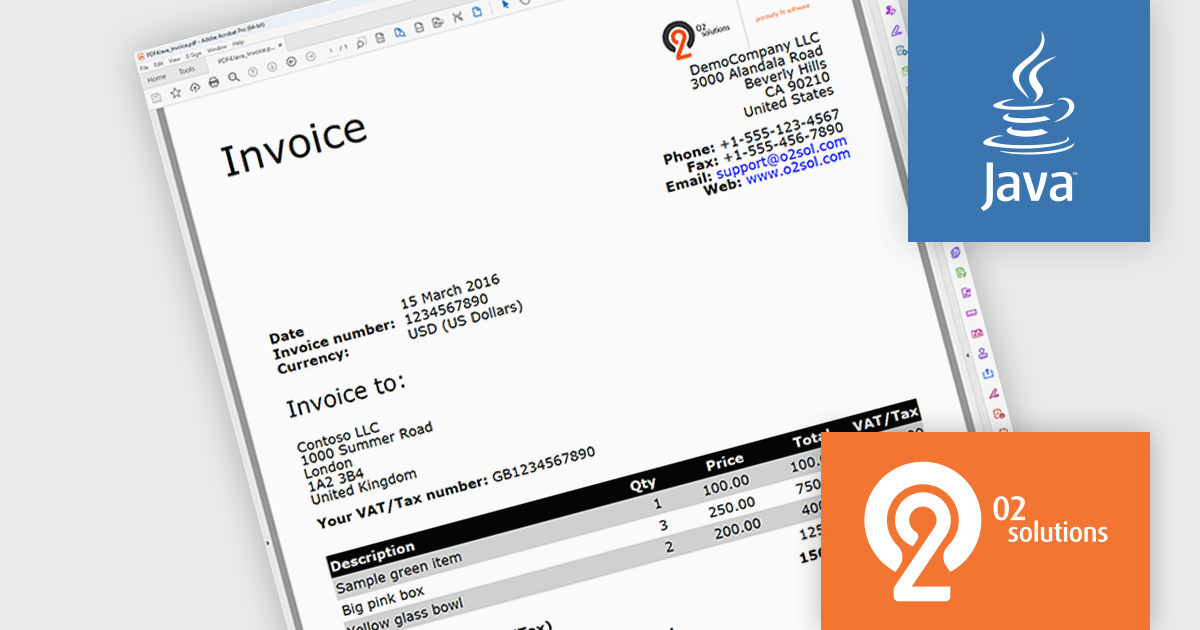
PDF4Java is a Java library developed by O2 Solutions that empowers developers to incorporate PDF functionalities within your Java applications. It boasts a user-friendly object model, enabling you to generate intricate PDF documents or effortlessly import existing ones using just a few lines of code.
By leveraging PDF4Java, you gain a versatile toolkit for manipulating PDF files within your Java programs. You can create PDFs from scratch, edit existing ones, fill out interactive forms, merge numerous PDFs into a single document, split a large PDF into several smaller ones, and even implement encryption for enhanced security. These functionalities make PDF4Java a valuable asset for various use cases, including generating reports, invoices, and other critical documents, streamlining form processing, and simplifying document organization and management.
PDF4Java is licensed per developer. All licenses include a 12 month subscription which provides all major and minor product updates and technical support. See our PDF4Java licensing page for full details.
Learn more on our PDF4Java product page.
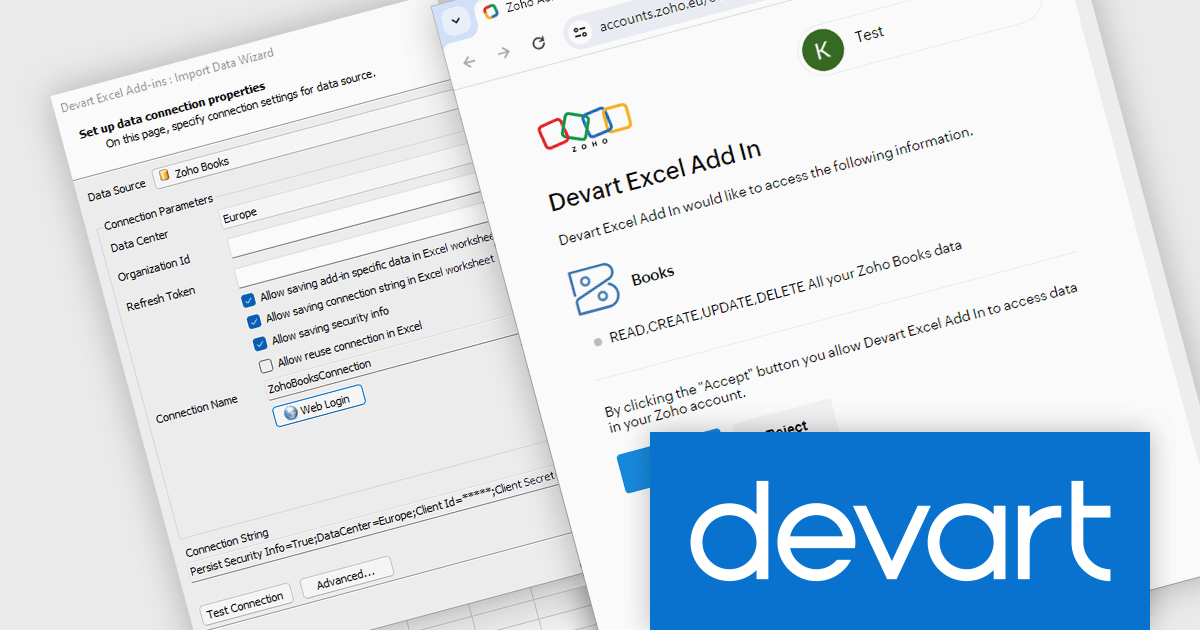
Devart Excel Add-in for Zoho Books is a new product that bridges the gap between your accounting data in Zoho Books and the familiar environment of Microsoft Excel. It allows you to directly import your financial information from Zoho Books into Excel spreadsheets. This eliminates the need for manual data entry and keeps your Excel files synchronized with your accounting software.
The add-in streamlines data exchange between Zoho Books and Excel, saving you time and effort and ensuring data accuracy by eliminating manual data entry errors. It empowers you to leverage the powerful data analysis and manipulation capabilities of Excel for your financial data, enabling you to create insightful reports and forecasts. This makes the add-in valuable for accountants, business analysts, and anyone who needs to work with Zoho Books data in Excel.
Devart Excel Add-in for Zoho Books is licensed per user and is available as a Perpetual license with 1 year support and maintenance. See our Devart Excel Add-in for Zoho Books licensing page for full details.
Devart Excel Add-in for Zoho Books is available in the following products:
전화 : 00798 14 800 6332
팩스 : +1 770 250 6199


