













공식 공급 업체
200 이상의 소프트웨어 개발처와 판매 계약을 맺은 공인 디스트리뷰터로서 합법적인 라이선스를 제공합니다.
모든 브랜드 보기.
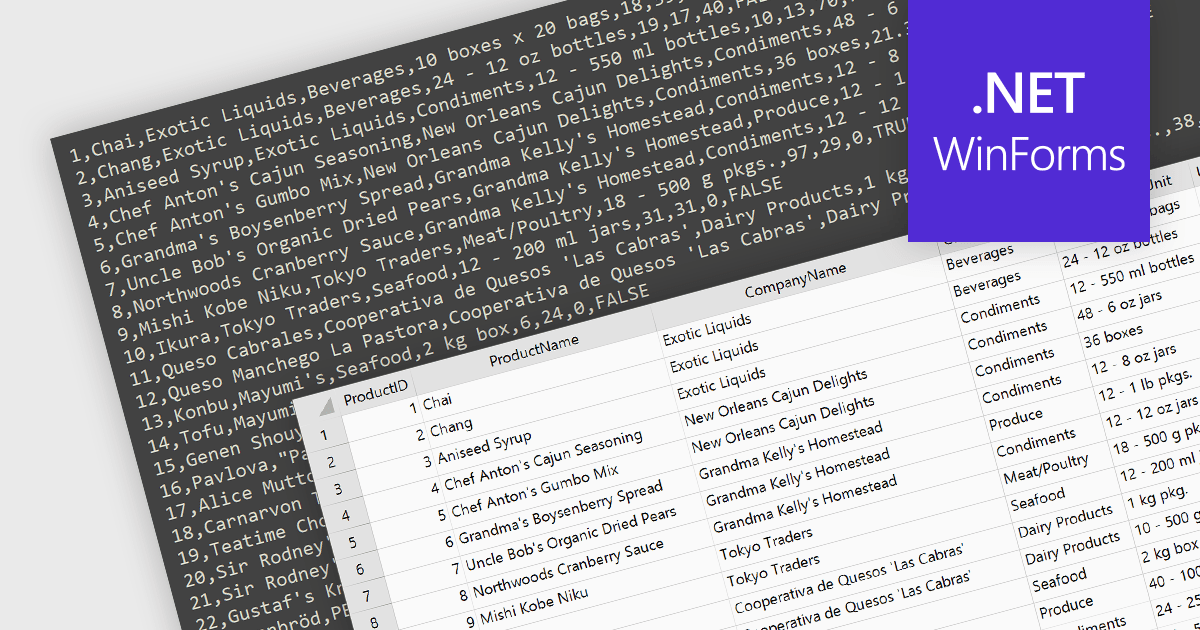
Integrating CSV import functionality in a spreadsheet streamlines data management by offering several key benefits. It simplifies transferring structured data from external sources, like databases or web scraped information, directly into the spreadsheet for analysis. This eliminates manual data entry errors and saves time. The straightforward CSV format ensures broad compatibility with various data sources, enhancing flexibility.
Several WinForms spreadsheet controls offer the ability to import CSV files including:
For an in-depth analysis of features and price, visit our WinForms spreadsheet controls comparison.
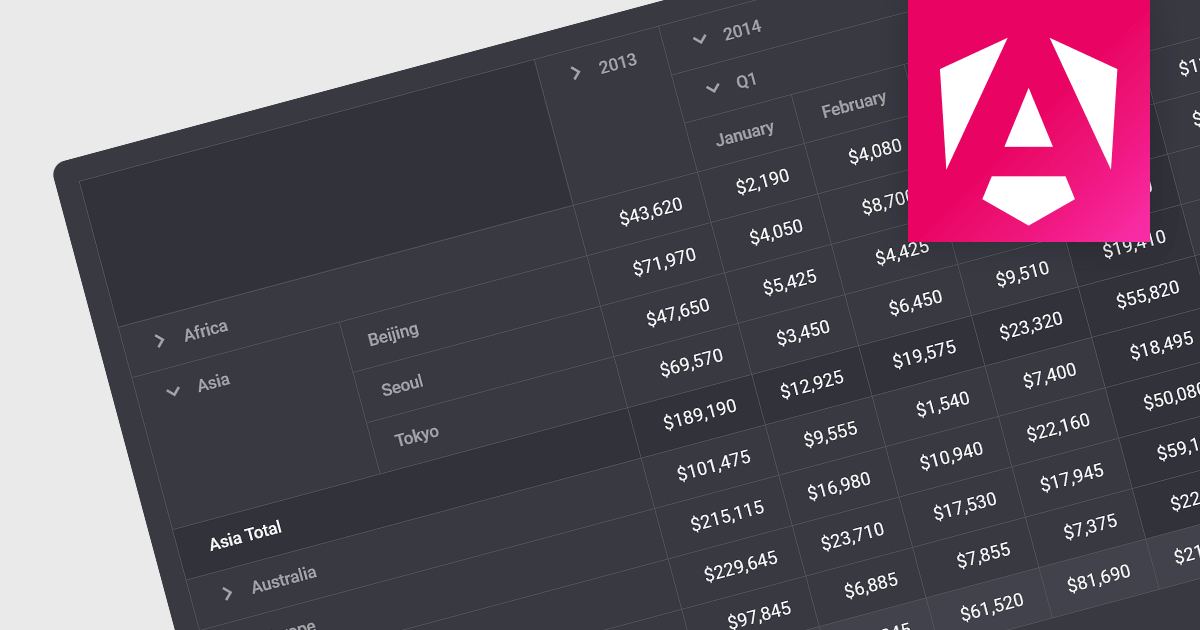
Drill-down capability within a grid control is a user-interactive feature that allows deeper exploration of summarized data. By clicking on specific cells or groups, users navigate down through hierarchical levels, uncovering increasingly granular details hidden within the aggregated view. This empowers informed decision-making by readily accessing both summarized overviews and underlying individual records, all within the familiar grid interface.
Several Angular grid controls offer drill-down capability including:
For an in-depth analysis of features and price, visit our Angular grid controls comparison.
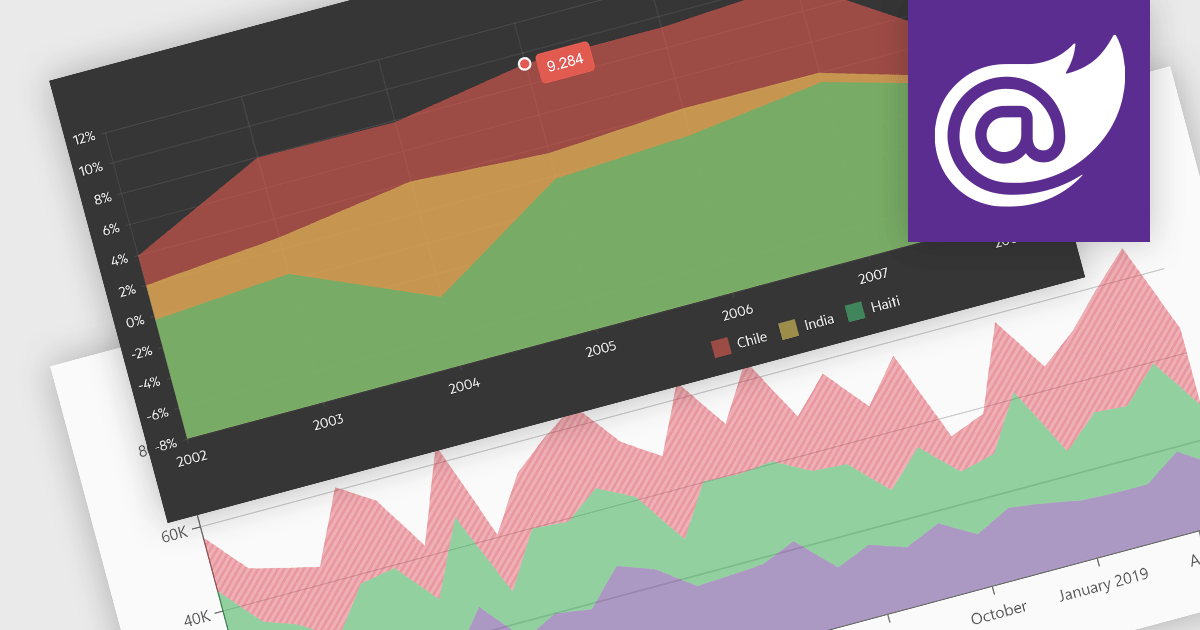
Area charts combine the strengths of line and bar charts, typically depicting how quantitative data changes over time. The area beneath the lines is shaded, emphasizing trends, comparisons between multiple data series, and the magnitude of change within each series. Ideal for showcasing cumulative totals and proportions, area charts excel in revealing trends and relationships within your data.
Several Blazor chart controls offer area charts including:
For an in-depth analysis of features and price, visit our Blazor chart controls comparison.

Telerik offers two distinct UI component libraries for web development, tailored to specific .NET frameworks. Telerik UI for ASP.NET Core provides 110+ server-side wrappers for Kendo UI widgets, seamlessly integrating them into modern .NET Core projects with HTML and Tag Helpers. Telerik UI for ASP.NET MVC focuses on traditional ASP.NET MVC applications, directly embedding the same extensive component library within MVC views. This empowers developers to build high-quality, feature-rich web applications in either framework, leveraging pre-built UI elements and functionalities for faster development cycles.
The Telerik UI for ASP.NET Core and ASP.NET MVC 2024 Q1 releases add a new ToggleButton component. This versatile control boasts extensive customization options, intuitive user interactions with event triggers and state indicators, and space-saving capabilities through button grouping. The ToggleButton offers users an intuitive means of controlling settings, options and features, and empowers developers to craft clear, interactive interfaces that elevate both user experience and development efficiency.
To see a full list of what's new in 2024 Q1, see our release notes for Telerik UI for ASP.NET Core and Telerik UI for ASP.NET MVC.
Telerik UI for ASP.NET Core and Telerik UI for ASP.NET MVC are both licensed per developer and are available as perpetual licenses with a one year support subscription, which is available in three tiers: Lite, Priority or Ultimate. See our Telerik UI for ASP.NET Core and Telerik UI for ASP.NET MVC licensing pages for full details.
Telerik UI for ASP.NET Core is available to buy in the following products:
Telerik UI for ASP.NET MVC is available to buy in the following products:
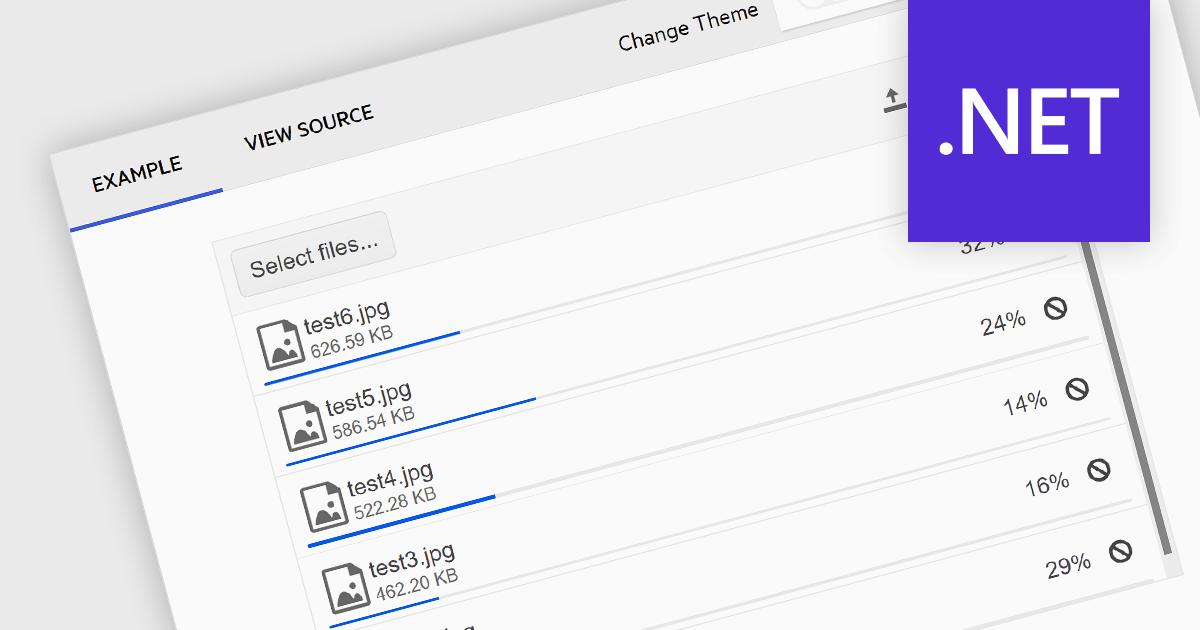
Communications components that support multi-file selection streamline user experience and boost efficiency. This reduces tedious, repetitive clicks by allowing users to choose numerous files at once, saving time and effort. It also simplifies complex workflows involving bulk uploads, enhancing user satisfaction and overall productivity within your application.
Several .NET communications and messaging components allow you to upload multiple files from a single upload dialog, including:
For an in-depth analysis of features and price, visit our comparison of .NET Comms & Messaging components.
전화 : 00798 14 800 6332
팩스 : +1 770 250 6199


