













공식 공급 업체
200 이상의 소프트웨어 개발처와 판매 계약을 맺은 공인 디스트리뷰터로서 합법적인 라이선스를 제공합니다.
모든 브랜드 보기.
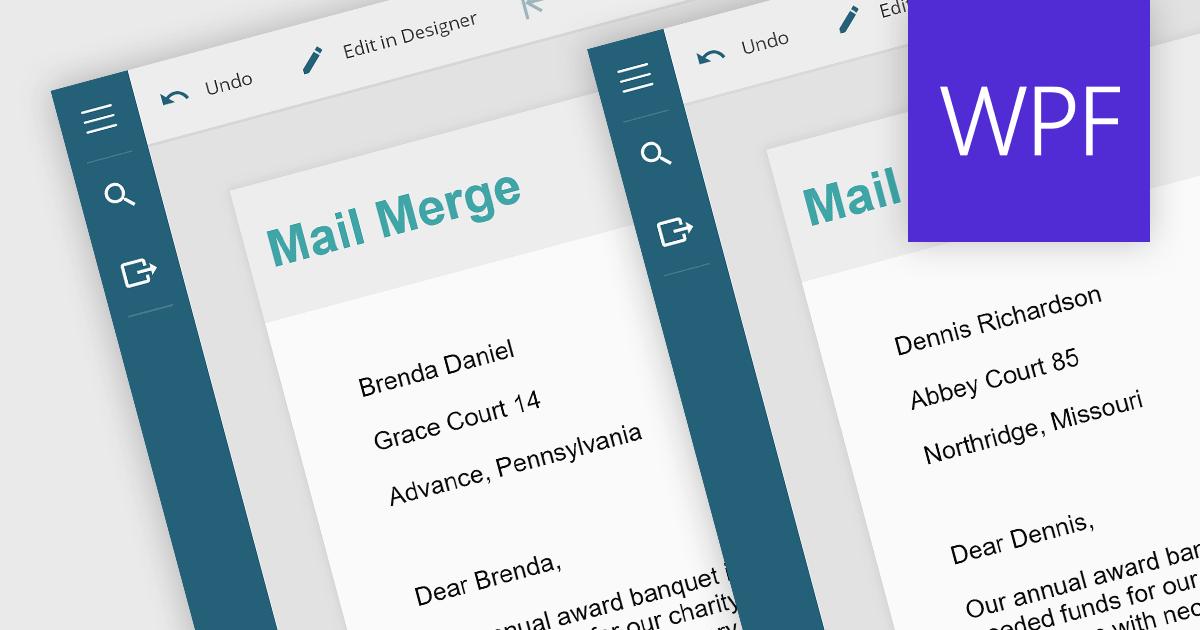
Mail merge in reporting software is a feature that allows users to automatically generate letters, labels, and other documents by merging a template with data. This is typically used to create personalized documents in bulk, such as invoices, form letters, or address labels, saving time and reducing errors compared to manually entering information. Mail merge is widely used in marketing, customer service, and administrative tasks, making it a valuable asset for any organization sending bulk communications.
Several WPF Reporting controls provide Mail Merge functionality including:
For an in-depth analysis of features and price, visit our WPF Reporting Controls comparison.
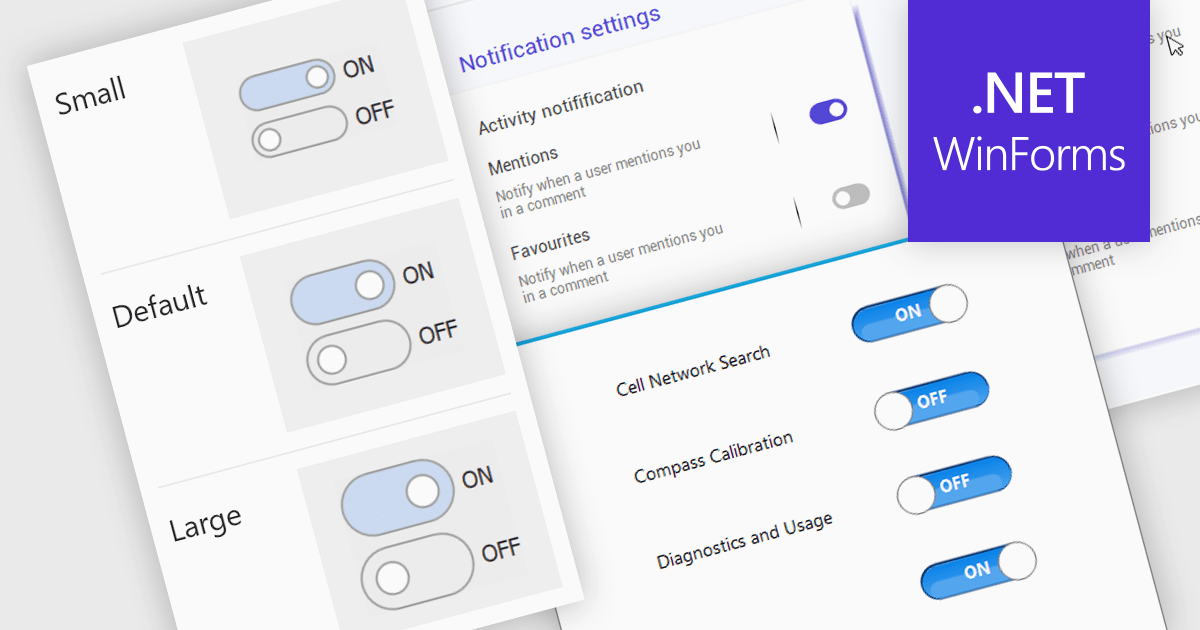
A toggle switch control is a user interface element that allows the rapid, binary (on/off) selection of a setting. It functions like a physical switch, offering a clear visual representation of the chosen state and triggering an immediate change through user interaction. Its simplicity and immediacy make it ideal for controlling settings, activating features, and toggling preferences within digital interfaces.
Several WinForms data editor collections offer toggle switch controls including:
For an in-depth analysis of features and price, visit our comparison of WinForms Data Editors.

PDF export functionality allows users to convert spreadsheets into PDF format, preserving the layout and formatting of the data. By seamlessly translating your data into a universally accessible format, you ensure colleagues, clients, and stakeholders can readily view and interpret your work without needing proprietary software. Choose from flexible options like exporting specific sheets, customizing page layouts, and enhancing accessibility for optimal visual presentation and impact. Whether for reports, invoices, or internal analyses, PDF export empowers a professional workflow with streamlined data dissemination.
Several .NET Spreadsheet components include support for exporting as PDF files, including:
For an in-depth analysis of features and price, visit our comparison of .NET Spreadsheet components.
Space Cloud by JetBrains is a cloud-based platform for developing and managing software projects. It offers a suite of tools and features for collaborative development, including Git hosting, code reviews, issue tracking, CI/CD, and more. Space Cloud is hosted and maintained by JetBrains, so you don't have to worry about the infrastructure or maintenance of your development platform.
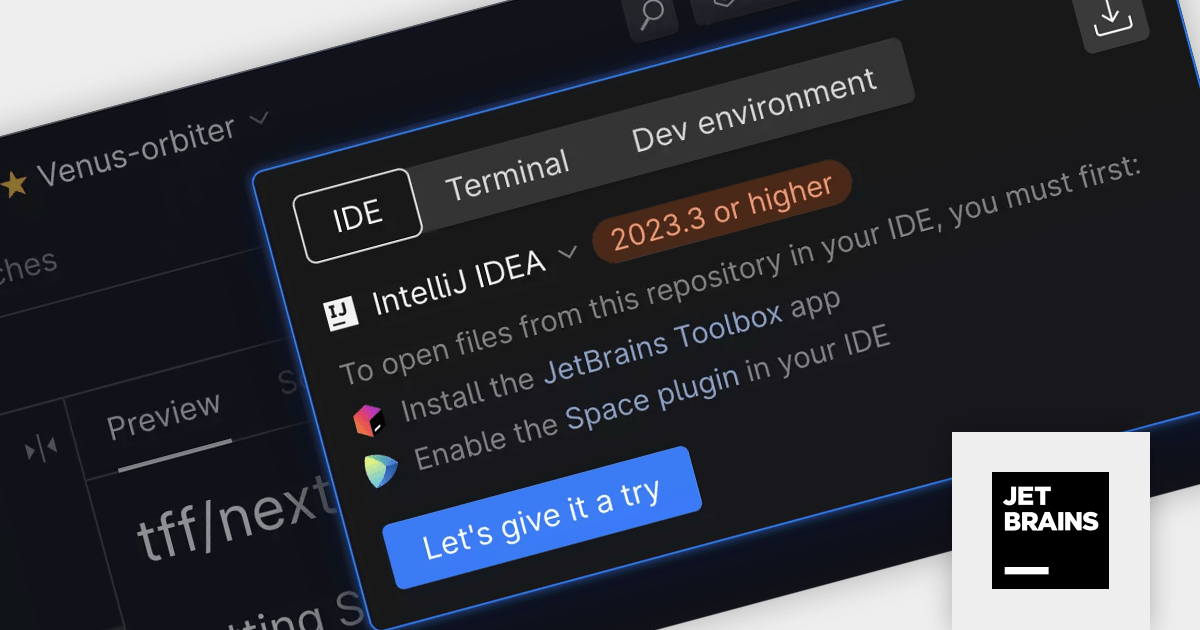
With the latest Space Cloud release, you can seamlessly explore Space repositories, issues, and code reviews, and instantly open the corresponding code in your preferred JetBrains environment, such as IntelliJ IDEA, PhpStorm, WebStorm, or Rider.
To see a full list of what's new, see our release notes.
Space Cloud is licensed per user as a commercial annual subscription. See our Space Cloud licensing page for full details.
For more information, visit our Space Cloud product page.
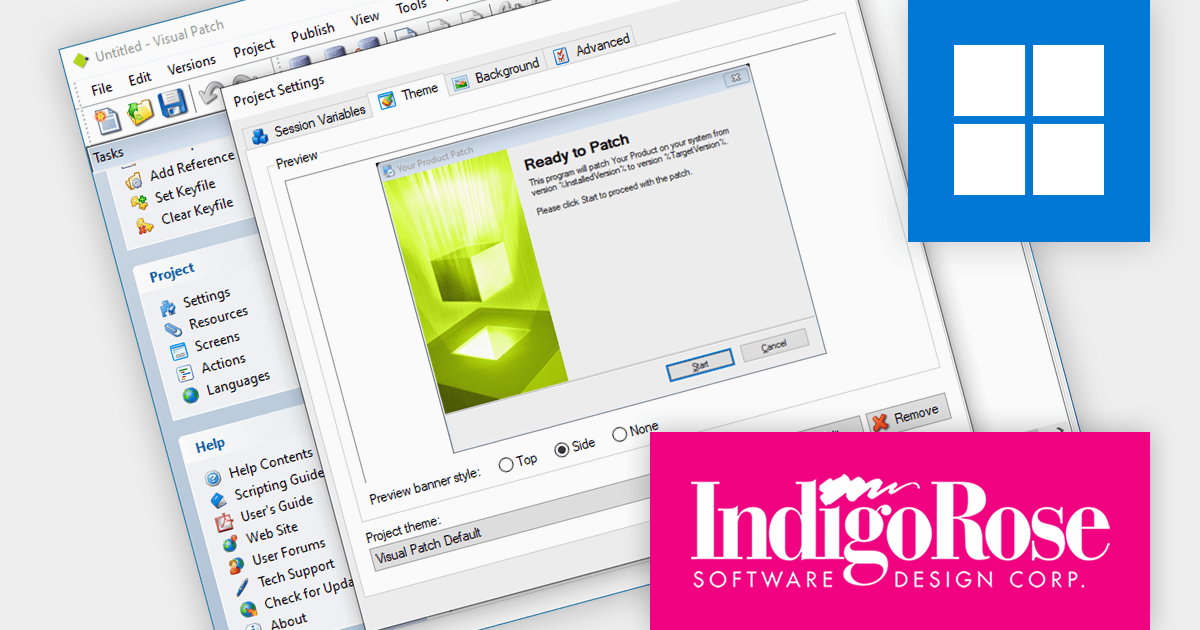
Visual Patch by Indigo Rose is a software development tool for crafting secure, compact, and reliable update patches. It takes the complexity out of patch development by automating intricate tasks like version comparisons, sophisticated byte-level differencing, and even full-history patch creation. With its point-and-click interface and powerful DeltaMAX binary compression, Visual Patch lets you build professional-quality patches for your software and data in no time, minimizing download sizes and ensuring seamless updates for your users.
Visual Patch v3.9 expands its reach to natively support Microsoft Windows 11, Windows Server 2019, and Windows Server 2022. This ensures smoother automation of critical patching tasks, improved system stability and security, and reduced administrative overhead for environments running these versions of Windows.
To see a full list of what's new in version v3.9.0.0, see our release notes.
Visual Patch is licensed per developer. A 6 month maintenance plan is included with the initial purchase providing major and minor updates. Maintenance can be renewed to provide a further 1 year of updates. Deployment is Run-time royalty free. See our Visual Patch licensing page for full details.
For more information, visit our Visual Patch product page.
전화 : 00798 14 800 6332
팩스 : +1 770 250 6199


